 Fresume
Resume templates
ATS-friendly resume templates that parse cleanly
An ATS-friendly resume template is a single-column layout with standard section headings and real selectable text, with no tables, text boxes, or images holding key content, so applicant tracking systems parse every line. This page offers 50+ such templates you can fill in free inside the Fresume builder and export to PDF when you upgrade.
ATS-friendly templates to start from
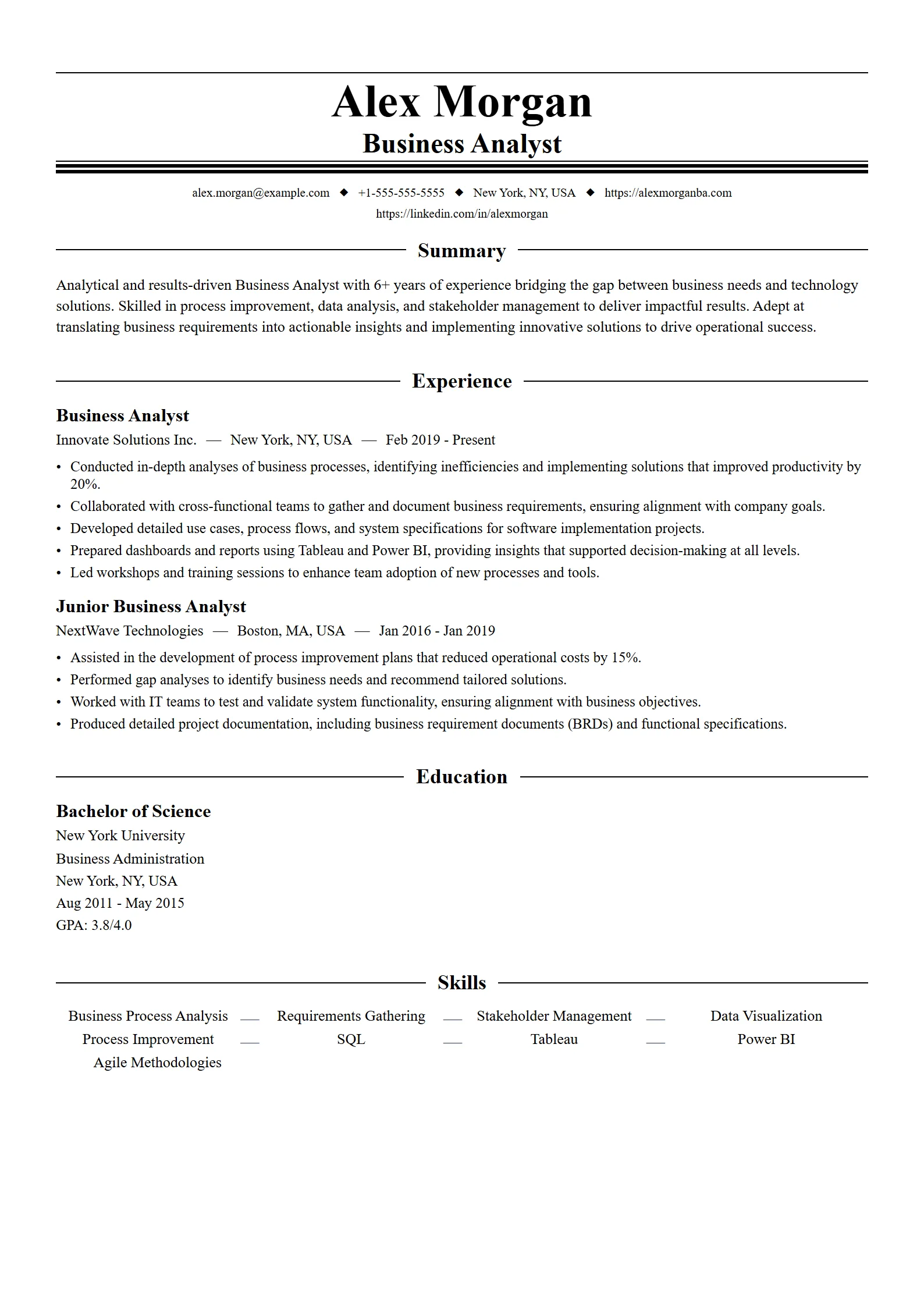
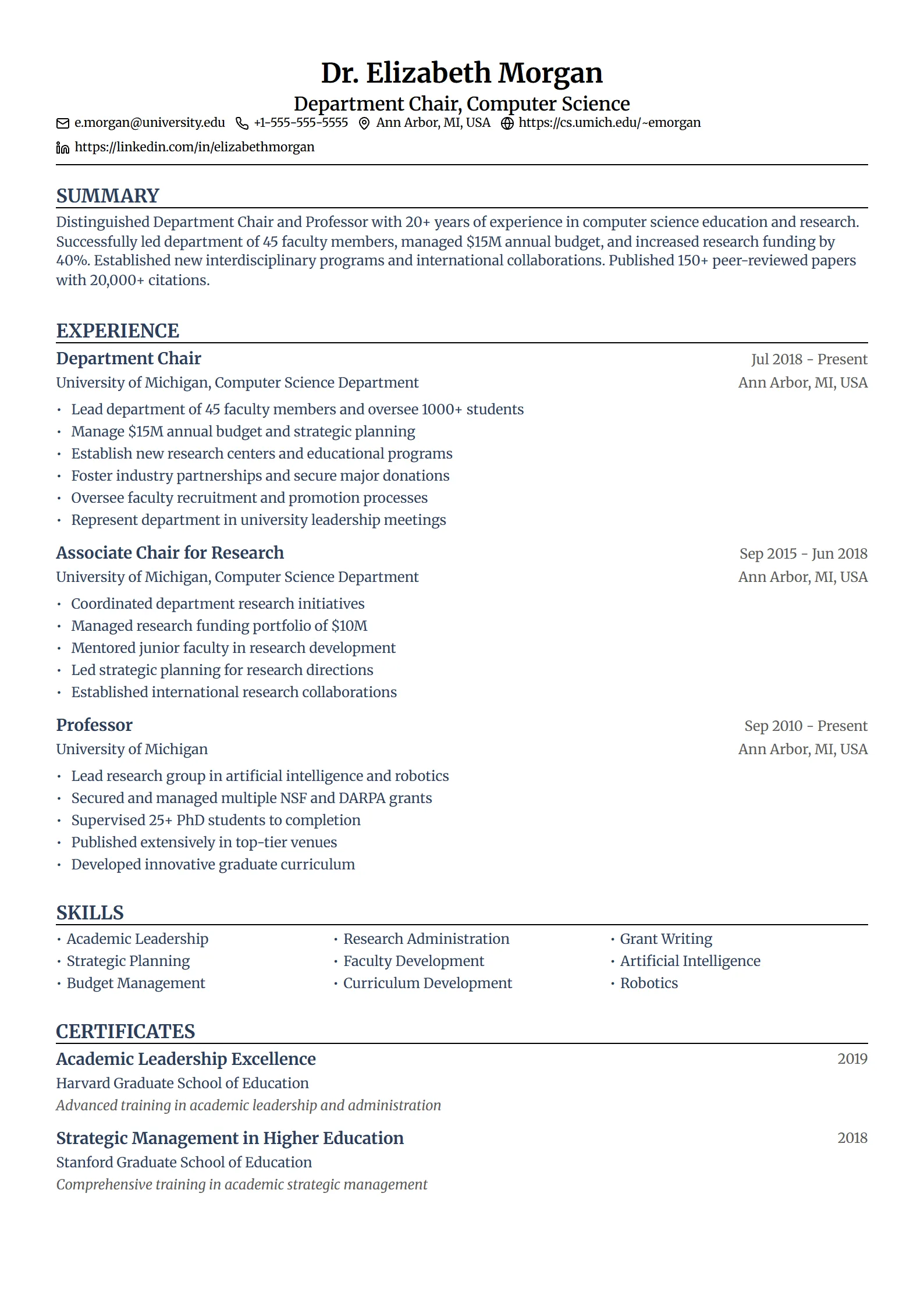
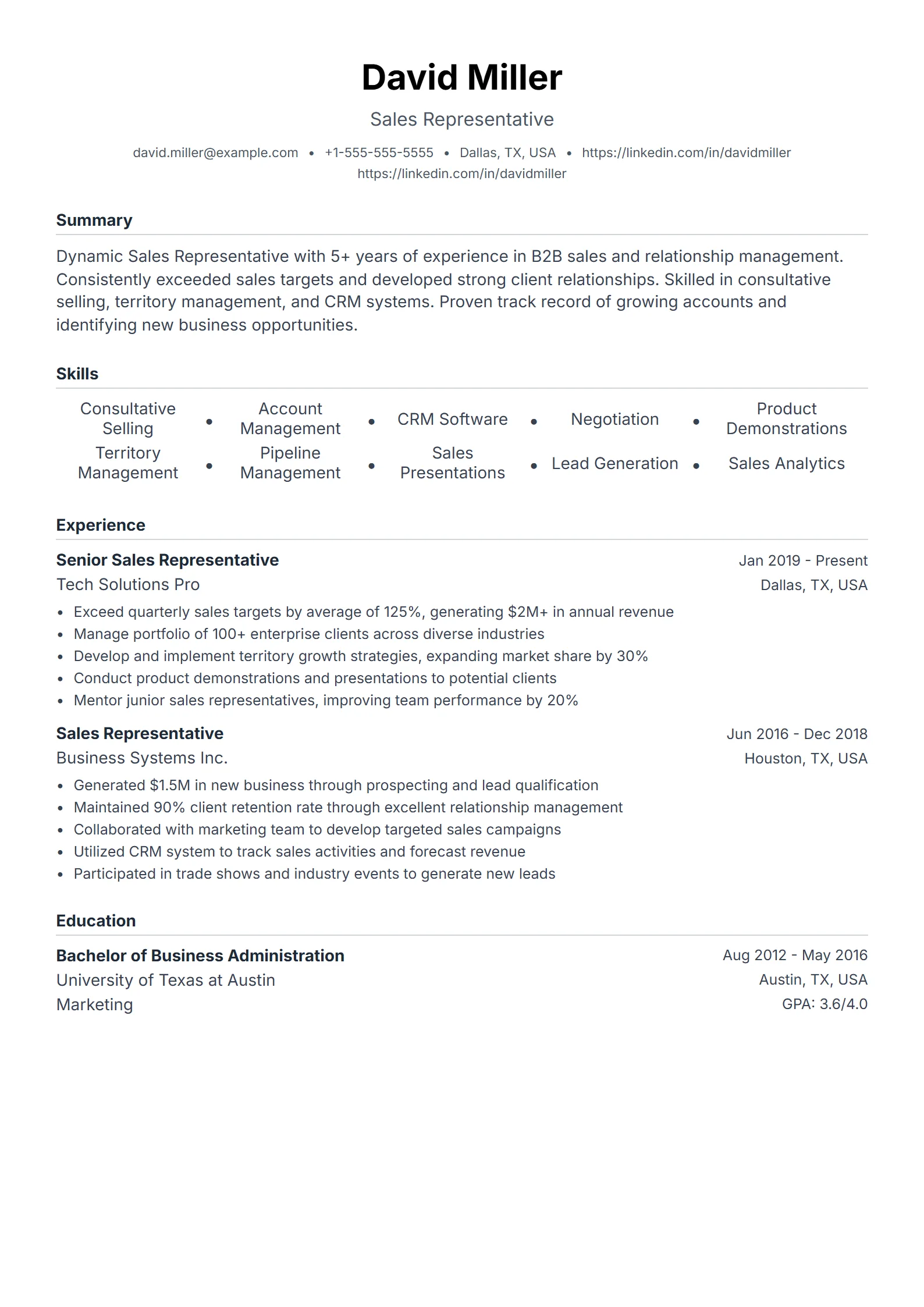
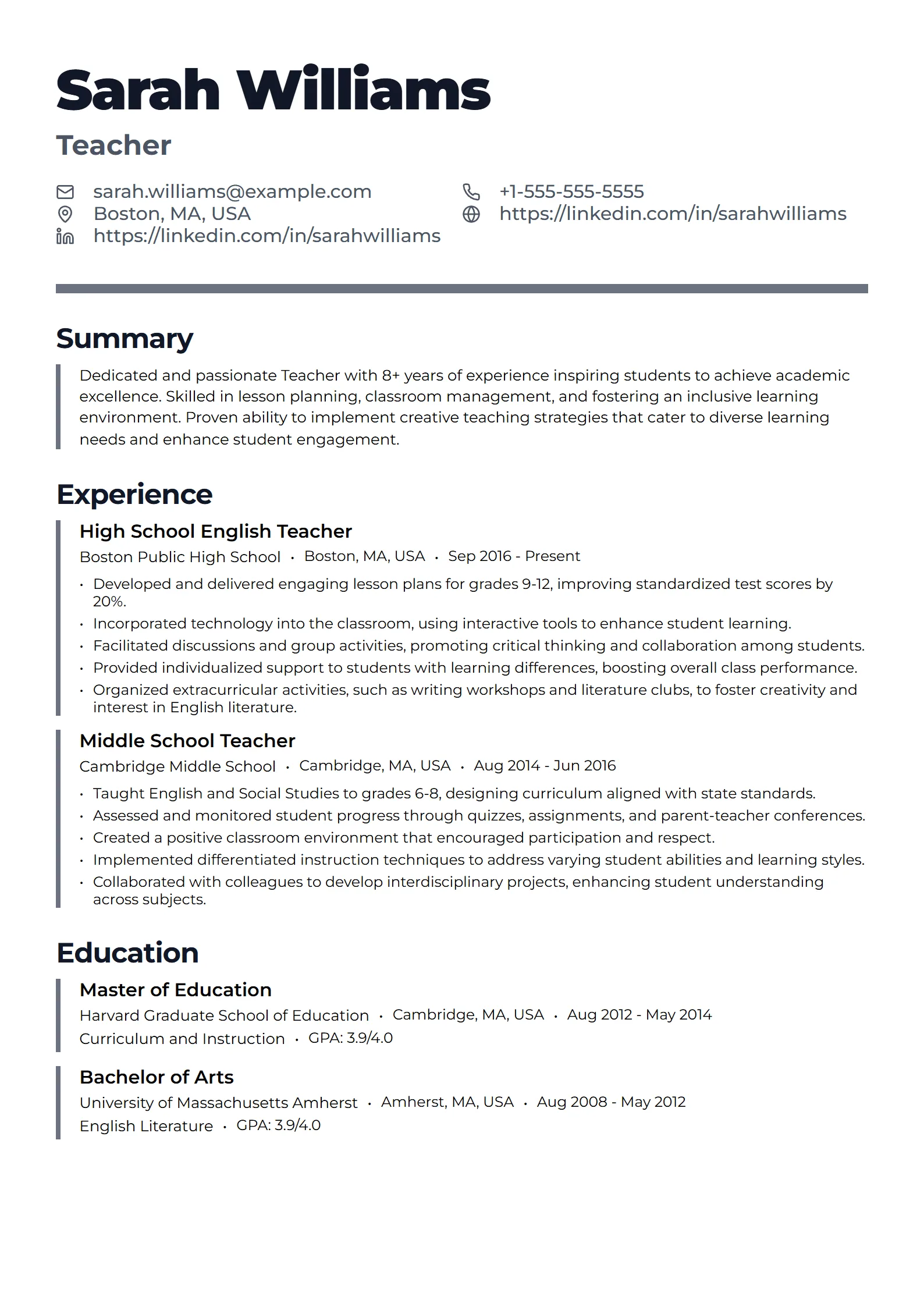
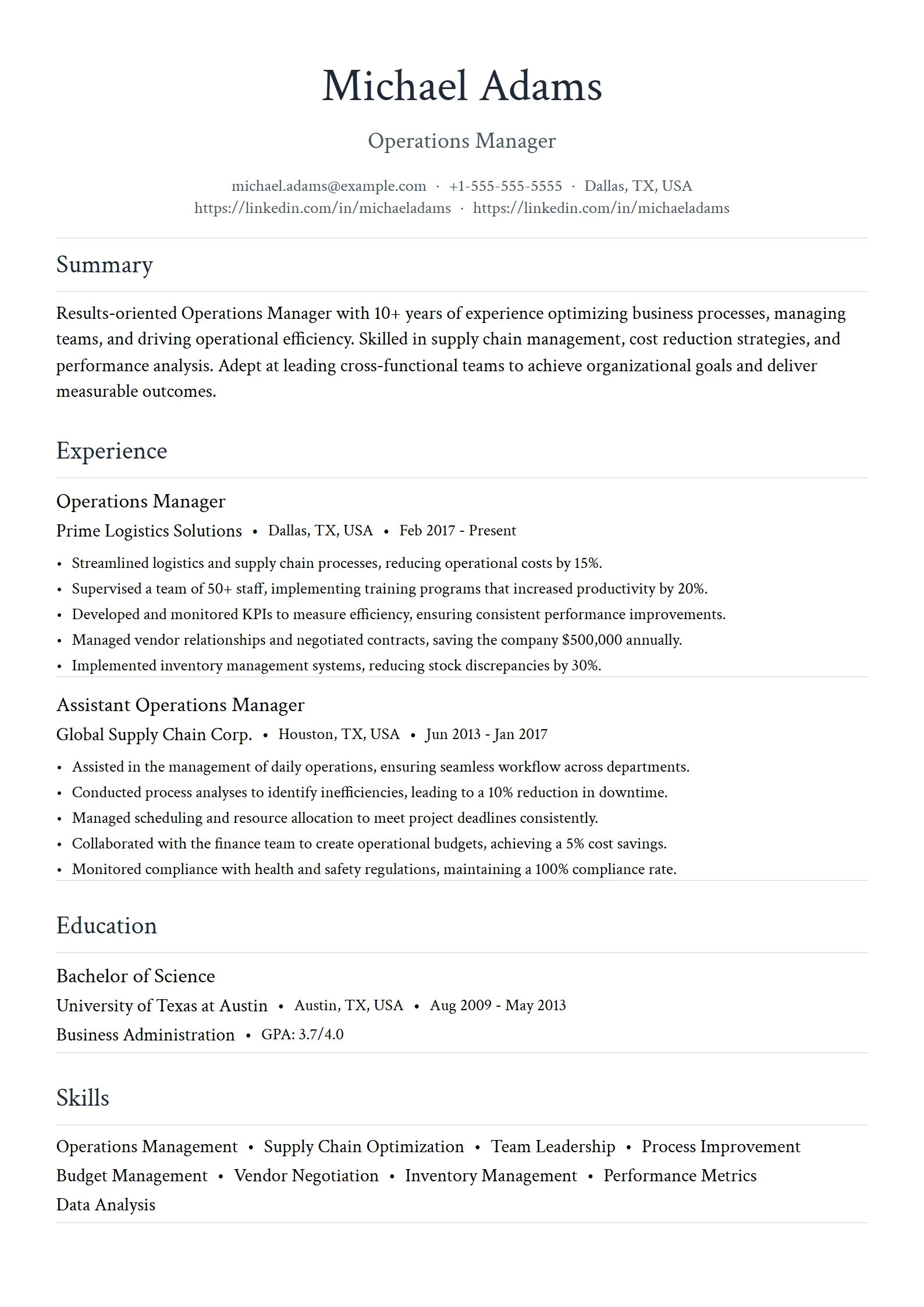
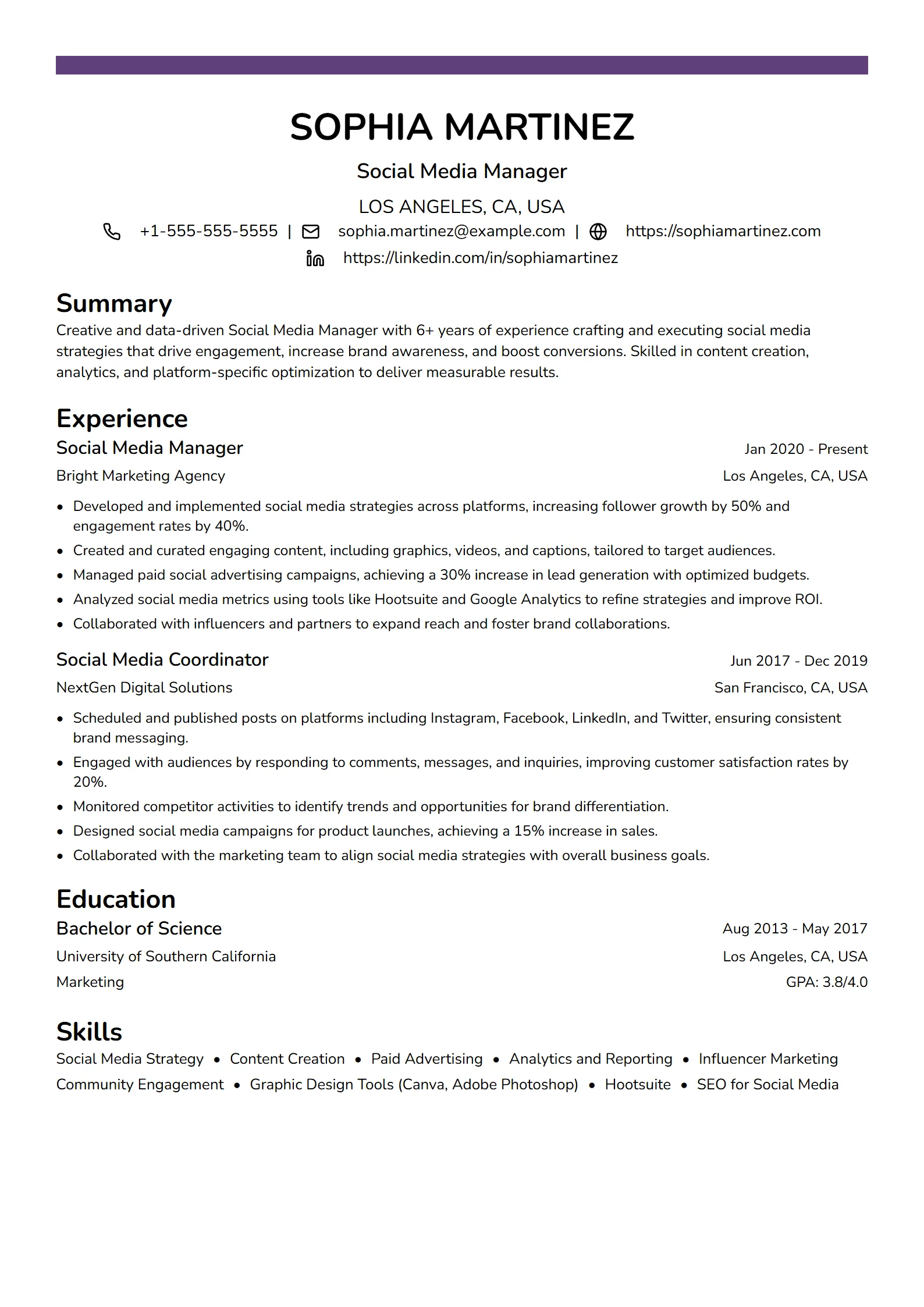
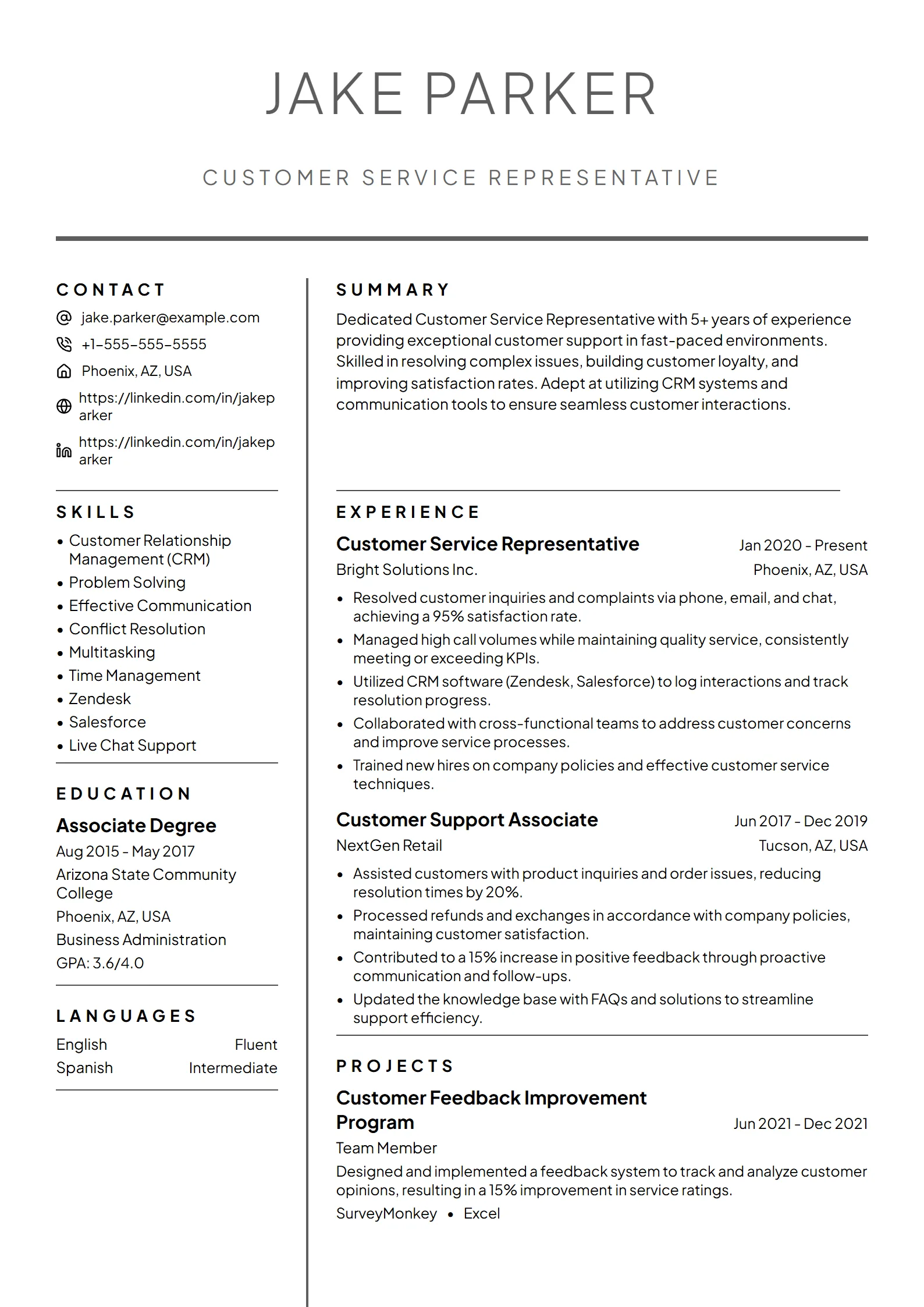
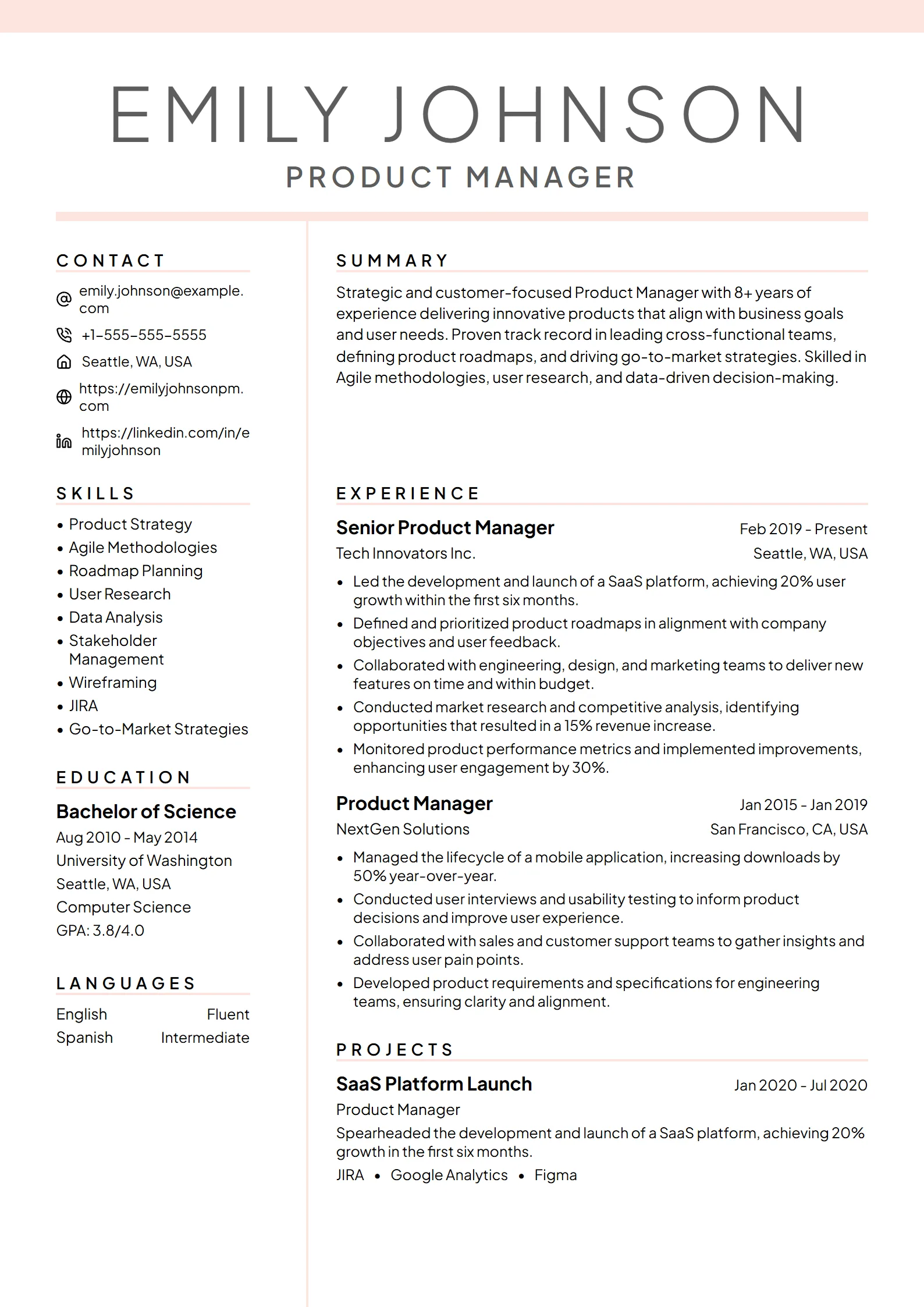
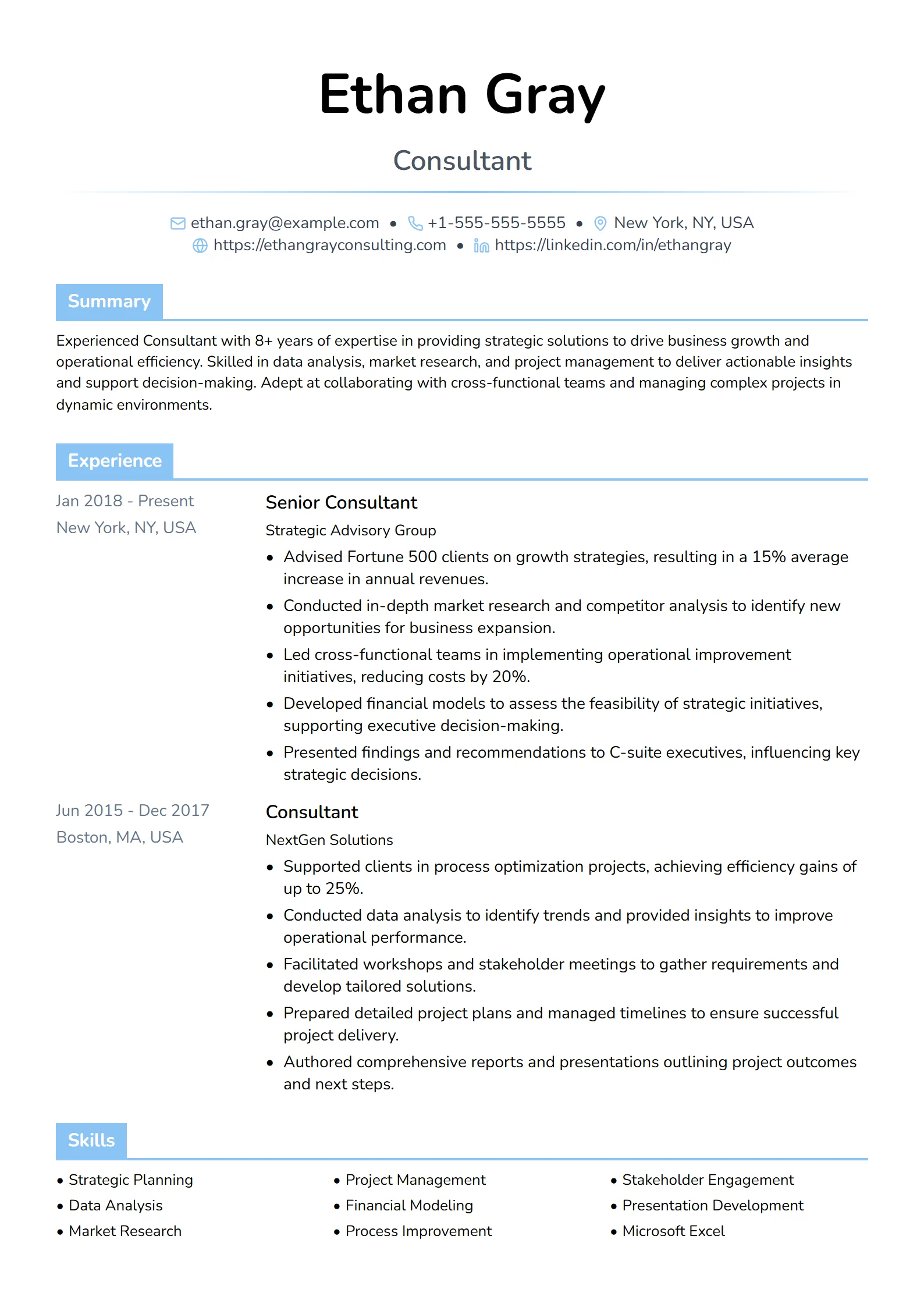
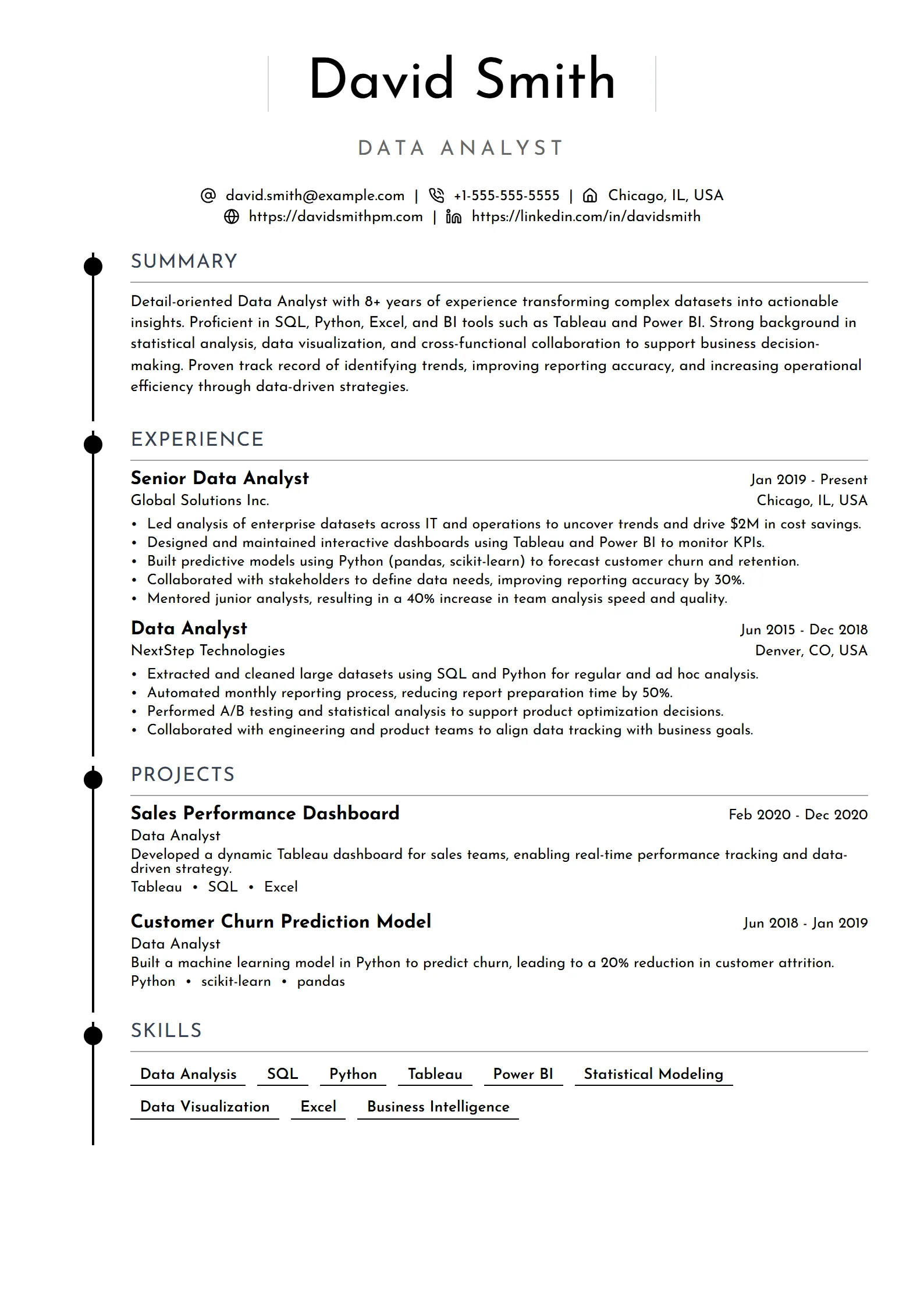
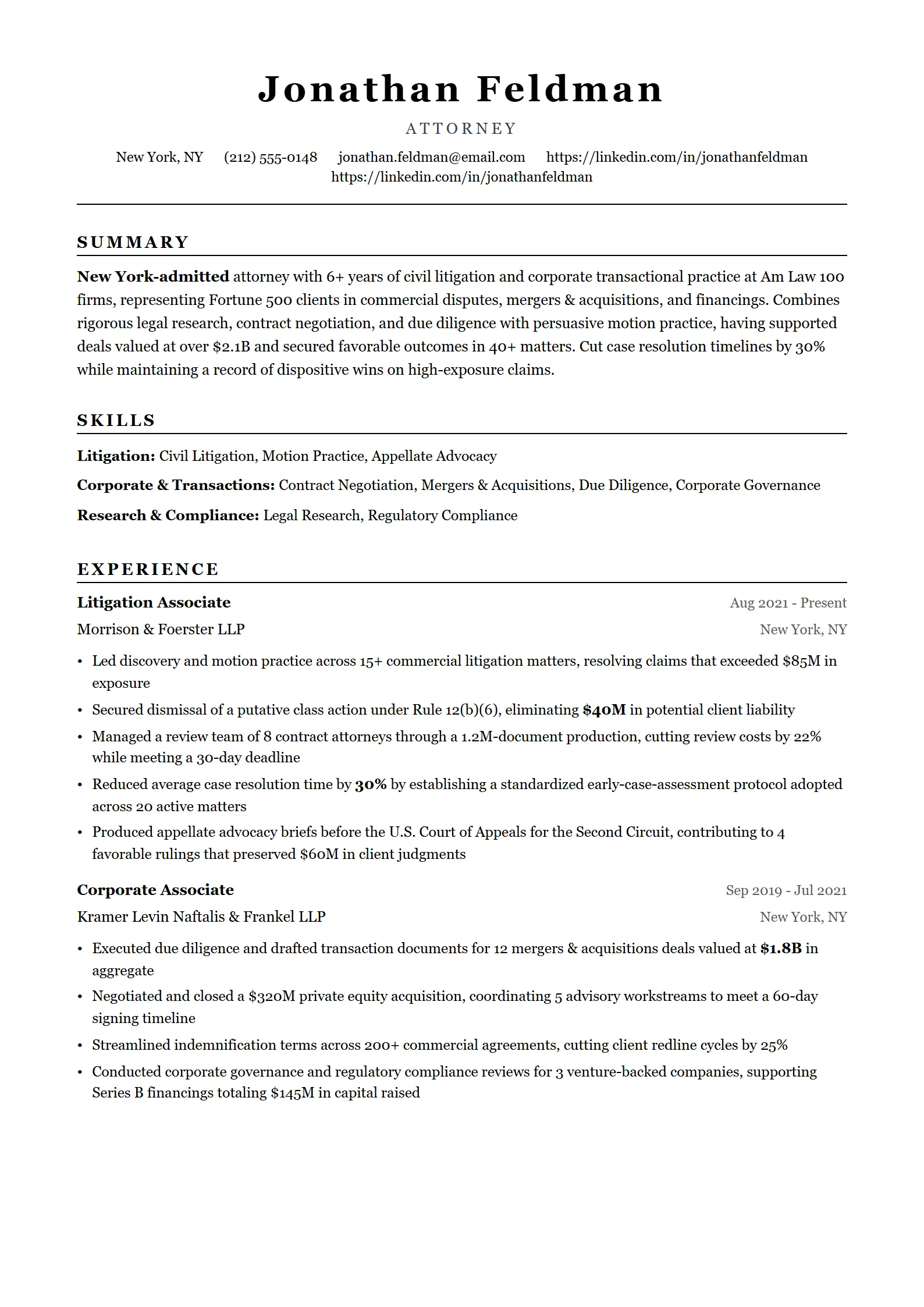
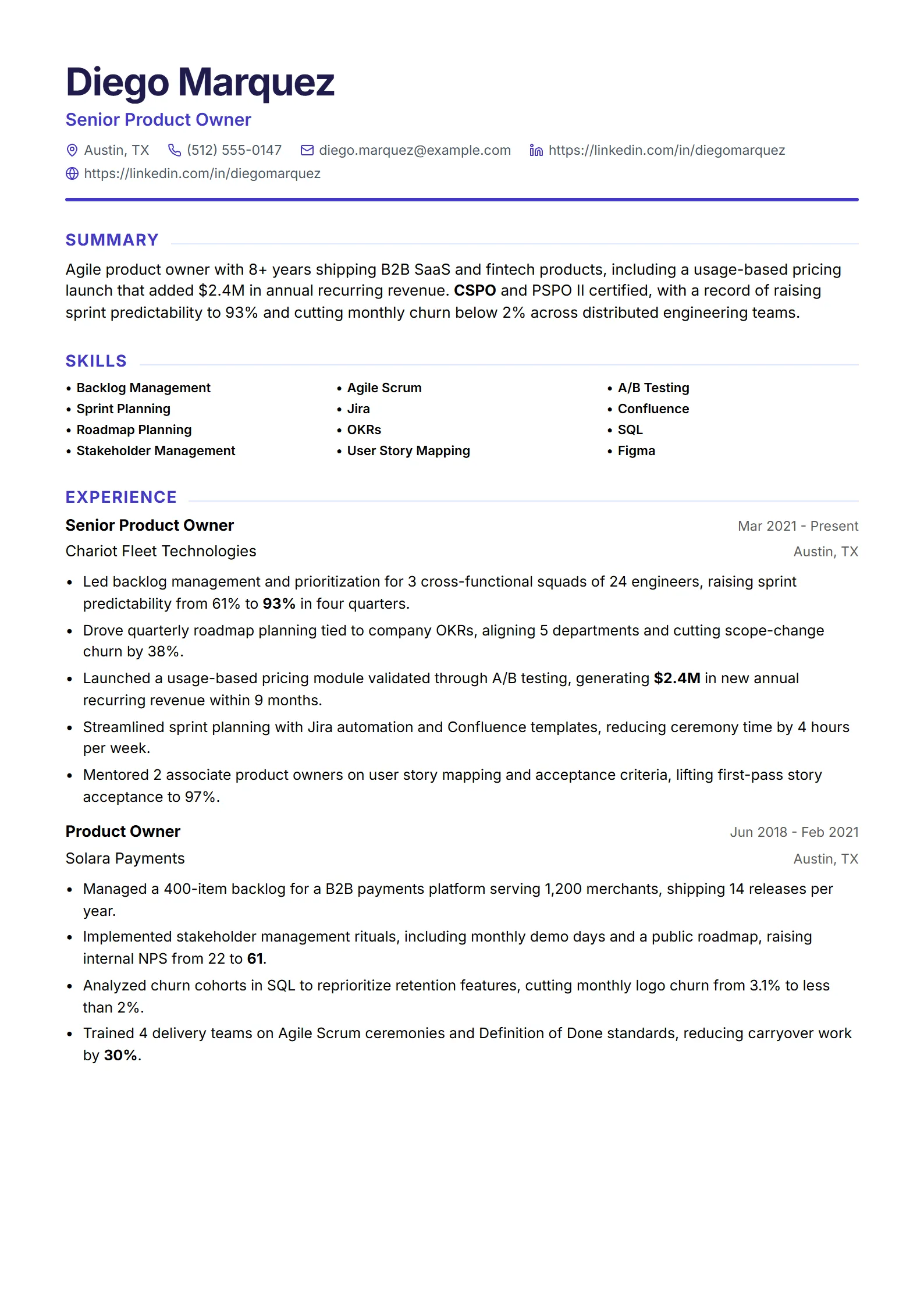
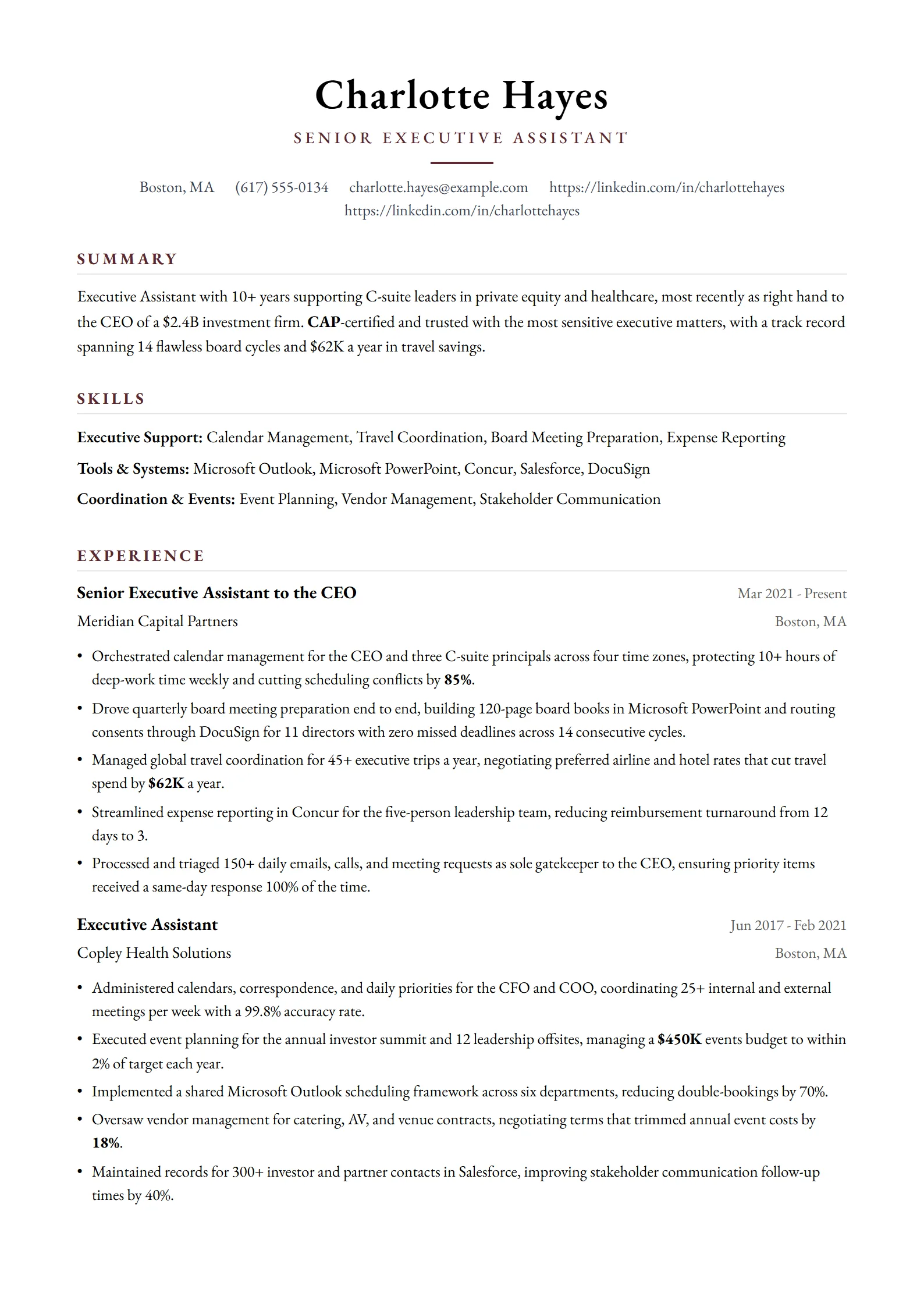
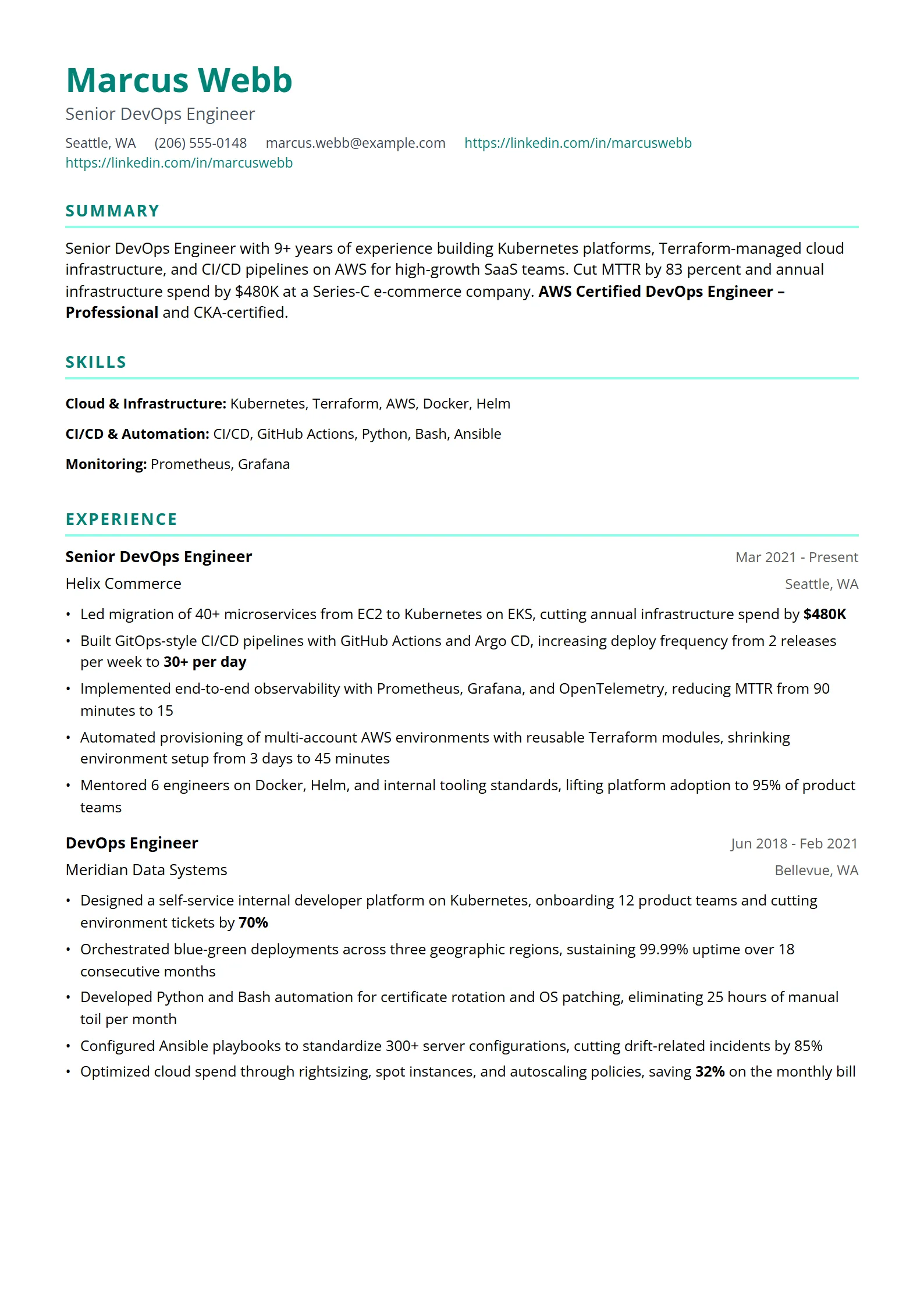
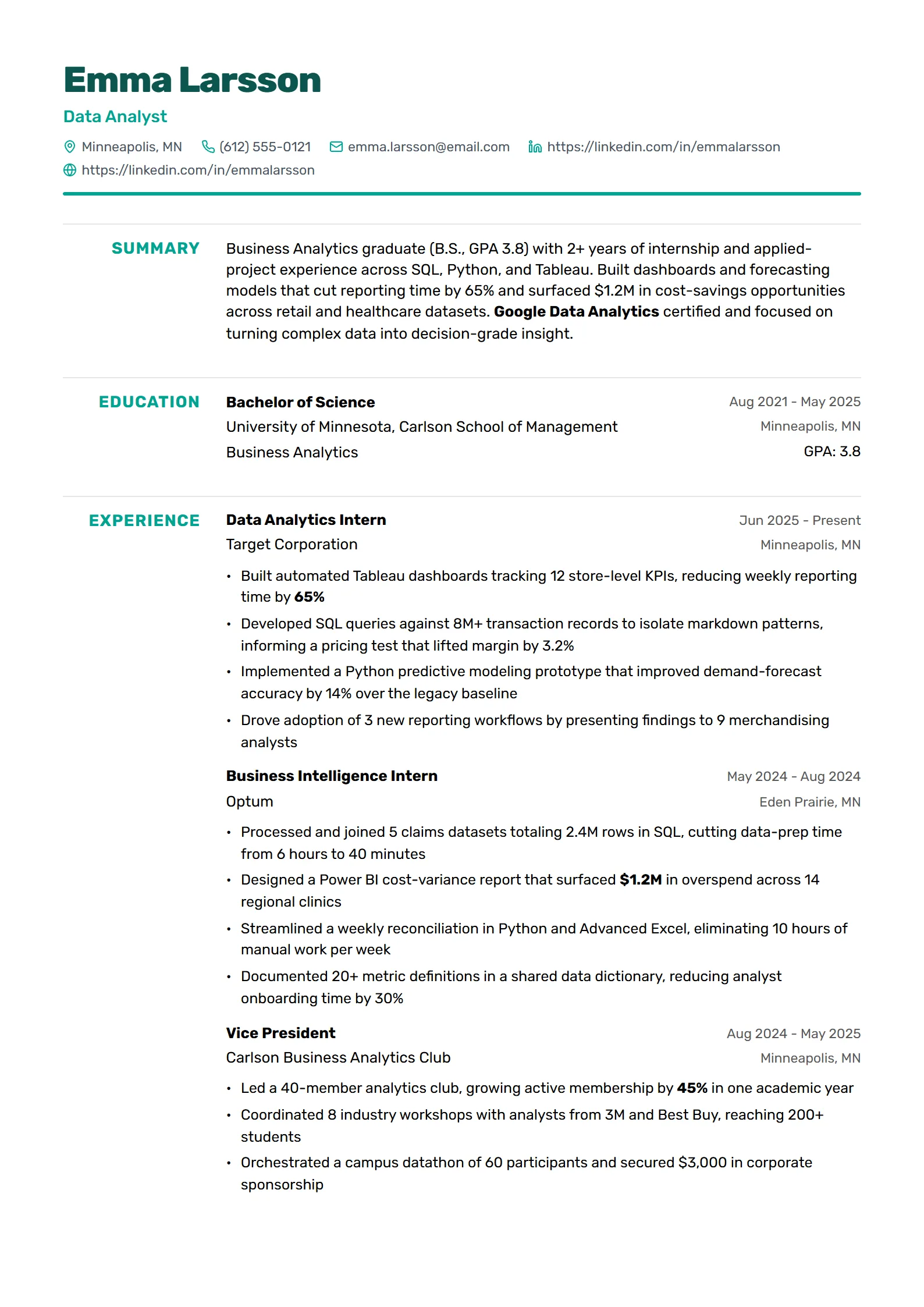
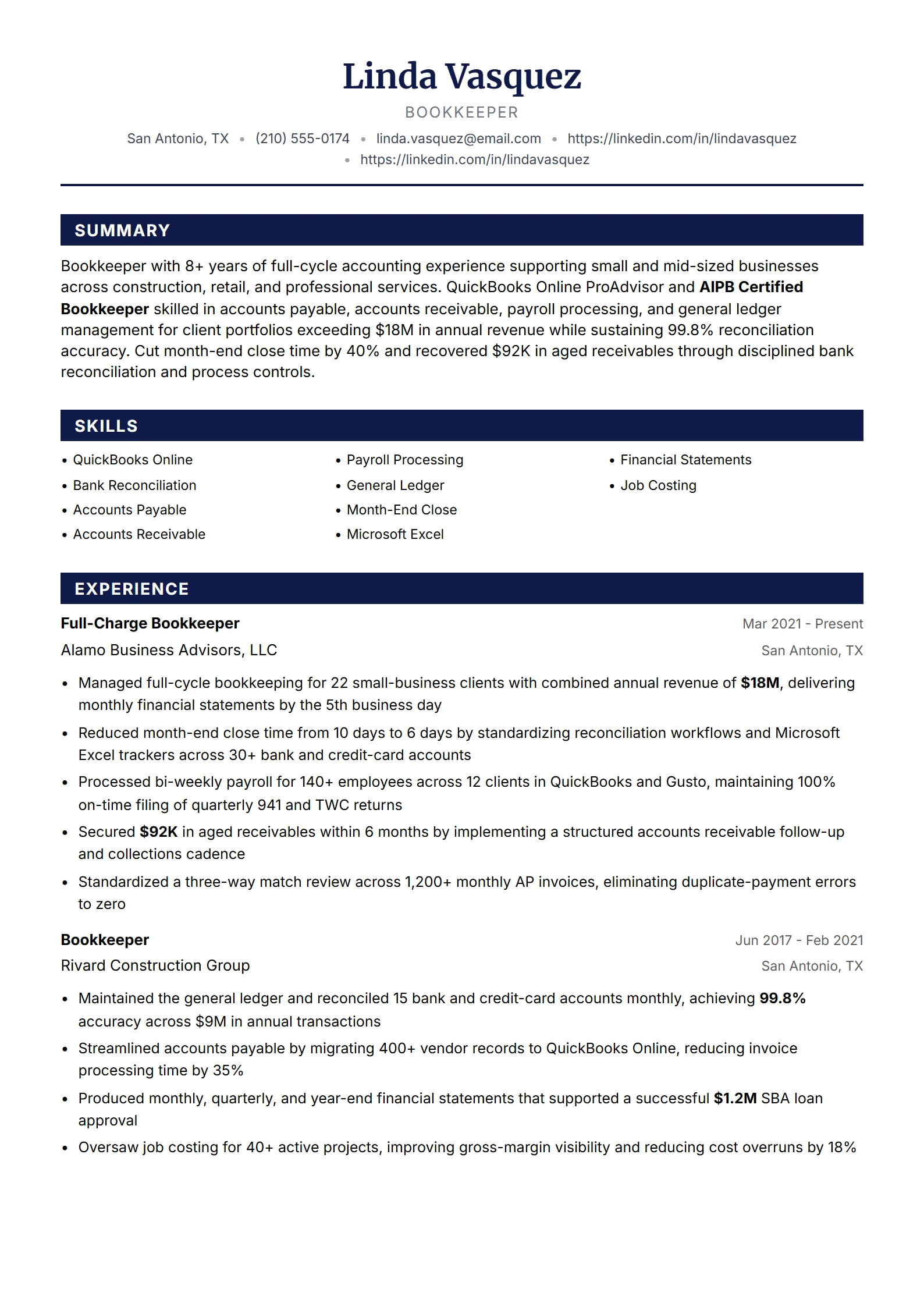
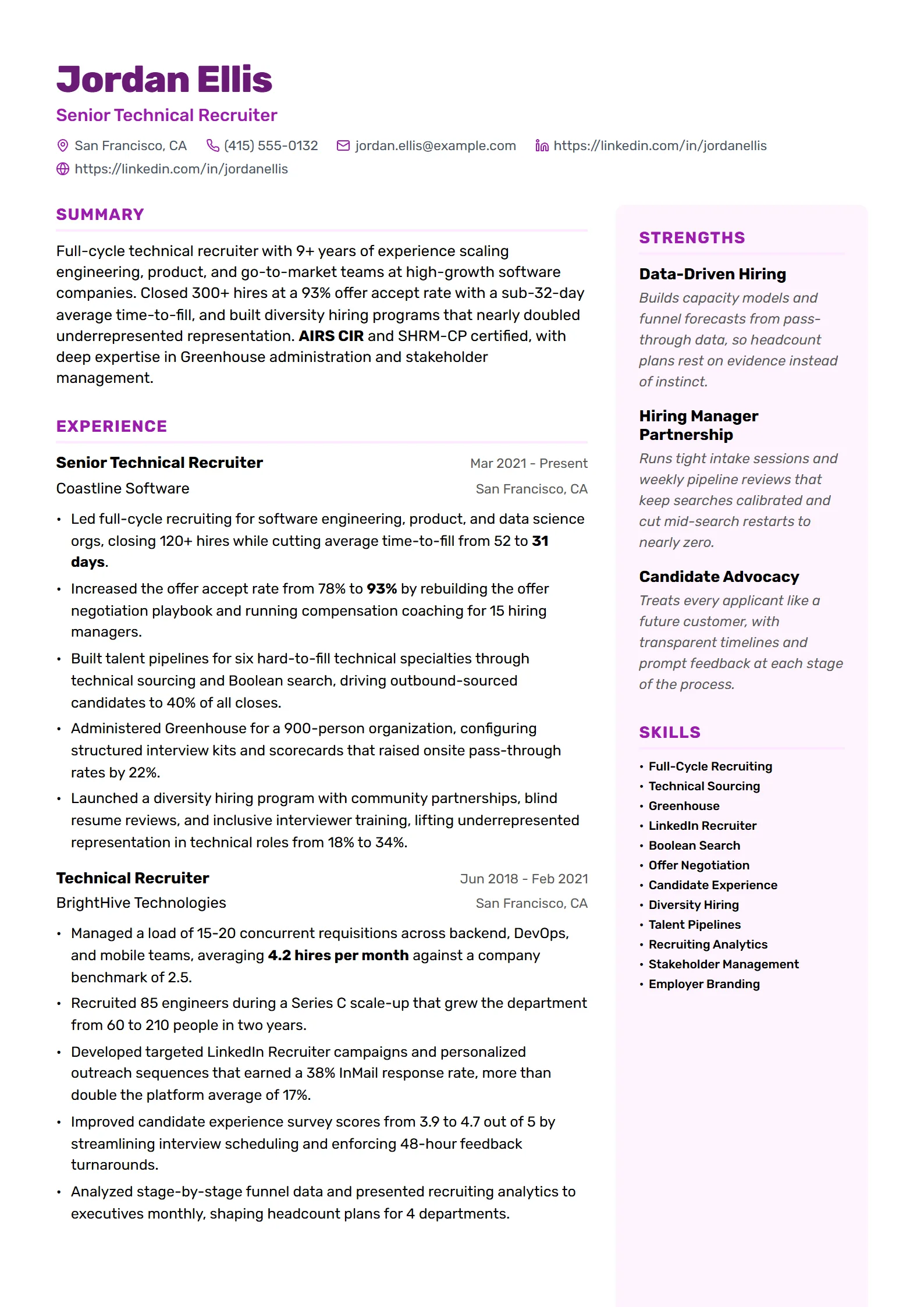
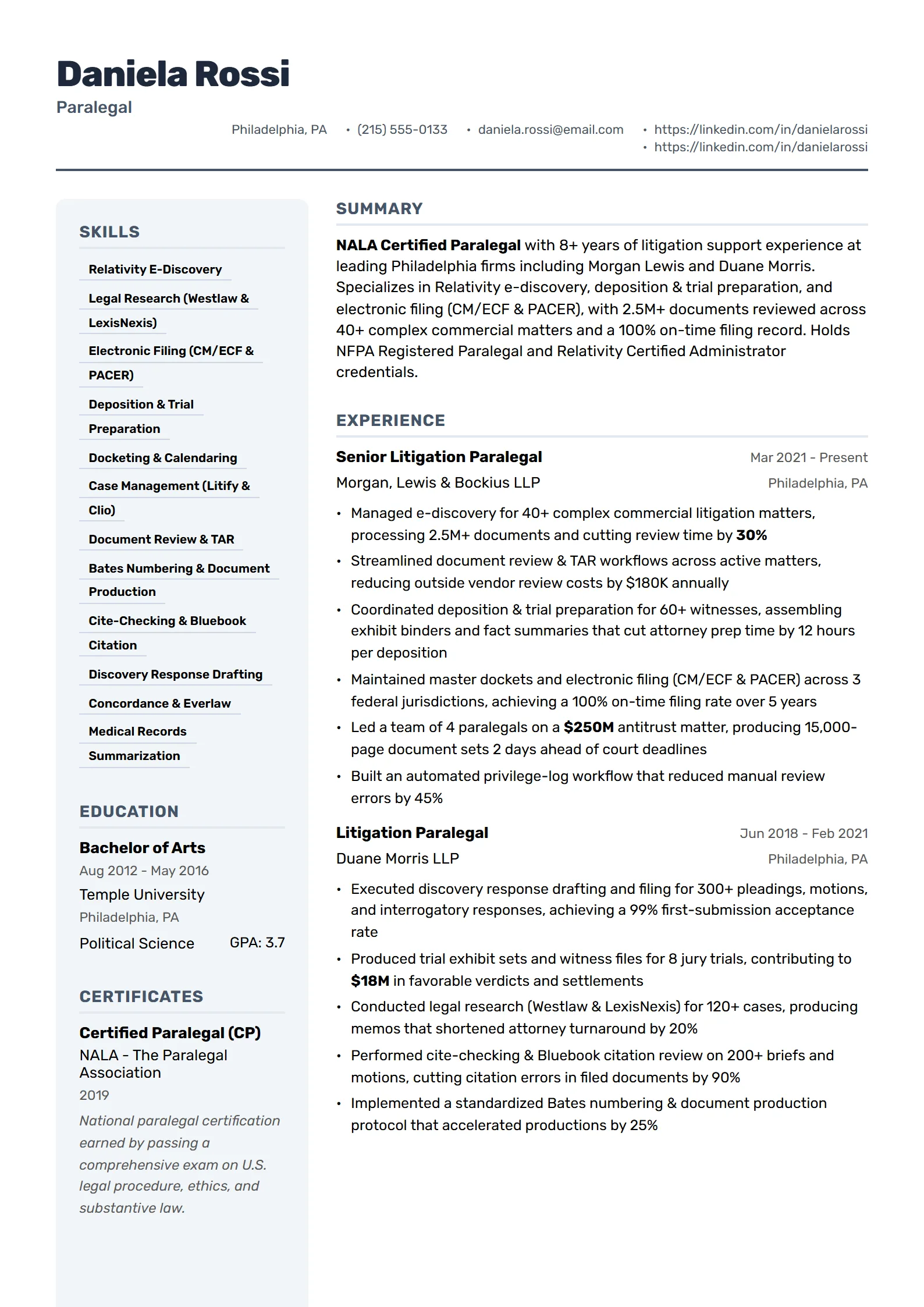
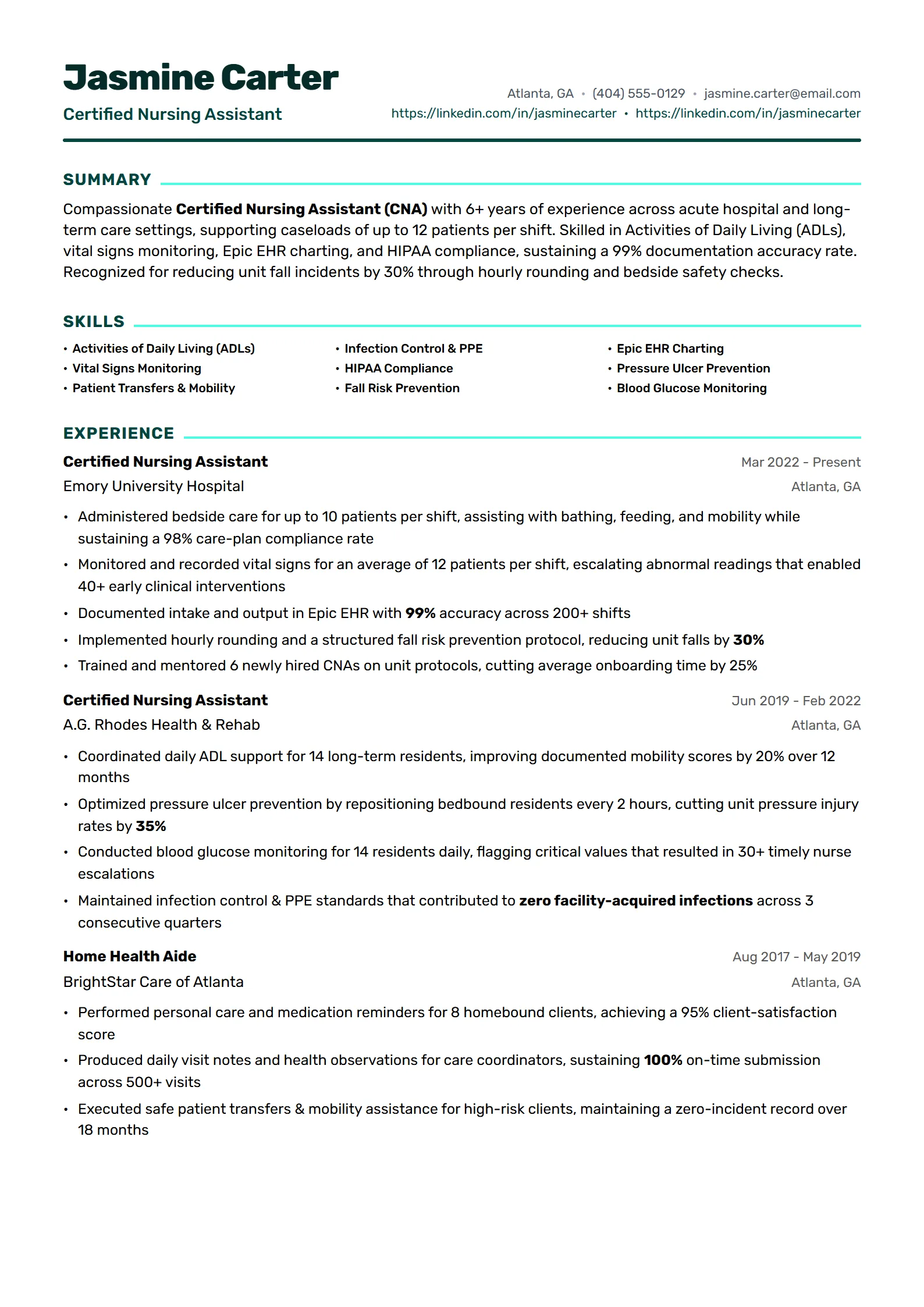
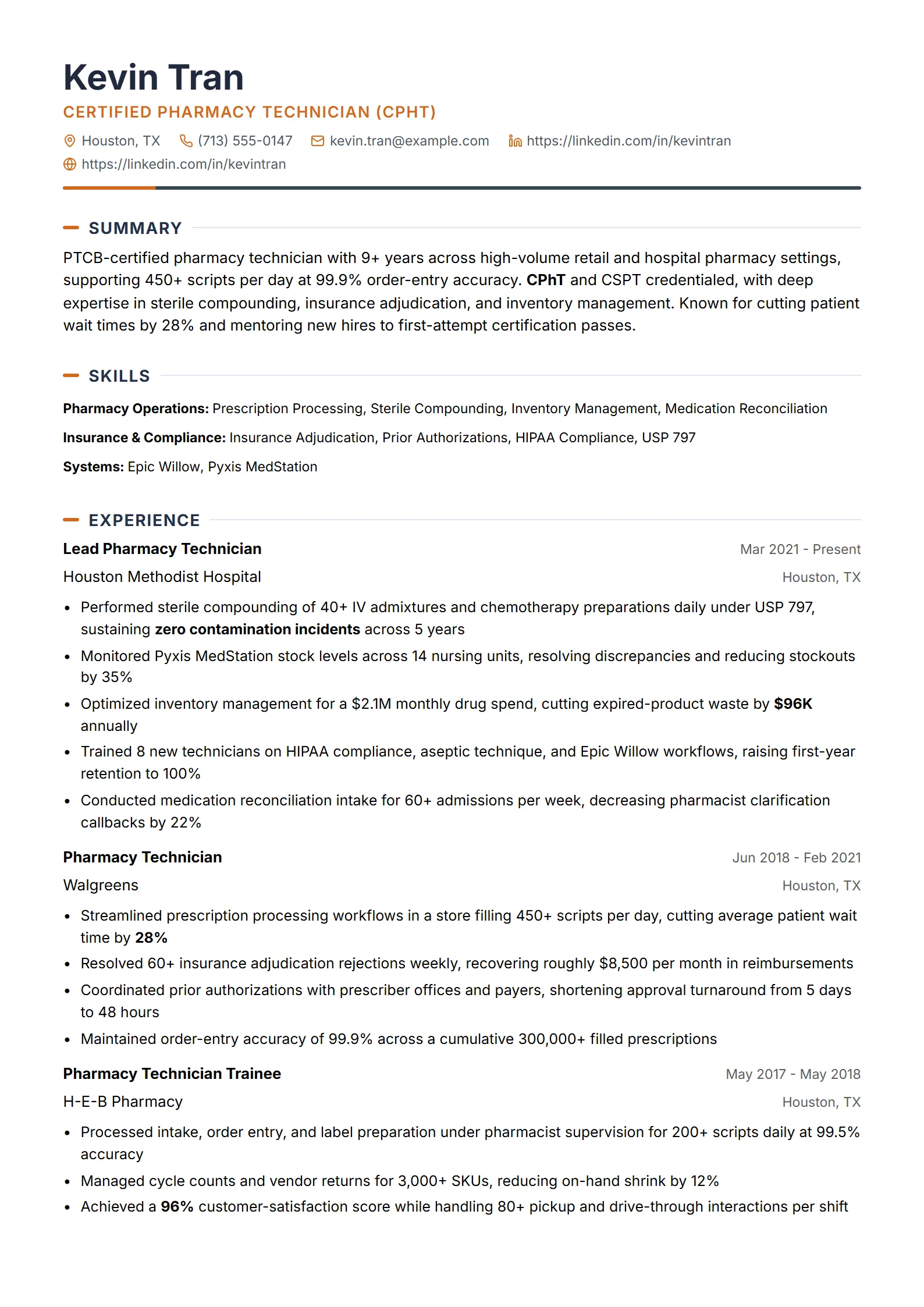
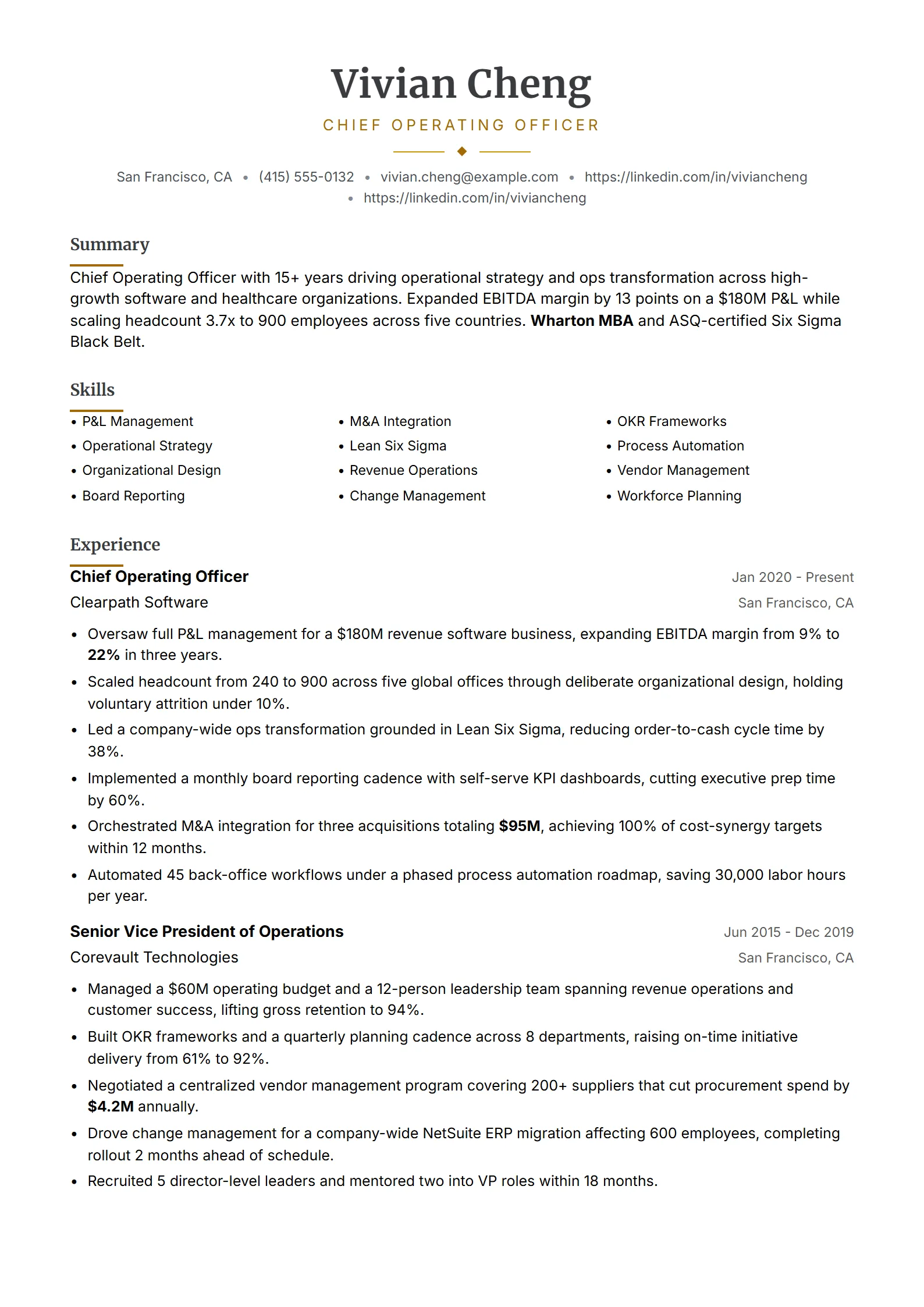
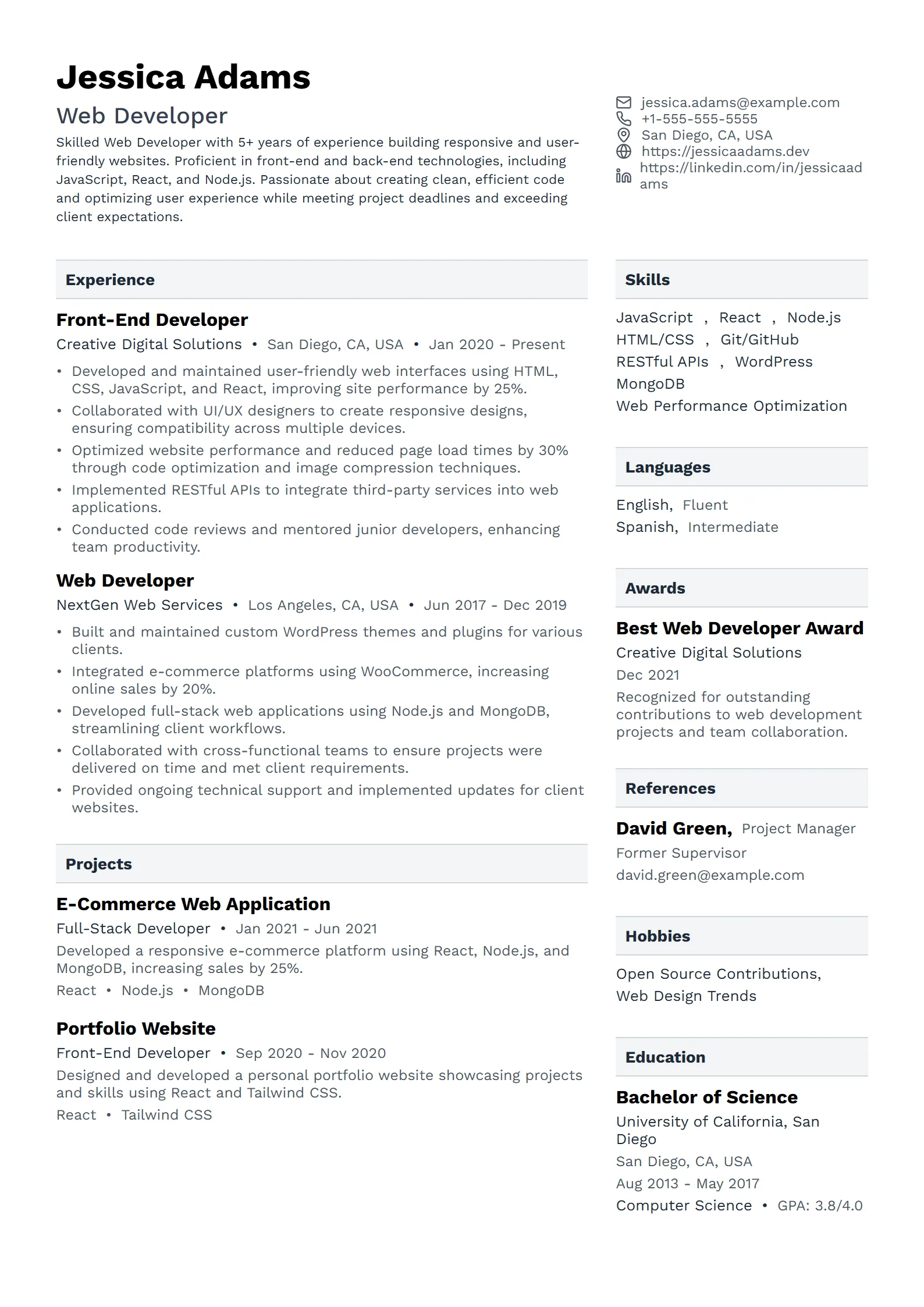
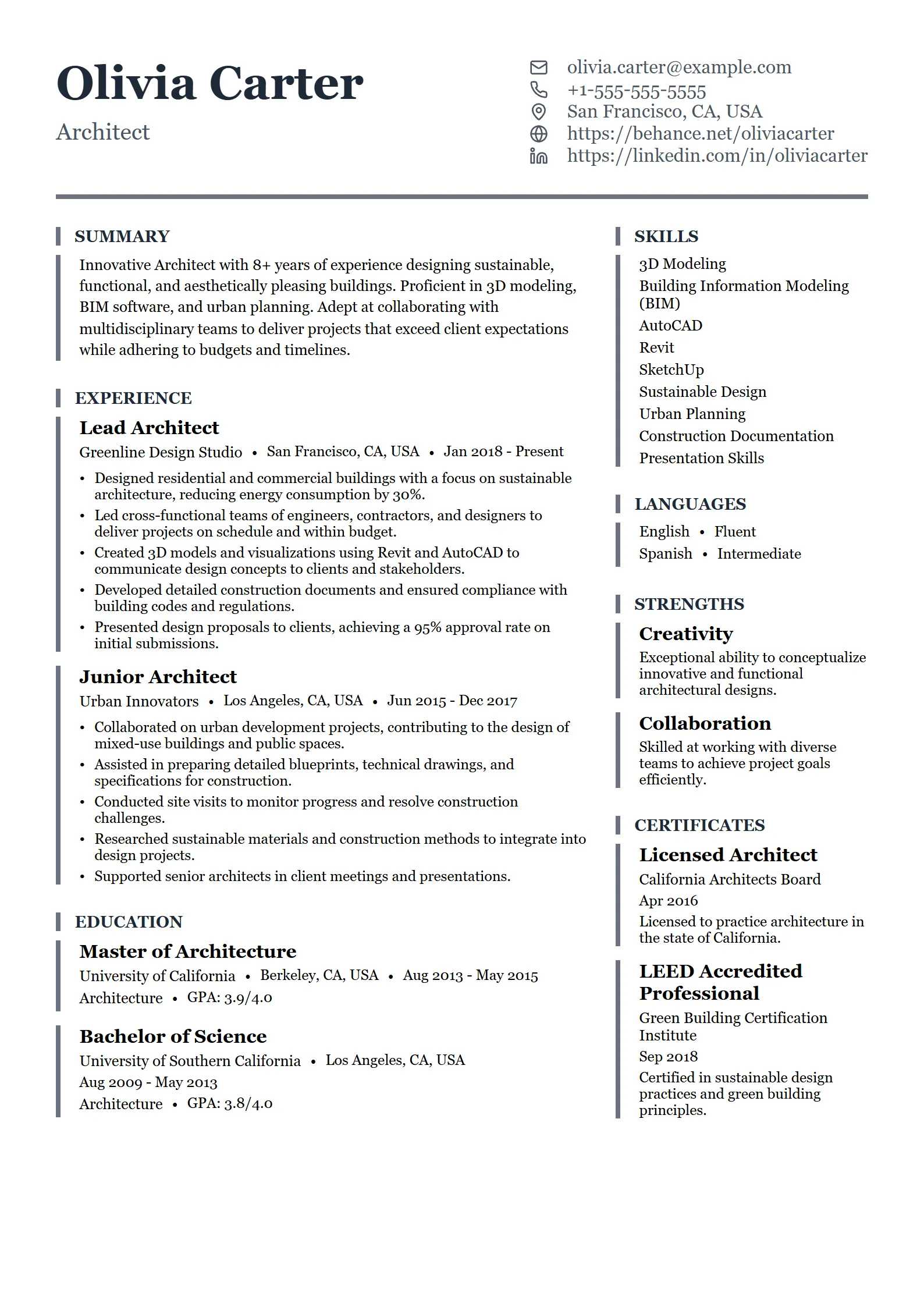
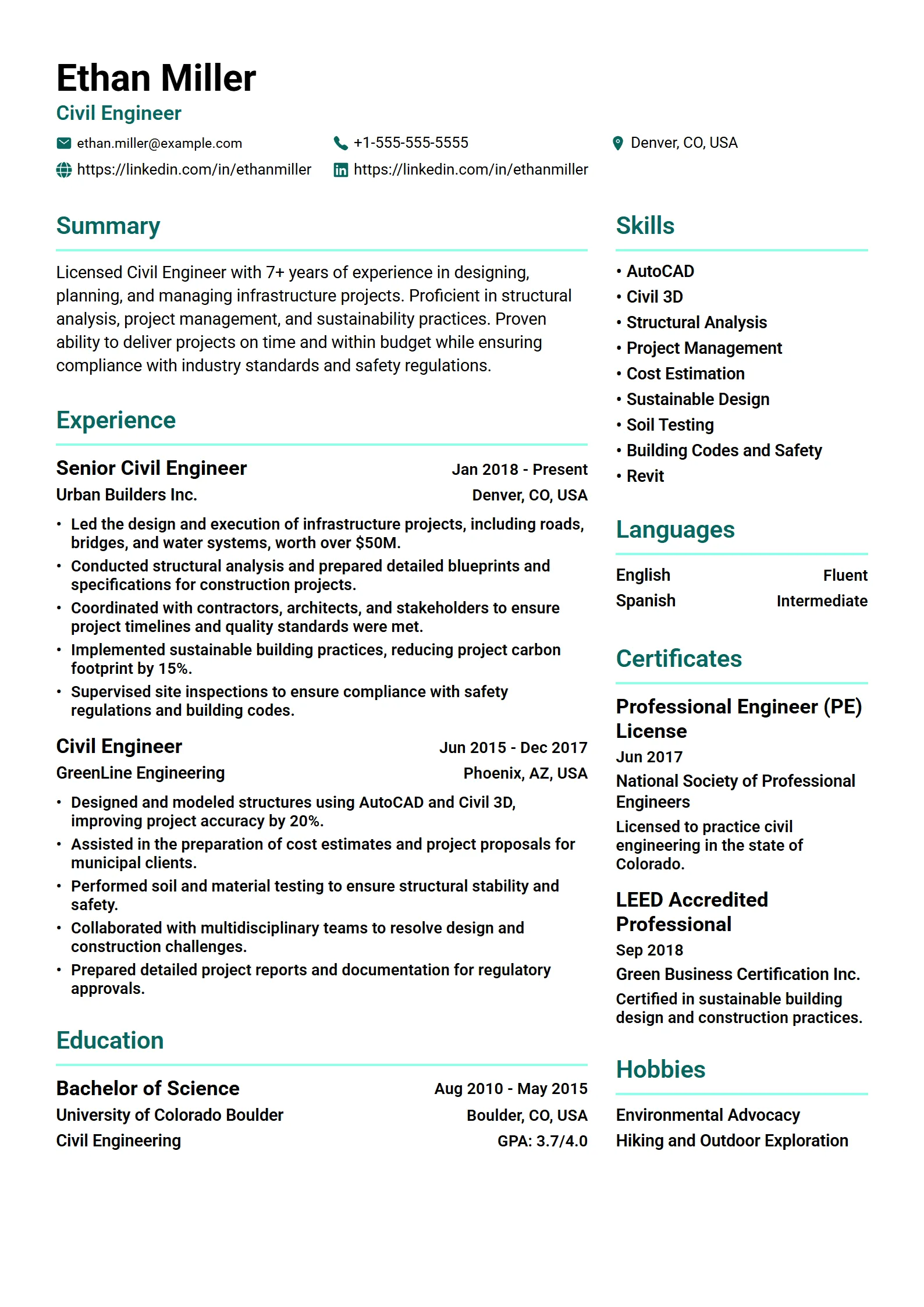
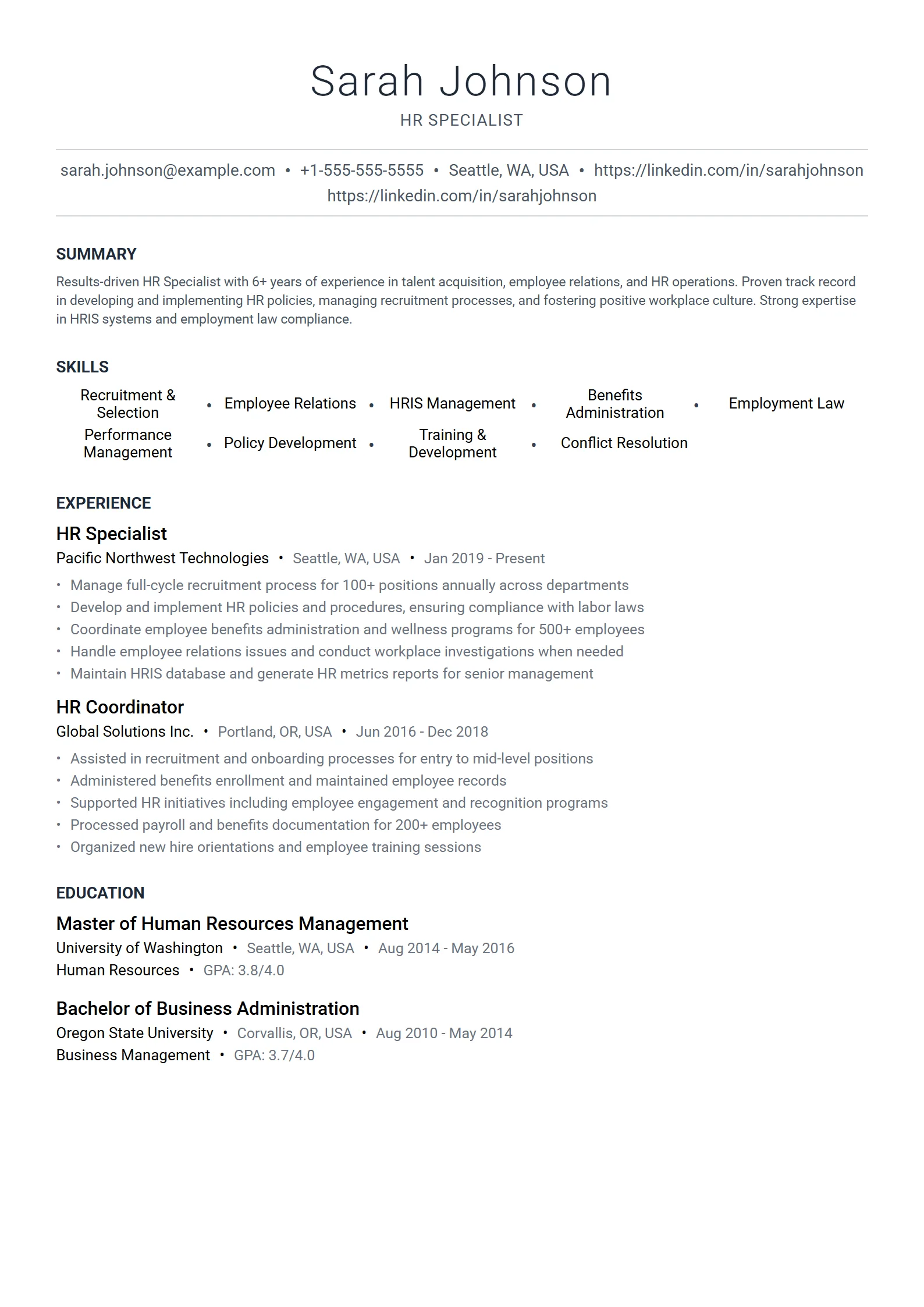
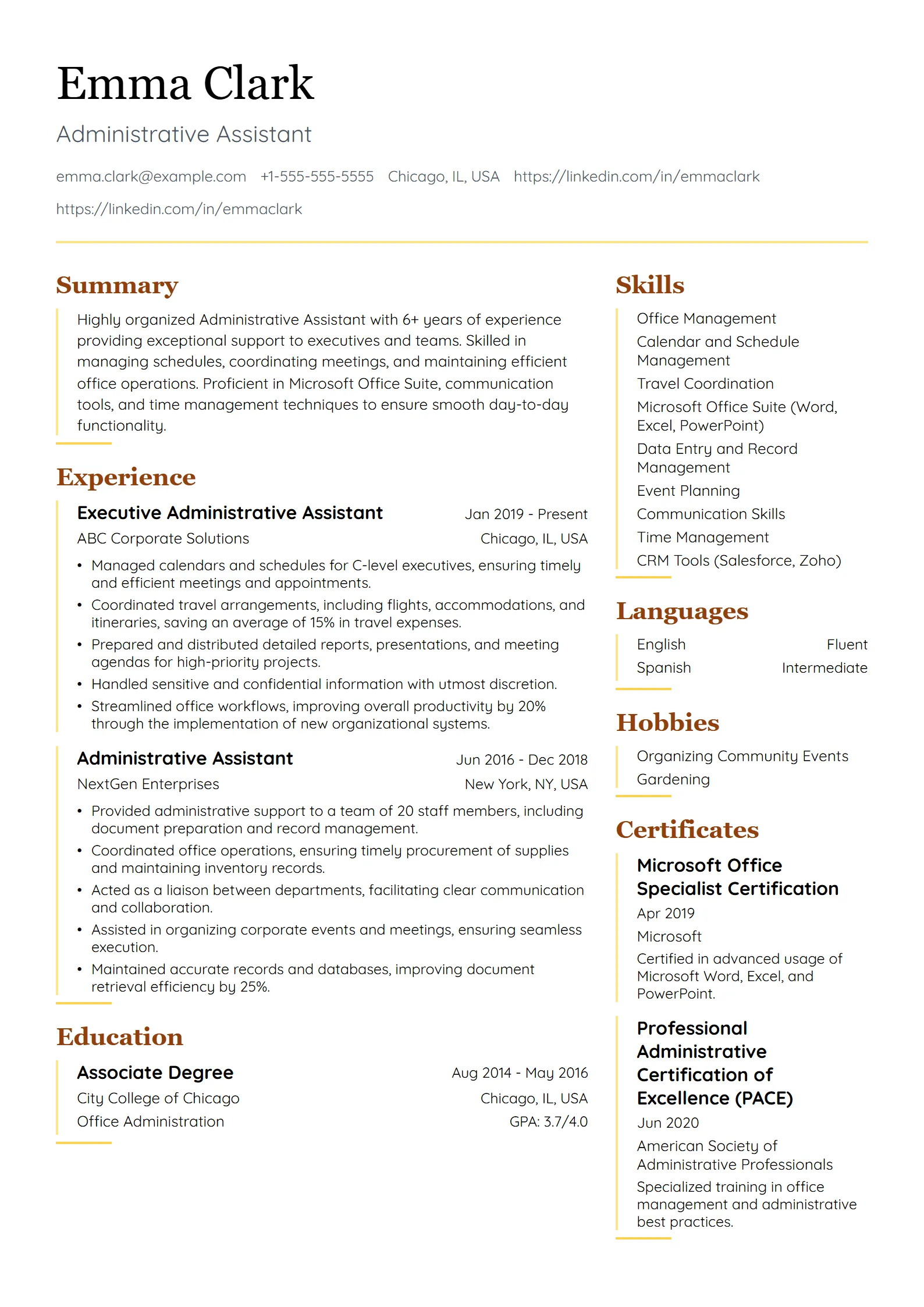
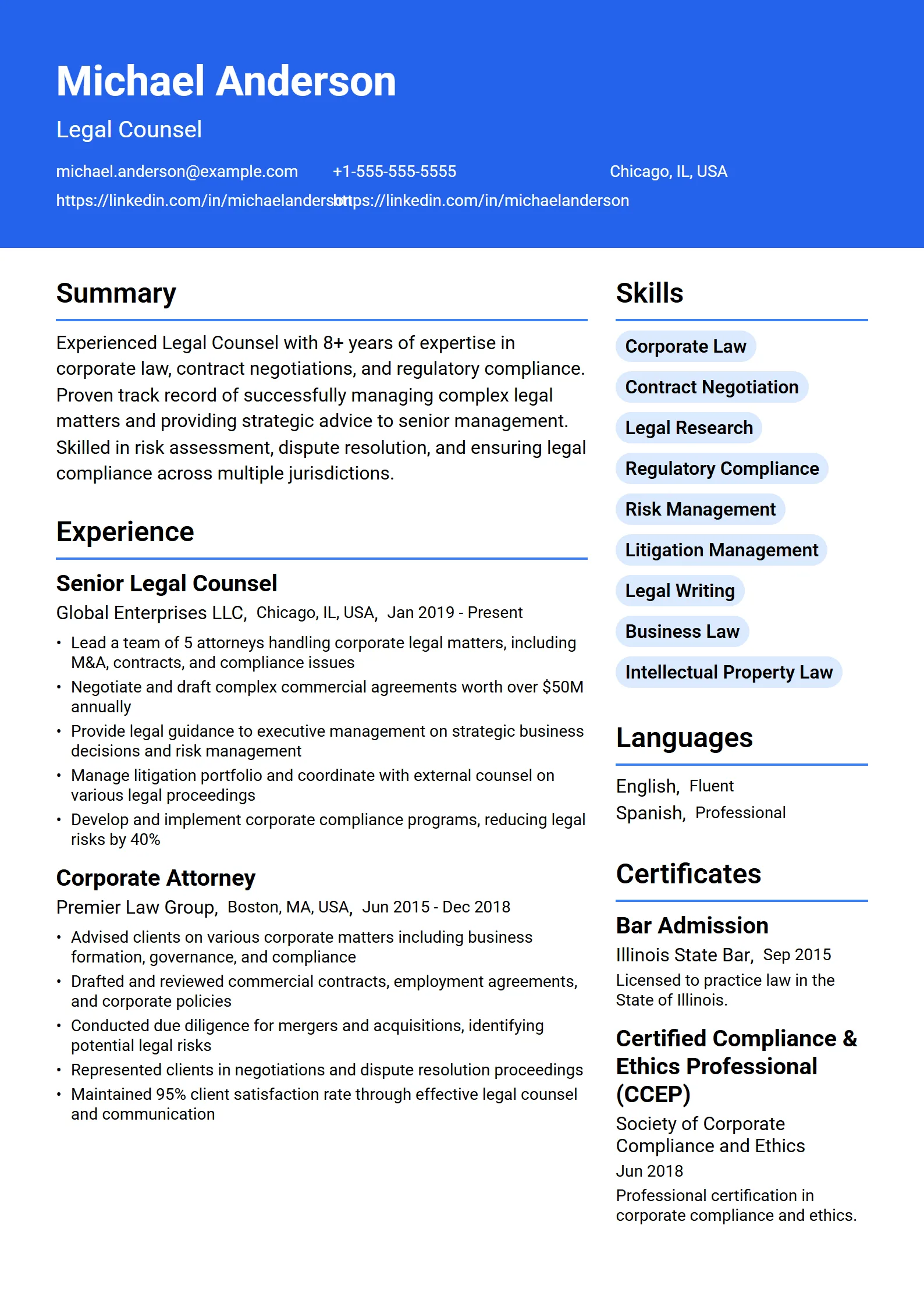
Clean, standard-heading layouts with selectable text — a solid starting point for online applications.
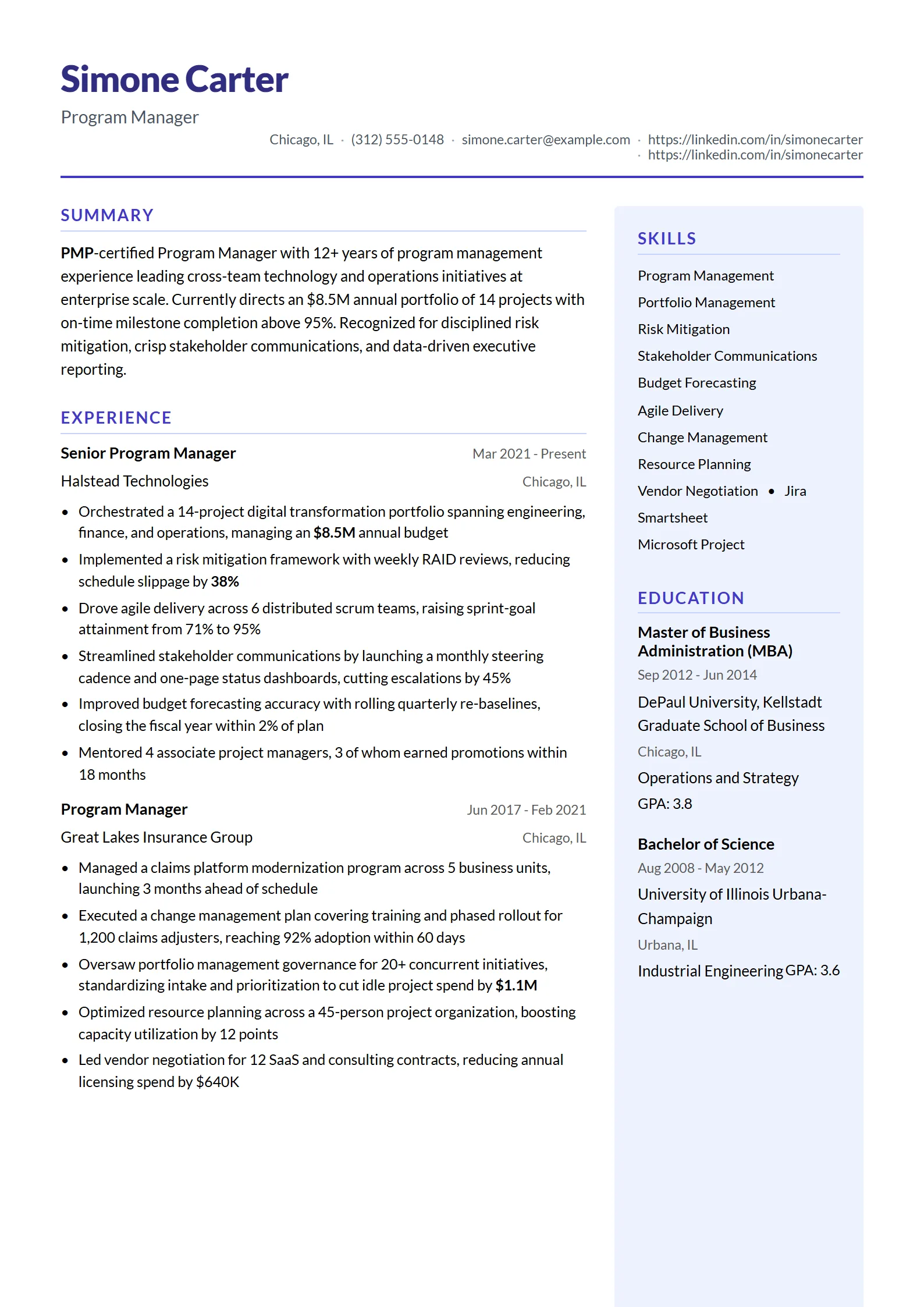
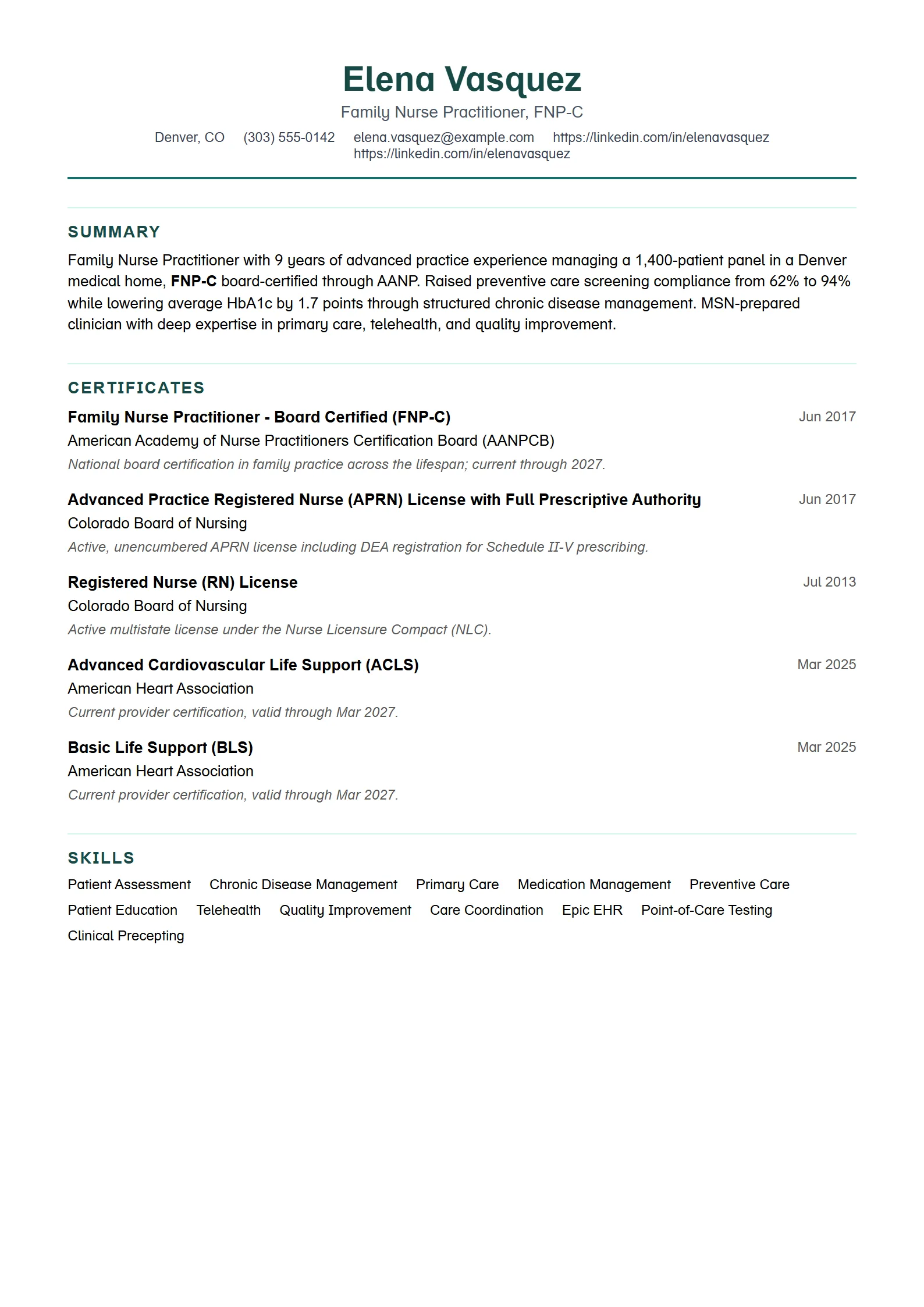
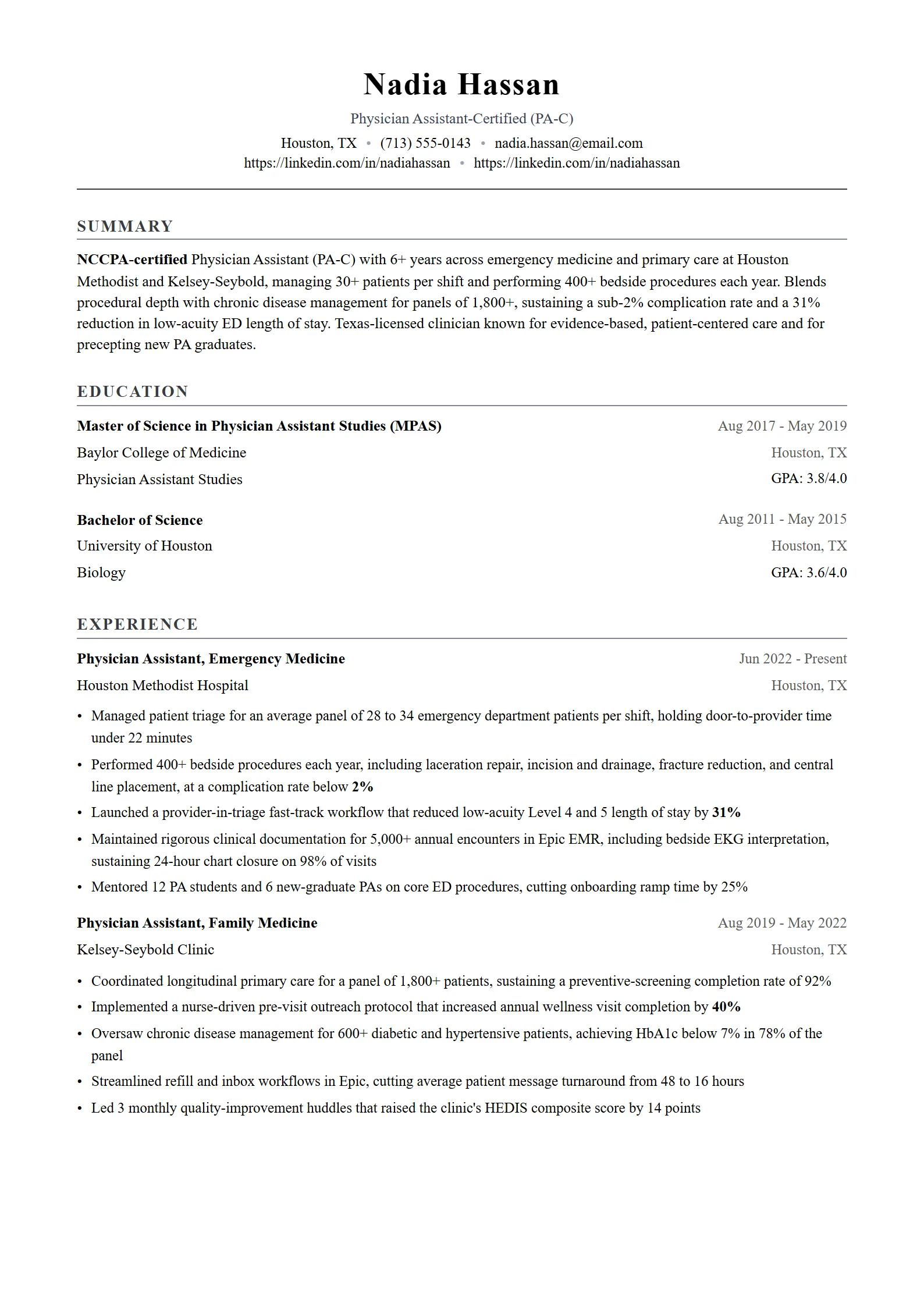
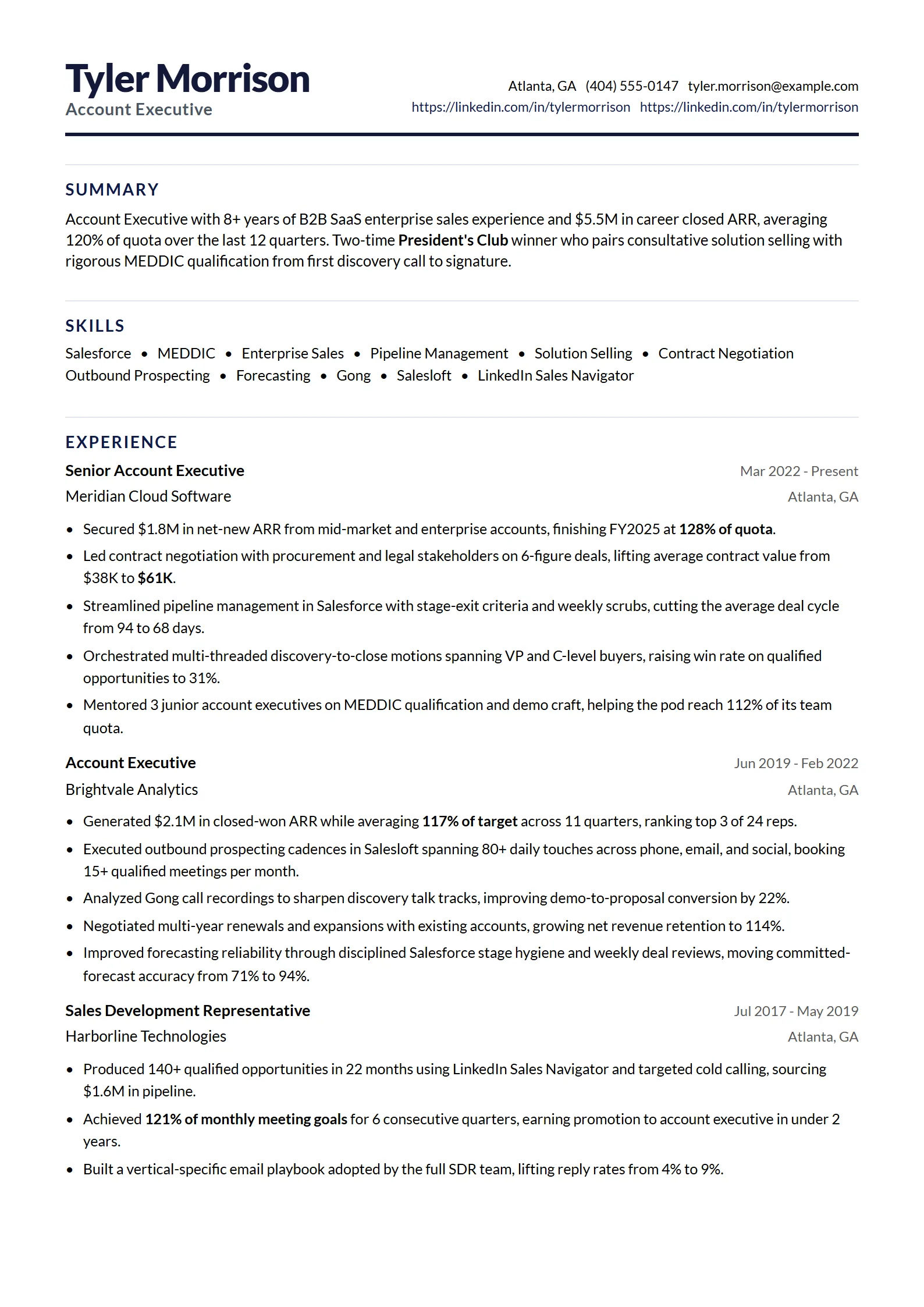
What is an ATS resume template?
An ATS resume template is a resume layout built so applicant tracking systems can read every line of text without errors. It uses a single column, standard section headings, real selectable text instead of images, and consistent dates. The design stays simple enough for software to parse and clean enough for a recruiter to scan quickly.
Most companies route online applications through an ATS before a person ever opens the file. If the software cannot map your work history, skills, and education into its database, your resume can be ranked low or skipped even when you are qualified. A good template removes that risk by keeping the structure predictable.
An ATS-safe template is not the same as a boring one. You can still use tasteful spacing, a clear name header, and readable type. The goal is to avoid layouts that hide text, not to strip the resume of all design. For deeper background, read our ATS-friendly resume guide.
What makes a resume template ATS-friendly?
A resume template is ATS-friendly when its structure is easy for software to extract: one main column, standard headings, selectable text, and no tables, text boxes, or images holding important content. Dates sit in a consistent place, the file exports as a clean PDF or DOCX, and the section order follows what recruiters and parsers expect.
In practice, an ATS-friendly resume template comes down to a short list of layout choices:
- Single column. One reading order that software follows top to bottom, with no sidebar to split the parse.
- Standard headings. Summary, Work Experience, Education, Skills, and Certifications, rather than creative labels that hide sections.
- No tables or text boxes. These often scramble the reading order or drop content entirely.
- Selectable text, not graphics. Anything a parser cannot select as text is invisible to it.
- Consistent dates. Month and year in the same format throughout.
- Clean export. A file that keeps its structure after upload instead of shifting.
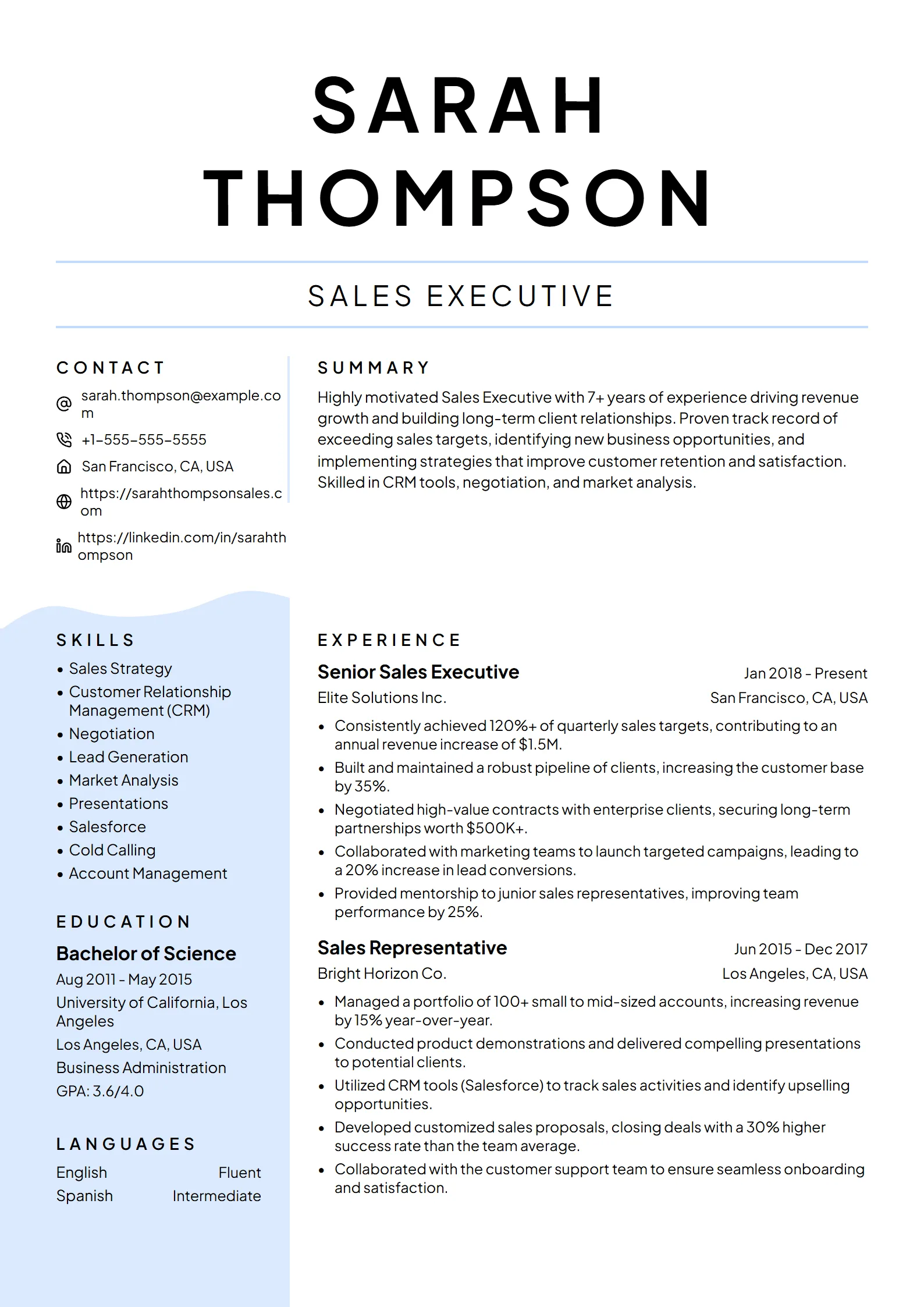
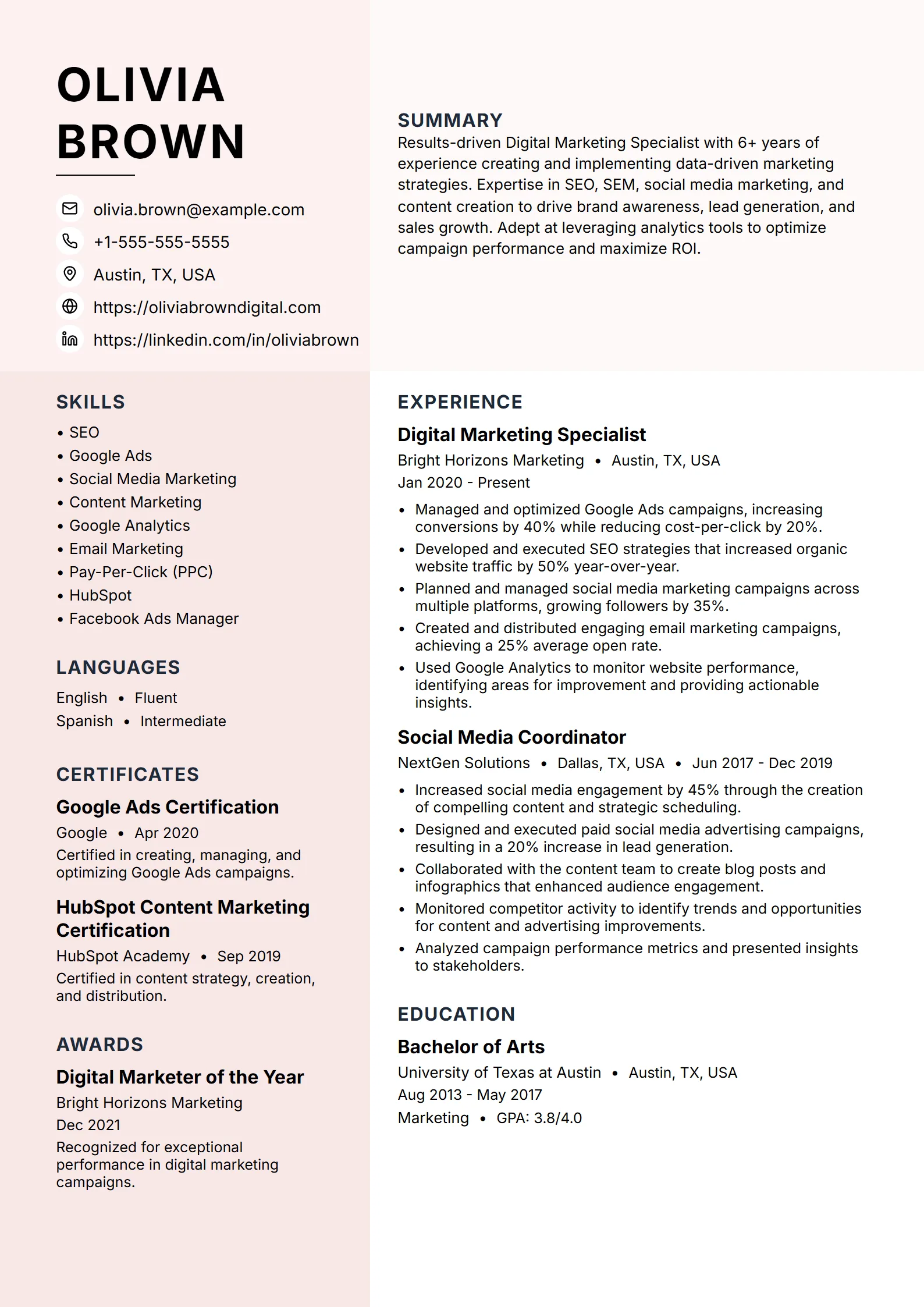
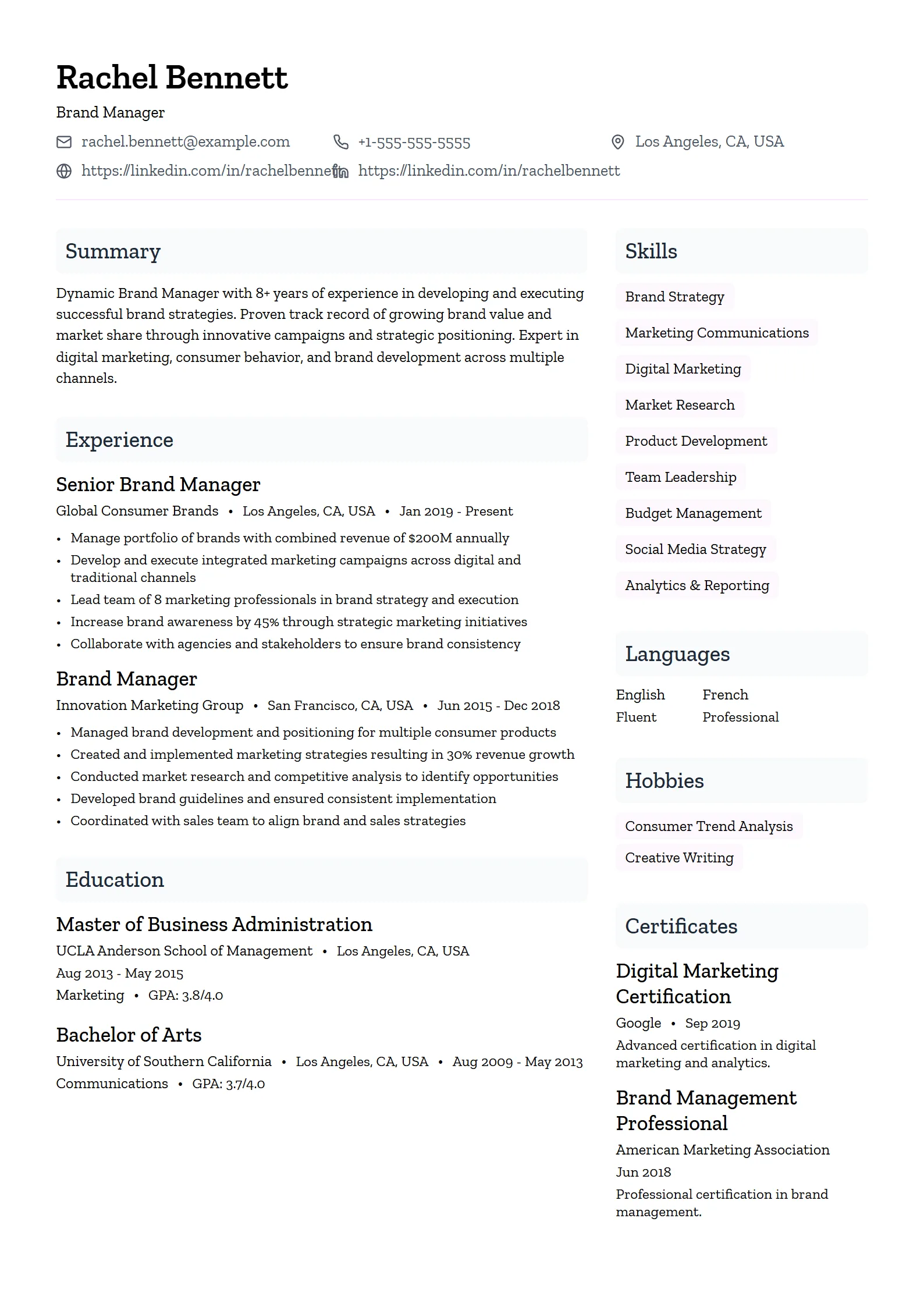
Tip: Two-column templates can pass some modern parsers, but they carry more risk. If you love a two-column look, run the finished file through an ATS check before you send it, and do not assume it parsed correctly.
How to choose an ATS-safe template
To choose an ATS-safe template, start with a single-column layout that uses standard headings, then confirm it fits the information your target role needs most. A technical role needs clear skills and projects, a nursing role needs licenses high on the page, and a sales role needs room for metrics. Pick the layout that surfaces your strongest evidence.
Work through these steps:
- Start with a single-column template so the reading order is unambiguous.
- Match the layout to your field by browsing resume templates by role.
- Check that key credentials, such as licenses or certifications, can sit near the top when a job requires them.
- Compare your draft against real resume examples in your profession to see what belongs in each section.
- Run the finished file through an ATS check before you apply, not just the blank template.
Fresume includes 50+ professional templates that stay ATS-safe while you edit them in the builder. You can preview every layout on the free plan and export a PDF once you upgrade. Because the structure is handled for you, choosing a template becomes a question of fit rather than parsing risk.
How do you make an ATS-ready resume in Word or Google Docs?
To make an ATS-ready resume in Word or Google Docs, start from a blank single-column document instead of a graphic-heavy template. Type standard headings, list experience in reverse chronological order, avoid tables and text boxes, keep dates consistent, and save as PDF unless the employer asks for DOCX. The simpler the file, the more reliably it parses.
A practical setup in either editor:
- Use the built-in heading styles for section titles so the structure is clear.
- Keep everything in one column and skip the sidebar layouts both apps promote.
- Write skills as plain text lists rather than columns built with tabs or tables.
- Place dates on the same side of each entry, in one format such as “Jan 2023 to Present”.
- Avoid header and footer regions for contact details, since some parsers ignore them.
Example, a parser-safe heading order: Name and contact, then Summary, then Work Experience, then Skills, then Education, then Certifications. Each heading on its own line, one column, no icons.
Word and Google Docs both work, but they make it easy to add columns, tables, and graphics that break parsing, and you have to verify every choice yourself. A resume builder handles the structure instead: Fresume keeps the underlying layout ATS-safe no matter which template you pick, so you can focus on the writing. The Fresume templates live inside the builder rather than as downloadable Word files, so there is nothing to reformat after you export.
Should you test a template before applying?
Yes. A blank template can look ATS-safe and still fail once your content, dates, and formatting go in. Before a high-priority application, export the finished file and run it through an ATS resume checker to confirm the text is selectable, the sections are recognized, and the keywords match the job description.
Our free ATS resume checker reviews parseability, section structure, formatting, and job-description match. It is a public tool, so run your finished file through it before every high-priority application. Fix the structure first, then tighten the wording, and send the resume only once both pass. That two-step review beats choosing a template and hoping it works for every employer.
Questions
Frequently asked questions
01Are single-column resume templates better for ATS?
Single-column templates are the safest choice for ATS parsing because software reads them in one clear top-to-bottom order. Two-column and sidebar layouts can split the reading order or drop content, so they carry more risk. If you use a multi-column design, run the finished resume through an ATS checker before applying.
02Can an ATS resume template have color or design?
Yes. Color and tasteful design are fine as long as they do not hide text or replace headings with graphics. An ATS reads the underlying text, not the visual style, so spacing, type, and a name header are safe. Problems come from tables, text boxes, and images holding important content, not from color itself.
03Is a Word or Google Docs template ATS-friendly?
It can be, but many built-in Word and Google Docs templates use columns, tables, and sidebars that break parsing. To stay ATS-friendly, start from a blank single-column document, use standard headings, avoid tables and text boxes, keep dates consistent, and export a clean PDF. Then test the file with an ATS checker before you apply.
04Do I still need an ATS checker if I use an ATS template?
Yes. A blank template can look ATS-safe and still fail once your content, dates, and keywords go in. An ATS resume checker confirms the text is selectable, the sections are recognized, and the resume matches the target job description. Test the finished file, not just the empty layout, before a high-priority application.
05Does Fresume offer free ATS resume templates?
Fresume includes 50+ professional templates that stay ATS-safe, and you can preview and build with them on the free plan. Exporting a PDF requires a Premium upgrade at $17.49/month. The templates live inside the builder rather than as downloadable Word files.
What is the quick ATS format do and don’t list?
The fastest way to keep a resume parseable is to make five formatting decisions correctly: how many columns you use, which fonts you pick, whether contact details sit in the header or footer, how you handle tables and graphics, and which file type you export. Each one is a place where a layout that looks fine to you can quietly confuse the software. The table below is a scan-and-go reference you can check a draft against before you apply.
| Format element | Do (ATS-safe) | Don’t (risky) | Why it matters |
|---|---|---|---|
| Columns | Single column, top-to-bottom reading order | Two-column or sidebar layouts for core content | Multi-column designs can split the reading order or drop the sidebar entirely |
| Fonts | Standard, readable faces like Arial, Calibri, Helvetica, Georgia, or Times New Roman | Decorative, script, or unusual embedded fonts | Unusual fonts can map to the wrong characters or fail to render as selectable text |
| Headers & footers | Put your name, phone, and email in the body, at the top | Hide contact details inside the document header or footer region | Some parsers skip header and footer areas, so contact info can disappear |
| Tables & graphics | Plain text lists and real headings for structure | Tables, text boxes, icons, or images holding important content | Anything a parser cannot read as text is invisible to it, and tables often scramble order |
| File type | Clean, text-based PDF (or DOCX if the employer asks) | Scanned or image-based PDF, or an unusual format | Image PDFs contain no selectable text, so the ATS reads a blank page |
One safe choice does not cover the others. A single-column layout in a decorative font, or a clean font trapped in an image PDF, still fails. Get all five right, then confirm the finished file with our free ATS resume checker before a high-priority application. Every Fresume template already handles columns, fonts, and export for you, so you can pick a layout in the resume builder on fit alone.
Make sure your template is ATS-safe.
Build from an ATS-ready layout and score it against the job before you apply.