 Fresume
Resume templates
Executive resume templates for C-suite and senior leaders
Formal, single-column layouts built for directors, VPs, and C-suite candidates — enough room for a strategic summary, P&L scope, and board work, while staying clean enough to pass the ATS.
Executive resume templates
Restrained, authority-first layouts for directors, VPs, and C-suite leaders across operations, finance, legal, and sales.
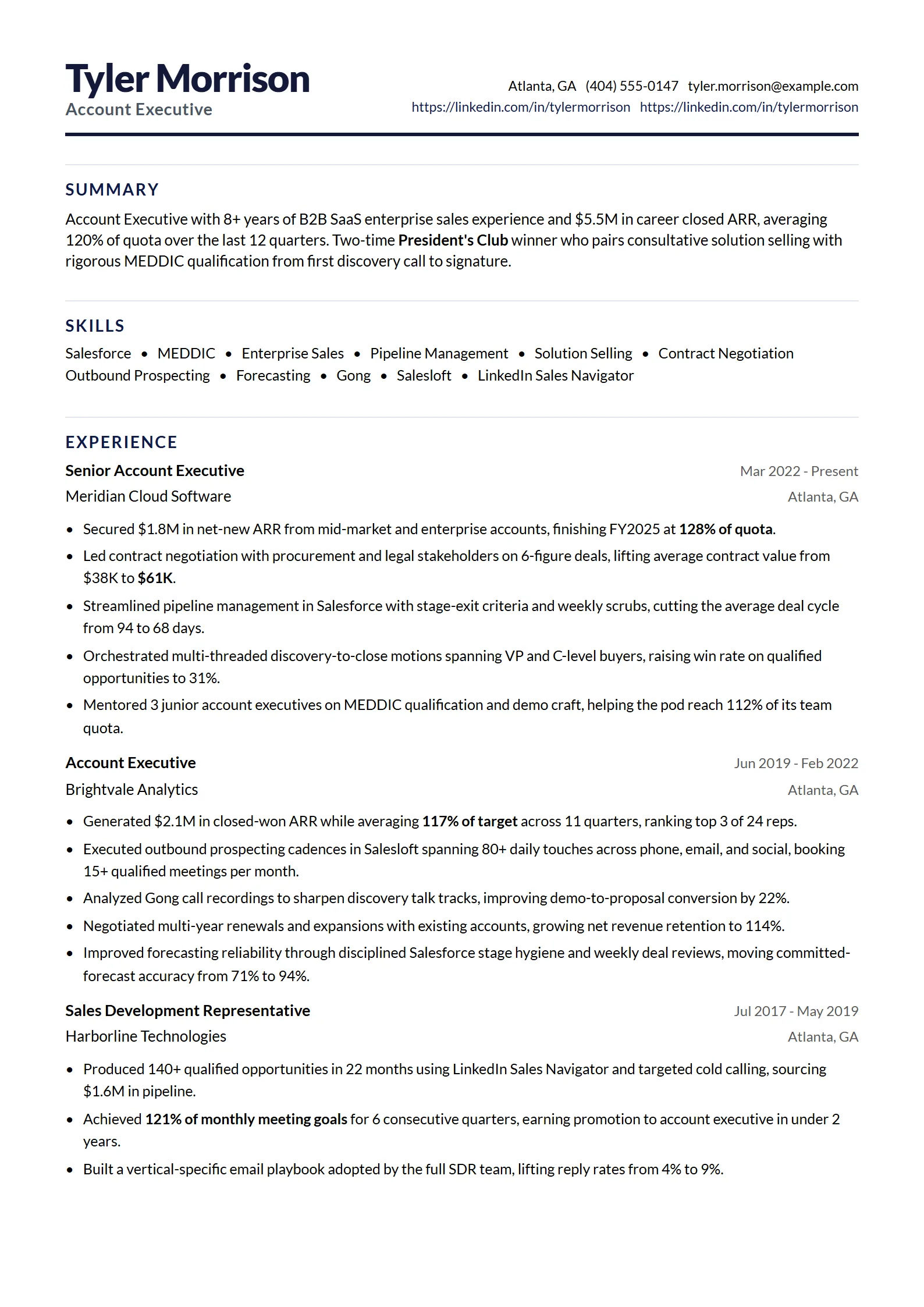
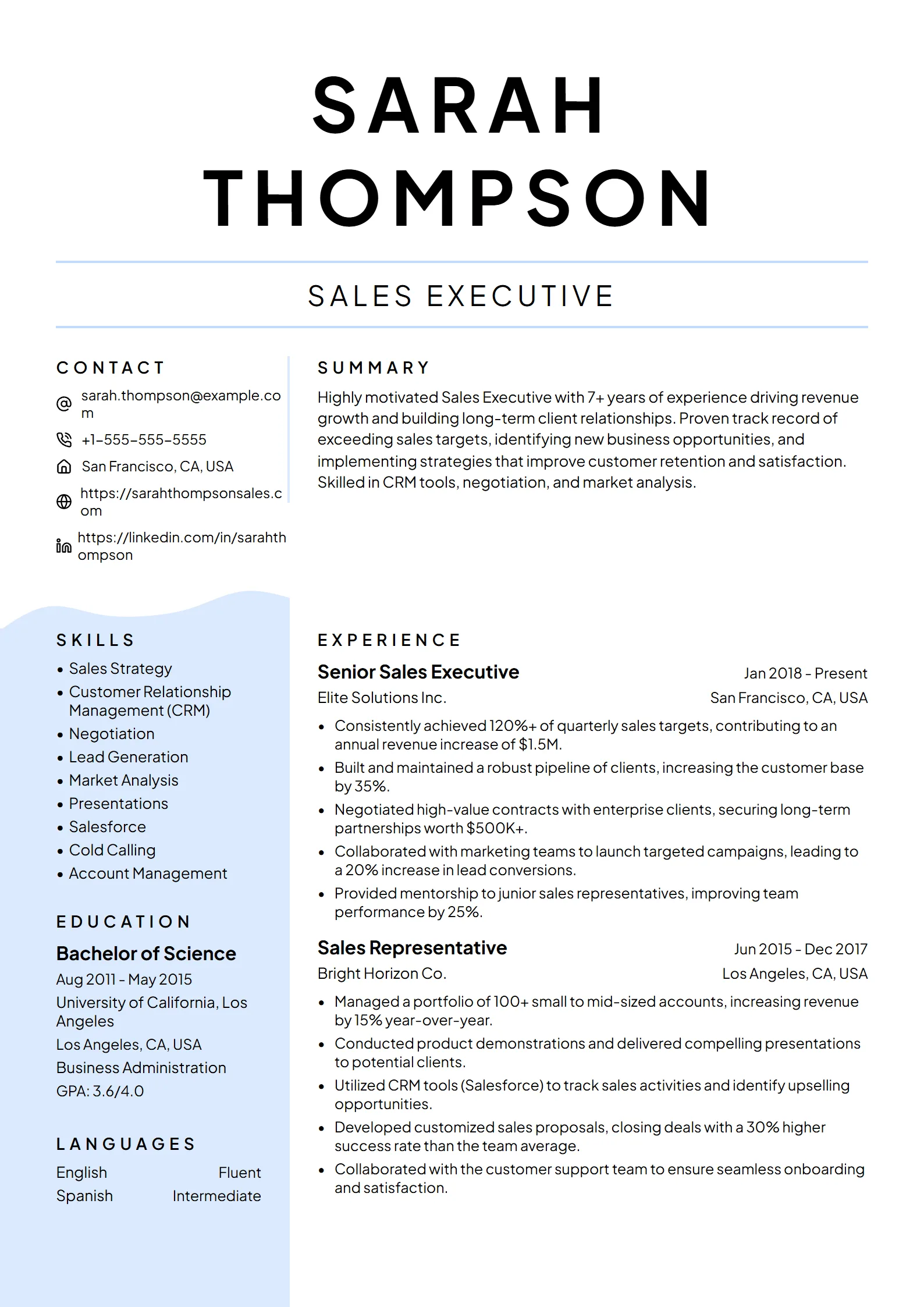
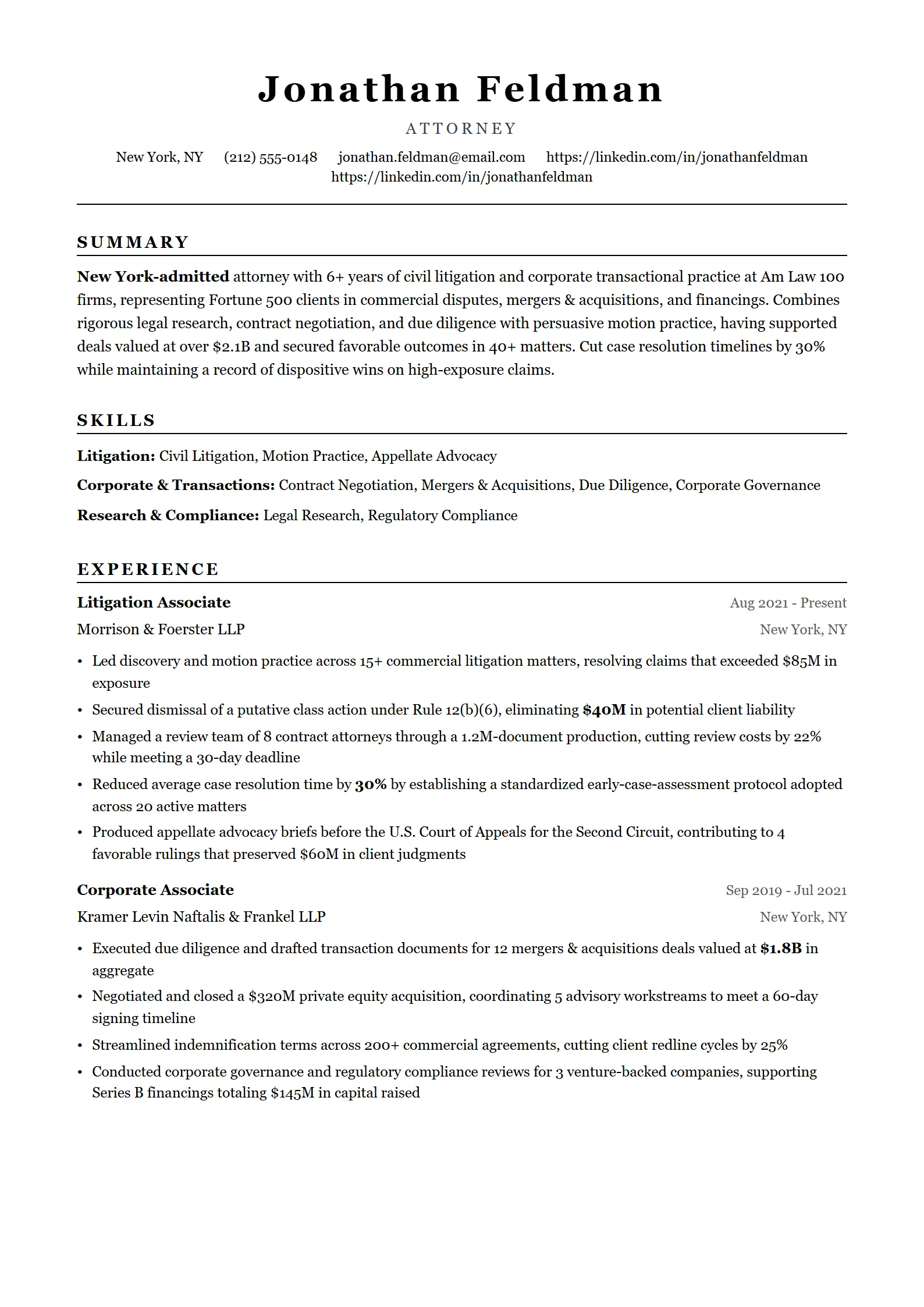
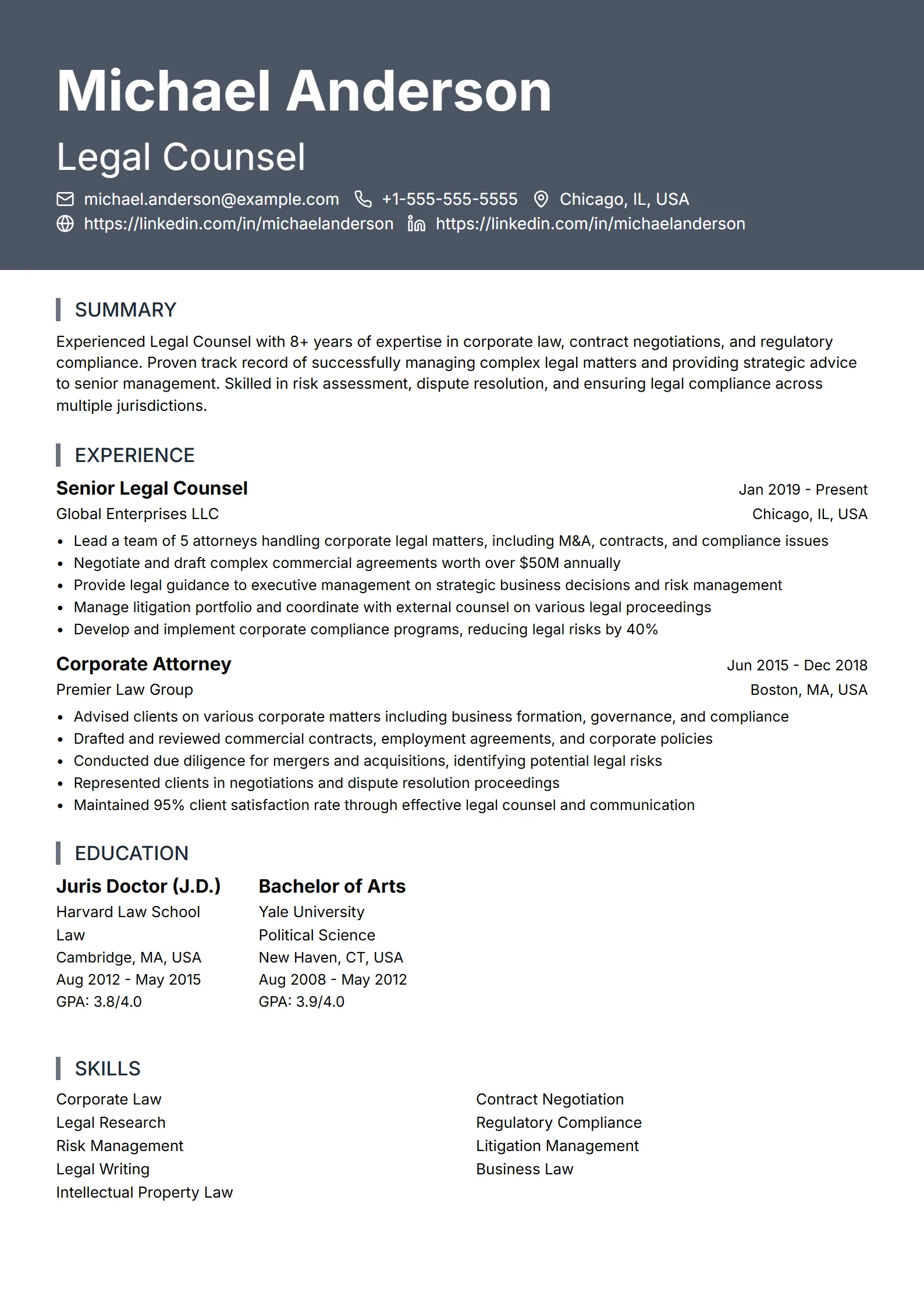
What is an executive resume template?
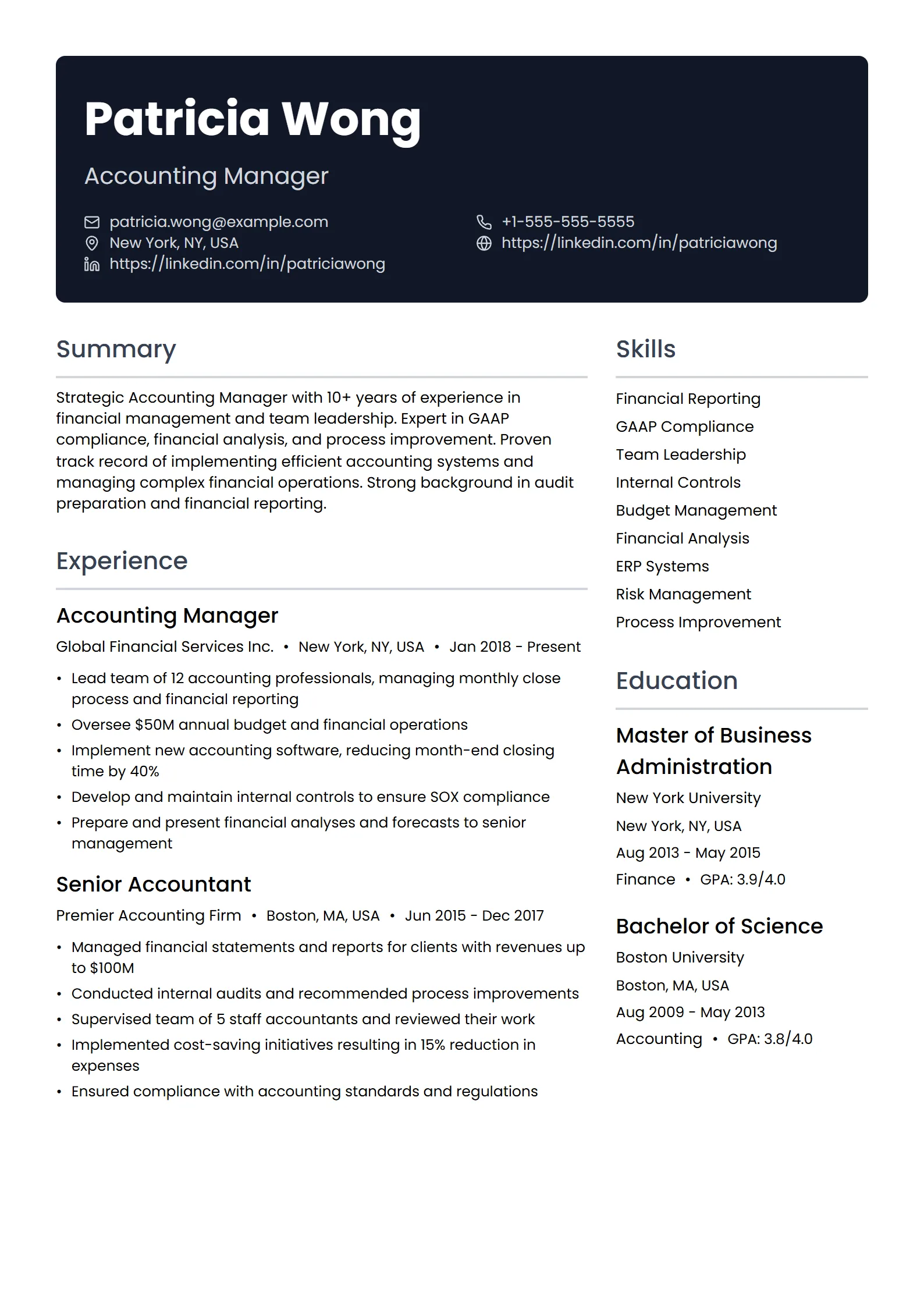
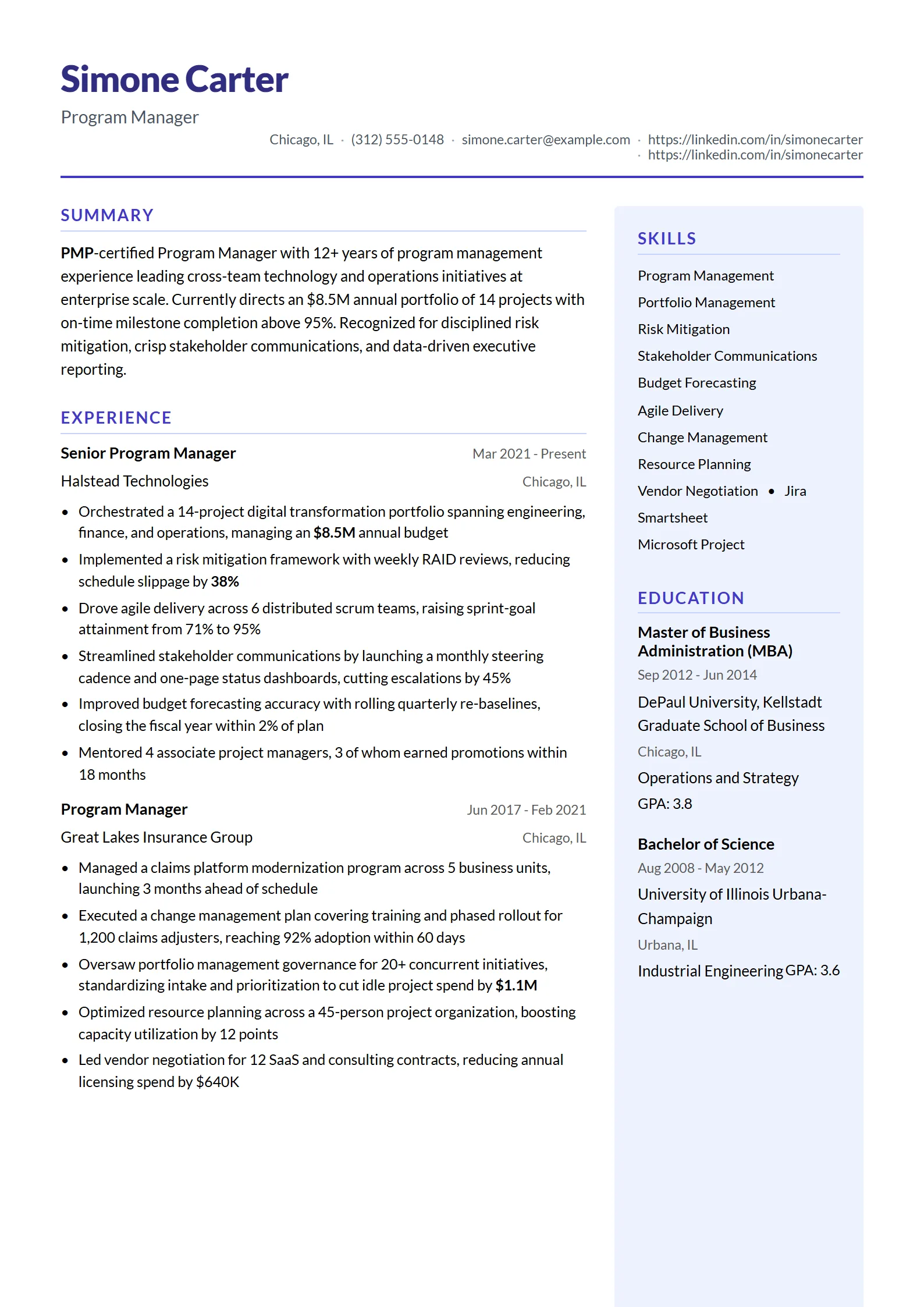
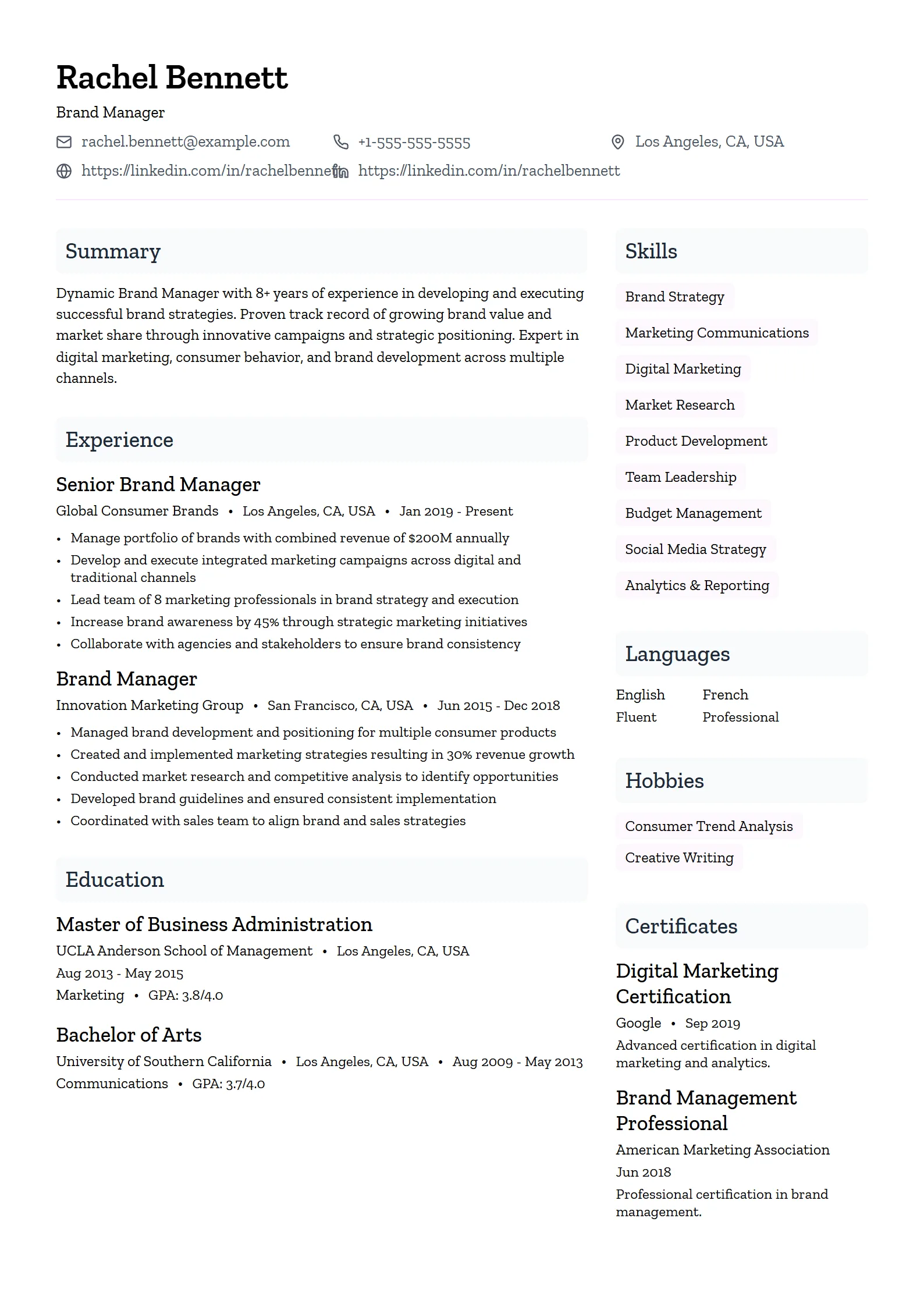
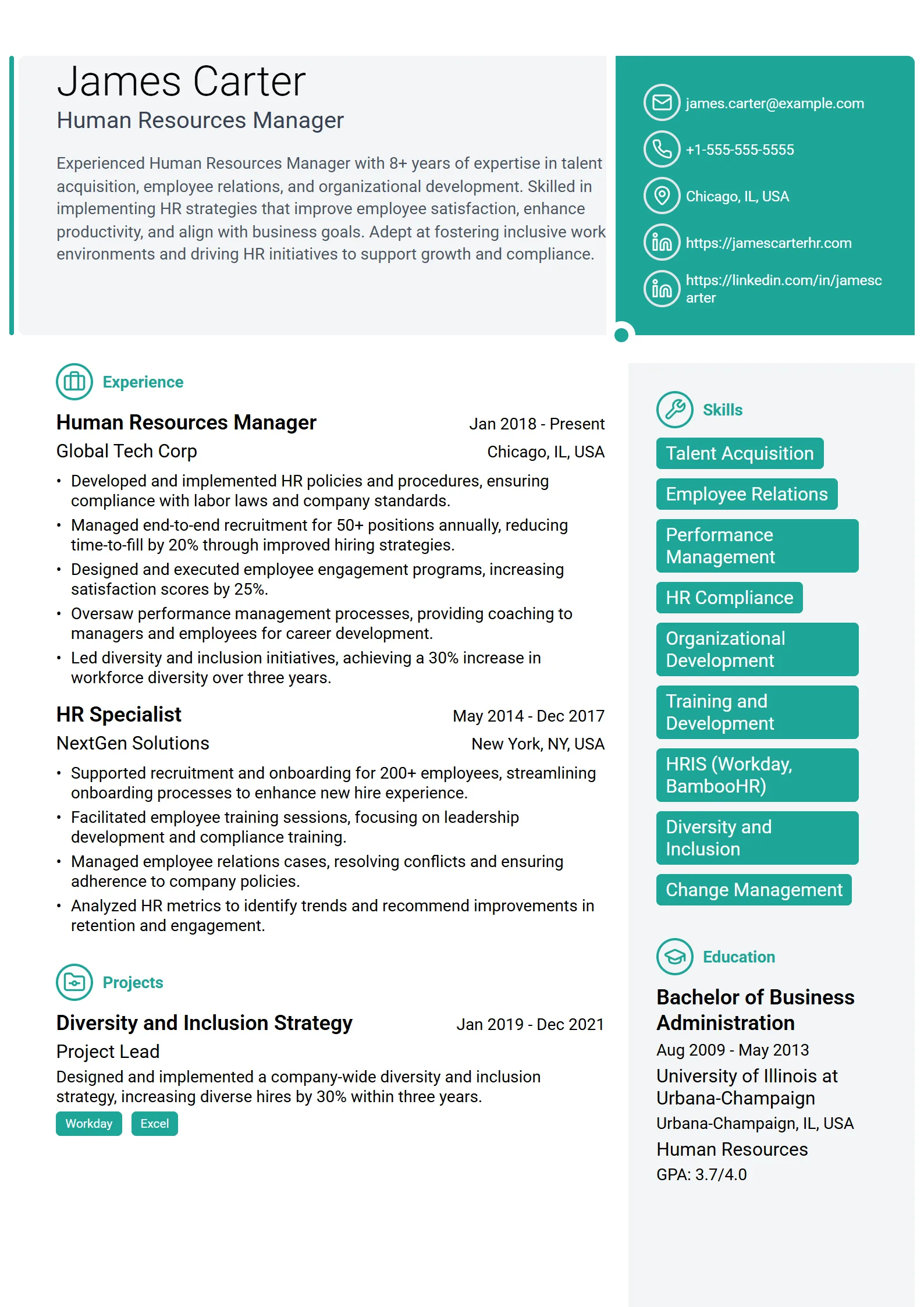
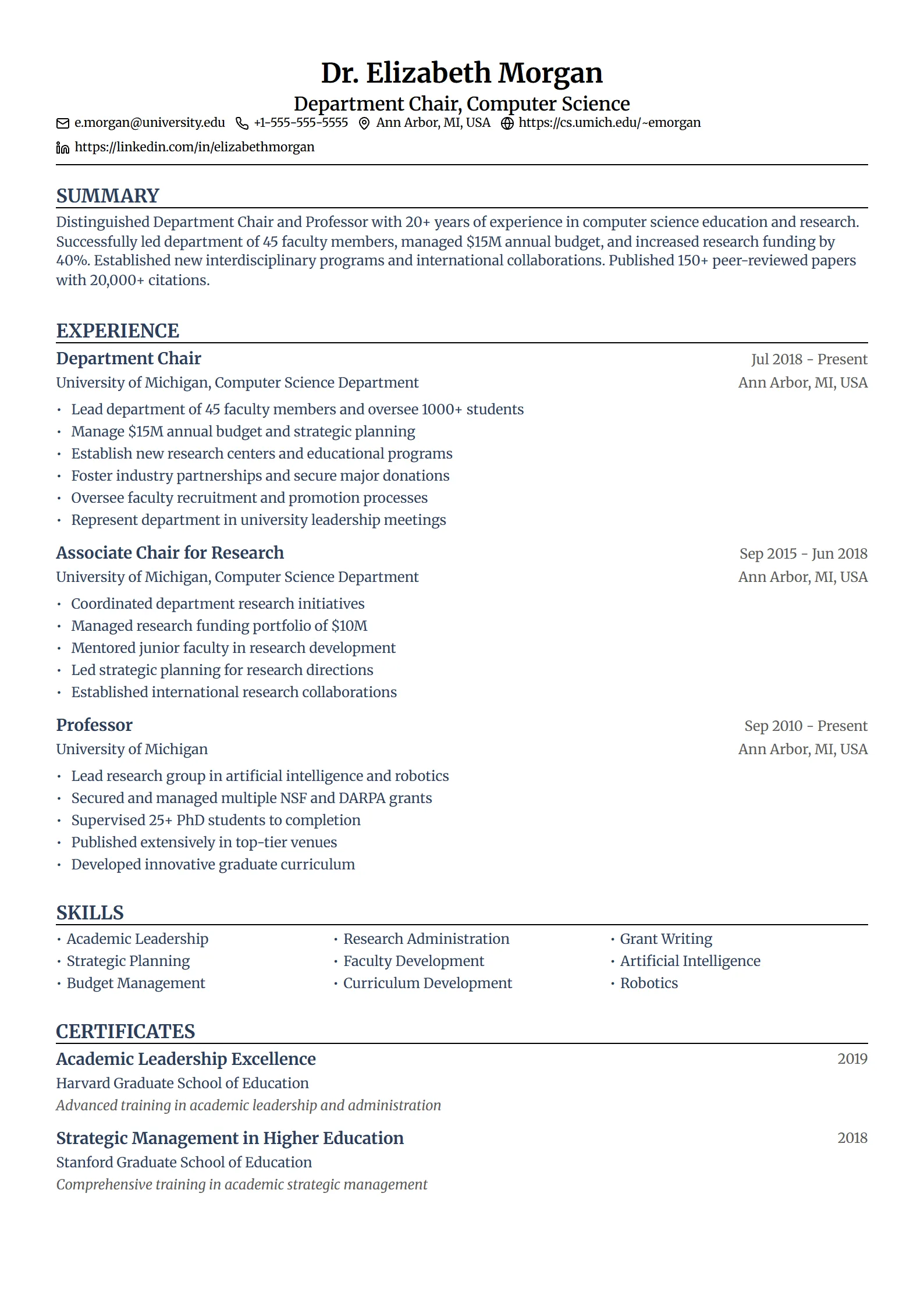
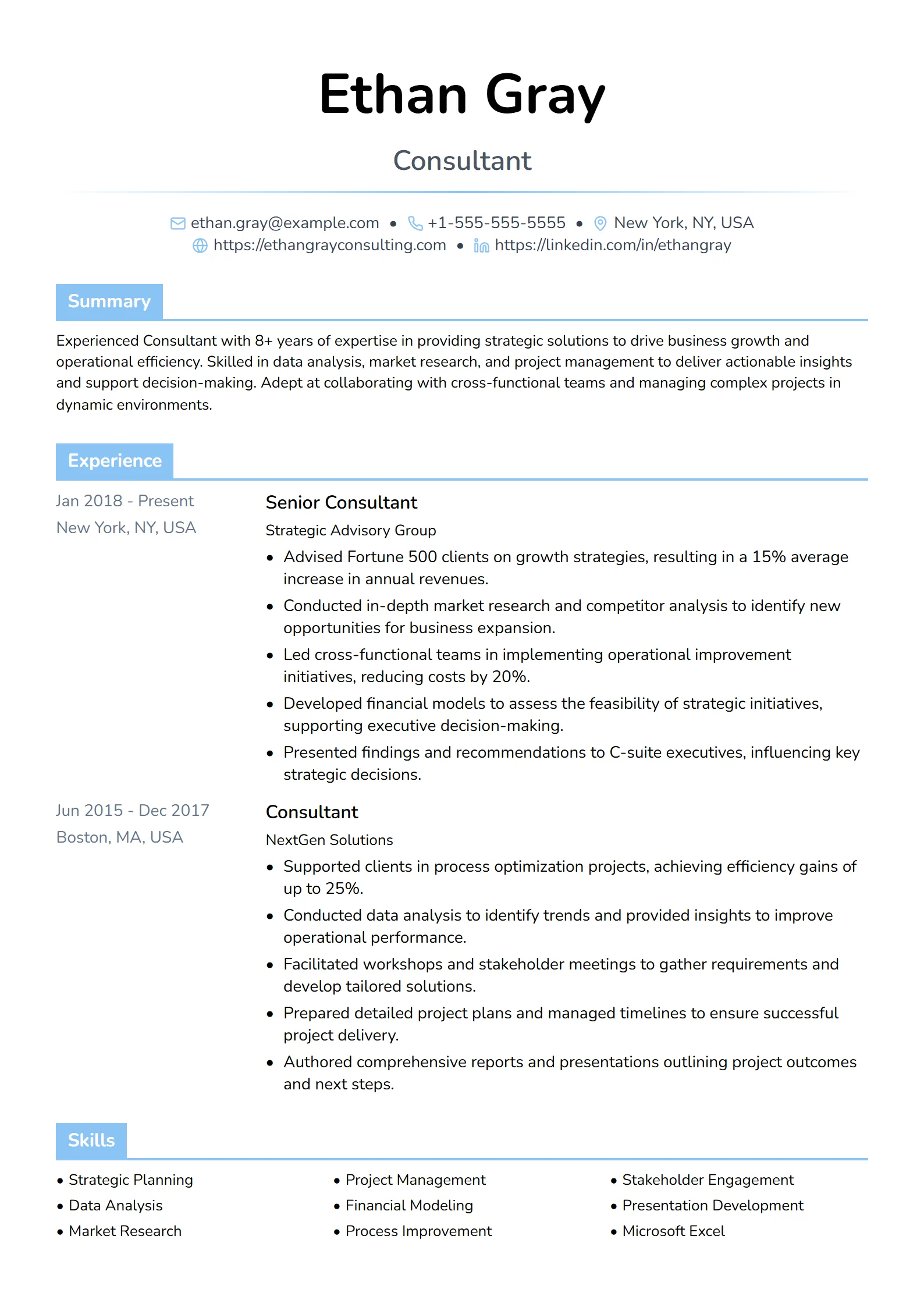
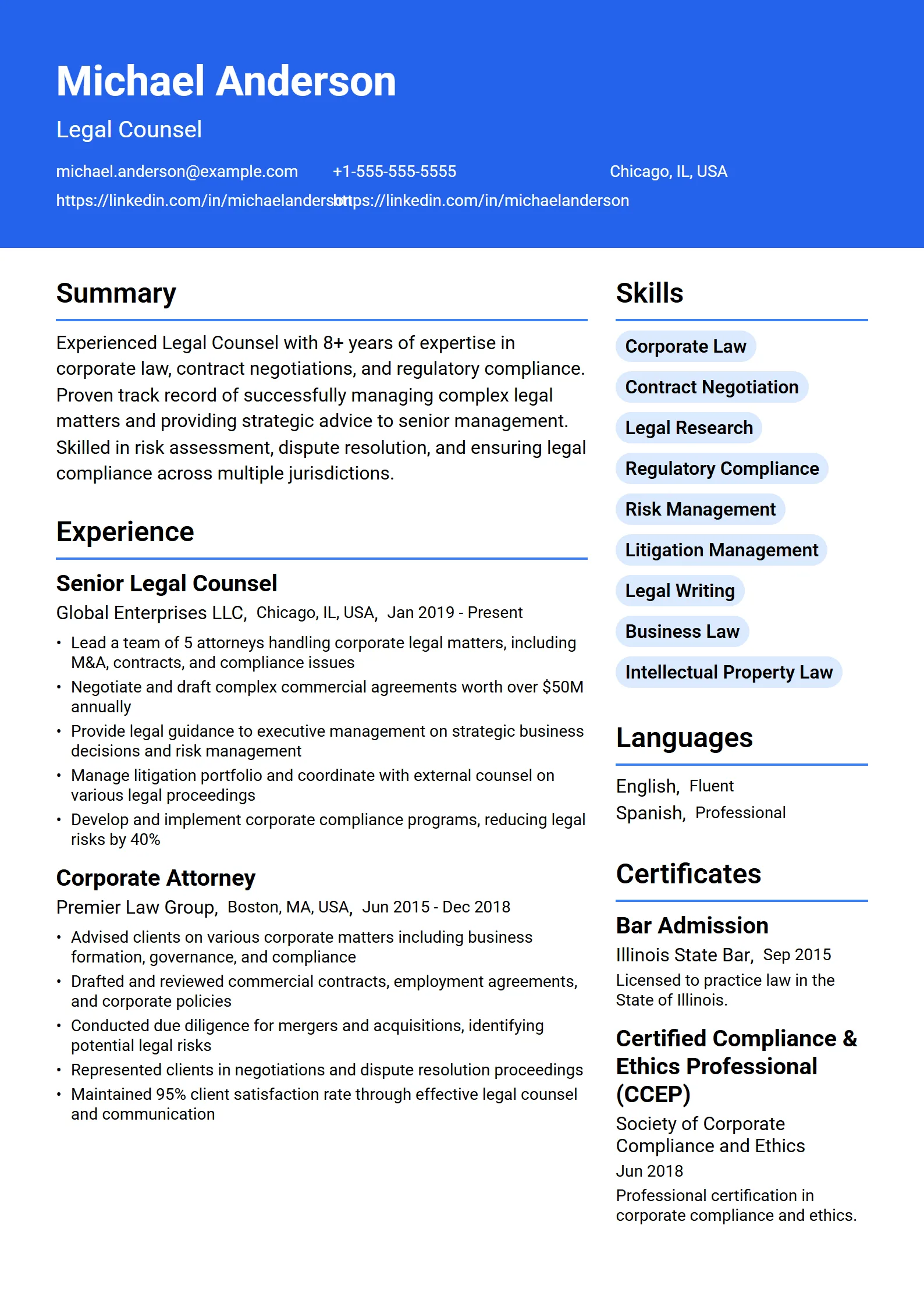
An executive resume template is a formal, single-column layout built for senior leaders — directors, VPs, and C-suite candidates — with extra room for a strategic summary and a record of scope: budgets, headcount, P&L, and board work. It keeps typography restrained and headings standard, so the document reads as authority and still parses cleanly in an applicant tracking system.
The difference from a standard resume is emphasis, not decoration. An executive template leads with a two- to four-line summary that states your level and specialty, then a reverse-chronological history where every role opens with scale — the size of the team, the budget, the region, or the number you moved. Daily duties move to the background; results and scope move to the front.
Because the structure stays plain, an executive template is also one of the safest choices for parsing. The same restraint that signals seniority is what lets software read your experience without scrambling it. You can browse the full set on our resume templates page and filter for the professional and executive styles.
Which templates suit C-suite and senior leadership roles?
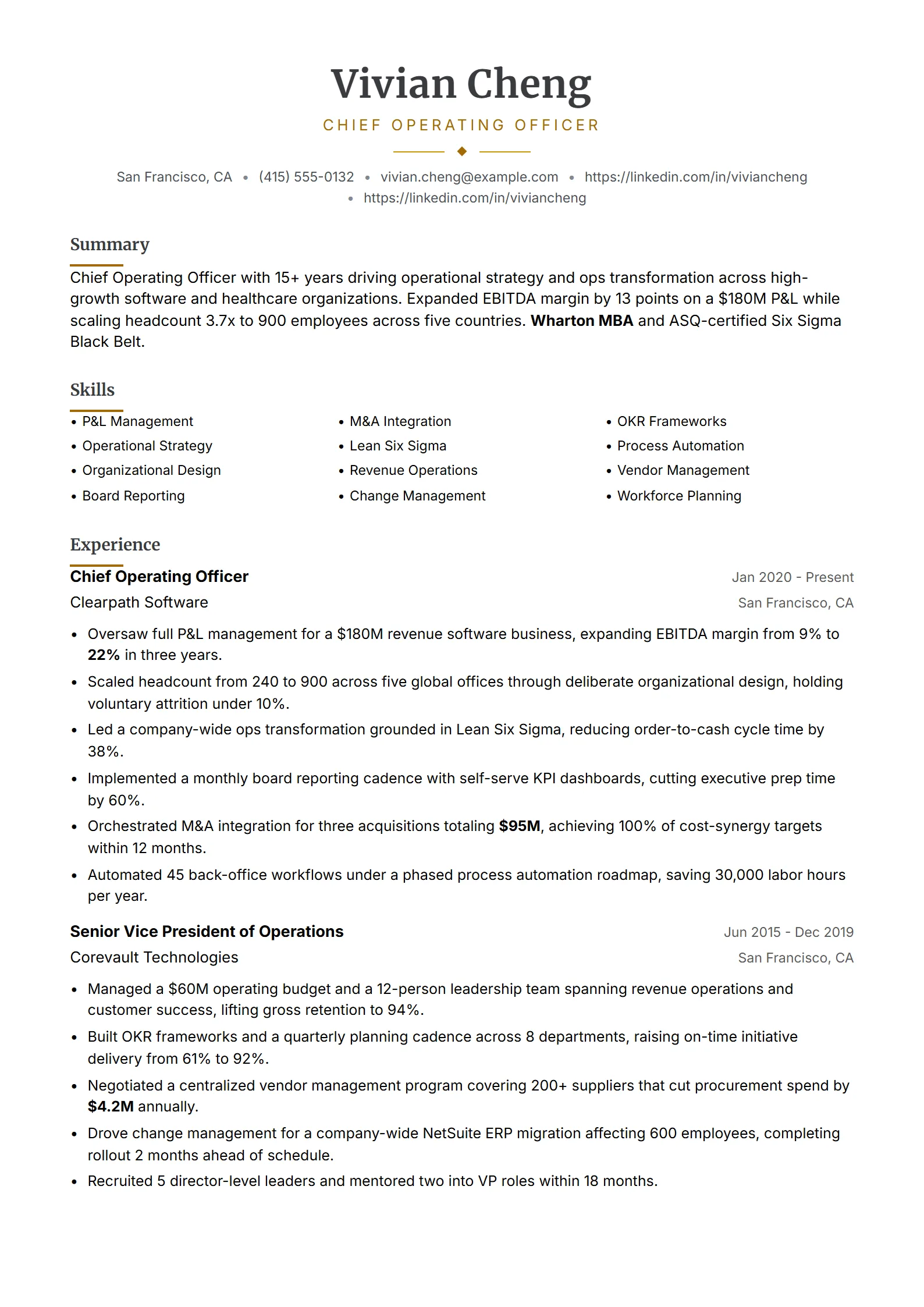
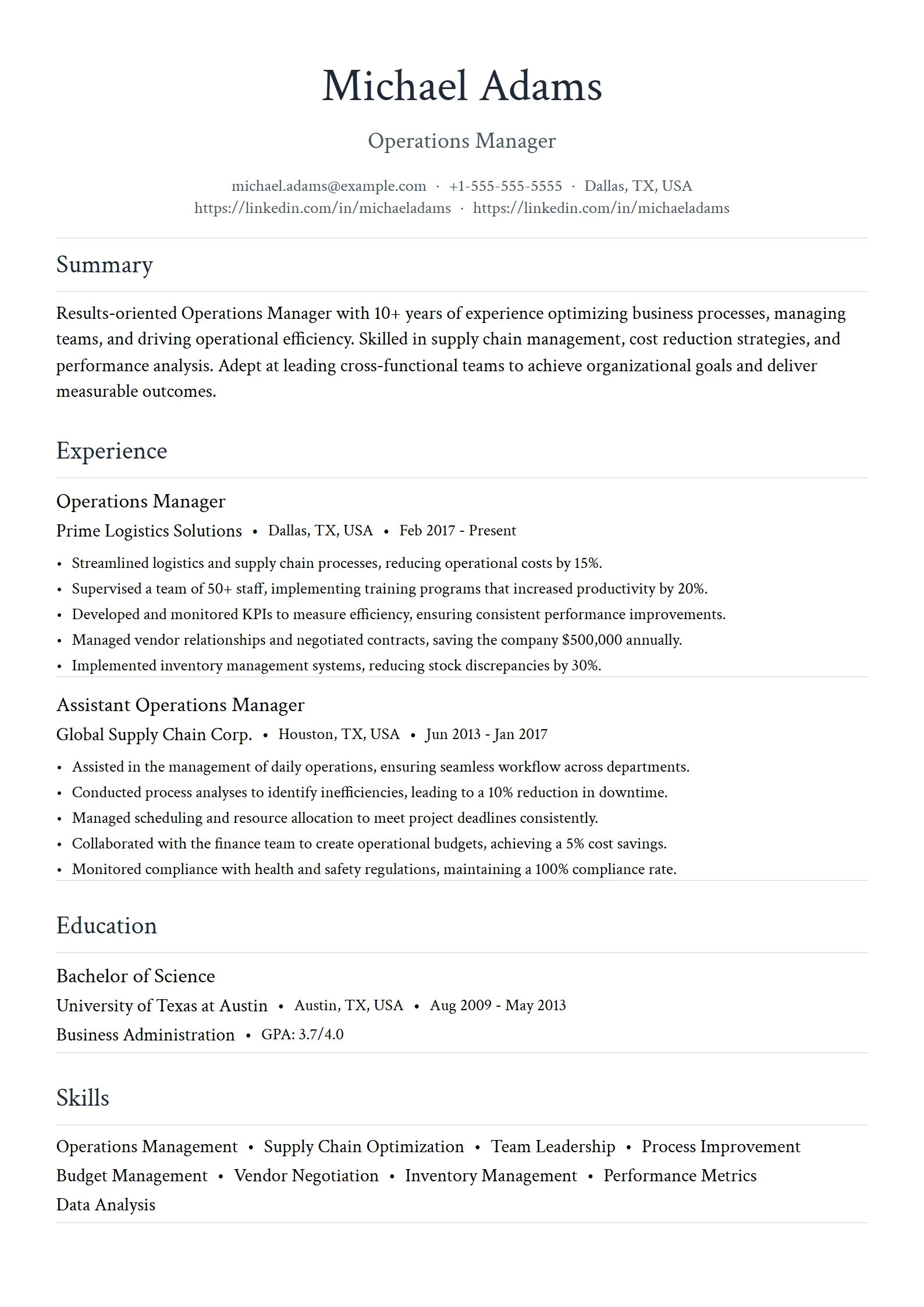
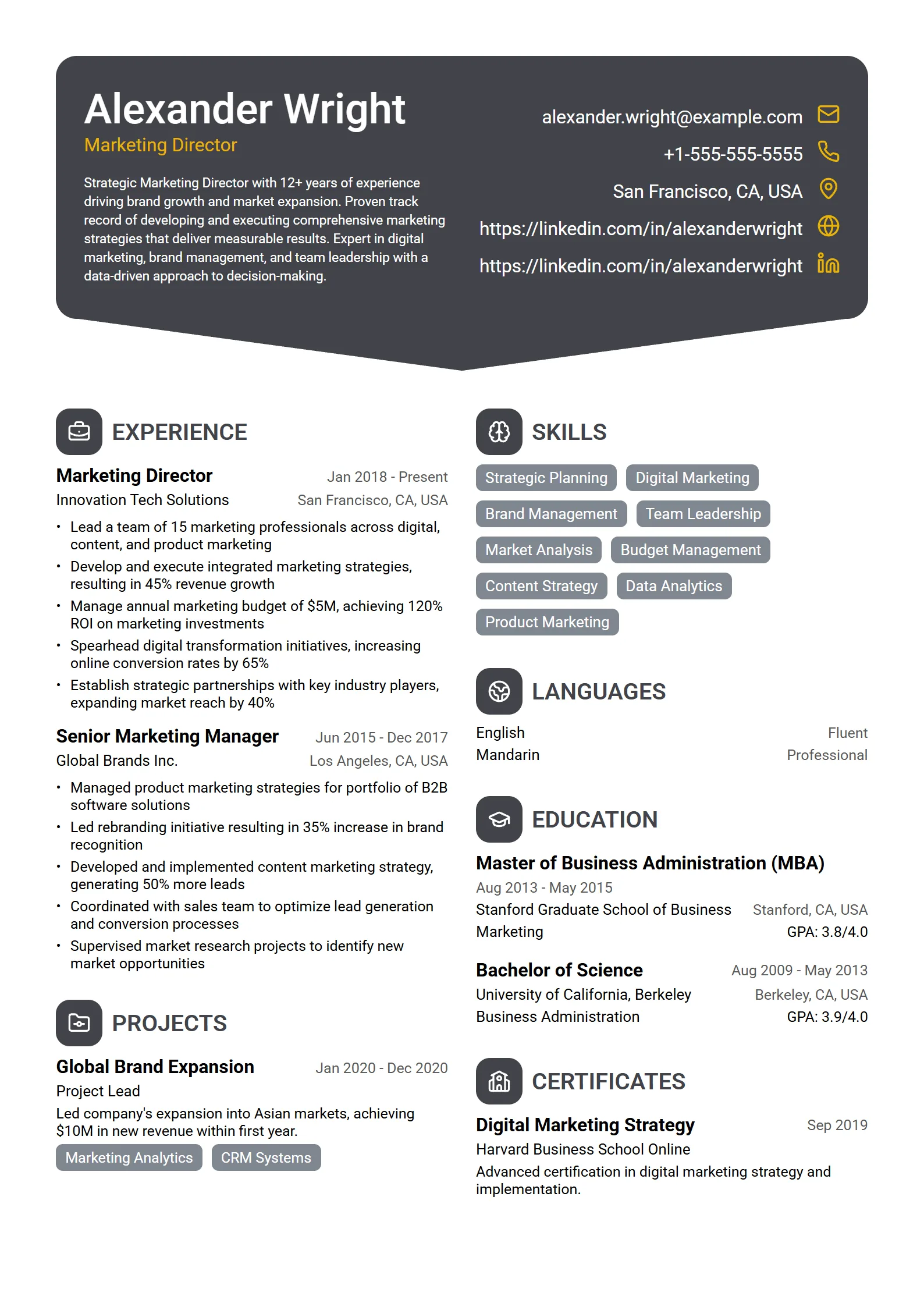
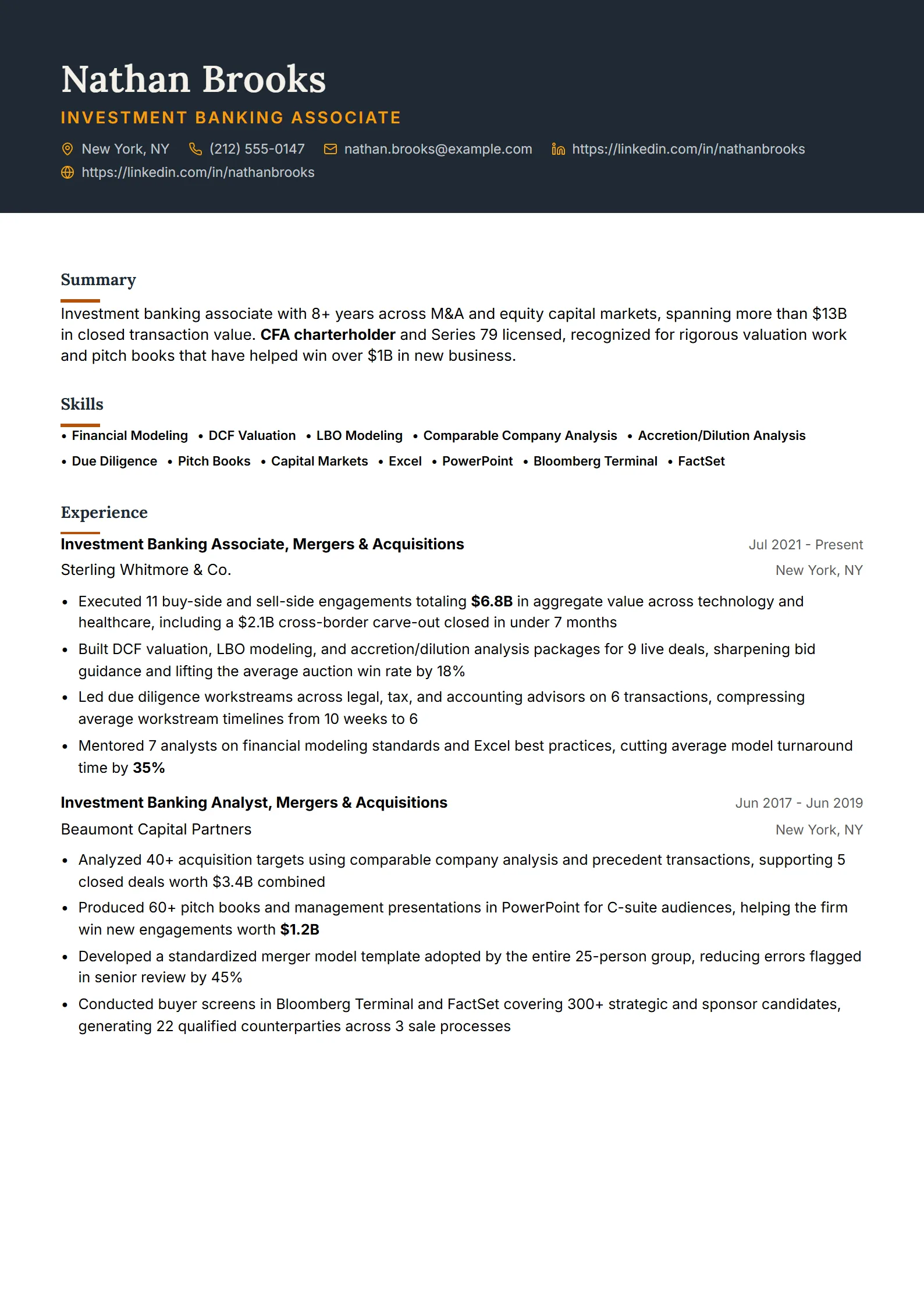
Any of the executive layouts above works across senior roles, but a few are tuned to specific leadership tracks. Aurelia is built for a chief operating officer, Regent for operations and general management, Barrister and Basalt for senior legal roles, and Amber Crest for finance and investment leadership. Each keeps the same restrained, single-column bones; what changes is where your strongest evidence sits.
| Leadership track | Template to try | What it should surface |
|---|---|---|
| Chief operating officer / general management | Aurelia, Regent | Operational scope, P&L ownership, and transformation results across the org. |
| Marketing and brand leadership | Onyx, Sterling | Revenue influenced, pipeline built, and the teams and budgets you ran. |
| Finance and investment leadership | Amber Crest, Sapphire | Assets managed, deal size, and quantified returns or margin gains. |
| Sales leadership | Harbor, Vanguard | Quota attainment, revenue closed, and the size of the org you led. |
| Legal and general counsel | Barrister, Basalt, Cobalt | Matters led, risk mitigated, and board or regulatory exposure. |
| Program and operations leadership | Iris, Regent | Cross-functional scope, headcount, and delivery against budget. |
Tip: The design name matters less than the fit. Pick the layout whose default emphasis matches the proof your target board or hiring committee cares about, then open it in the resume builder and make the summary and first role unmistakably senior.
What is the right executive resume format and length?
The standard executive format is reverse-chronological, single-column, and one to two pages — two is normal and expected once you have a long, senior record. Lead with a strategic summary, then work history ordered newest first, then a short skills or expertise line, education, and board or advisory roles. Keep one clean font, one restrained accent color at most, and consistent date formatting throughout.
- Open with a strategic summary. Two to four lines naming your level, function, and the scale of results you deliver — not a generic objective.
- Front-load scope in every role. Start each position with team size, budget, region, or revenue owned, then the results you drove.
- Use reverse-chronological order. Give the last ten to fifteen years the most space; compress earlier roles to a line or two each.
- Keep it to one or two pages. Two pages is standard for executives; do not pad, and do not shrink the font below 10.5pt to force one page.
- Add a board and advisory section if you hold directorships, committee seats, or advisory roles — these signal peer-level standing.
- Export a text-based PDF. A clean PDF holds your layout across devices and keeps the text selectable so parsers read it correctly.
Executive resumes run longer than entry-level ones for a reason, but length should follow evidence, not padding. If you are weighing one page against two, our guide on how long a resume should be covers where the line falls by seniority.
How do you write an executive summary, P&L, and board scope?
Write the summary as a positioning statement, quantify P&L and scope wherever you are allowed to, and give board or governance work its own visible line. At the executive level, readers scan for scale and outcomes first, so the top third of the page has to prove you have operated at the level of the role you want.
- Summary: Name your level, function, and signature result in the first line — an operating leader who scaled a division, or a finance chief who managed a stated P&L. Keep it to two to four lines.
- P&L and financial scope: State the revenue, budget, or assets you owned as a concrete figure or range, and pair it with the outcome — margin improved, cost reduced, or growth delivered.
- Team and organizational scope: Give headcount, number of direct reports, and the regions or functions under you, so seniority is obvious at a glance.
- Board and governance: List directorships, committee roles, and advisory seats in their own section; these establish peer-level credibility that bullet points alone cannot.
- Results over responsibilities: Lead every bullet with a number and an outcome — a transformation, an exit, an integration, a turnaround — rather than a list of duties.
Example summary line: “Operating executive who scaled a B2B software division from $40M to $110M ARR in four years, built a 220-person org across three regions, and led the P&L through a successful acquisition.”
For more patterns you can adapt to your own numbers, see our resume summary examples and study real resume examples in leadership roles.
How is an executive resume different from a standard resume?
An executive resume trades detail on daily tasks for evidence of scale. Where a mid-level professional resume lists responsibilities backed by metrics, an executive resume leads with scope — P&L, headcount, and board work — and can run to two pages to hold a long senior record. The layout family is the same conservative, single-column look; the difference is what you put at the top and how you weight it.
If your target role is senior but not yet C-suite, a standard professional layout may serve you better, with a concise summary and detailed recent roles. Compare the two on our professional resume templates page and match the emphasis to your level. When you move into director, VP, or C-suite territory, switch to an executive variant that gives the summary and scope more room.
Whichever you choose, the one rule that holds across every seniority is that the layout should never fight the content. A plain template full of quantified scope beats a designed template full of duties every time.
Are executive resume templates ATS-friendly?
Yes — executive templates are usually among the most ATS-friendly, because their restraint is exactly what parsers need. A single column, standard headings, selectable text, and no tables or text boxes let an applicant tracking system map your experience correctly, even on a two-page document. Seniority does not exempt you from the ATS; many director and VP roles are still filtered by software before a human reads them.
The catch is the same as for any template: test the finished file, not the empty layout. A formal-looking design can still trap your title in a header region or a sidebar. For the layout rules in depth, read our guide to ATS resume templates, then run your export through the free ATS resume checker to confirm the sections are recognized and the keywords match the posting. The checker is free to use, so verify every version before a high-stakes application.
Questions
Frequently asked questions
01What makes a resume template “executive”?
An executive template is a formal, single-column layout with extra room at the top for a strategic summary and a record of scope — P&L, headcount, budgets, and board work. It uses restrained typography and standard headings so the document reads as senior authority while still parsing cleanly for an applicant tracking system. The base look matches a professional template; the difference is how much weight it gives your summary and leadership scope.
02How long should an executive resume be?
One to two pages, and two is normal for a senior leader with a long, relevant record. Length should follow evidence, not padding — give the last ten to fifteen years the most space and compress older roles to a line or two. Do not shrink the font below 10.5pt to force everything onto one page; a clean two-page executive resume reads better than a cramped one.
03What is the difference between an executive and a professional resume template?
Both are formal and conservative, but an executive template gives more room for a longer strategic summary and a record of scope — budgets, teams, P&L, and board roles — while a standard professional template balances a concise summary with detailed recent positions. Executives lead with scale and outcomes; mid-level candidates lead with responsibilities backed by metrics.
04Are executive resume templates ATS-friendly?
Yes. Executive templates are usually among the most ATS-friendly because their restraint — a single column, standard headings, selectable text, and no tables or graphics — is what parsers read best, even across two pages. Test the finished file rather than the blank template, since a formal design can still trap text in a header or sidebar. Run it through a free ATS checker before you apply.
05Can I make an executive resume in Word or Google Docs?
You can, if you start from a blank single-column document, use built-in heading styles, keep one clean font, and avoid tables, text boxes, and images for key content. Fresume templates are not downloadable Word files, though — they live inside the resume builder, which keeps the executive layout ATS-safe as you edit and then exports a clean, text-based PDF.
06How many executive templates does Fresume have?
Fresume includes 50+ resume templates spanning simple, professional, modern, creative, and ATS-friendly styles, with several tuned to executive and senior-leadership roles — Aurelia for a COO, Regent for operations, Barrister for legal, and more. Every template stays ATS-readable. You can preview them all free and export a polished PDF on the paid plan at $17.49 a month.
Lead with scope, not decoration.
Start from an ATS-safe executive template, then check it against the role before you apply.