 Fresume
Resume templates
Modern resume templates that still pass the ATS
Resume templates with a current, professional look that still parse cleanly. What makes a template modern, and which roles it suits.
What is a modern resume template?
A modern resume template is a clean, current design that keeps a single readable column, generous white space, a clear type hierarchy, standard section headings, and selectable text. It looks contemporary and professional without icons, sidebars, or photos, so it reads fast for a recruiter and still parses correctly inside an applicant tracking system.
Modern resume templates
Current, clean designs that still stay readable by people and parsers.
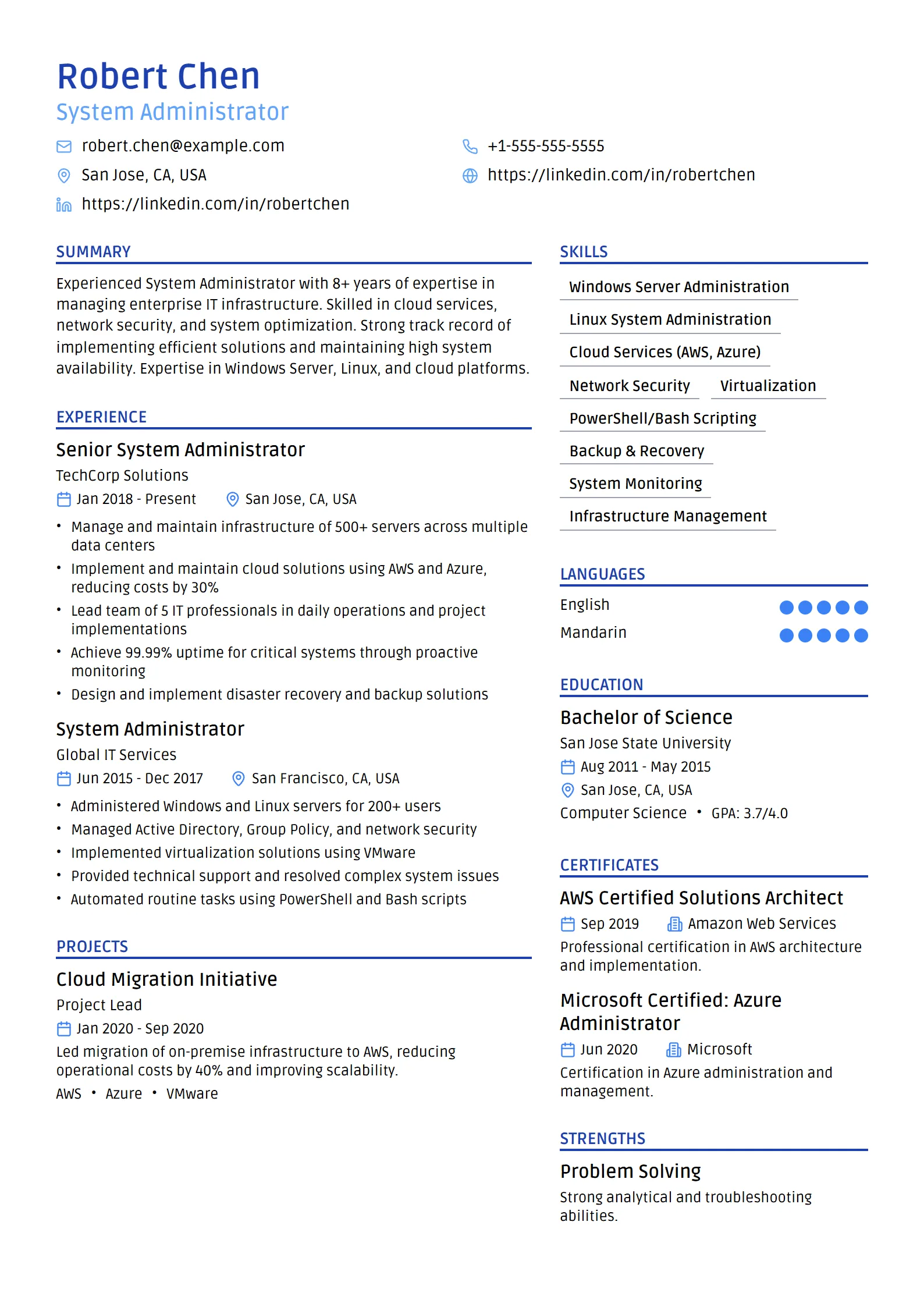
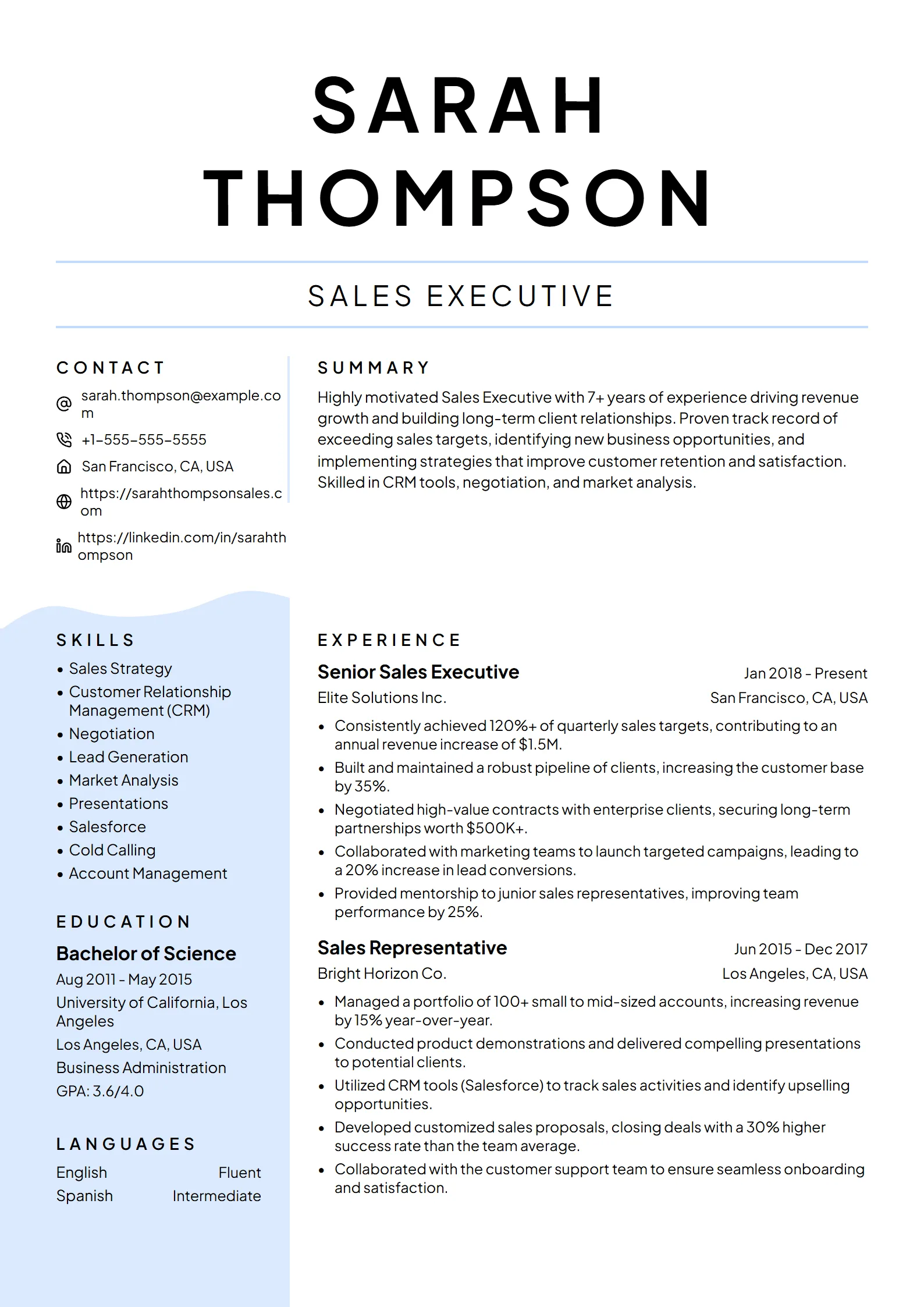
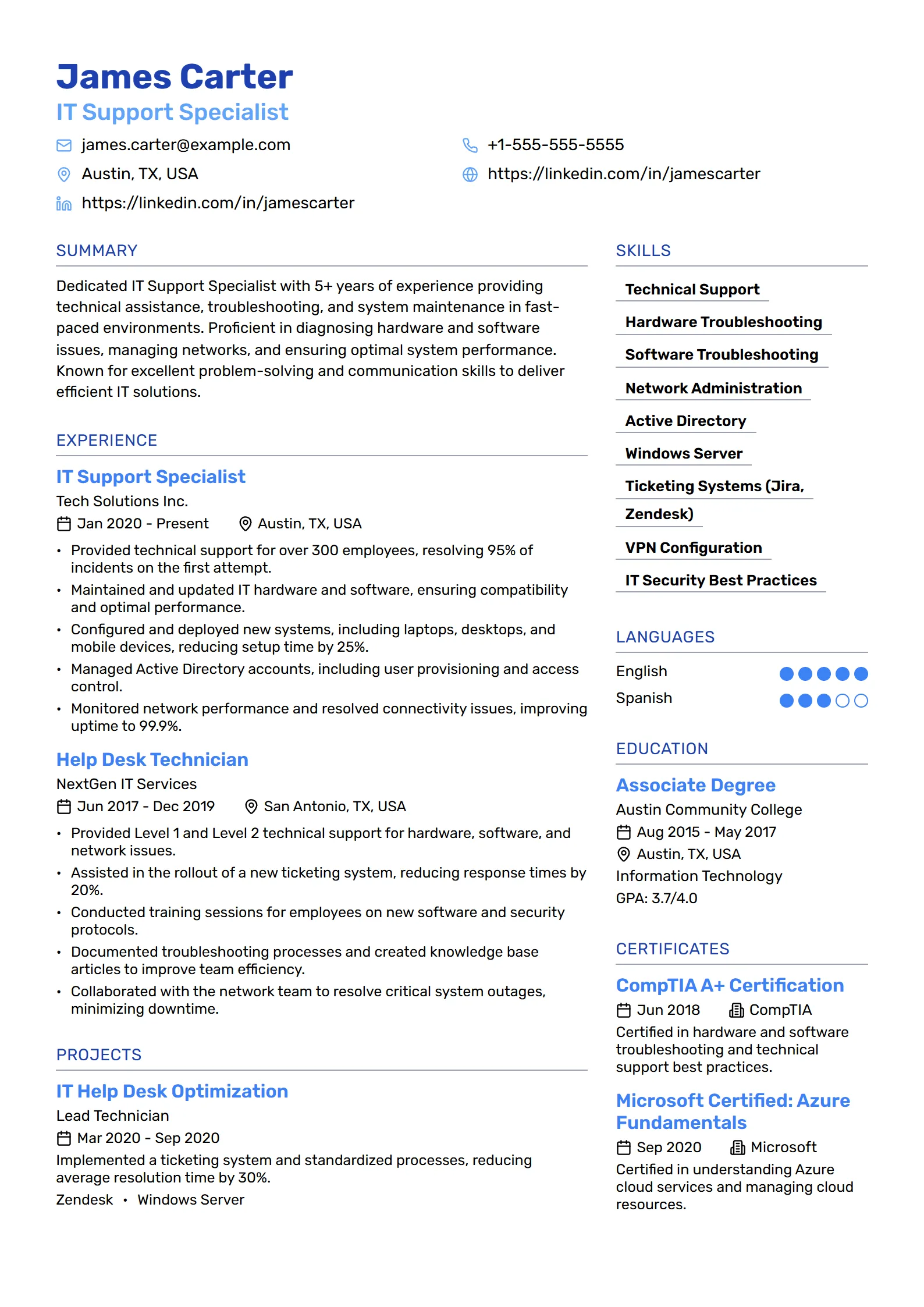
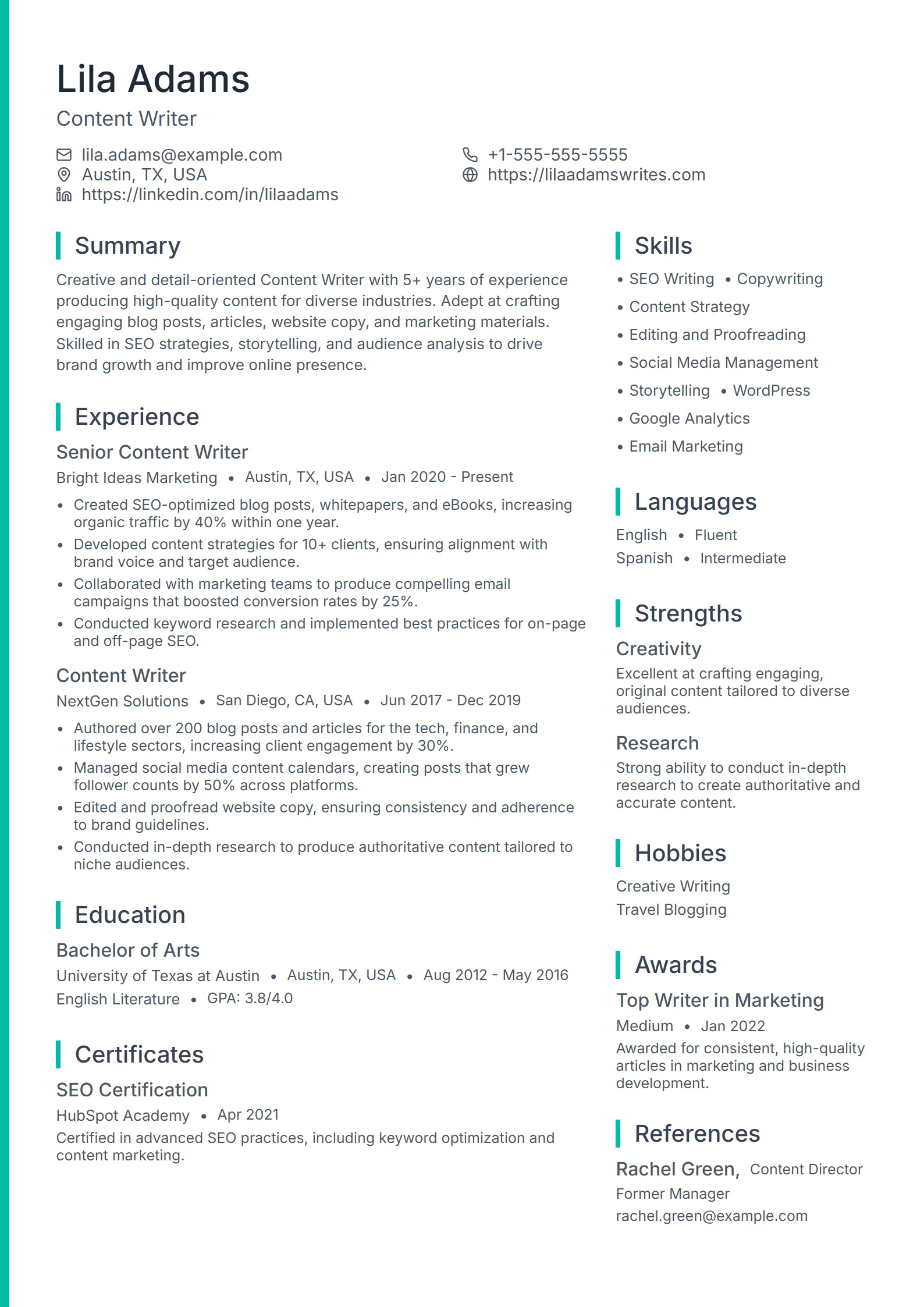
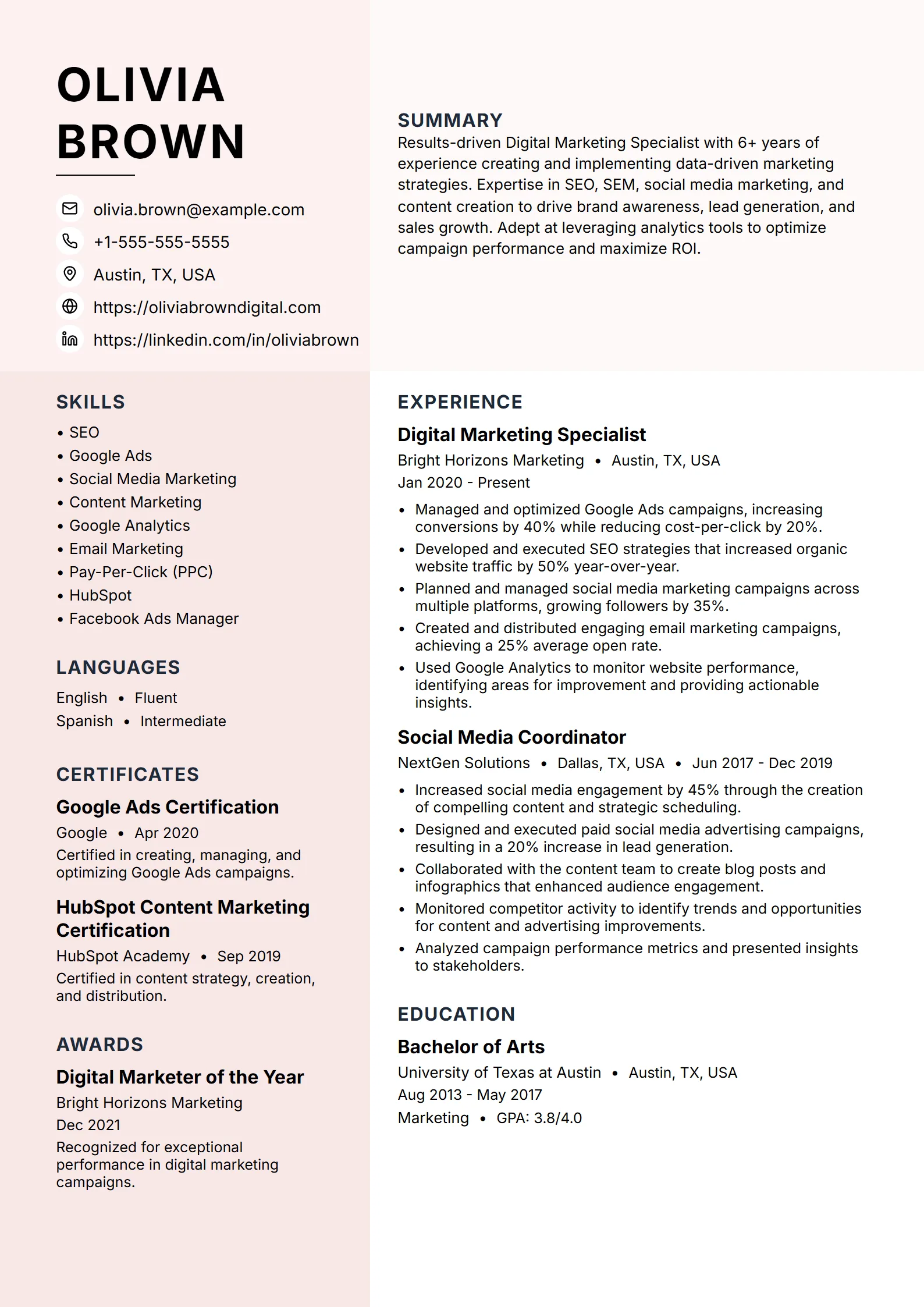
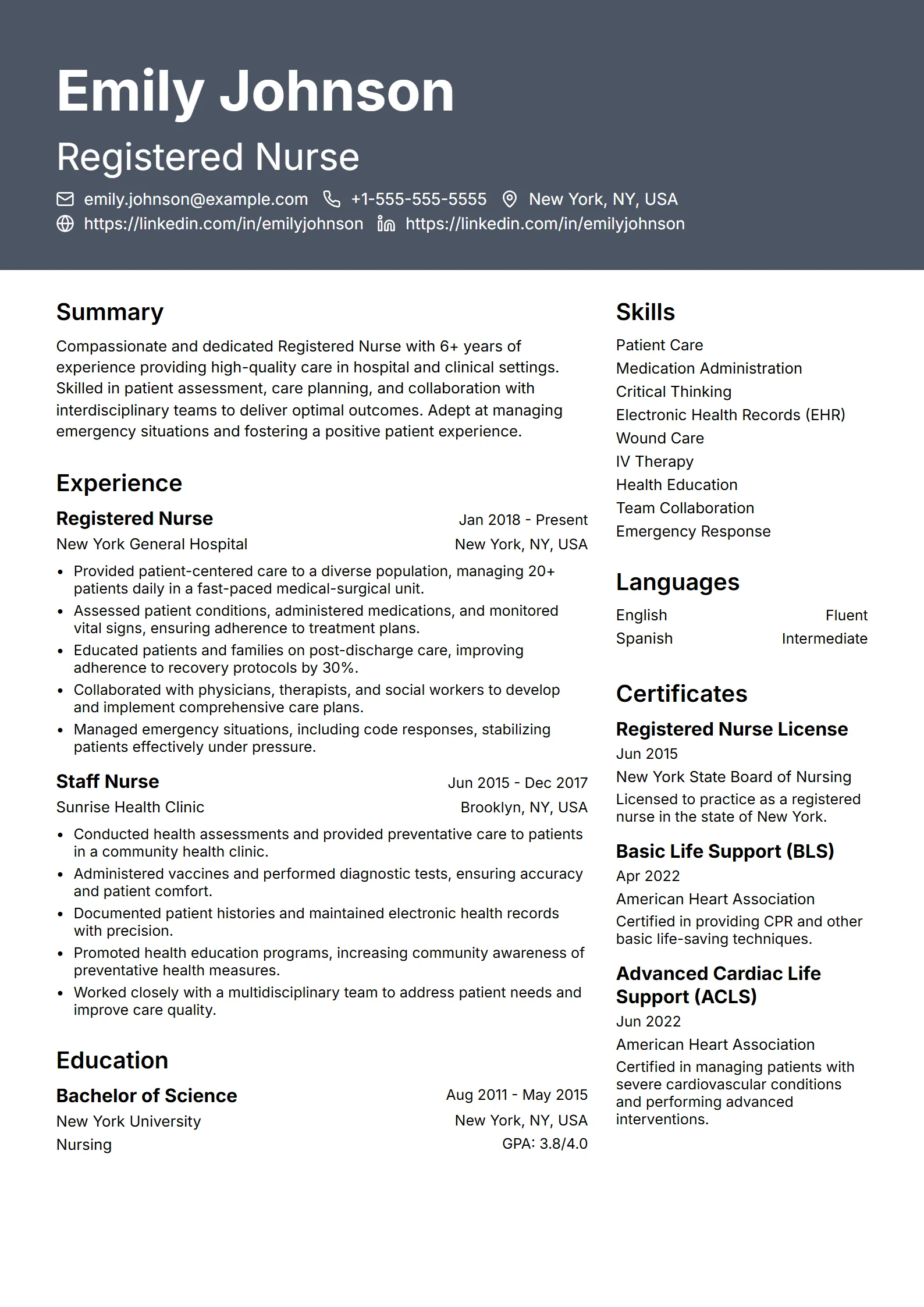
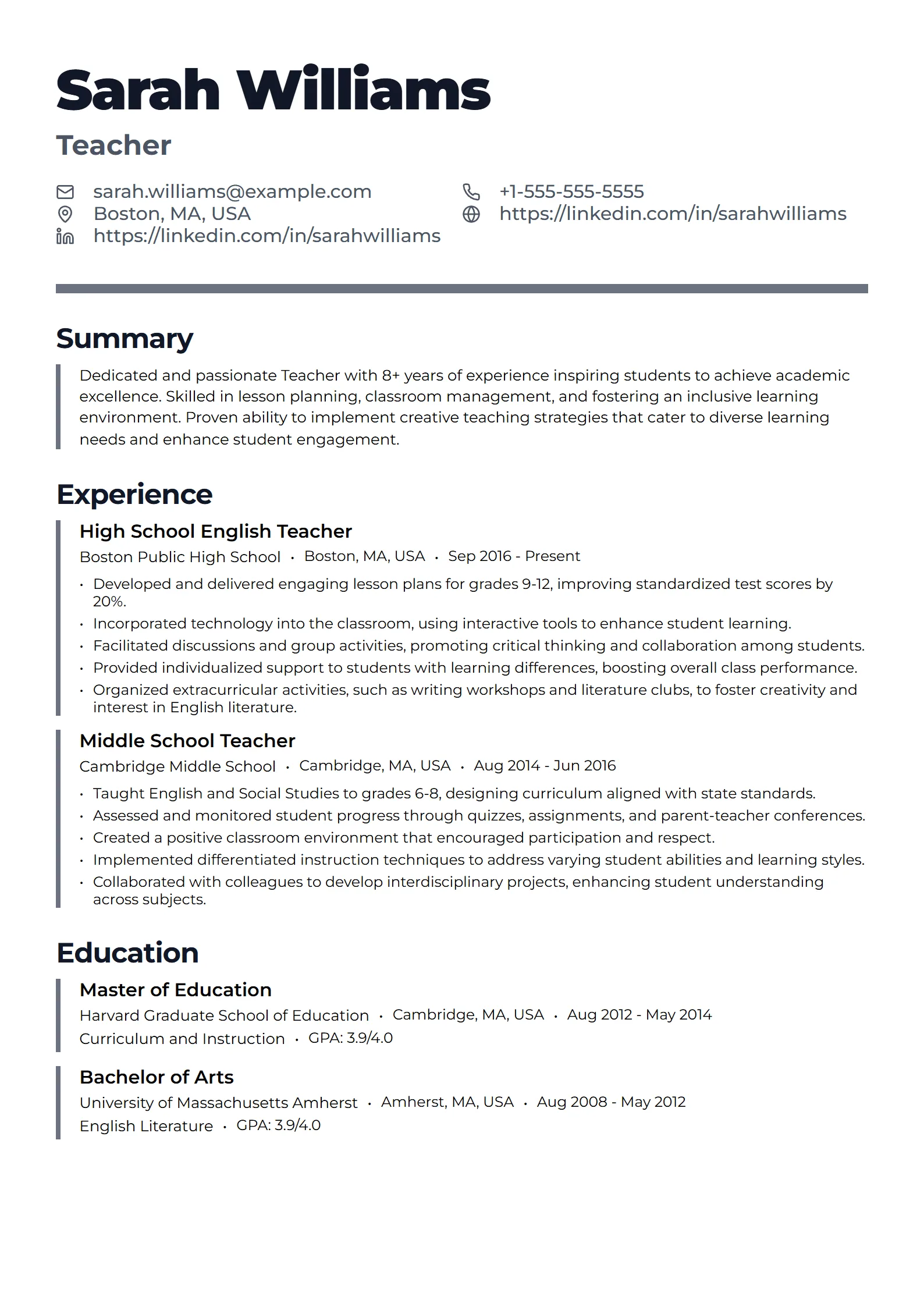
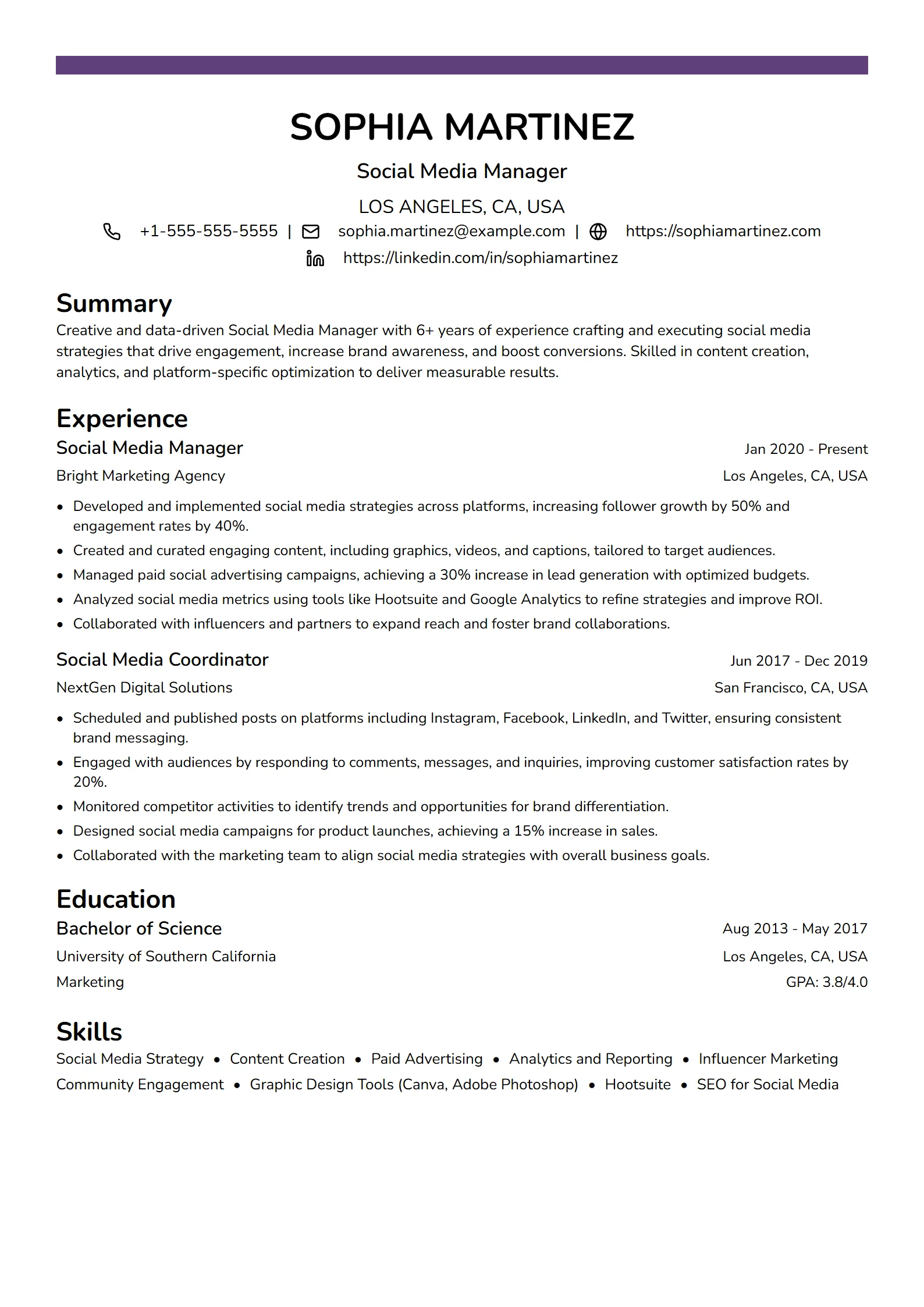
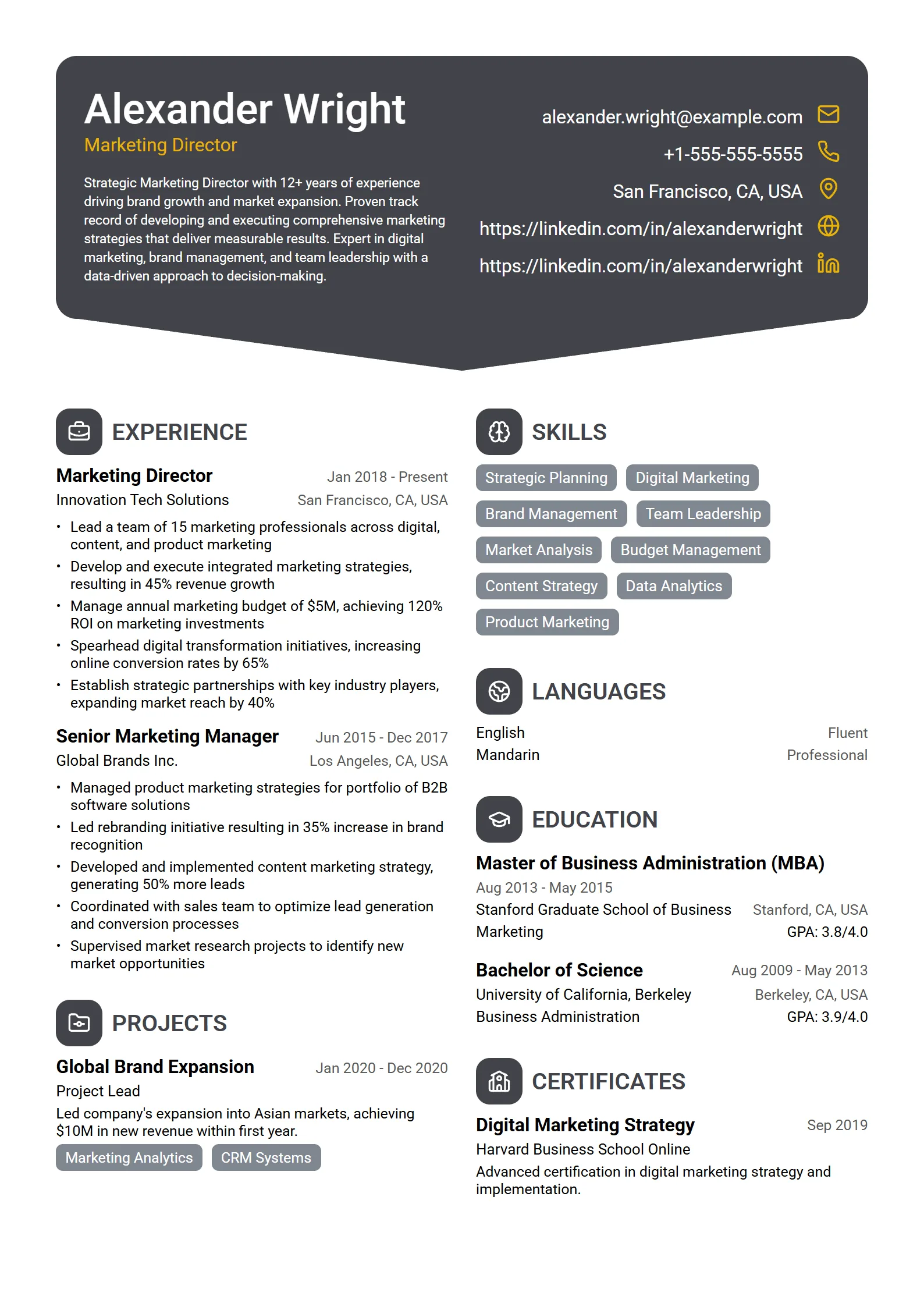
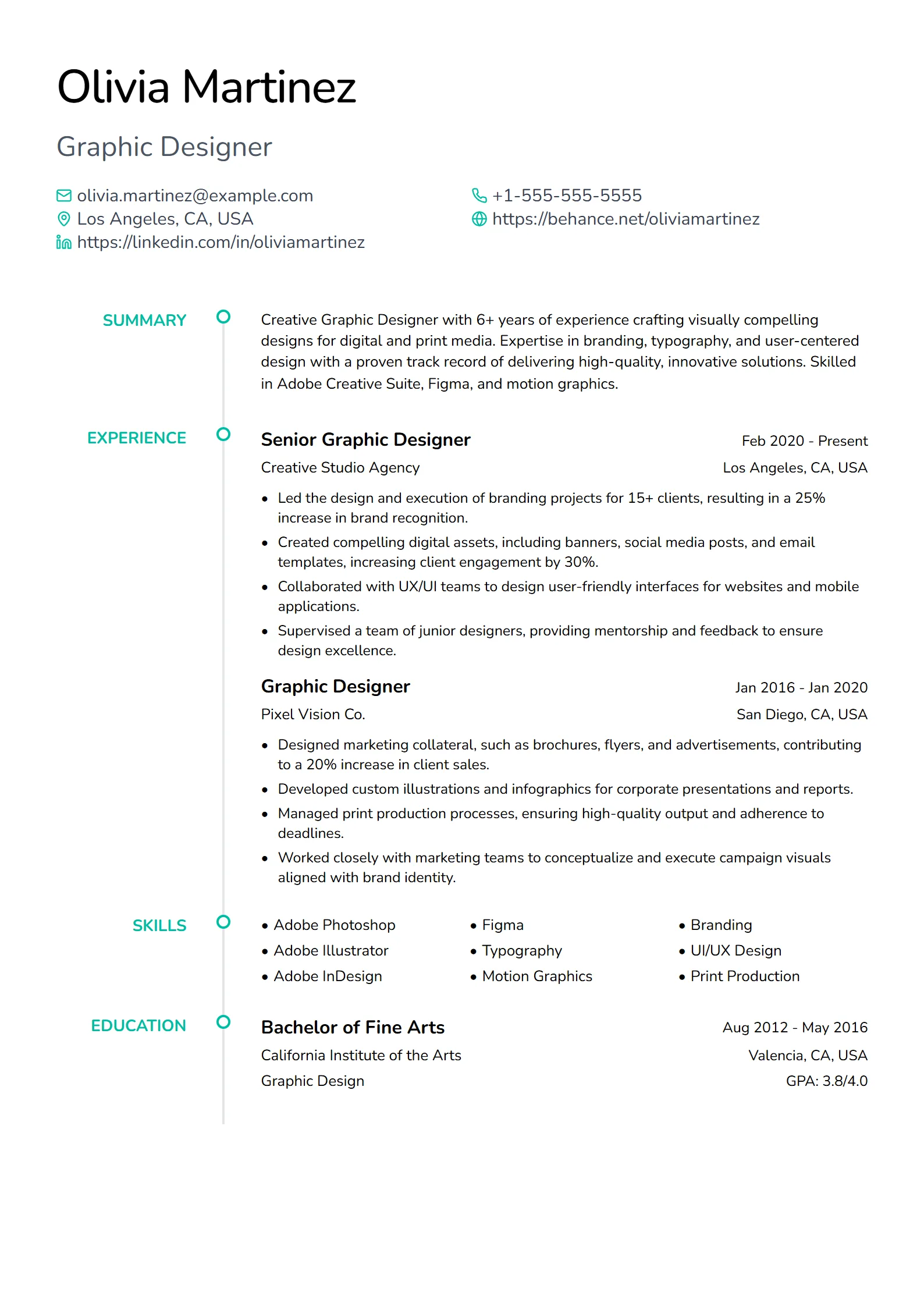
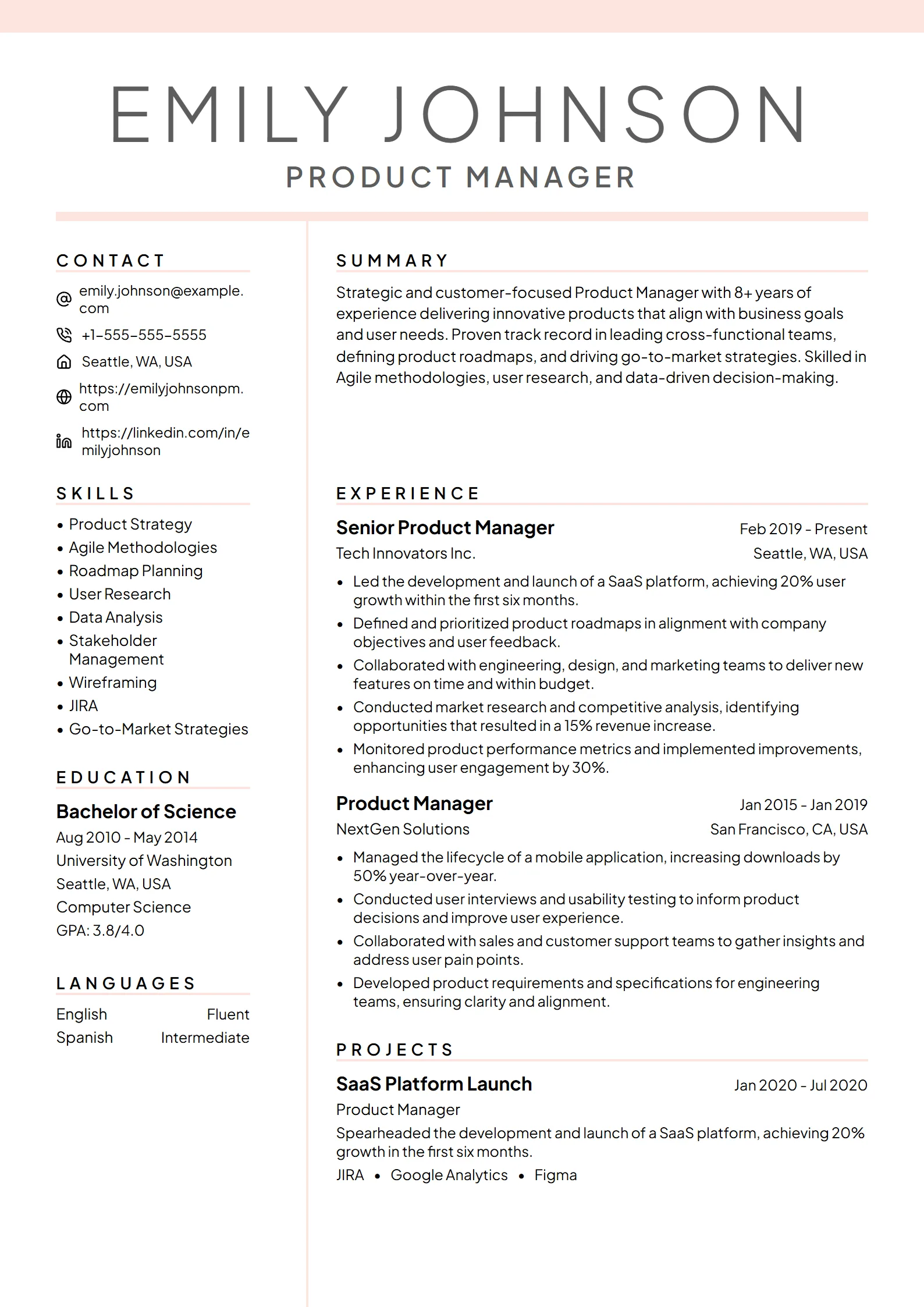
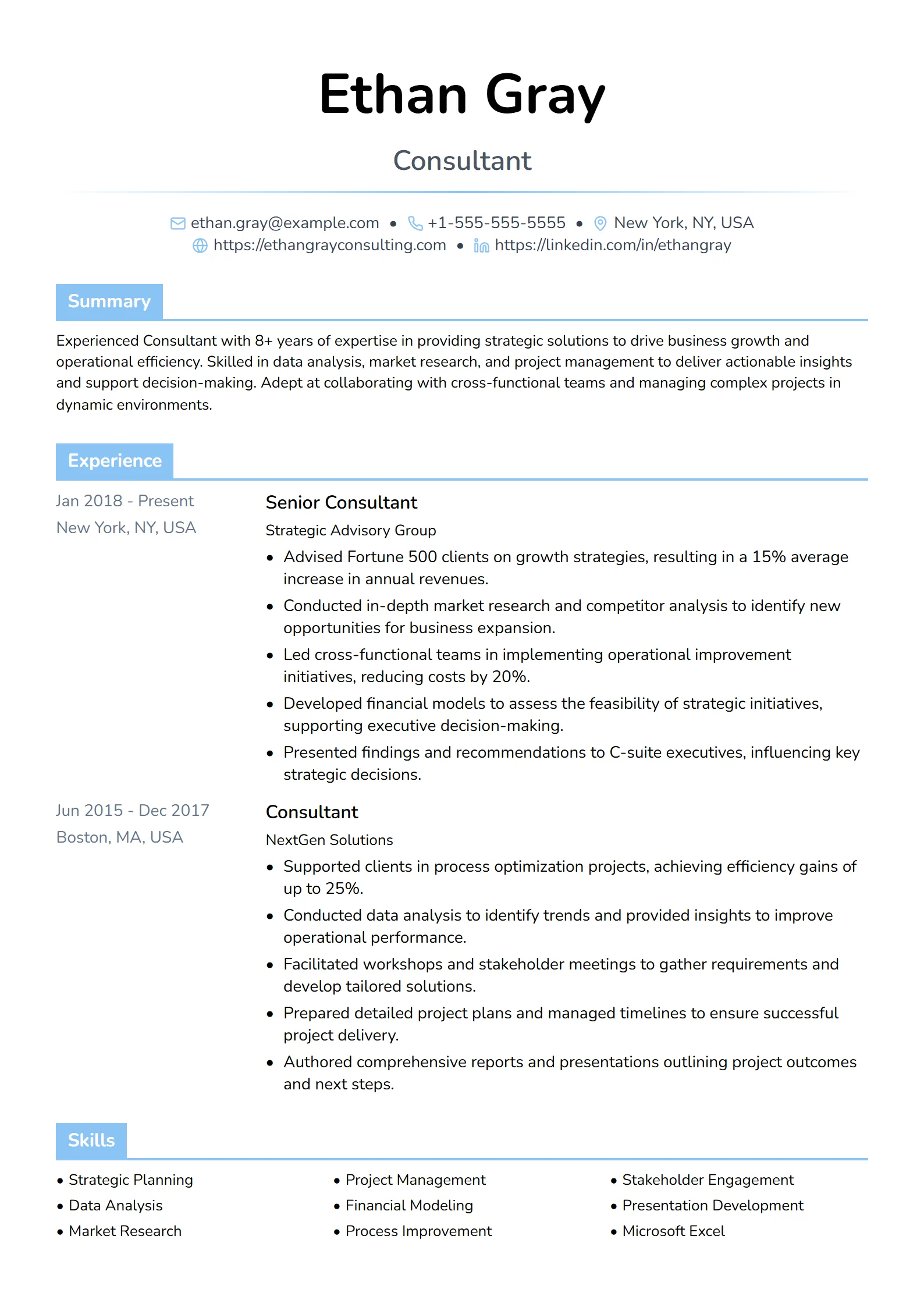
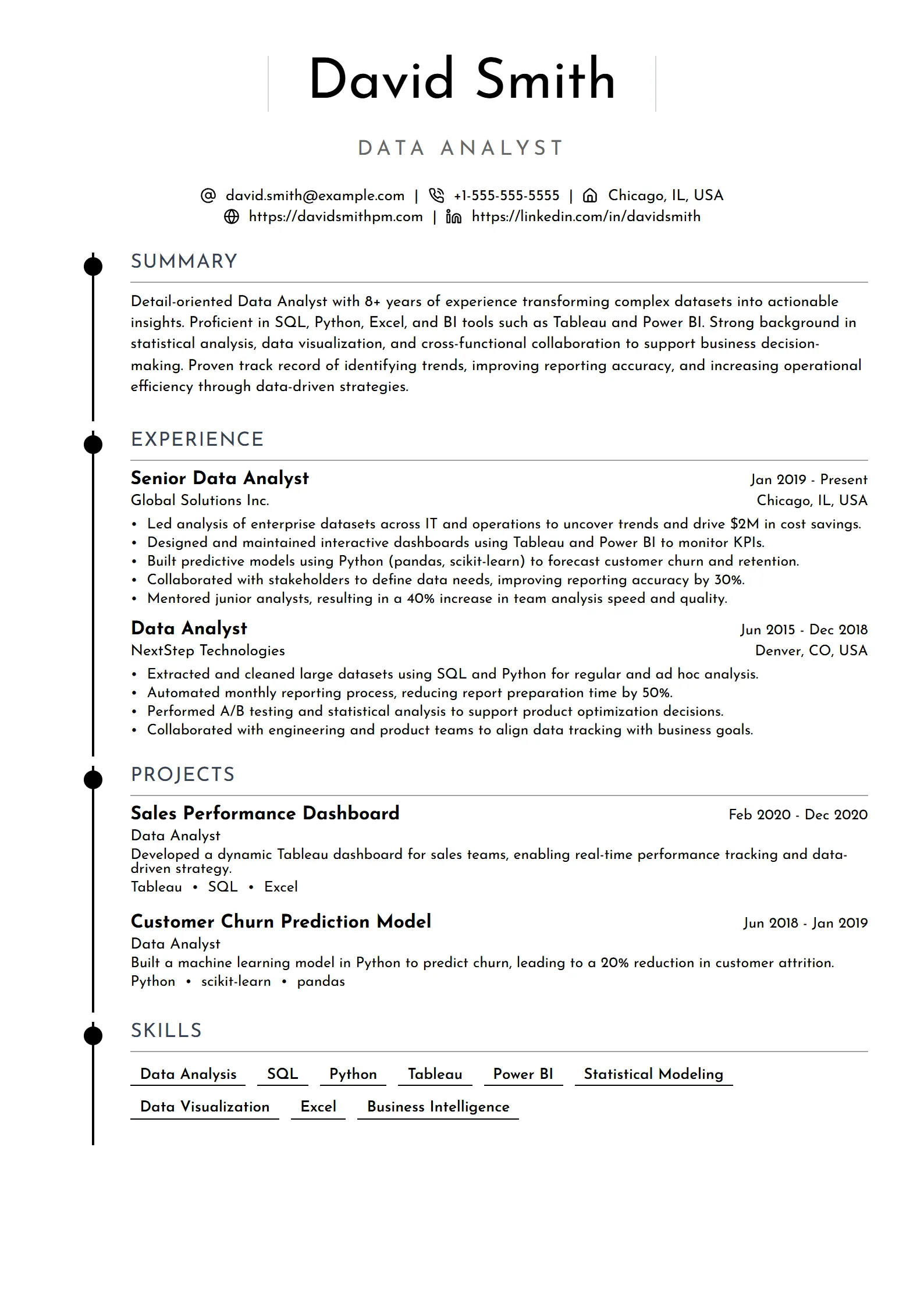
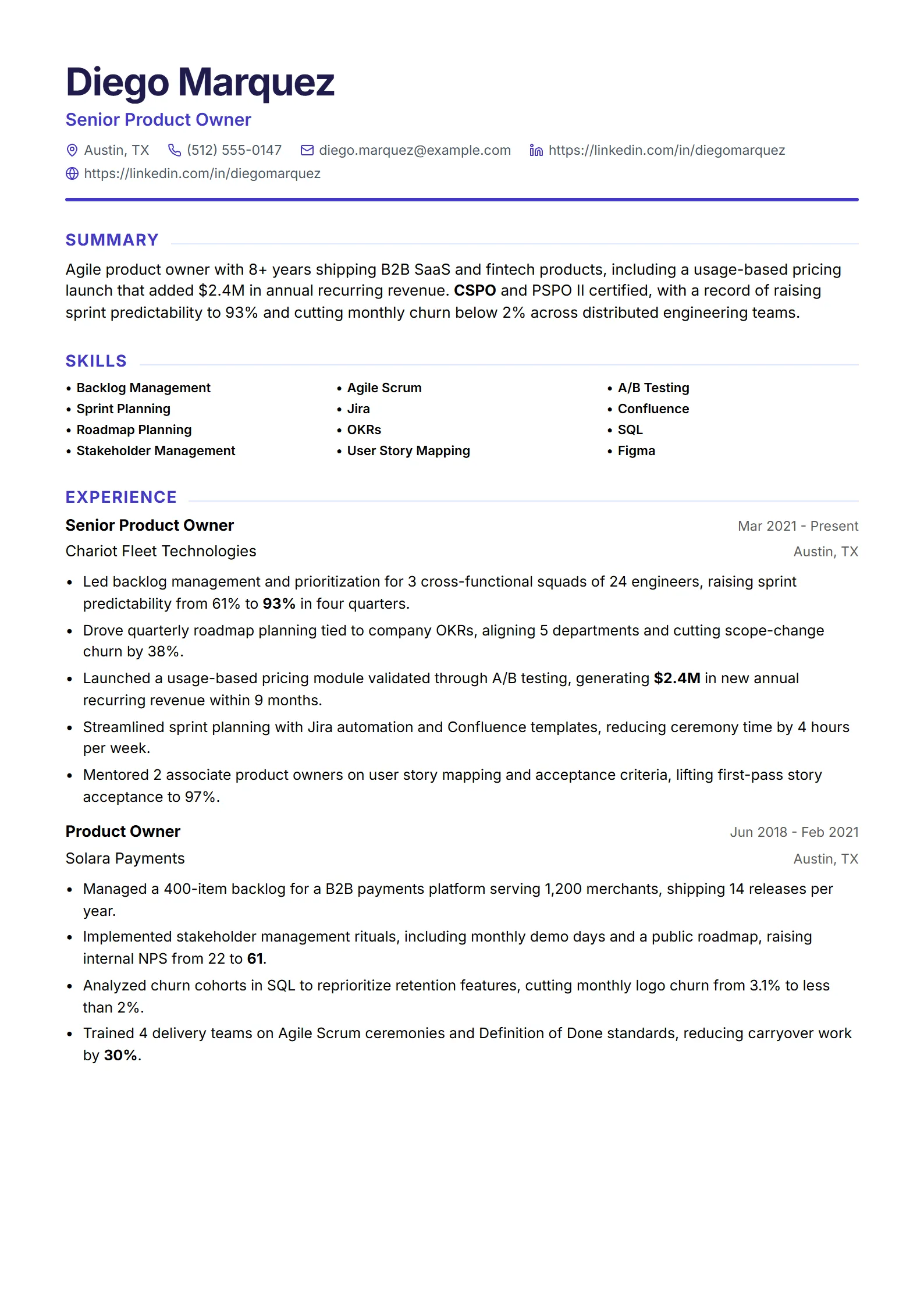
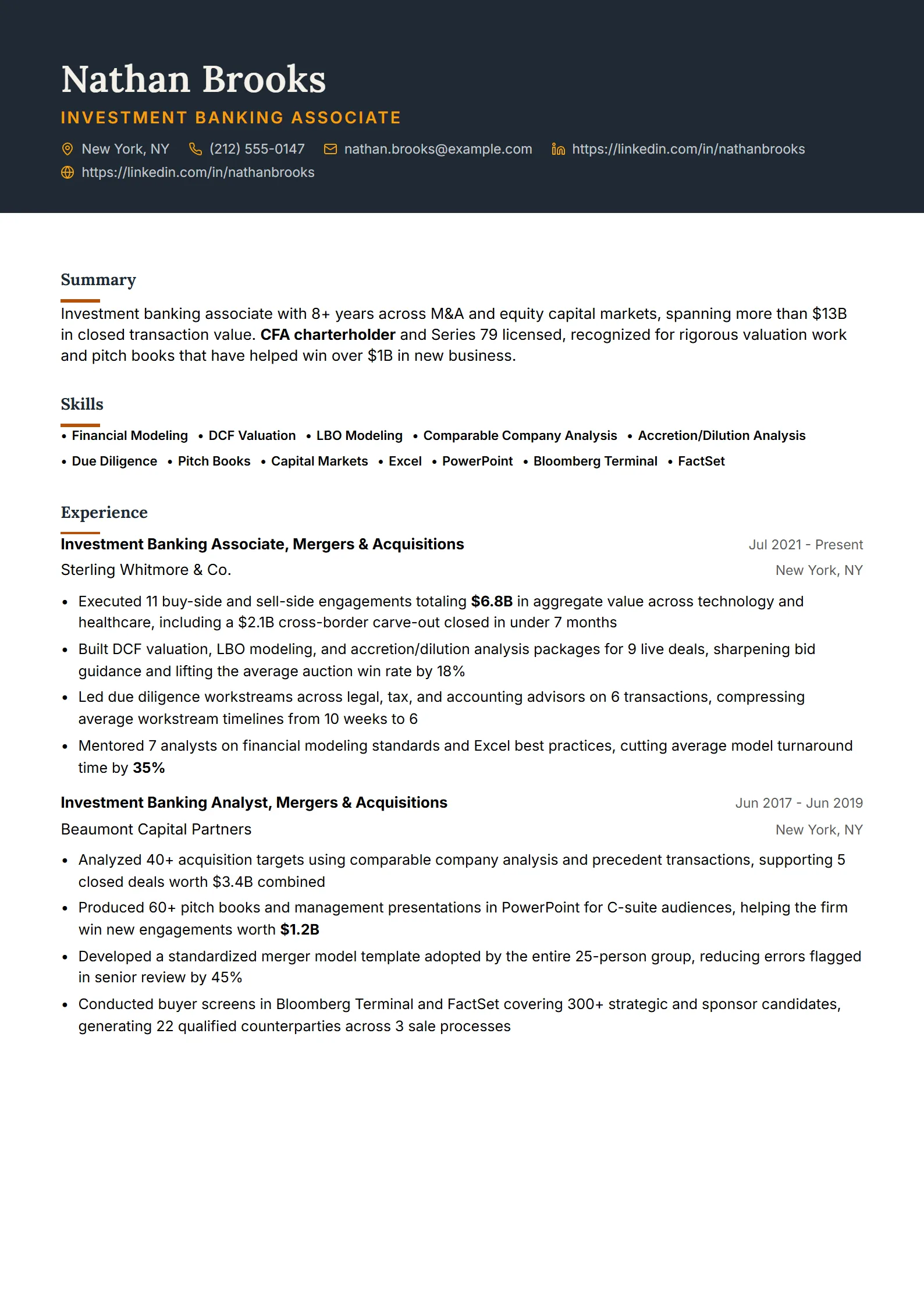
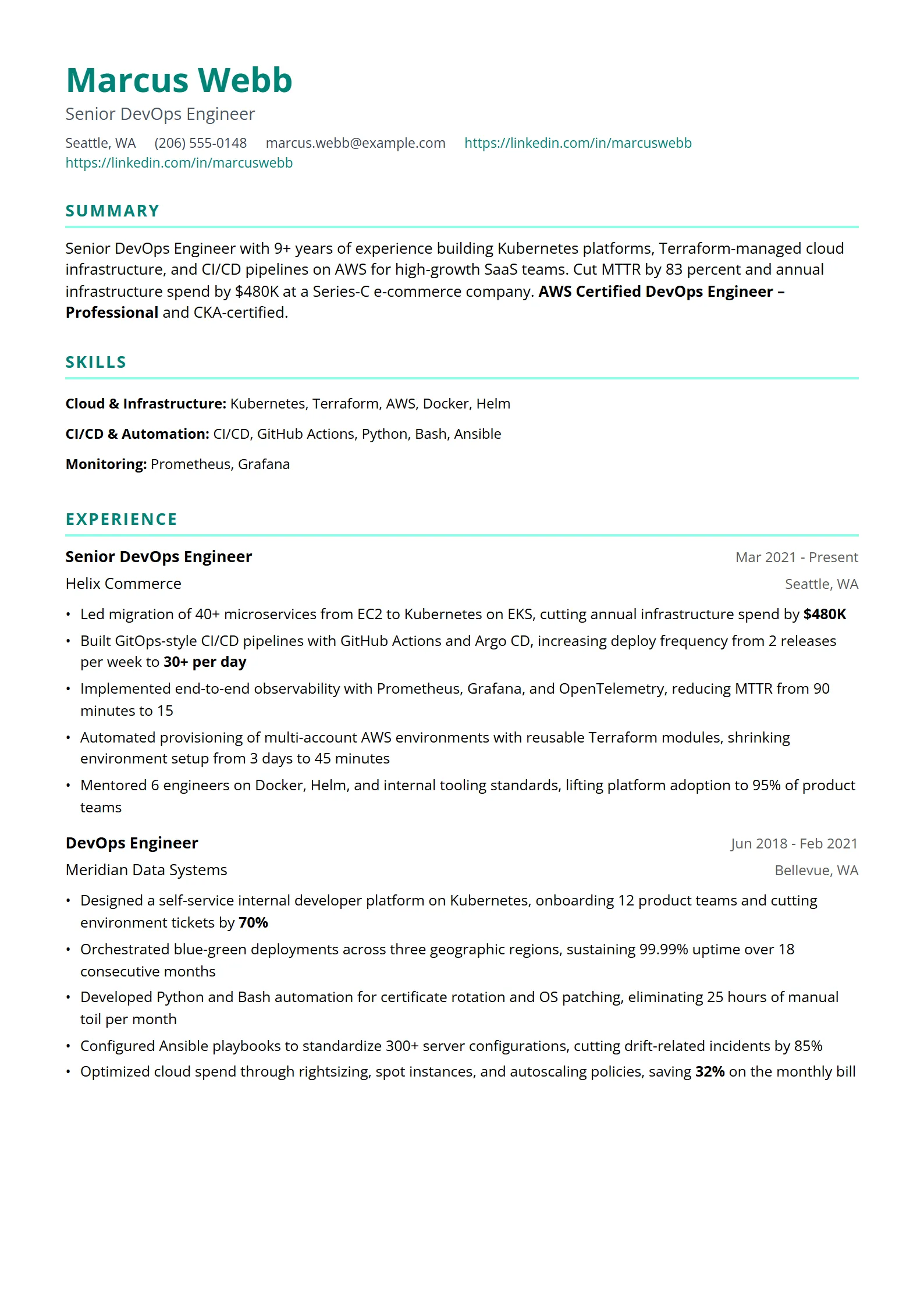
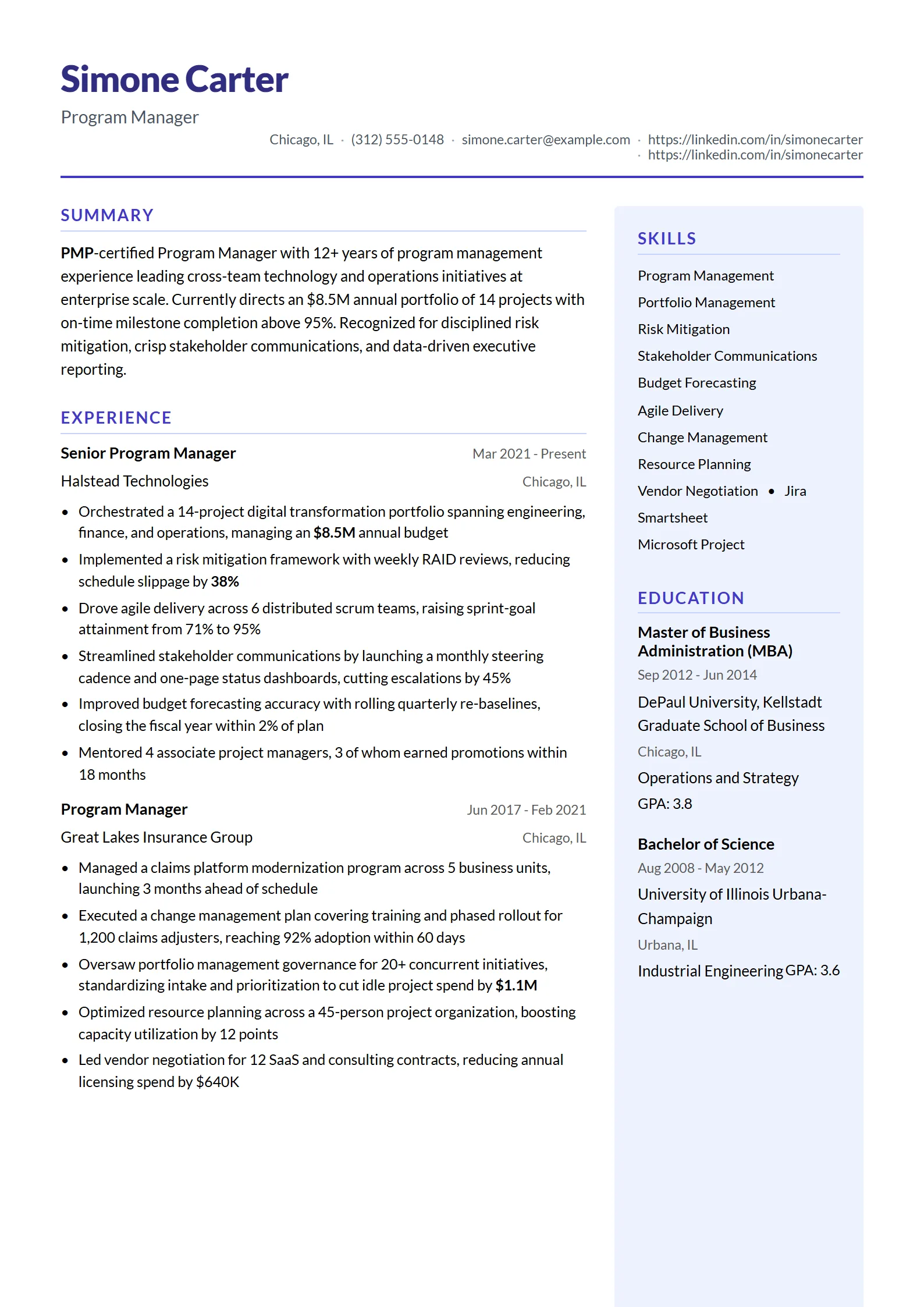
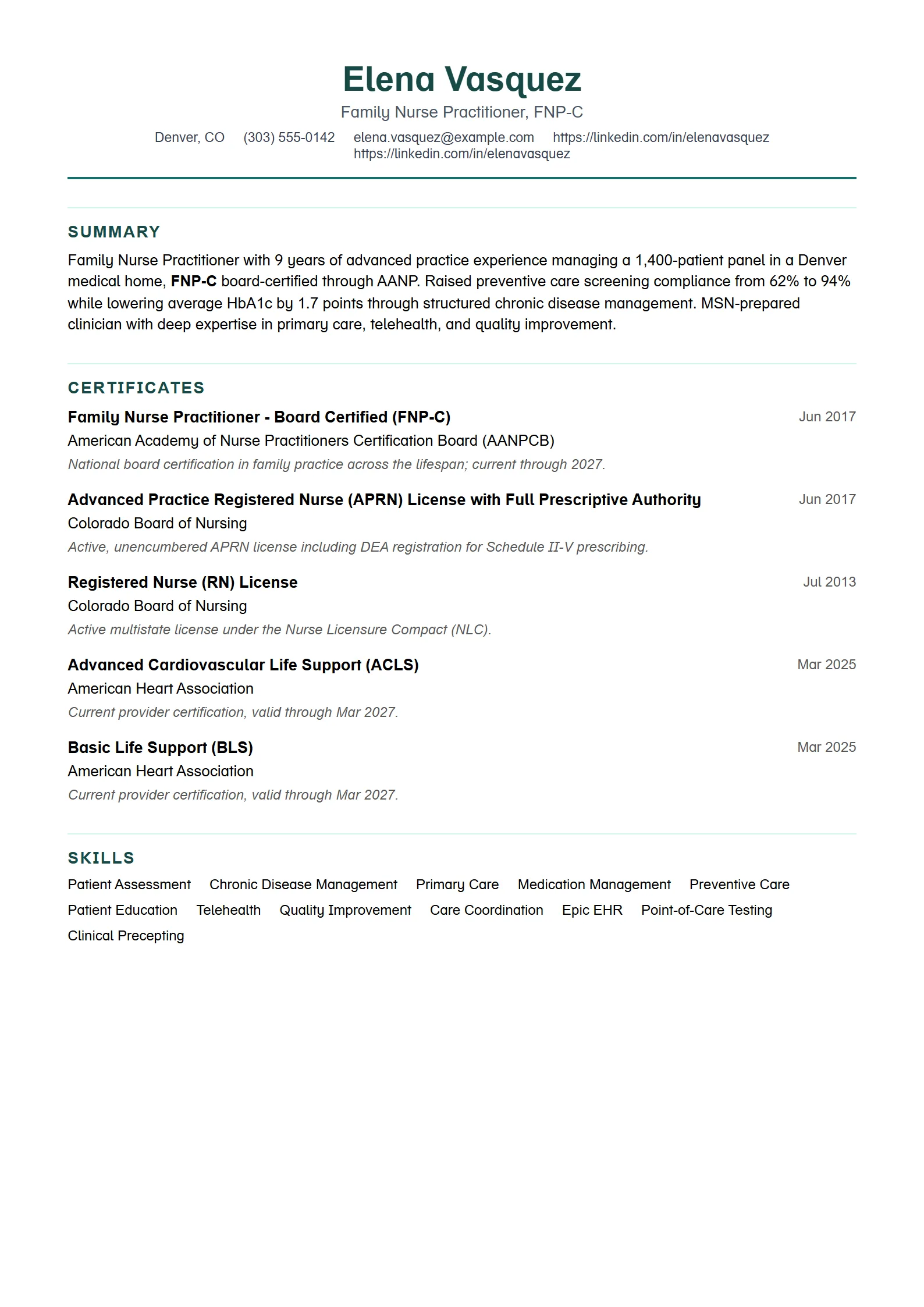
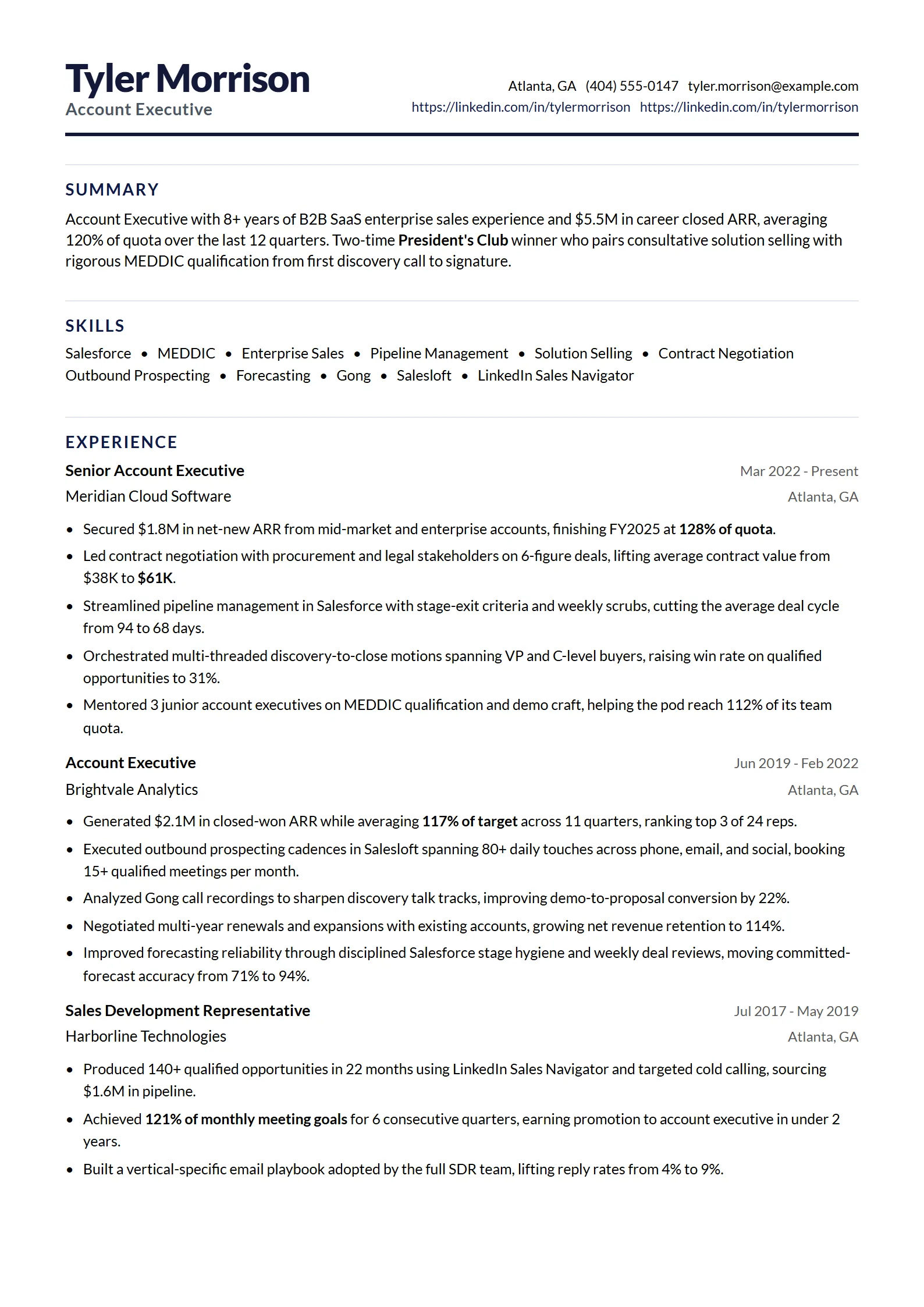
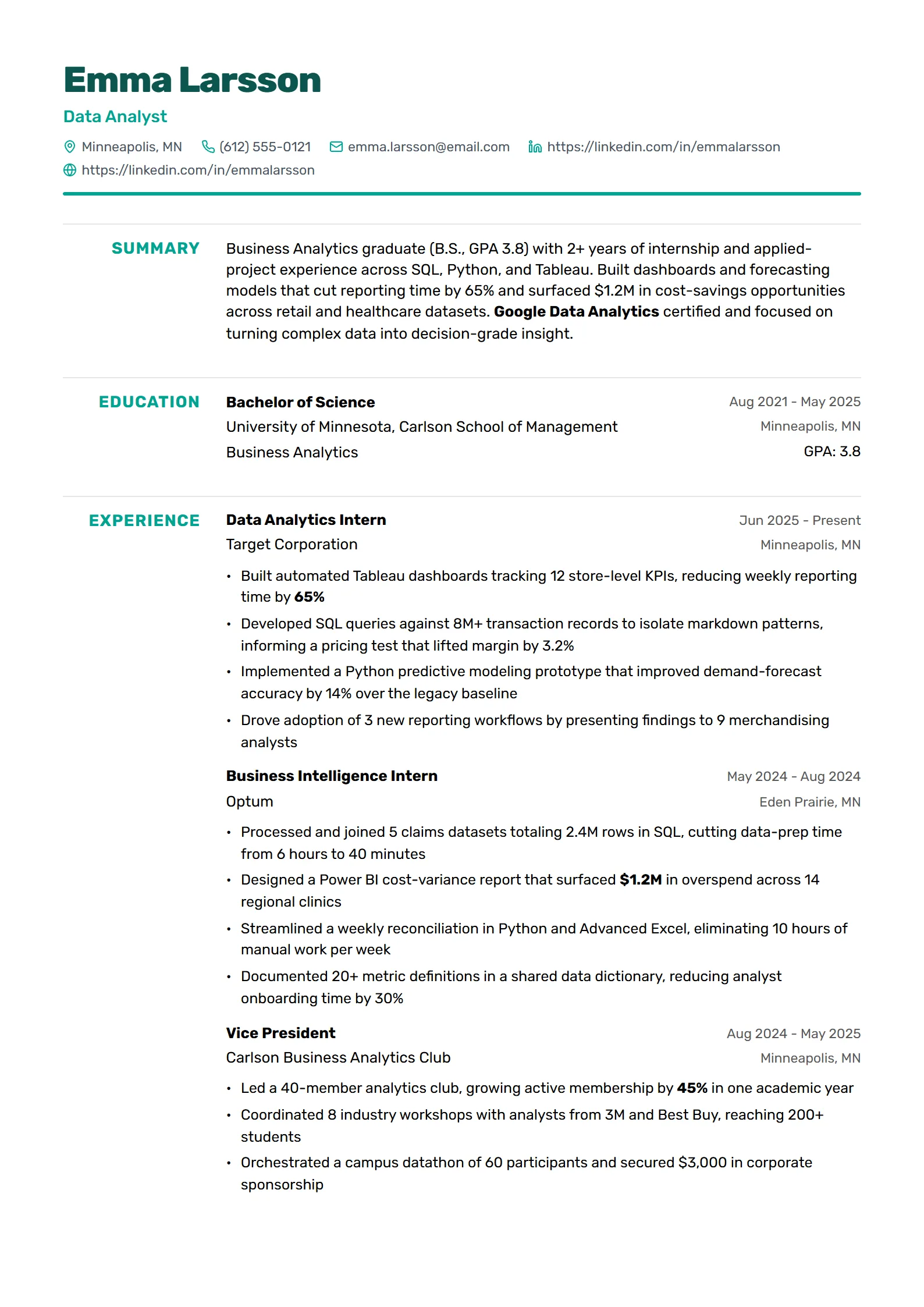
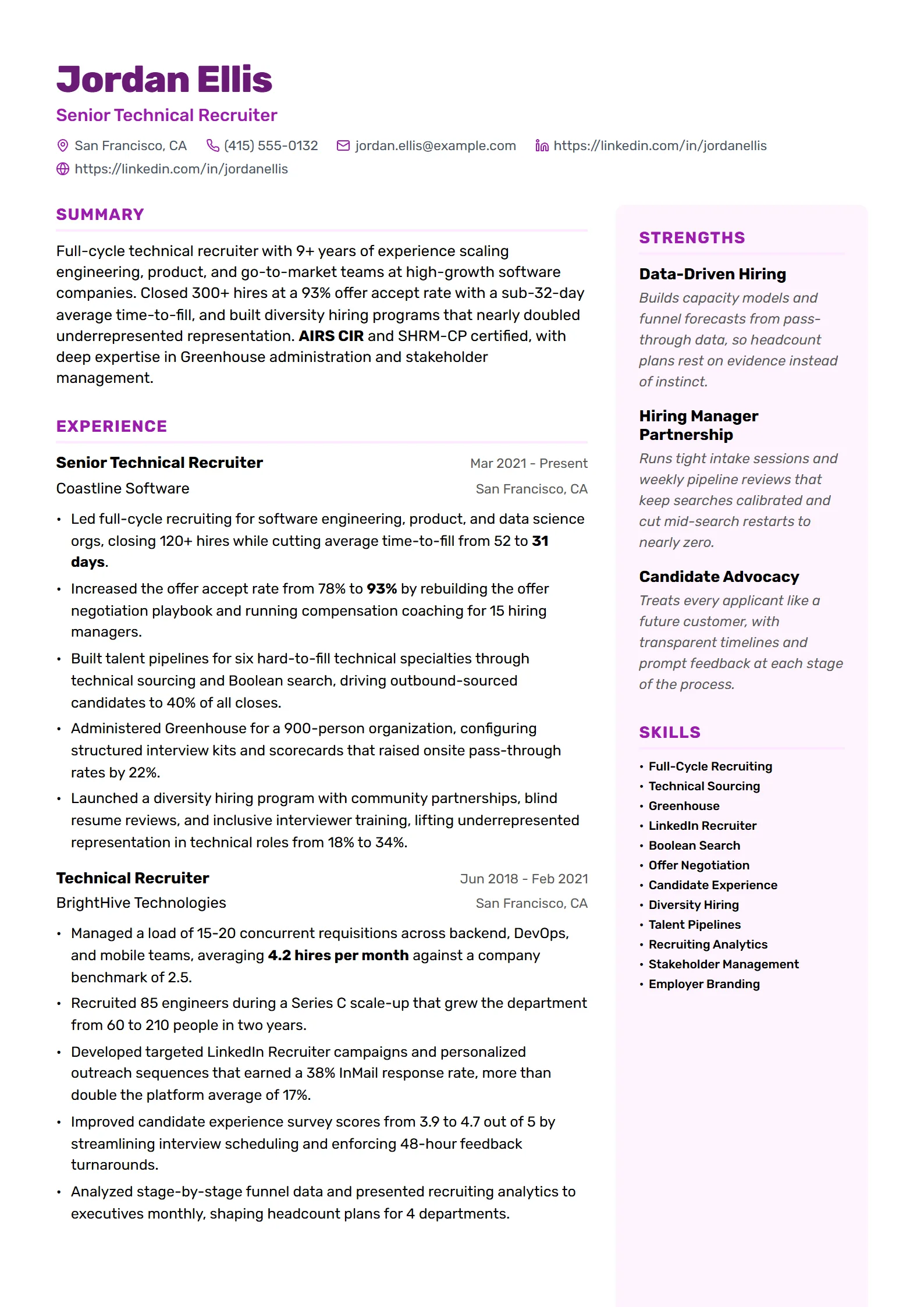
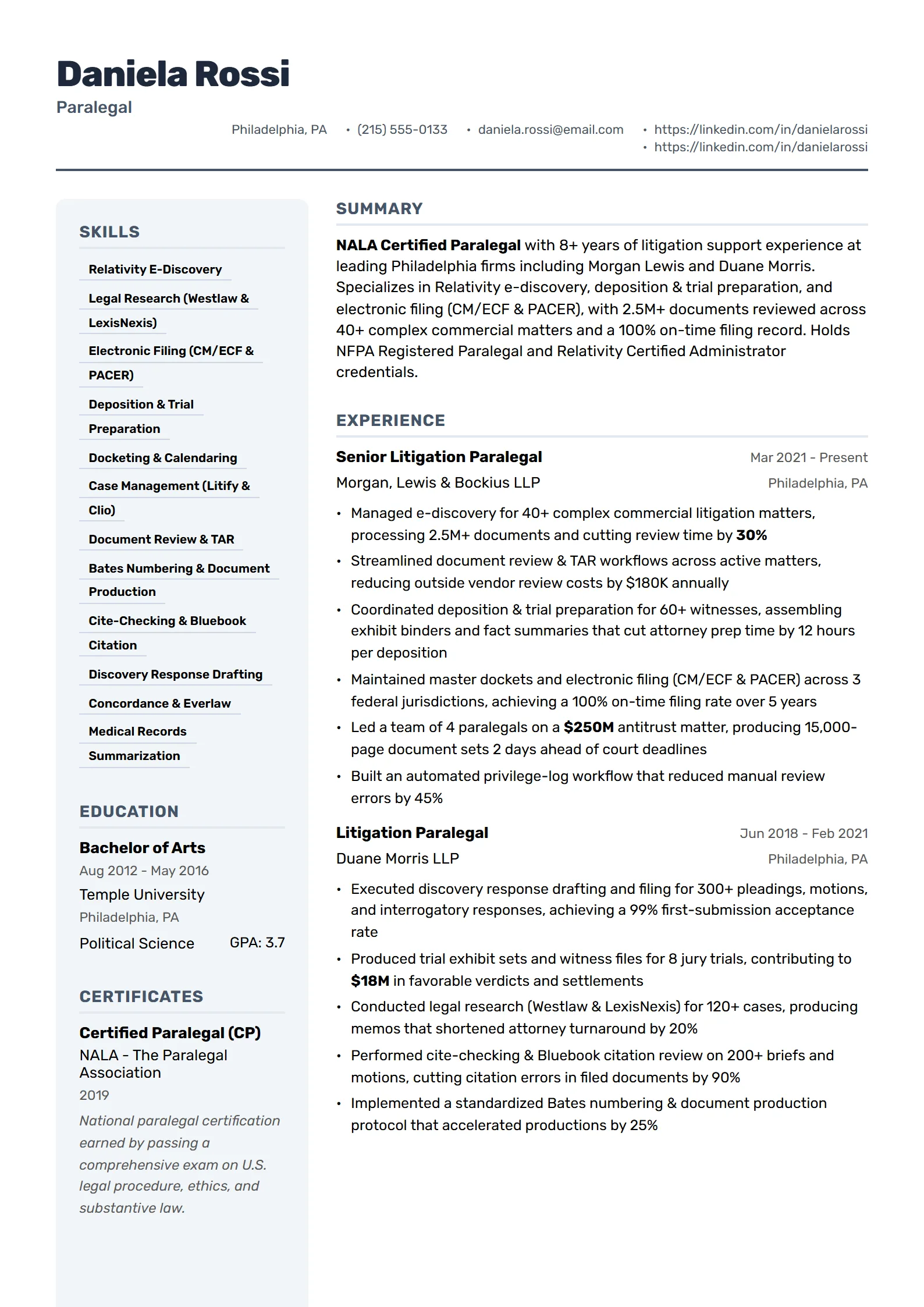
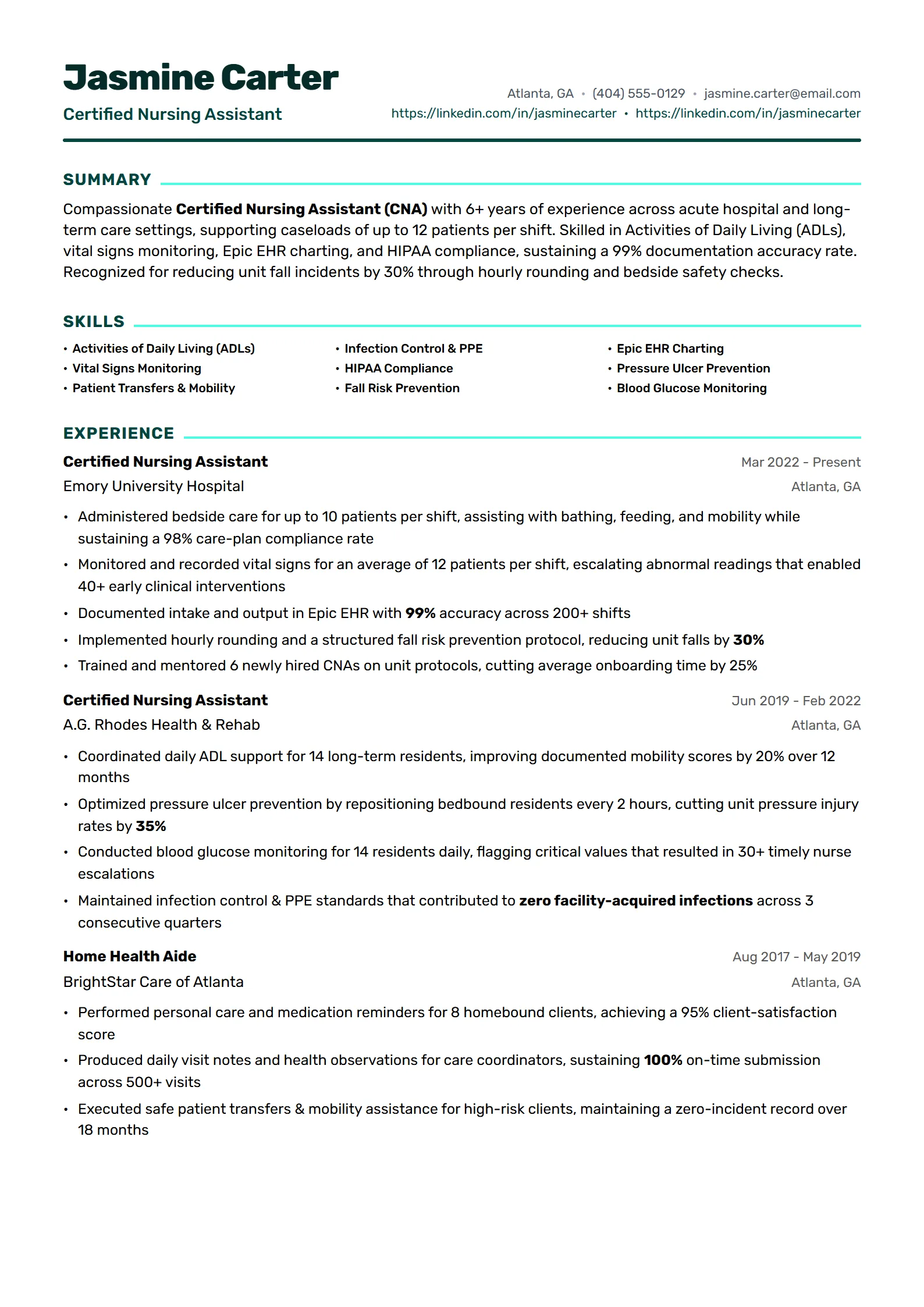
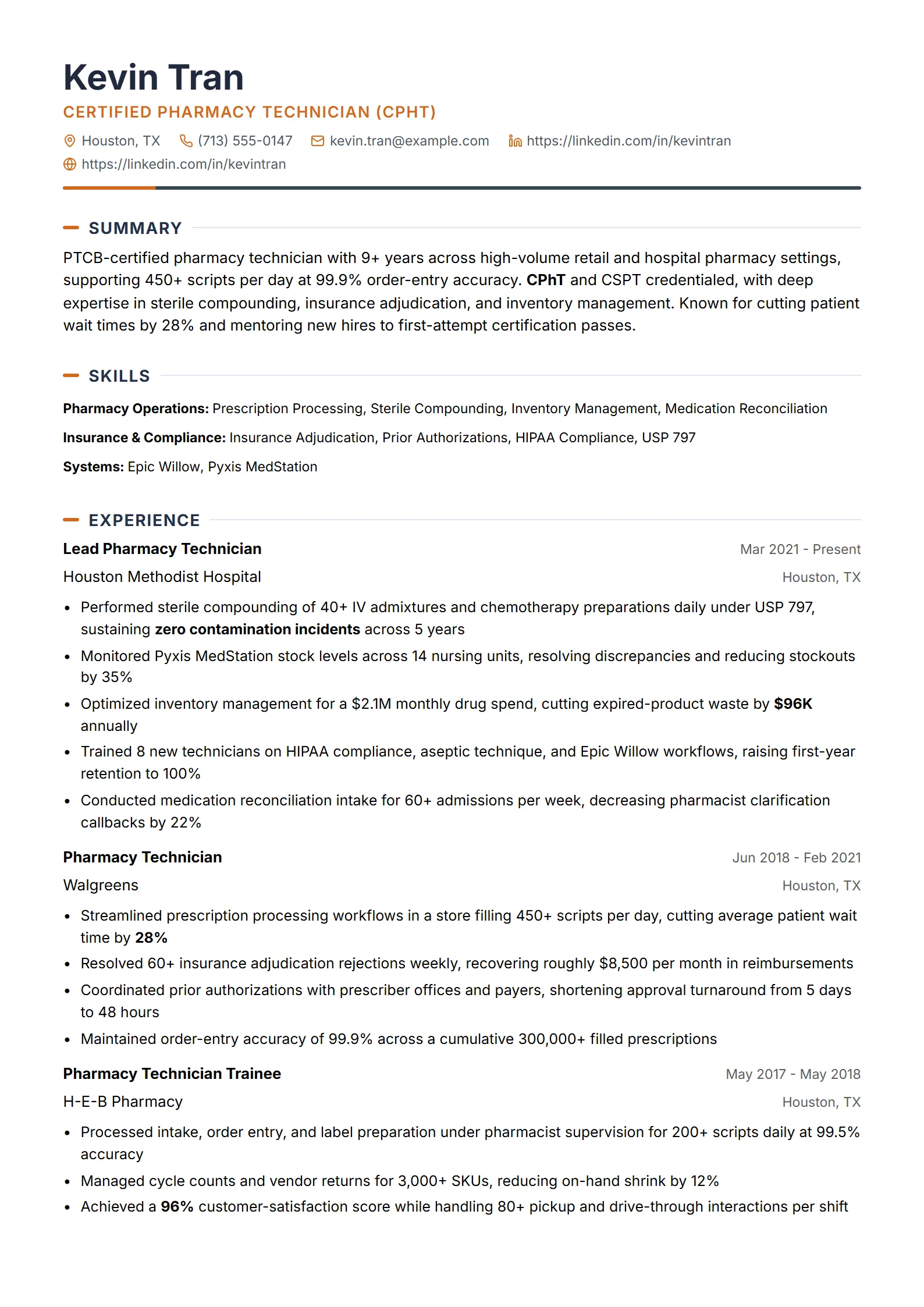
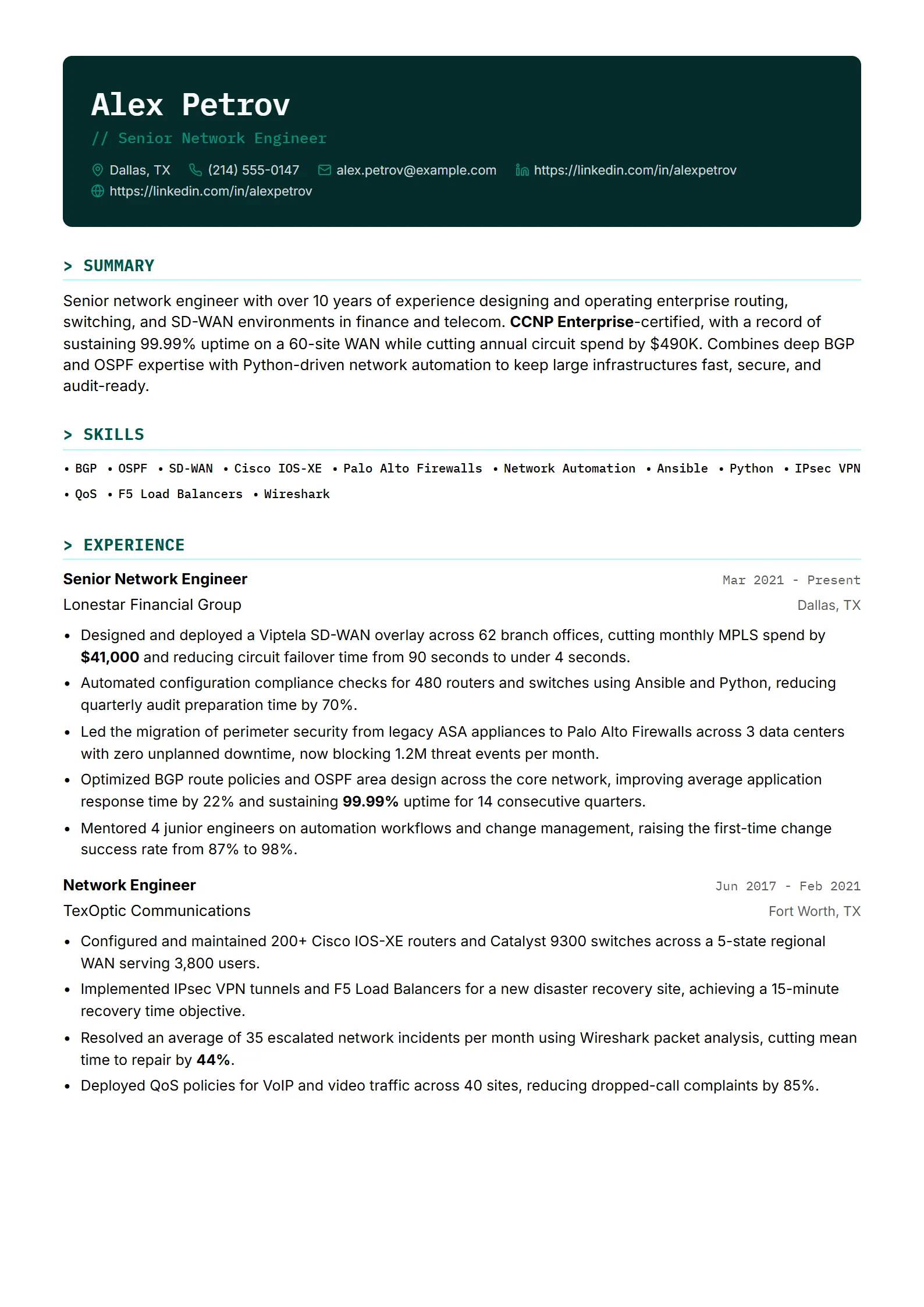
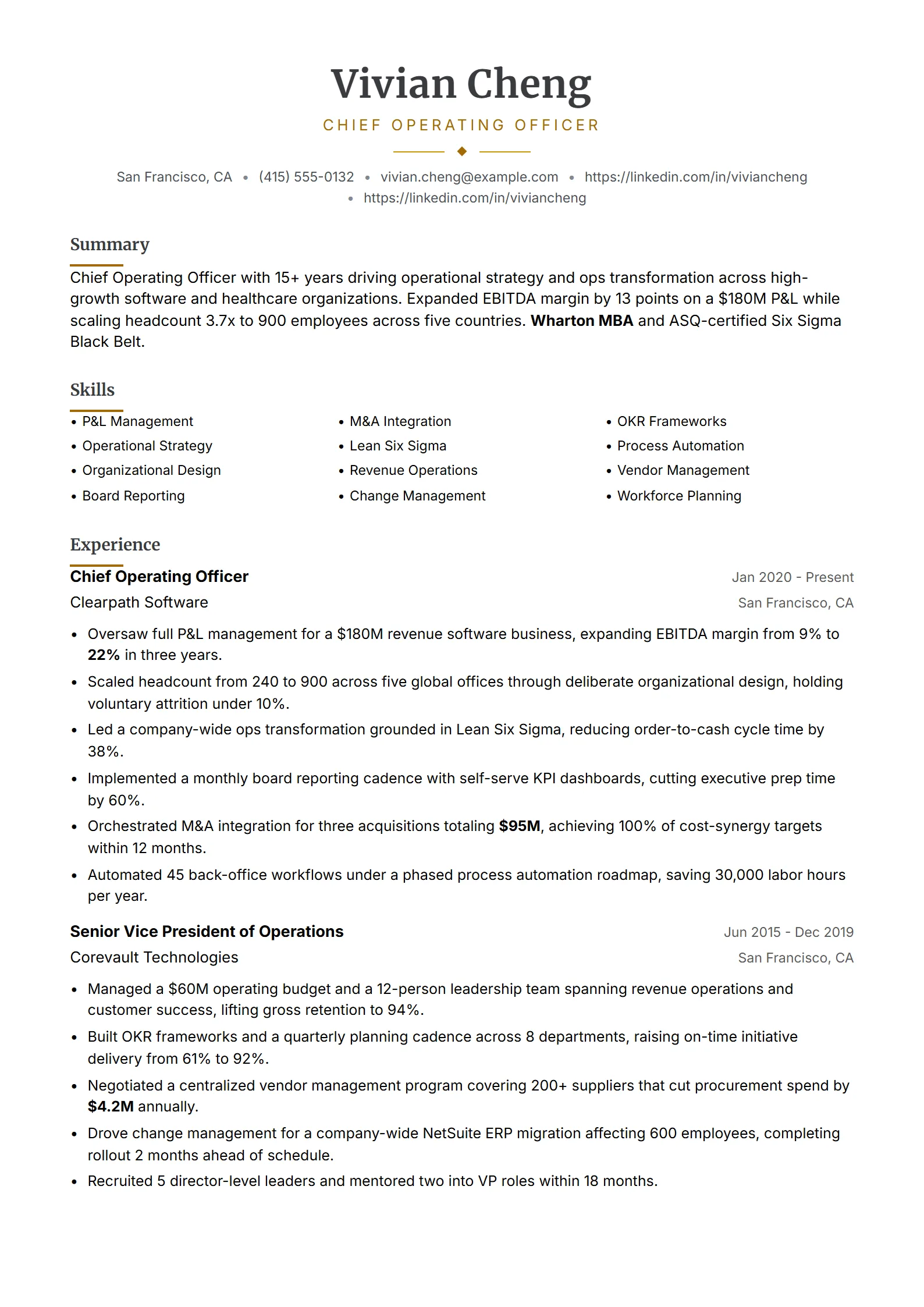
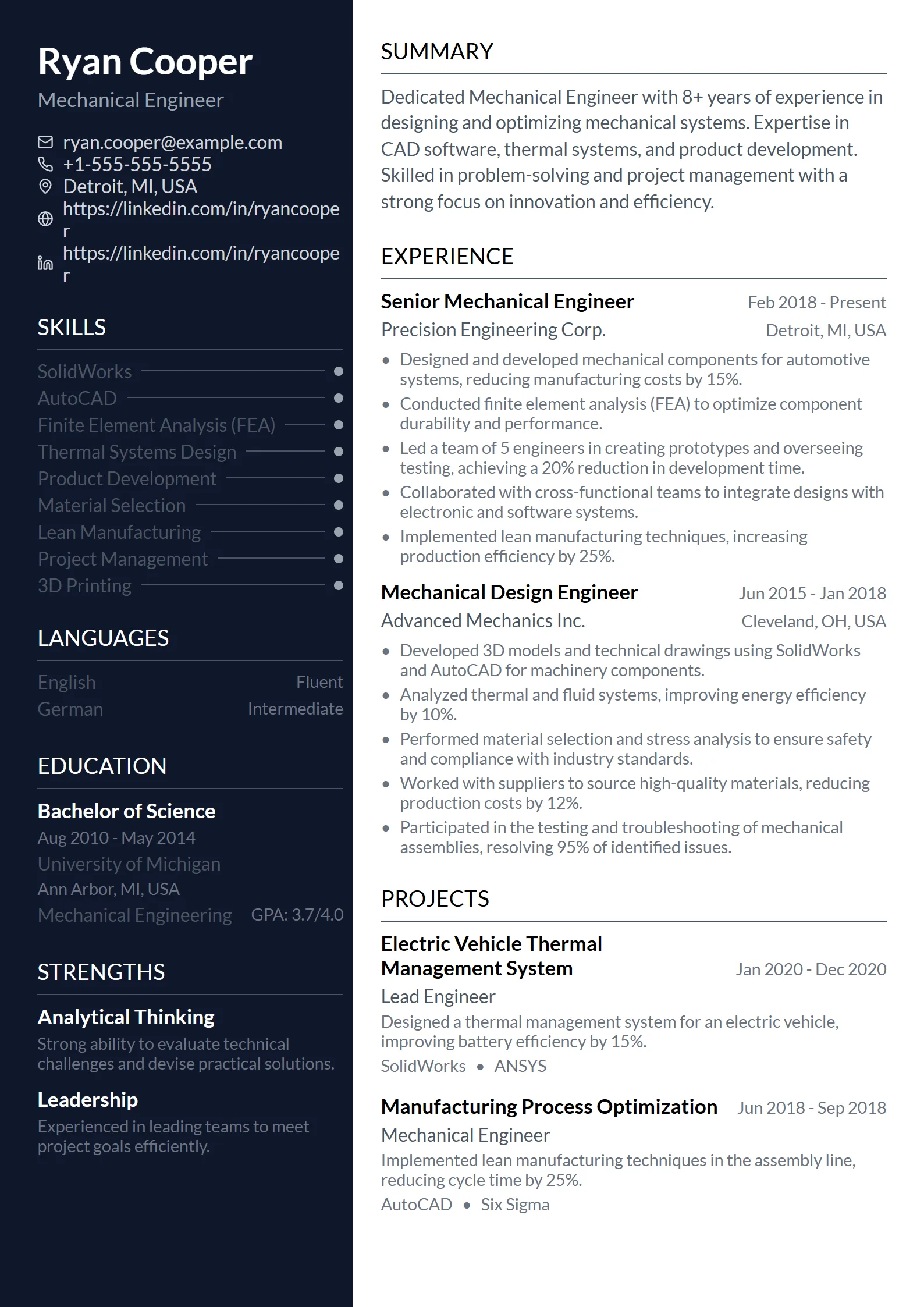
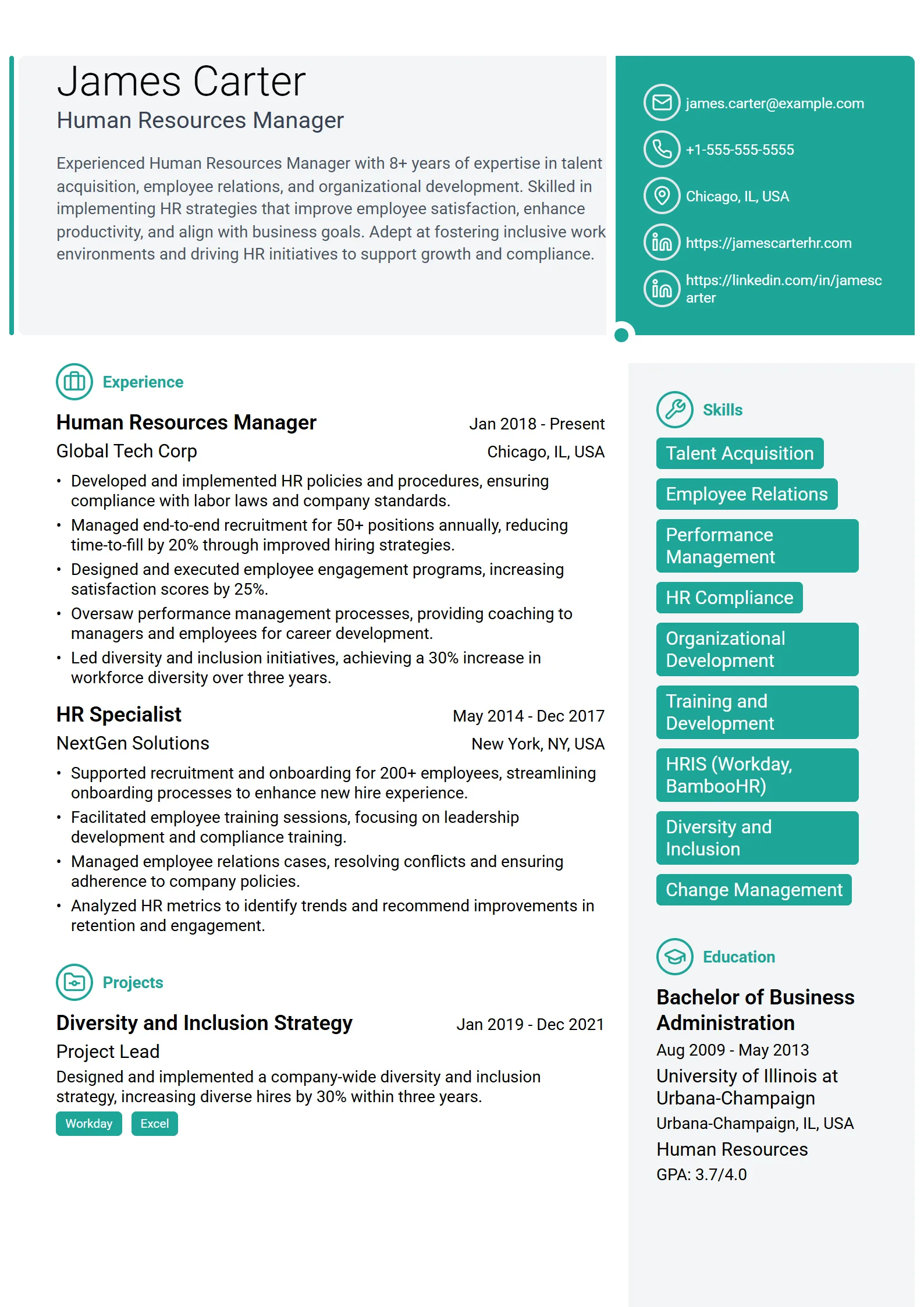
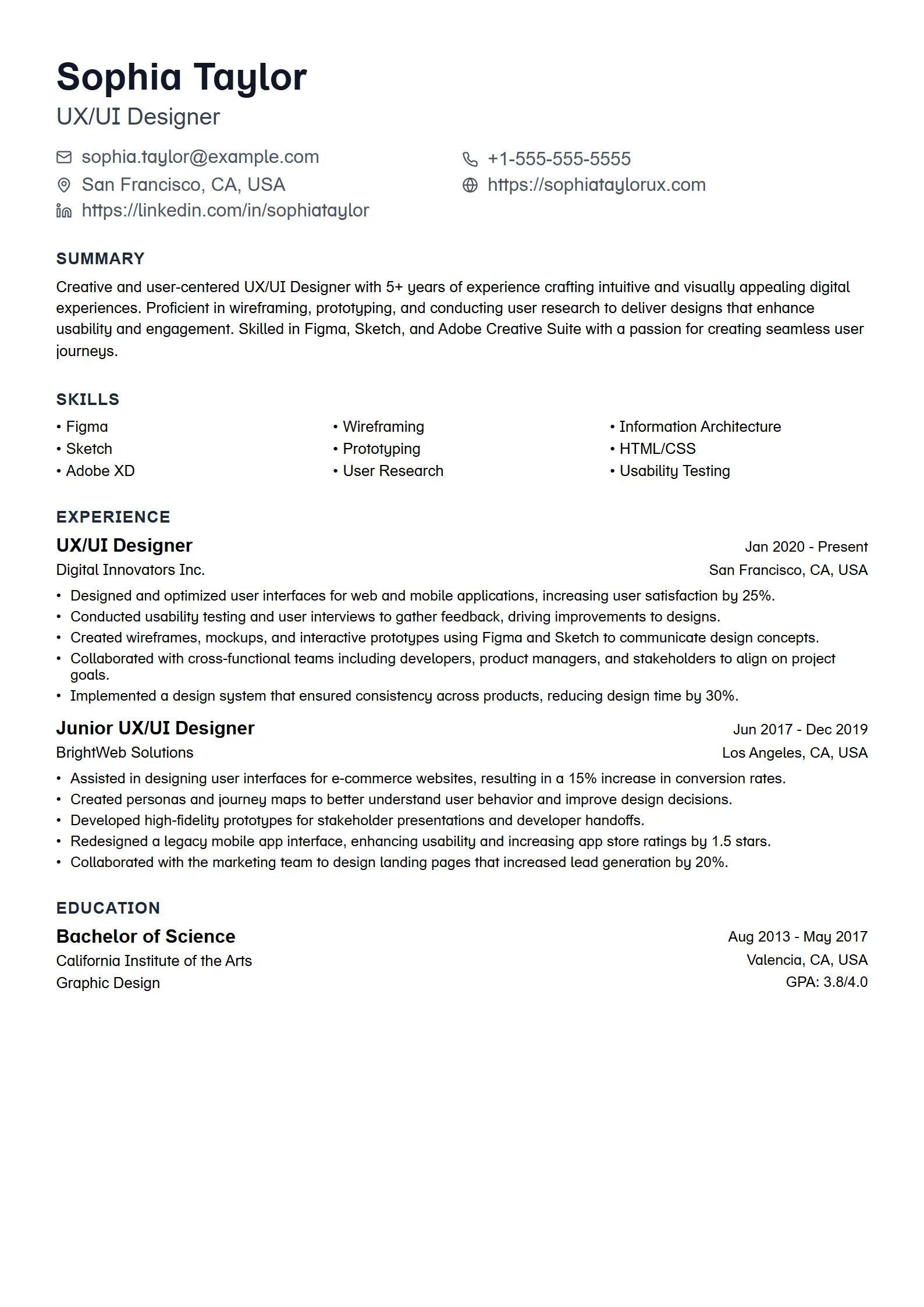
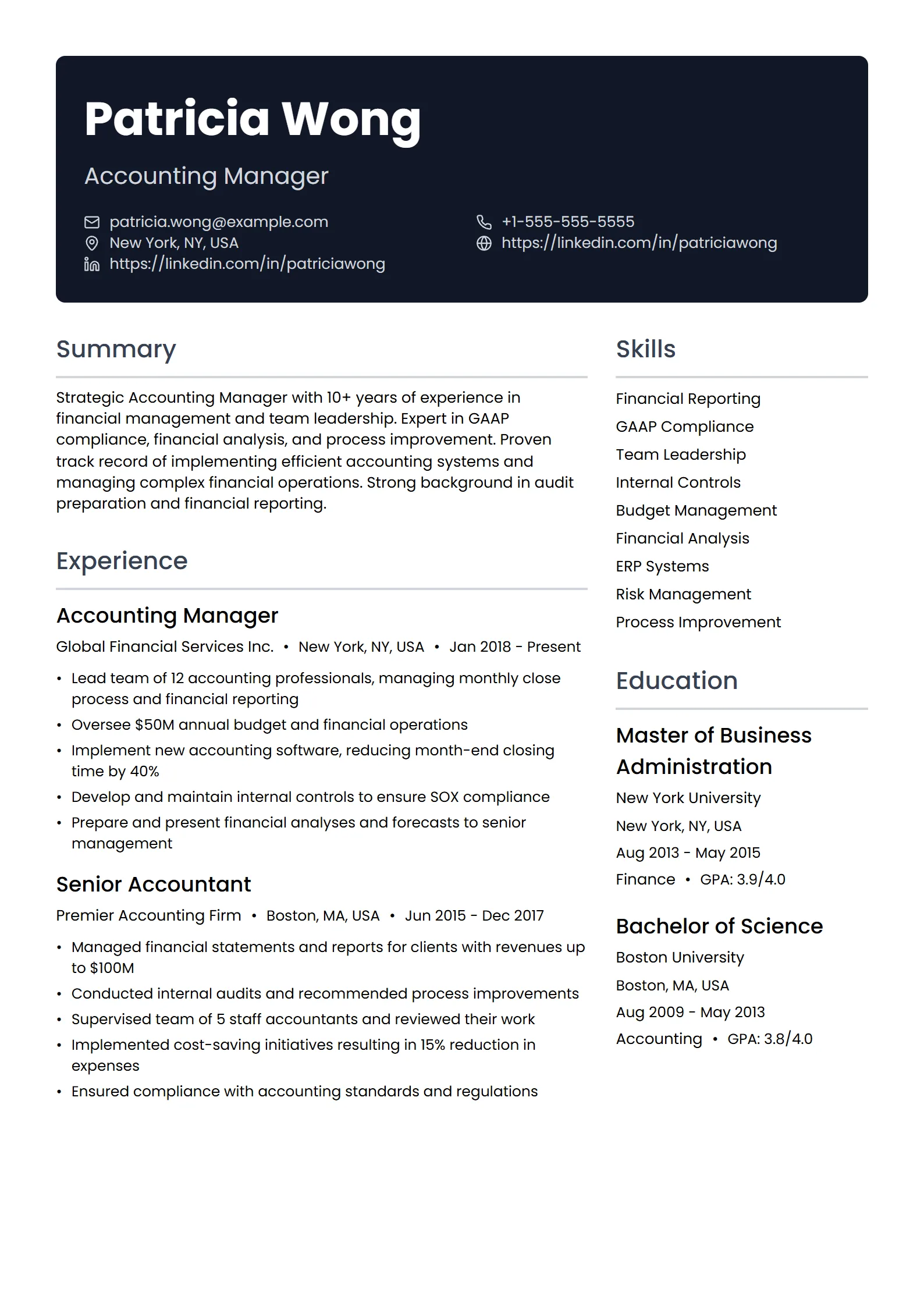
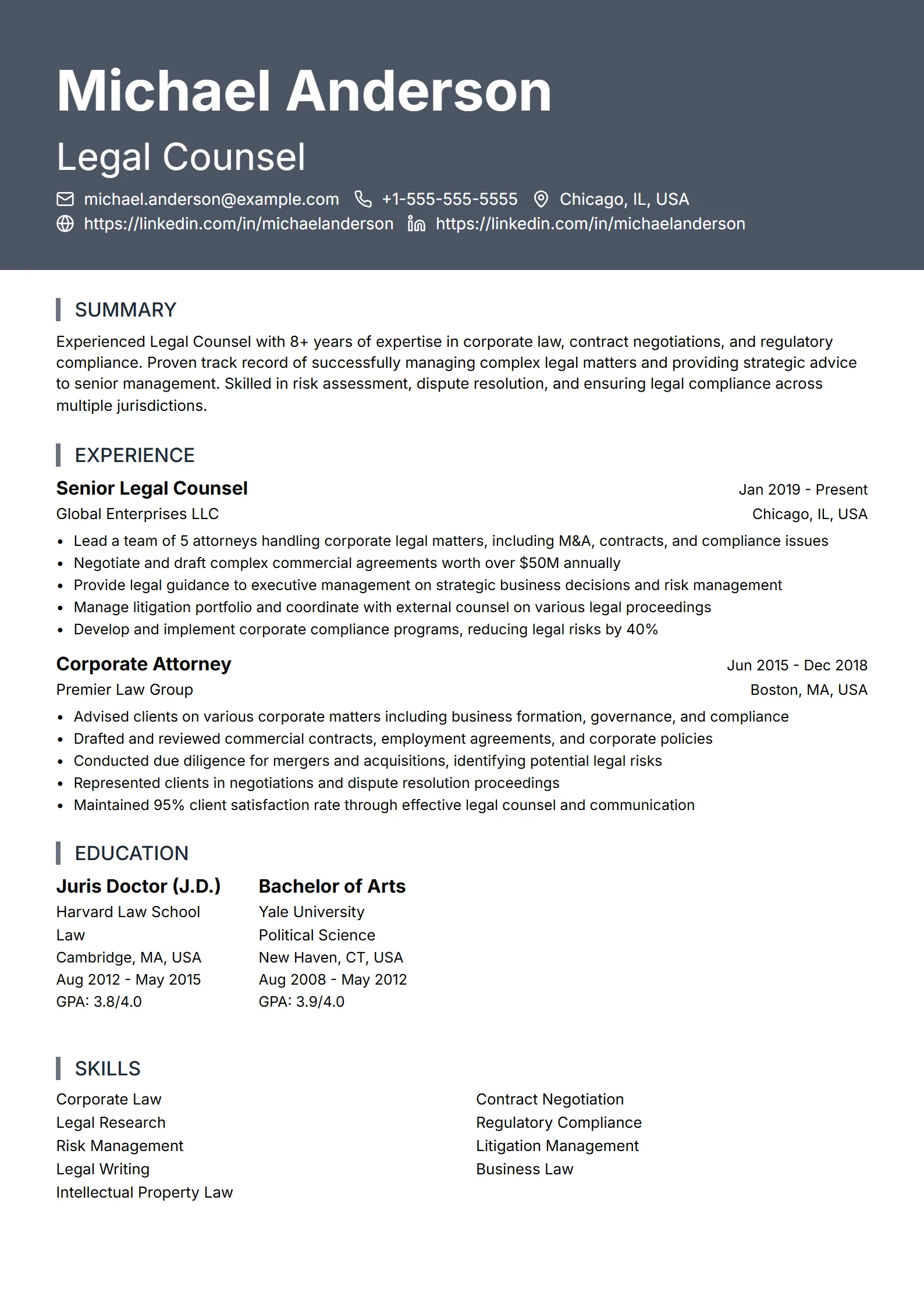
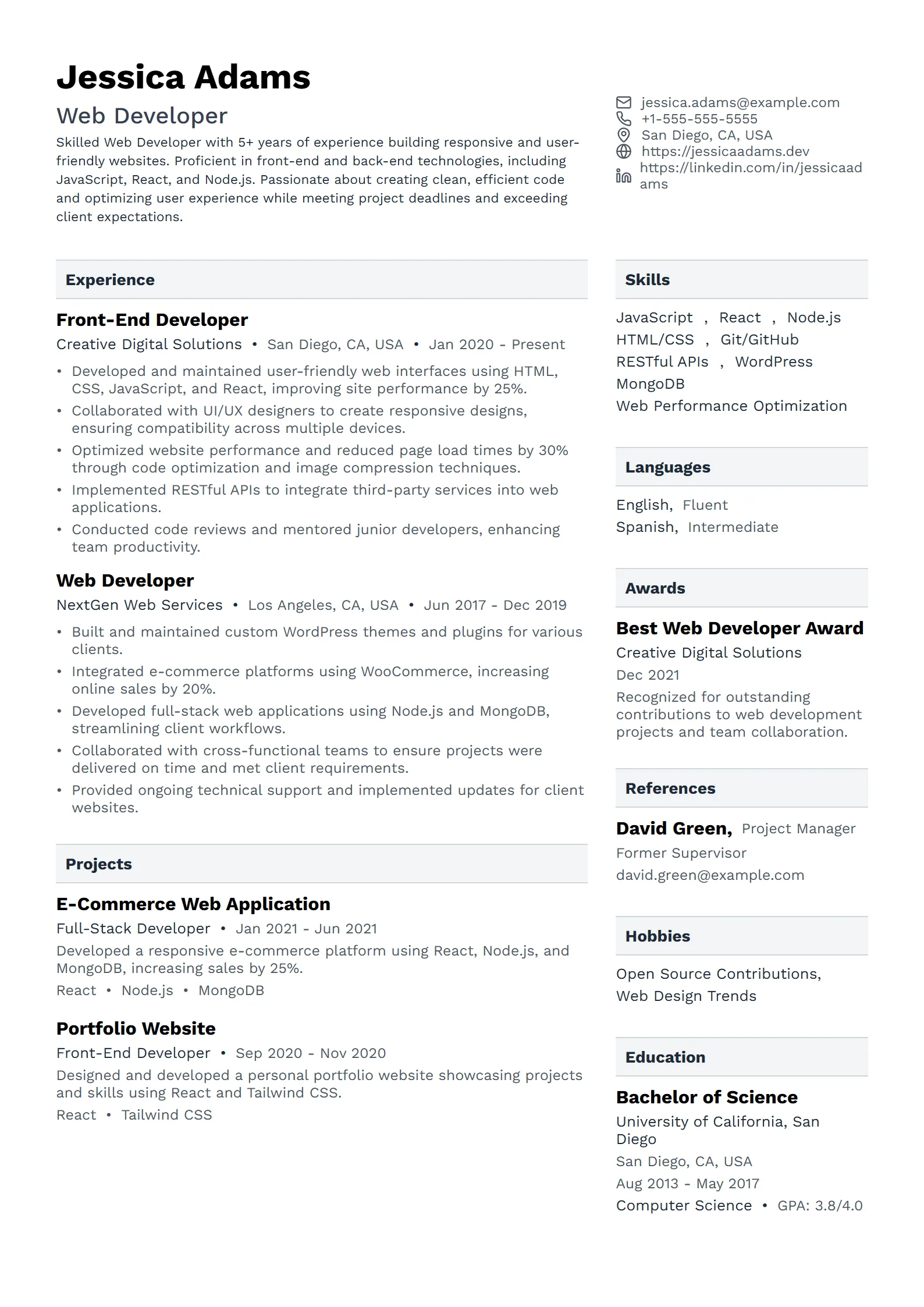
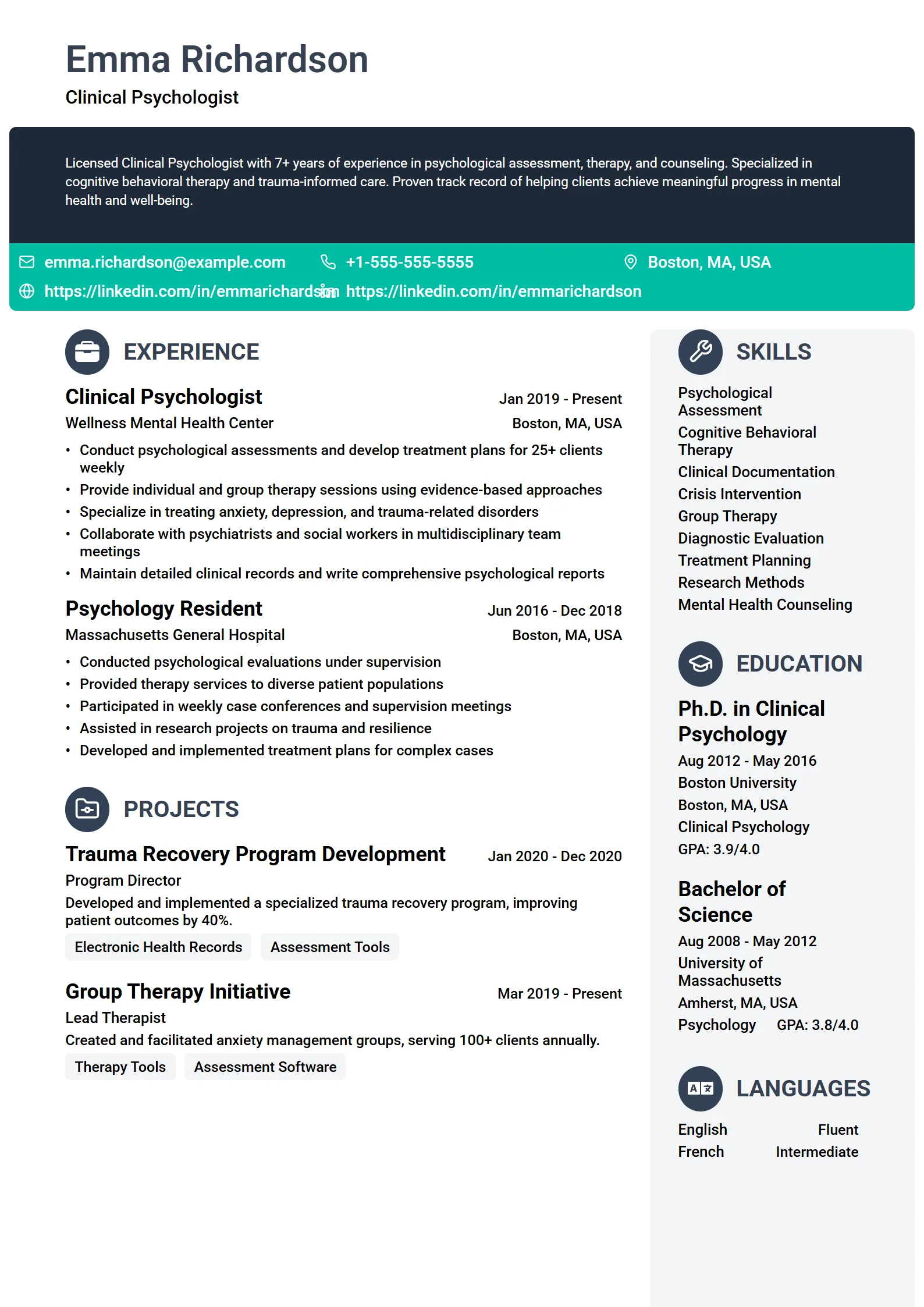
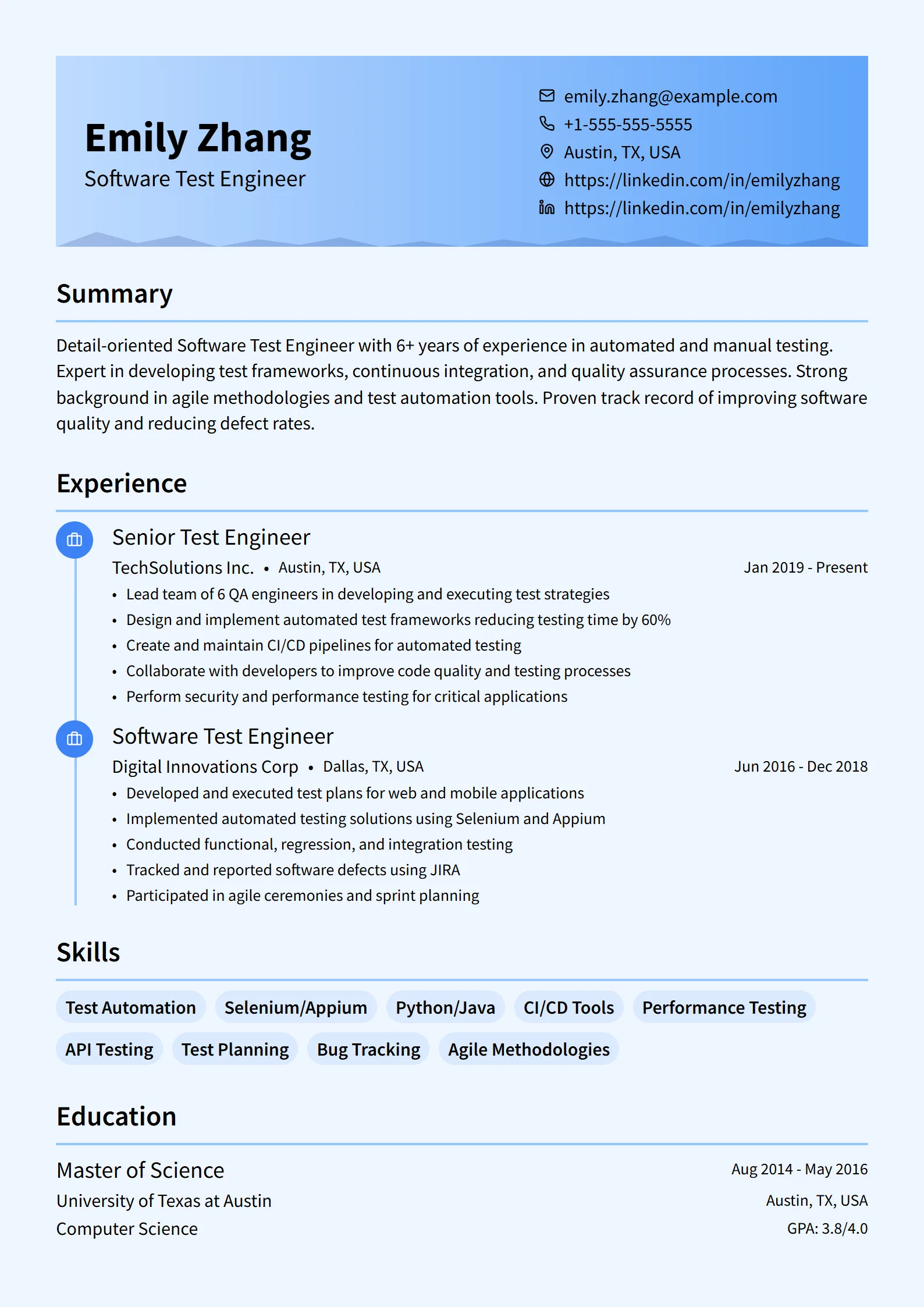
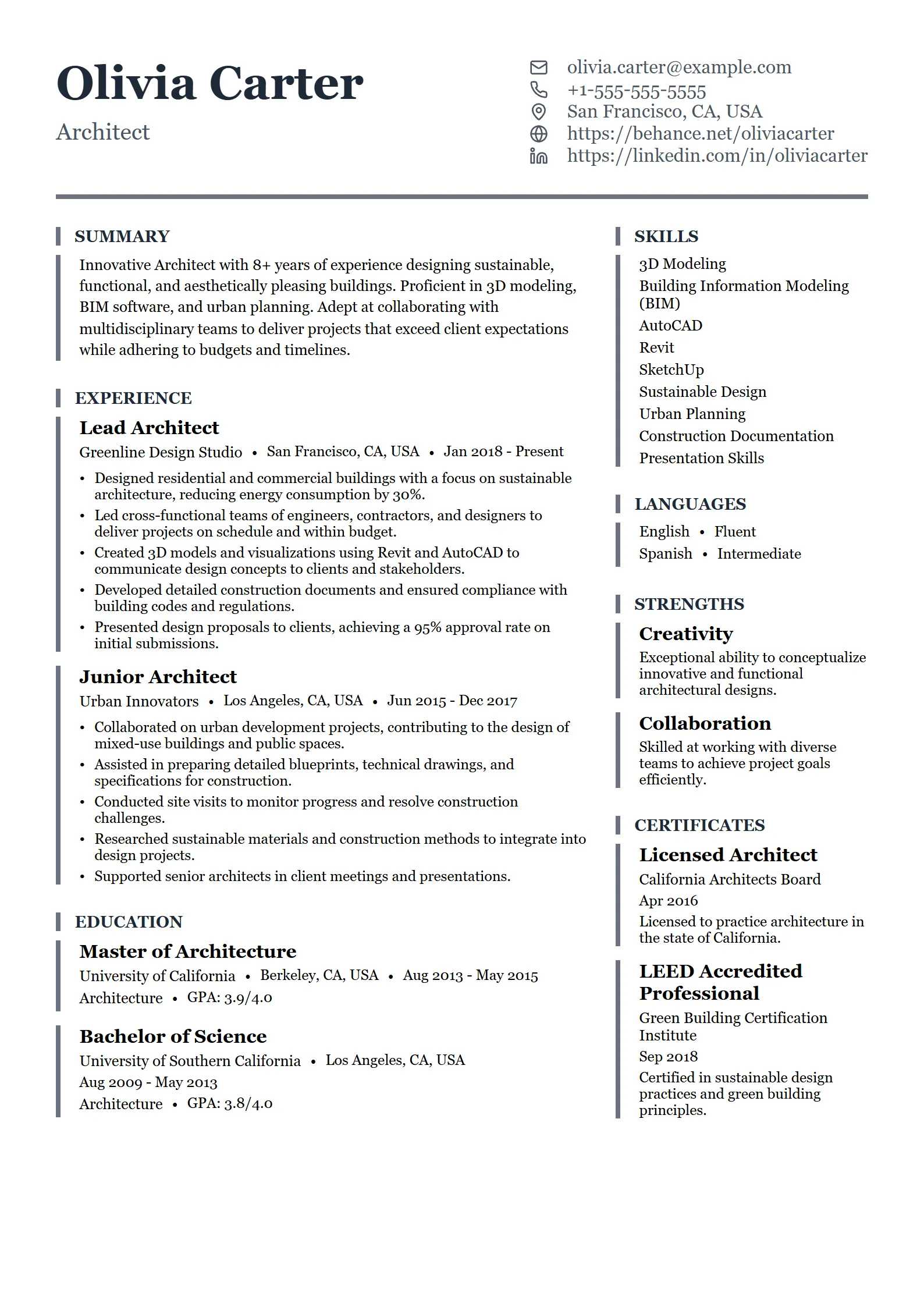
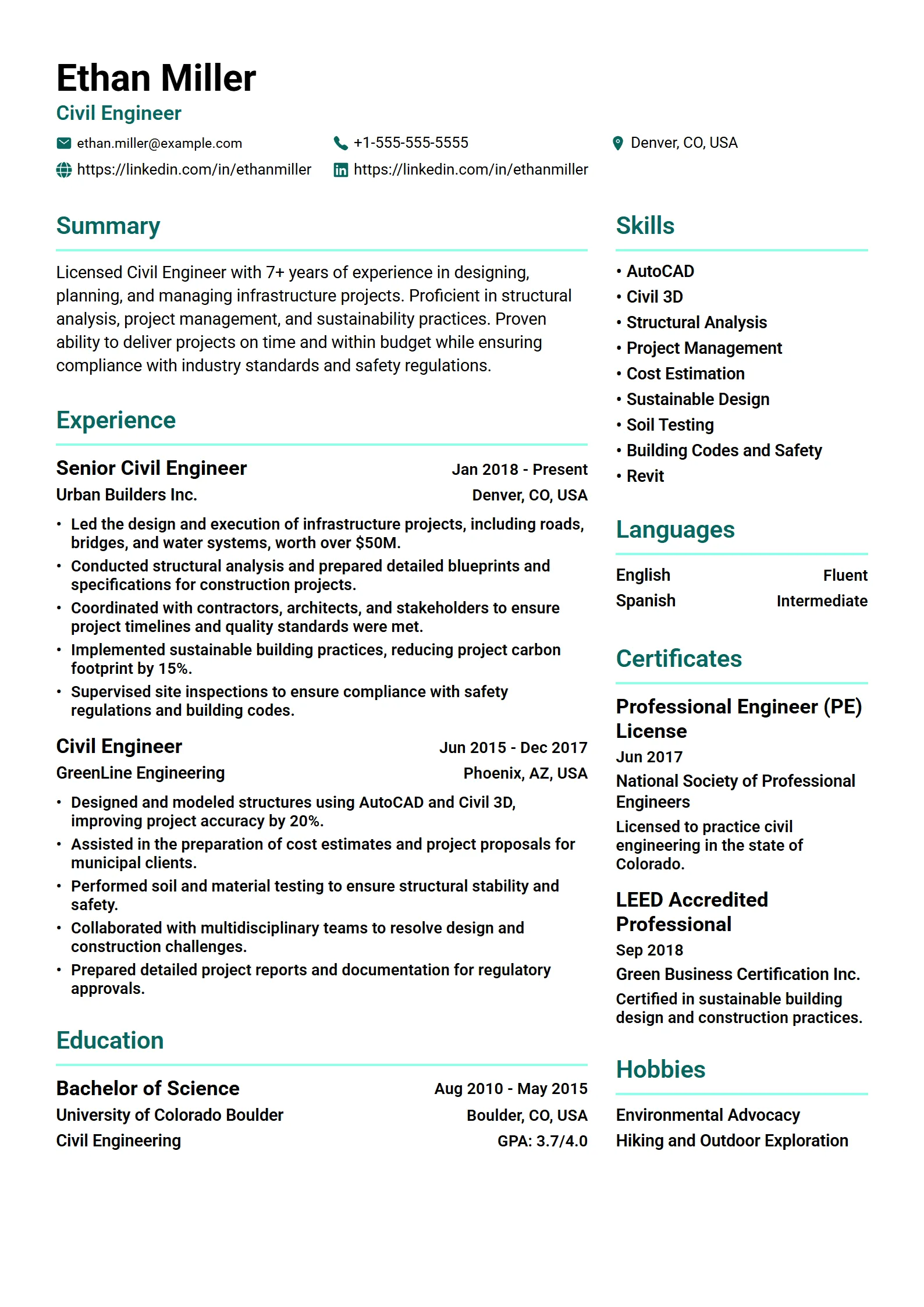
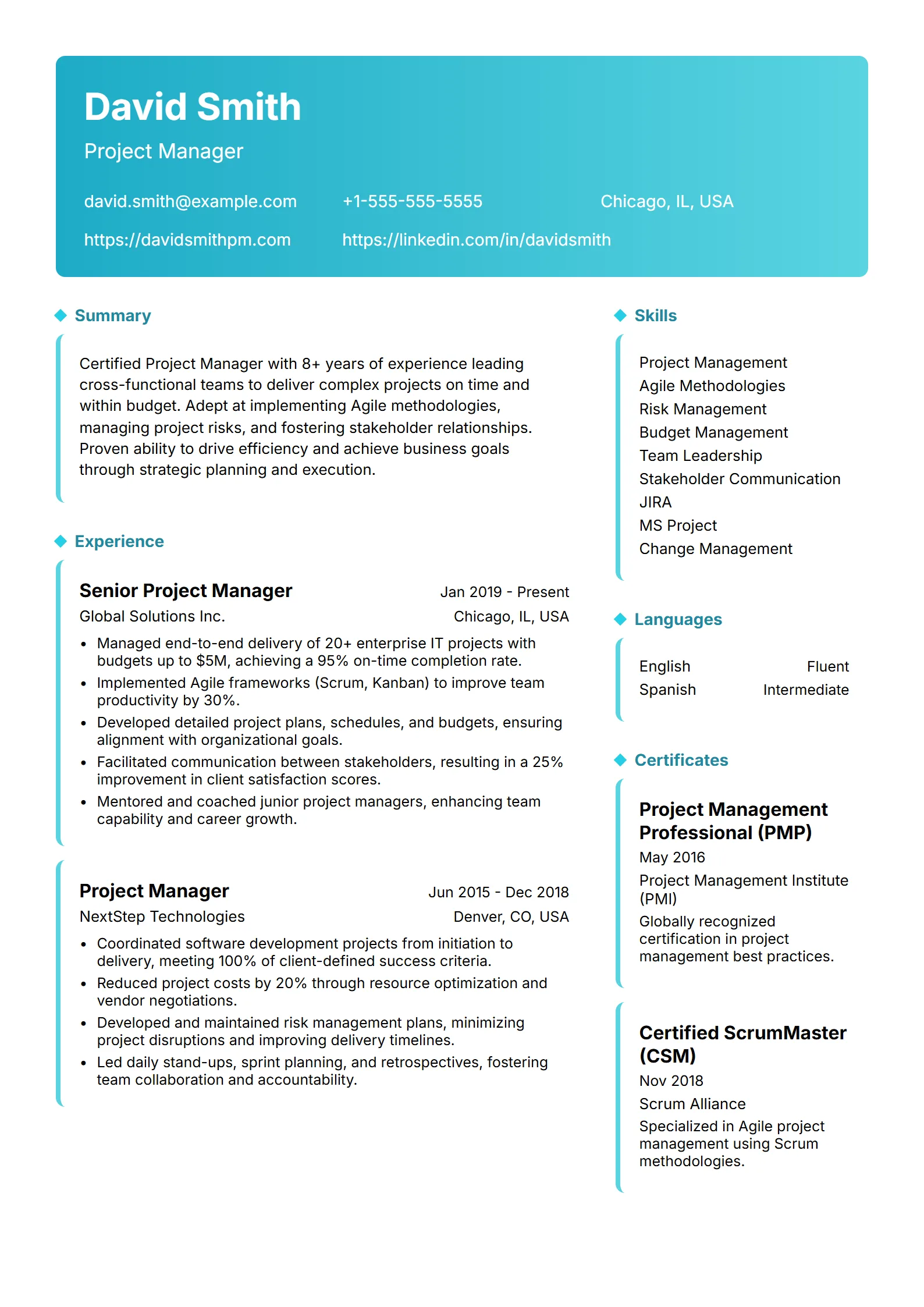
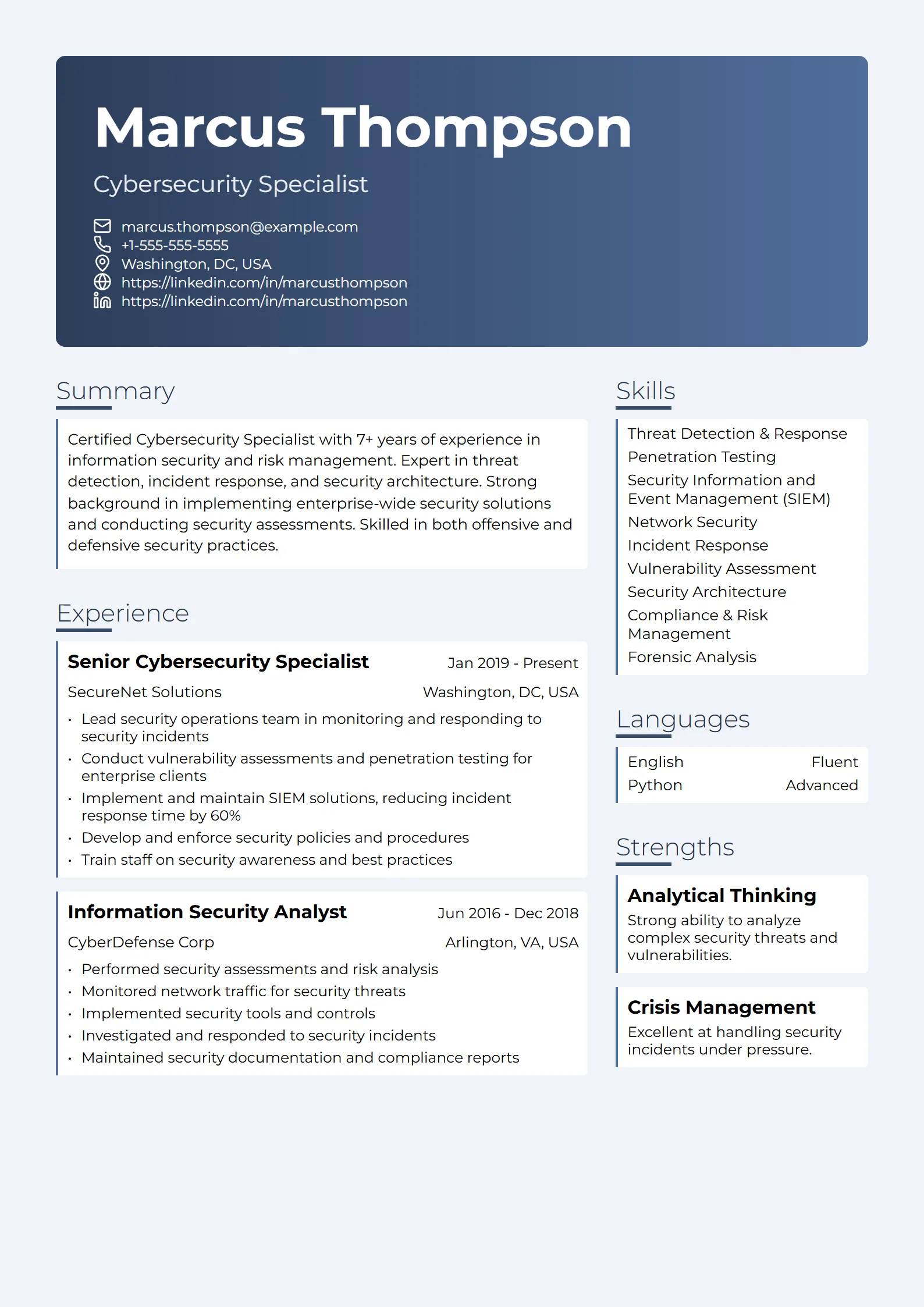
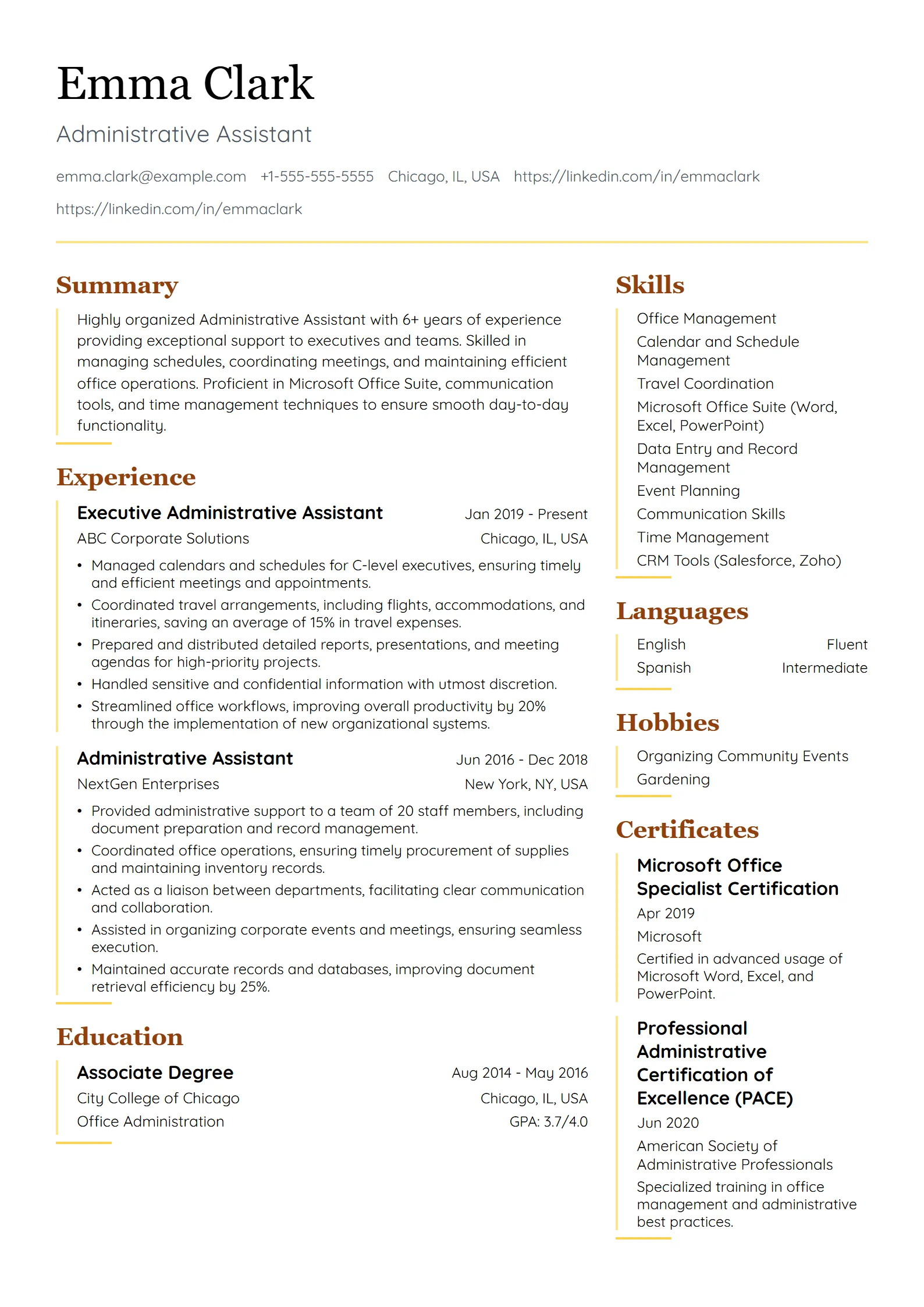
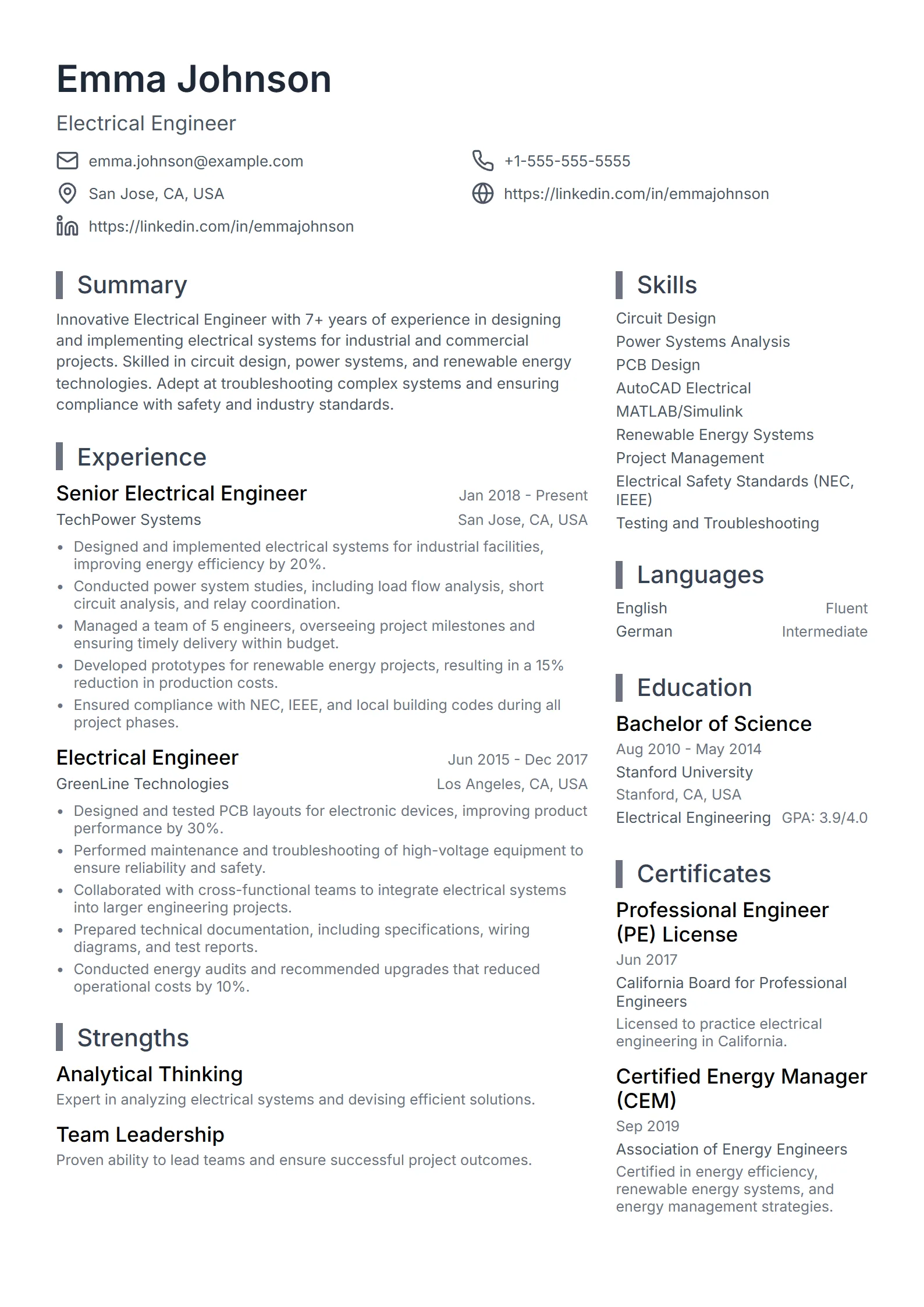
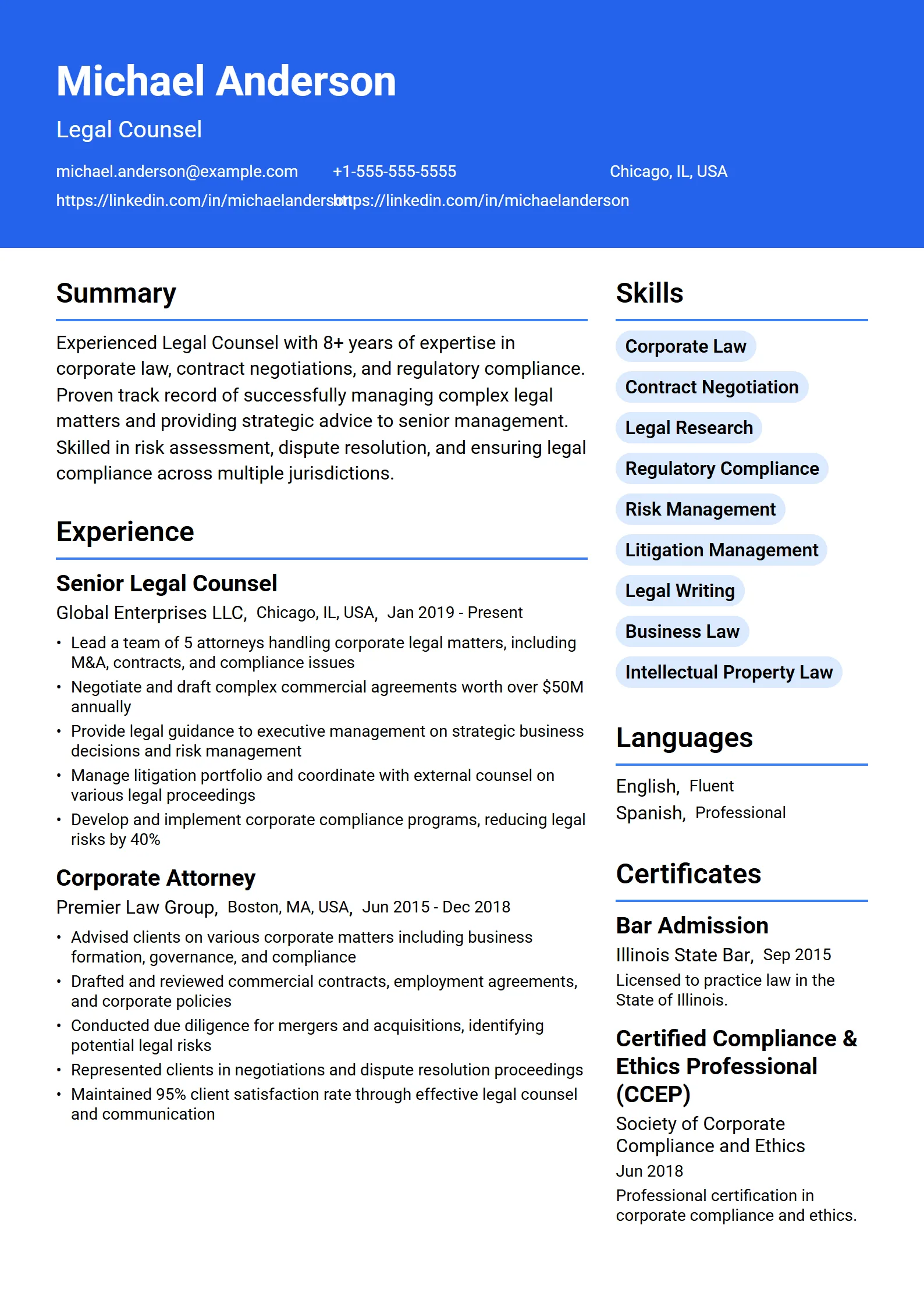
Modern is one of the most requested resume styles, and one of the most misunderstood. A modern resume template is not a graphic-heavy design that impresses a designer and confuses a recruiter. Done well, it is a clean, current layout that helps your experience read faster on screen and inside an applicant tracking system.
What makes a resume template modern?
A modern resume template uses current design conventions: generous white space, a clear typographic hierarchy, a restrained accent color, and consistent alignment. It favors one readable column, standard section headings, and selectable text. The look feels contemporary and professional, but the structure stays simple enough for both recruiters and software to follow without friction. In practice, the modern resume format is a single-column, reverse-chronological layout with standard section headings, which is exactly why the modern resume layout stays readable on screen and parses cleanly inside an applicant tracking system. In practice, the modern resume format is a single-column, reverse-chronological layout with standard section headings, which is exactly why the modern resume layout stays readable on screen and parses cleanly inside an applicant tracking system. In practice, the modern resume format is a single-column, reverse-chronological layout with standard section headings, which is exactly why the modern resume layout stays readable on screen and parses cleanly inside an applicant tracking system.
Modern is a look, not a gimmick
Dated resumes often use dense paragraphs, cramped margins, and a single heavy serif font. Modern ones use a clean sans-serif or a fresh serif, room to breathe between sections, and a subtle accent to guide the eye. None of that requires two columns, sidebars, icons, or a photo. The upgrade is in the spacing and hierarchy, not in the decoration.
Example: A product manager swaps a dense 2015 layout for a modern template with a bold name, a one-line title, roomy section spacing, and a thin accent rule under each heading. Nothing moves into a graphic, so the resume still copies out cleanly when a recruiter pastes it into their system.
Are modern resume templates ATS-friendly?
Modern templates can be fully ATS-friendly, and most problems blamed on modern design actually come from layout choices, not the style itself. A modern template stays safe when it keeps text selectable, uses standard headings, and avoids multi-column tables, text boxes, and icons that stand in for words. The visual polish is fine; the parsing risk lives in the structure.
What tends to break a scan is a two-column layout where the parser reads straight across, section labels rendered as icons, contact details trapped in a header or footer, or a skills grid baked into an image. A resume can look modern and still pass, as long as the important facts, such as employer, title, dates, skills, and achievements, sit in real, selectable text in a predictable order.
Tip: After you pick a modern template, run the file through a free ATS resume checker before you apply. It confirms the text is selectable, the sections are recognized, and the keywords match the job, which are the three things a modern layout is most likely to get wrong.
Every template in the Fresume library, 50+ in total across simple, professional, modern, creative, and ATS-friendly styles, is built to keep that structure intact. You can browse the full set on the resume templates page and filter to the modern options.
Who should use a modern resume template?
A modern resume template fits roles where a current, design-aware look signals that you keep up with your field: software engineering, data, product, marketing, design, and most startup or tech-company applications. It also suits early-career candidates who want to look polished without over-designing. If your industry rewards a contemporary presentation, modern is a safe, strong default.
When a simpler style is the better call
Some fields still expect a more traditional resume. Law, government, finance, healthcare administration, and academia tend to favor a plain or professional layout, where restraint reads as credibility. The template should carry the hiring signal, not compete with it. A designer can lean modern while keeping text parseable; an accountant or a nurse usually does not need the extra styling at all.
If you are unsure, look at how people already in the role present themselves, or compare against real resume examples for your job title, then match the template to the norm. Choosing by role, rather than by taste alone, is what keeps a modern resume from looking out of place.
How do you make a modern resume in Word or Google Docs?
You can build a modern, ATS-ready resume in Word or Google Docs by keeping the layout to a single column, using the built-in heading styles, choosing one clean font, and avoiding text boxes, tables, and images for important content. Set sensible margins, keep section names standard, and export to PDF only after you confirm the text stays selectable.
- Start from a blank document rather than a heavy pre-made graphic template.
- Use the built-in Heading styles for section titles so the structure is machine-readable.
- Pick one modern, widely available font and use a single accent color sparingly.
- Keep everything in one column; skip sidebars, text boxes, and icons that replace words.
- Put your name, title, and contact details in the body, not inside the header or footer region.
- Export to PDF, reopen it, and try to select the text. If it highlights, an ATS can read it.
To be clear about how Fresume works: the templates are not downloadable Word or Google Docs files. They live inside the resume builder, so the modern layout, spacing, and ATS structure are handled for you while you focus on the content. You get a free plan to start, premium features at $17.49/month, and a free ATS checker to confirm the result before you send it.
Tip: Whichever route you take, the deciding test is the same. Open the finished PDF and try to select every line of text. If your name, dates, or skills will not highlight, they are trapped in a graphic, and no amount of modern styling will get them past a recruiter.
Questions
Frequently asked questions
01Are modern resume templates ATS-friendly?
Yes, when the layout is built correctly. A modern template passes an ATS scan as long as it keeps text selectable, uses standard section headings, and avoids two-column tables, text boxes, and icons that replace words. The parsing risk comes from structure, not from a contemporary look, so run an ATS checker before applying.
02Do modern resume templates work in Word or Google Docs?
You can make a modern, ATS-ready resume in Word or Google Docs by using a single column, the built-in heading styles, one clean font, and no text boxes or images for key content. Fresume templates are not downloadable Word files, though; they live inside the resume builder, which handles the modern layout and ATS structure for you.
03Is a modern resume template right for a conservative industry?
Often a plain or professional style is safer. Law, government, finance, healthcare administration, and academia usually reward restraint, where a traditional layout reads as credibility. Modern templates fit tech, design, marketing, product, and startup roles. When unsure, match your template to how people already in the role present themselves.
04What fonts and colors work best for a modern resume?
Choose one clean, widely available font, typically a modern sans-serif or a fresh serif, and use a single accent color sparingly for headings or a thin rule. Prioritize generous white space and clear hierarchy over decoration. Keep the body text dark and high-contrast so it stays readable on screen and when printed.
05How many modern templates does Fresume have?
Fresume includes 50+ resume templates spanning simple, professional, modern, creative, and ATS-friendly styles, so there are several modern options to choose from. Every template is designed to stay ATS-readable. You can browse and filter them on the resume templates page, then edit your choice directly in the builder.
A modern resume that still passes the ATS.
Start from a modern template, tailor it, and verify it parses cleanly.