 Fresume
Resume templates
Simple resume templates, built to pass the ATS
Clean, single-column resume templates that keep the focus on your experience and parse reliably. See who they suit and how to structure one.
Simple resume templates
Minimal, easy-to-read layouts that keep the focus on your experience.
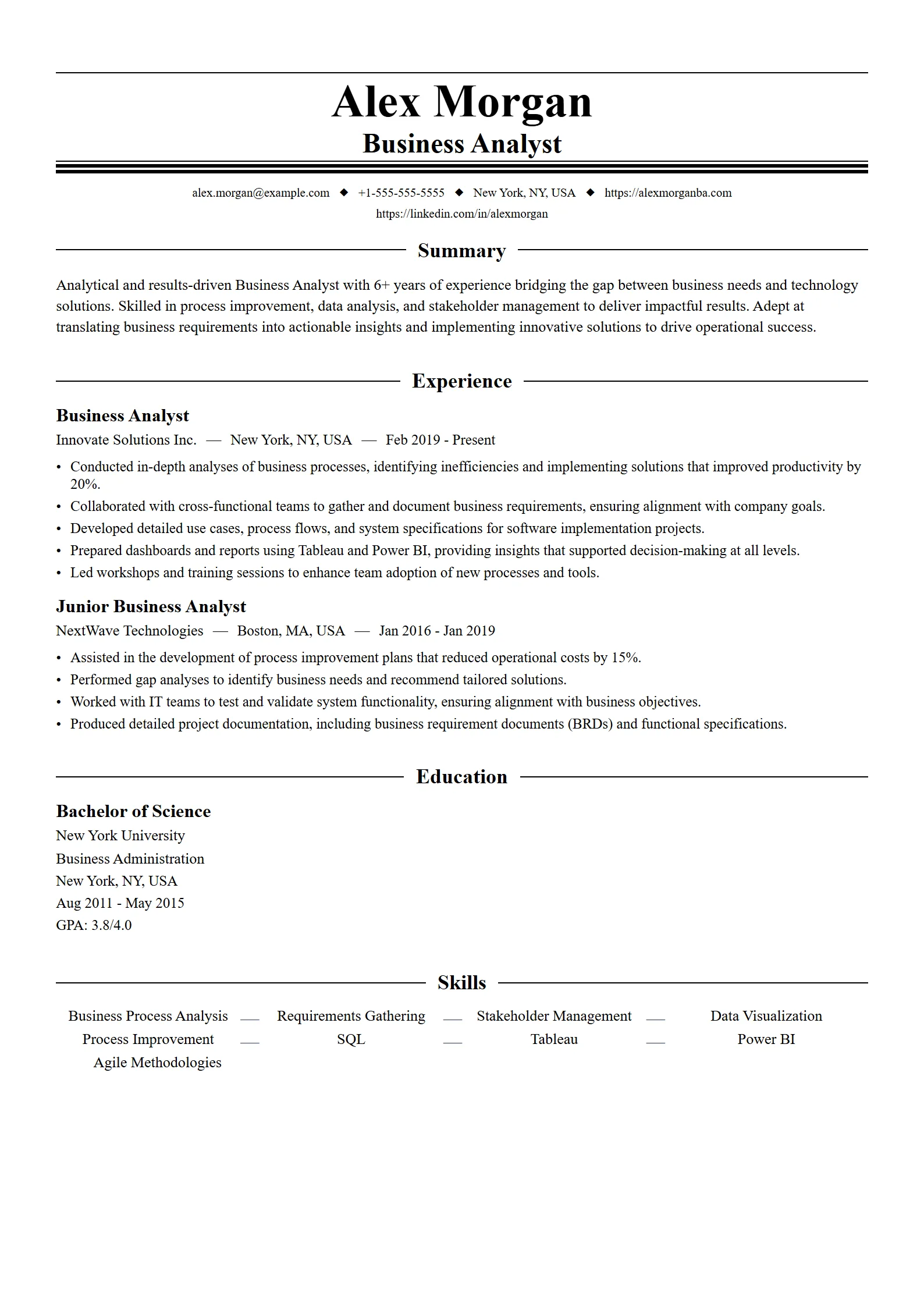
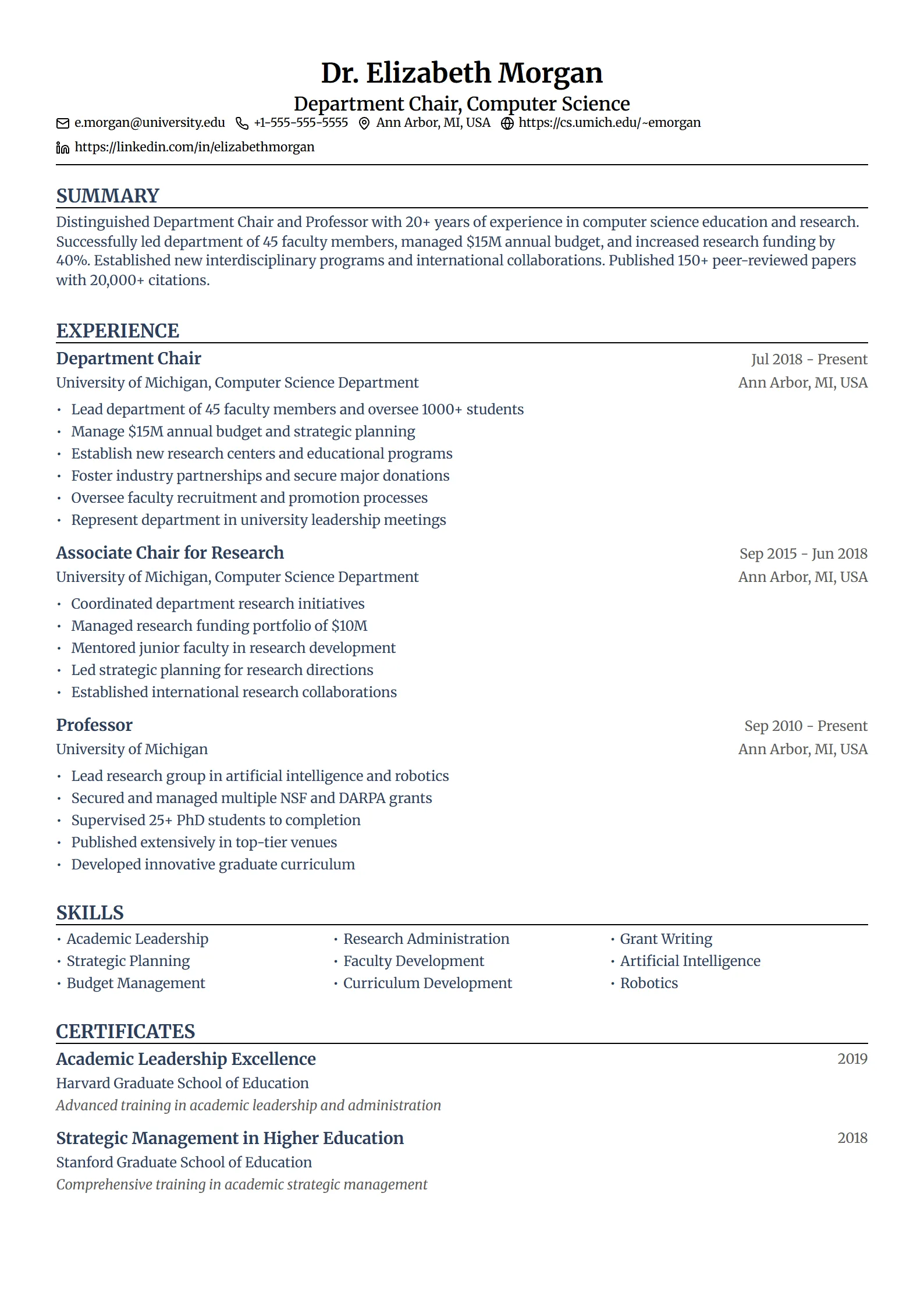
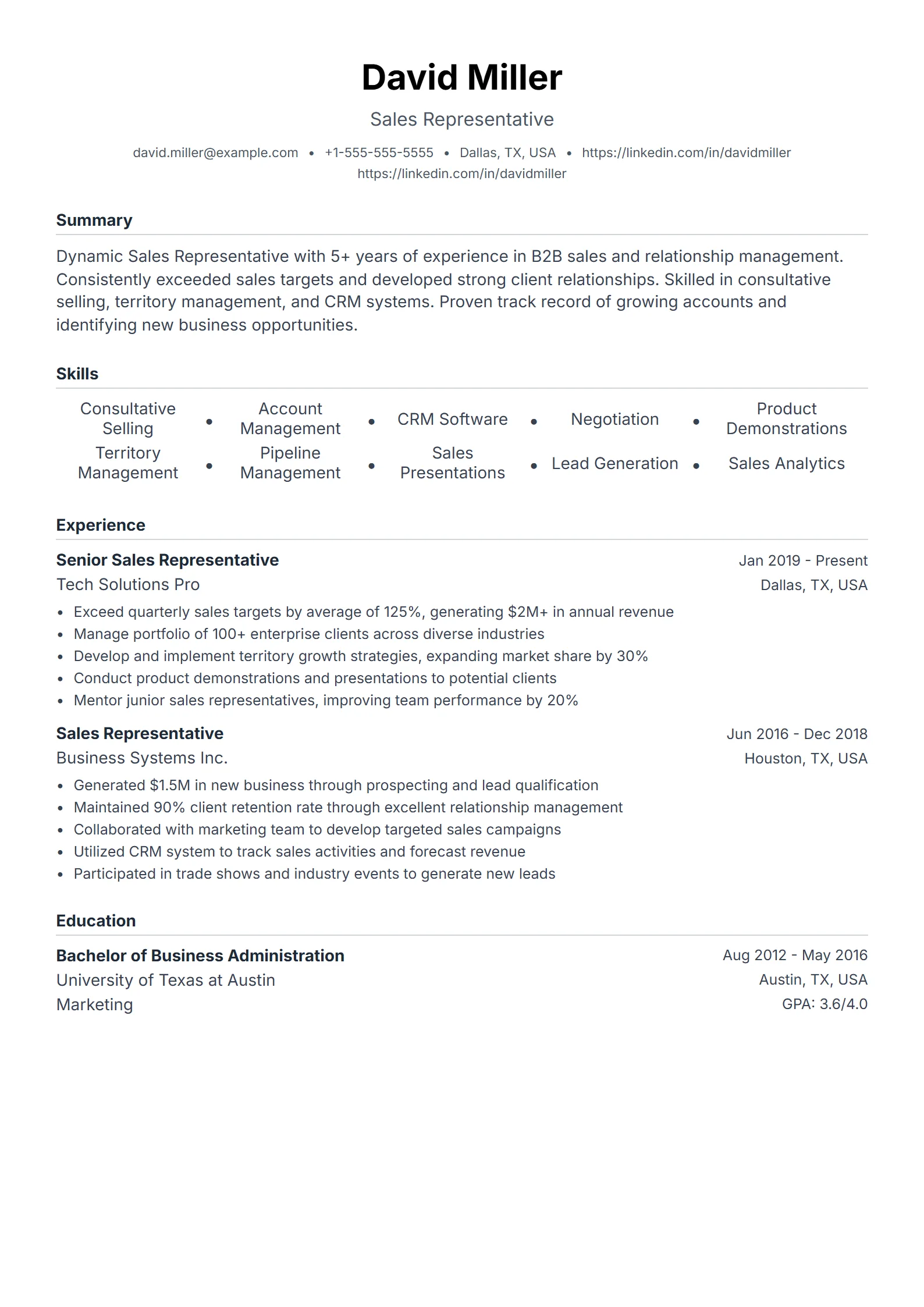
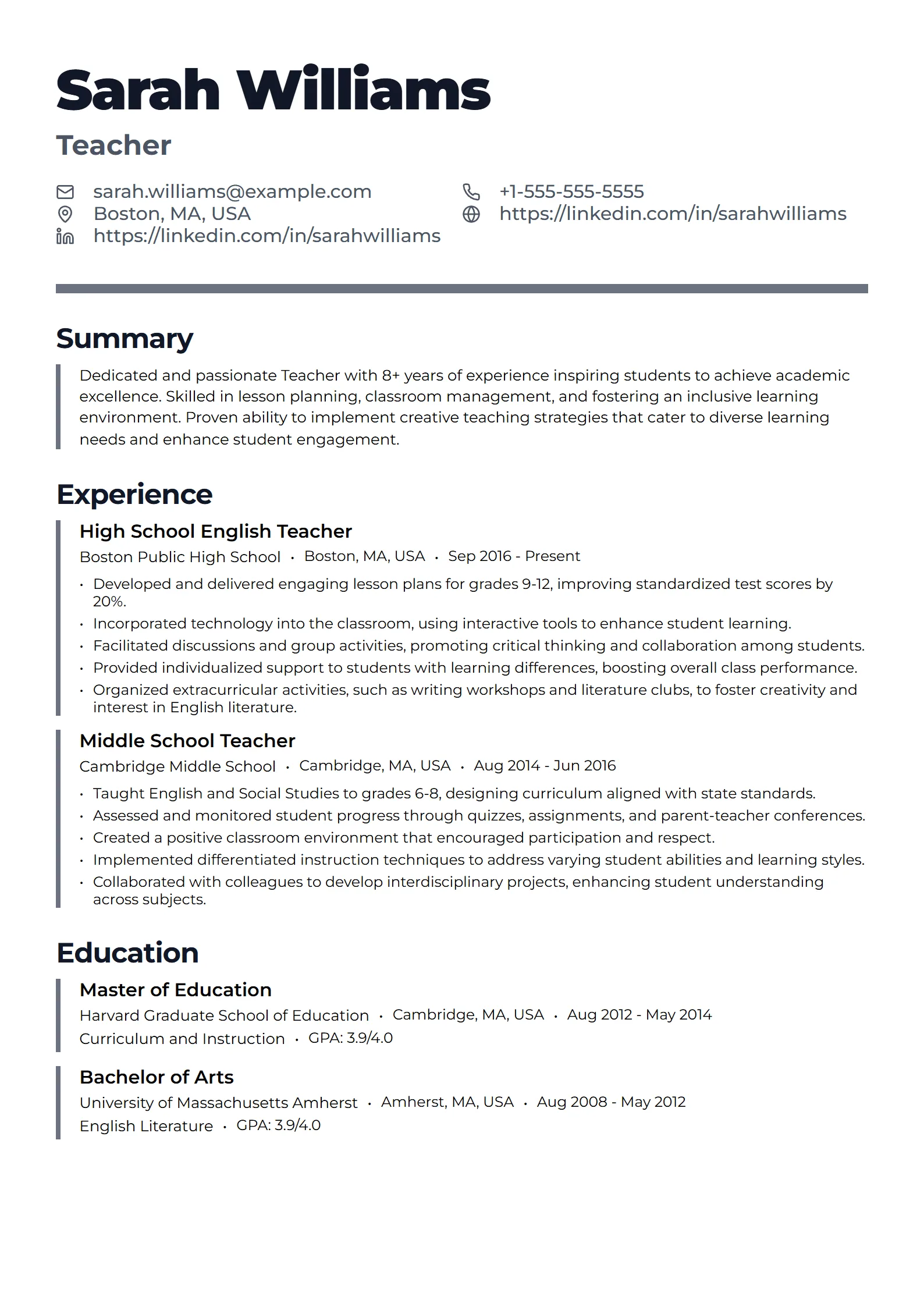
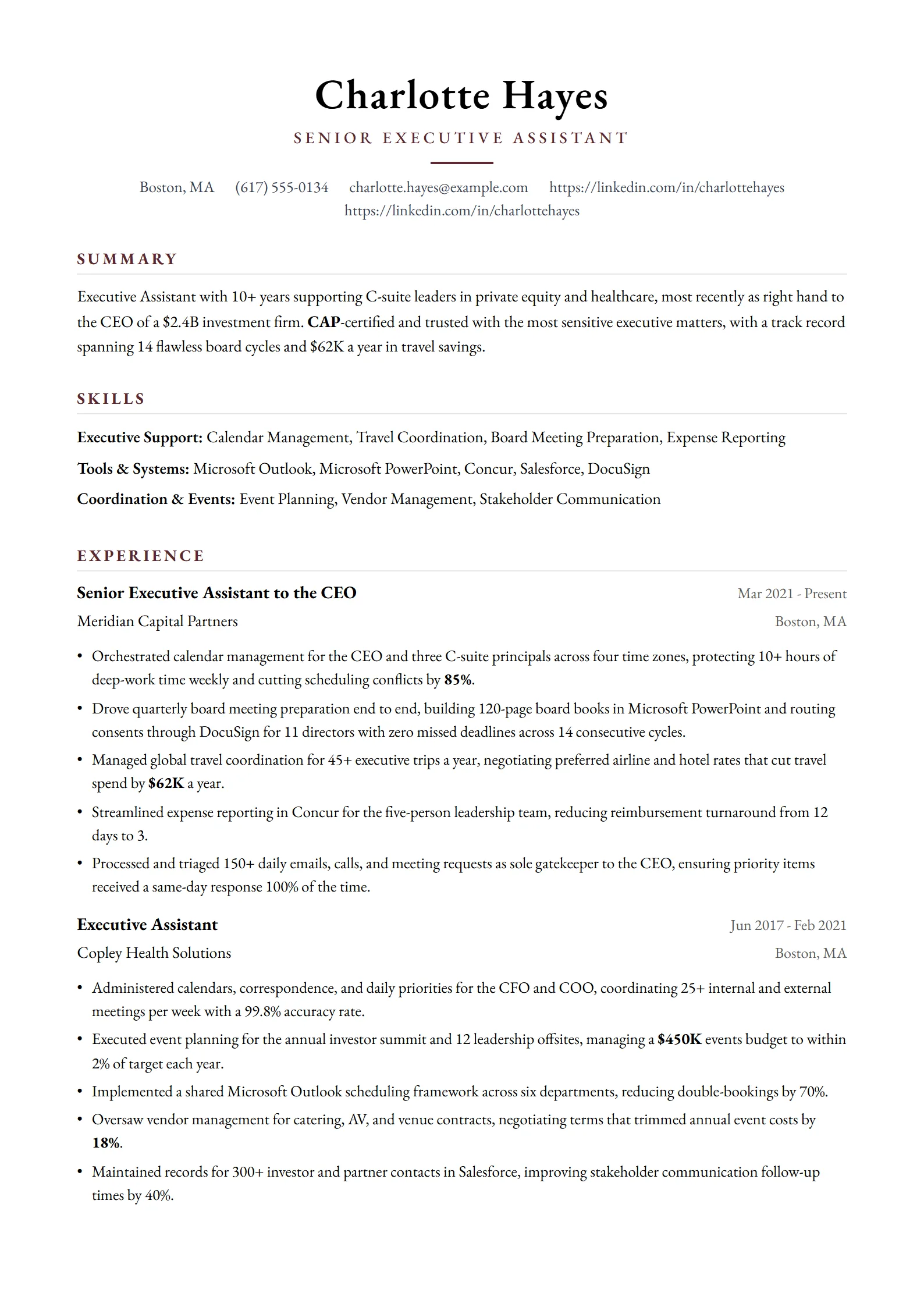
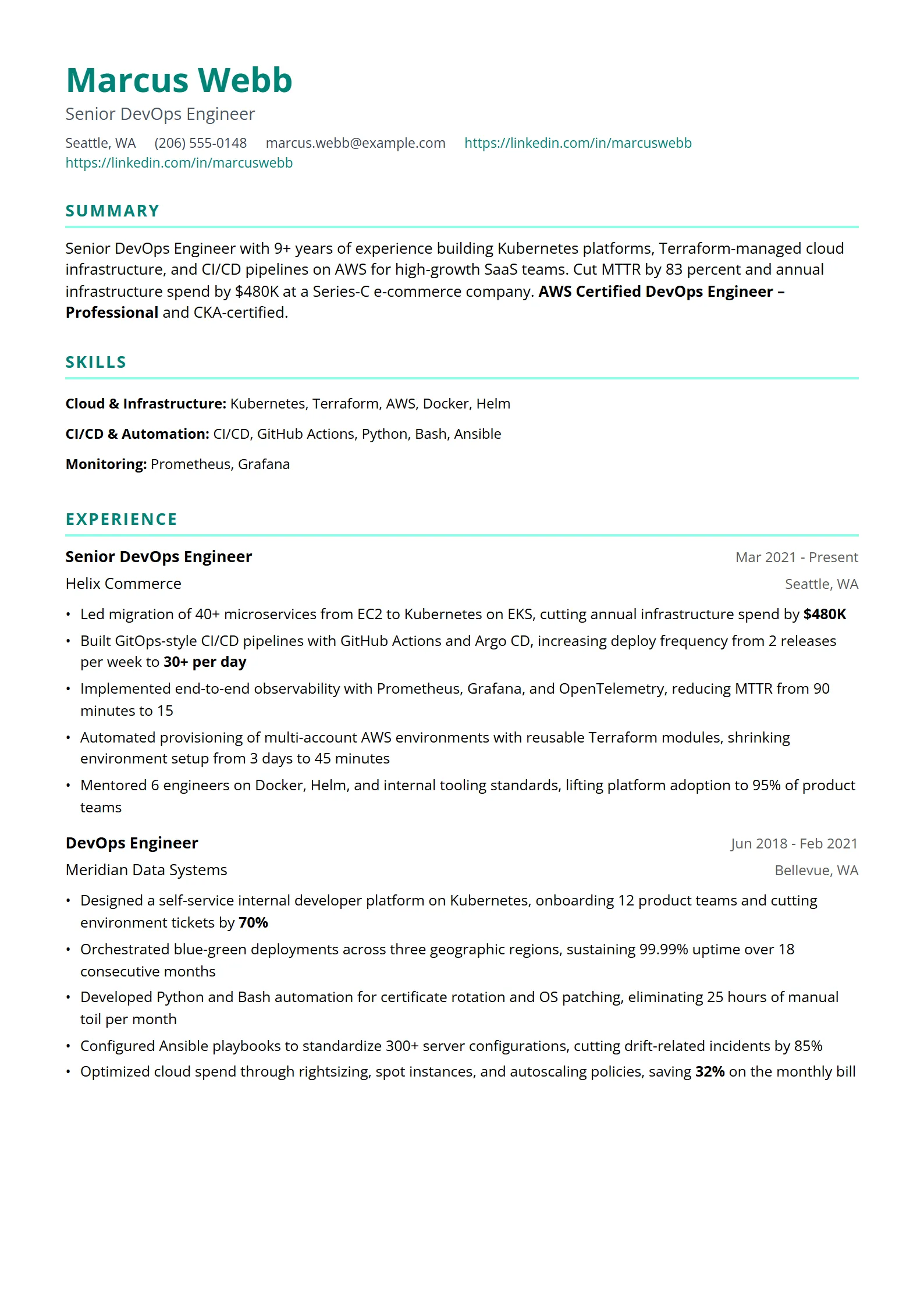
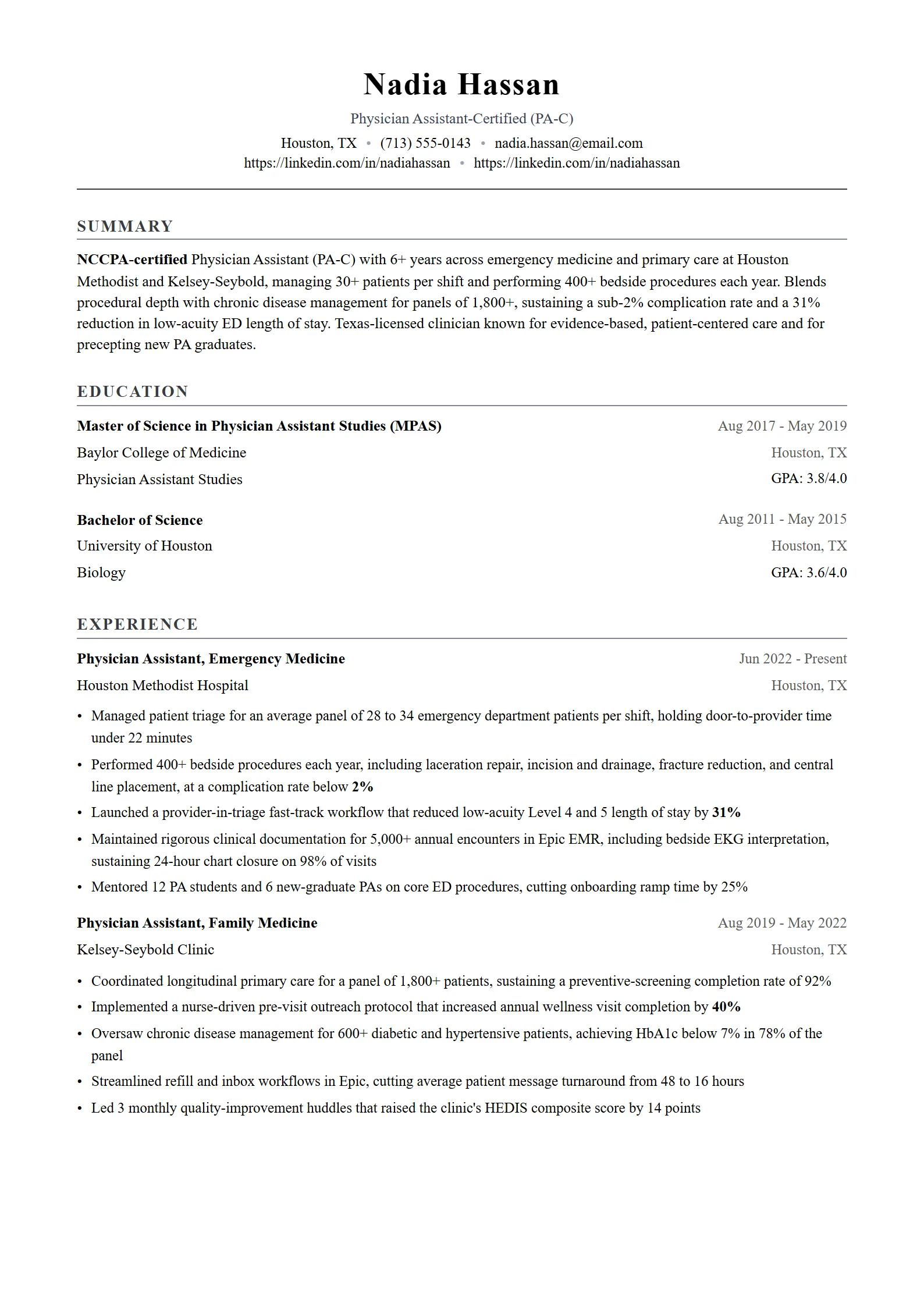
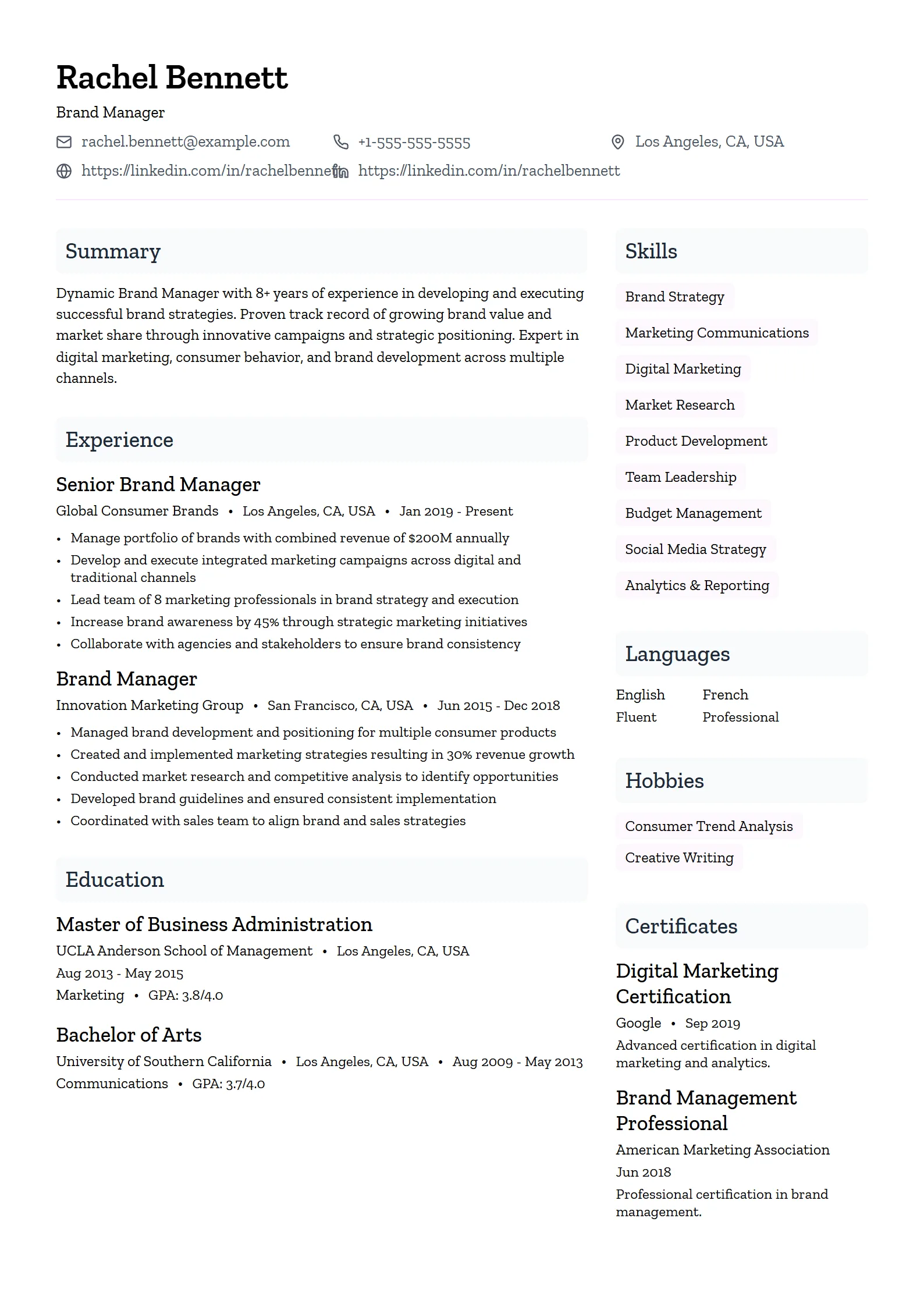
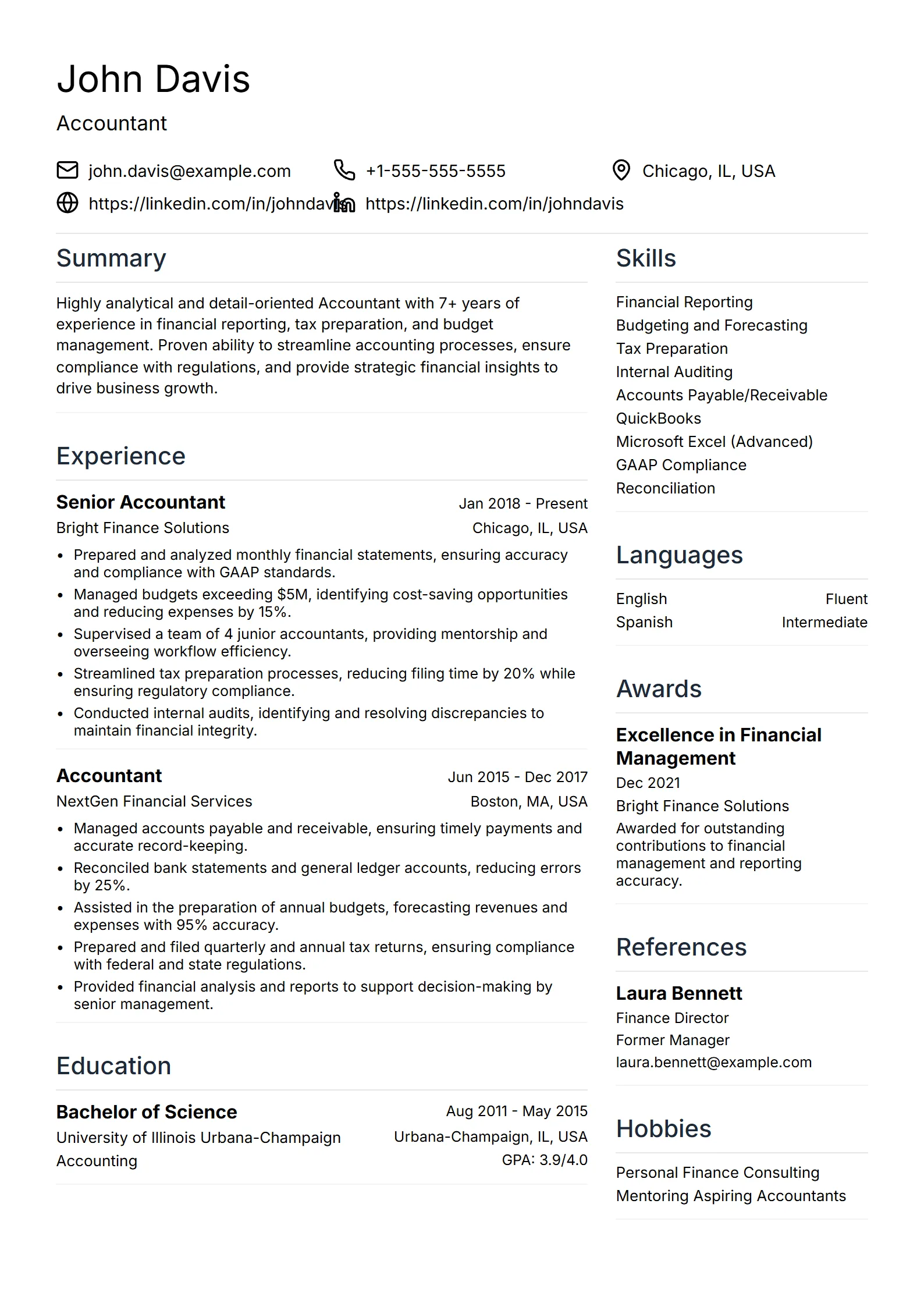
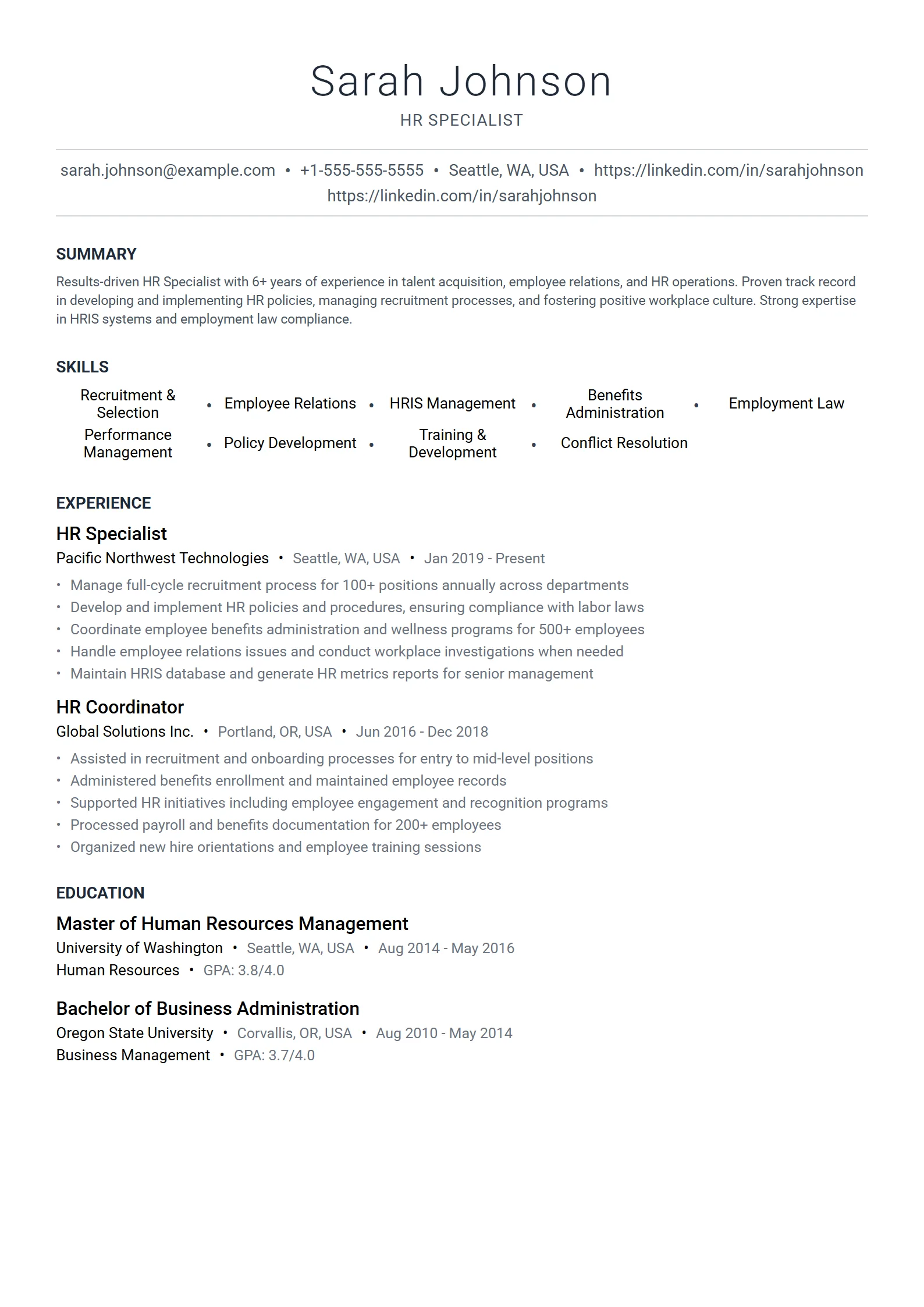
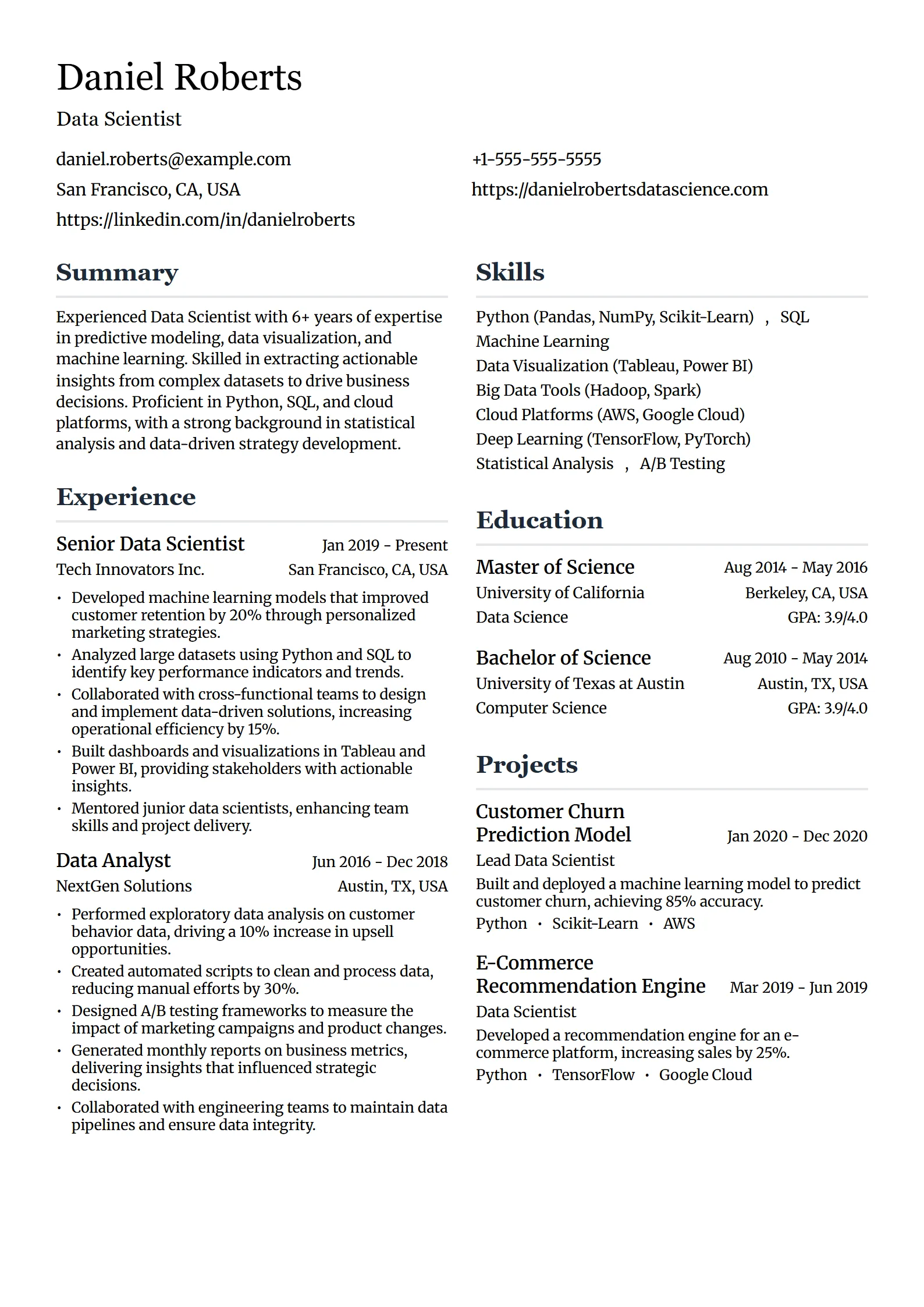
What is a simple resume template?
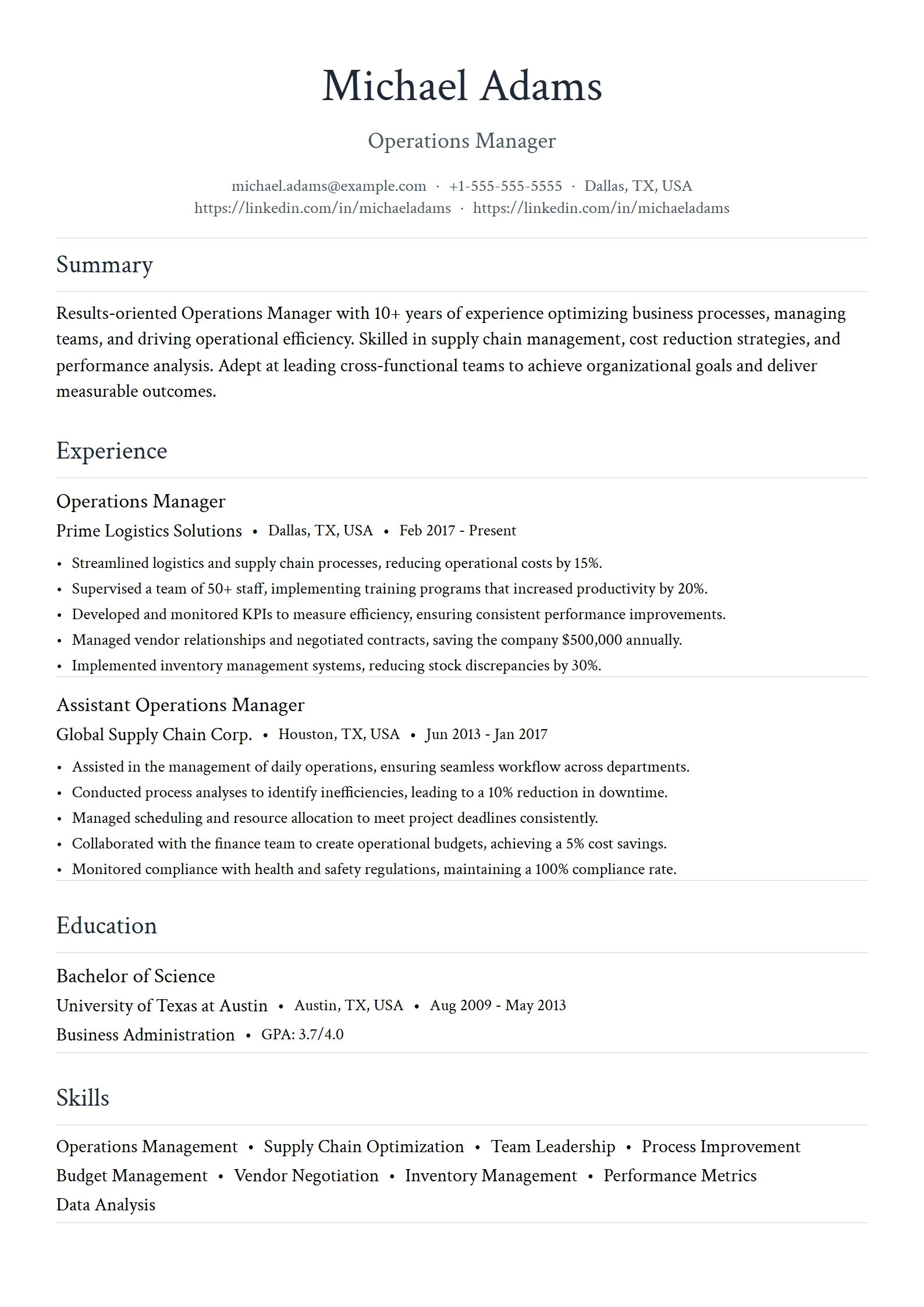
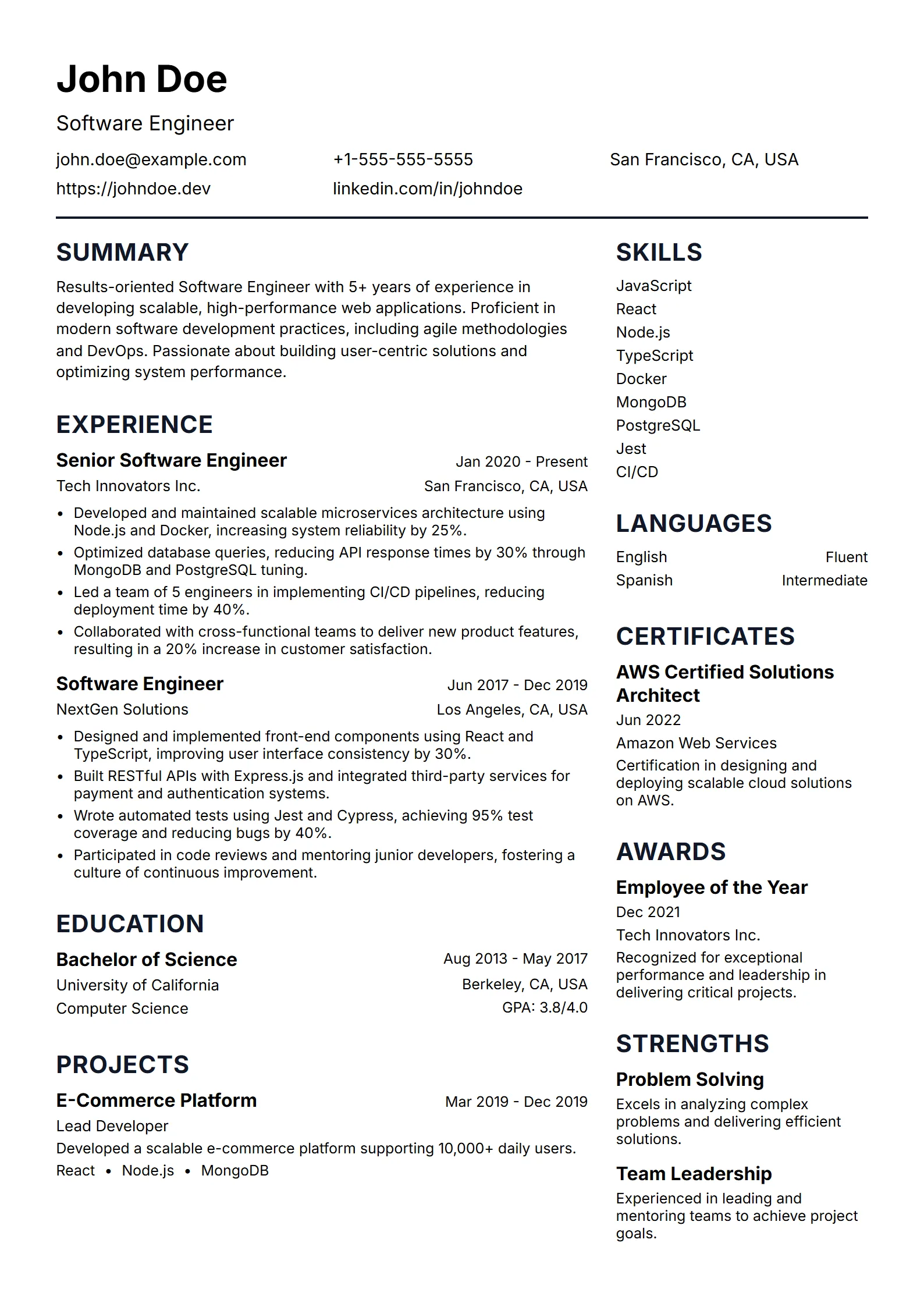
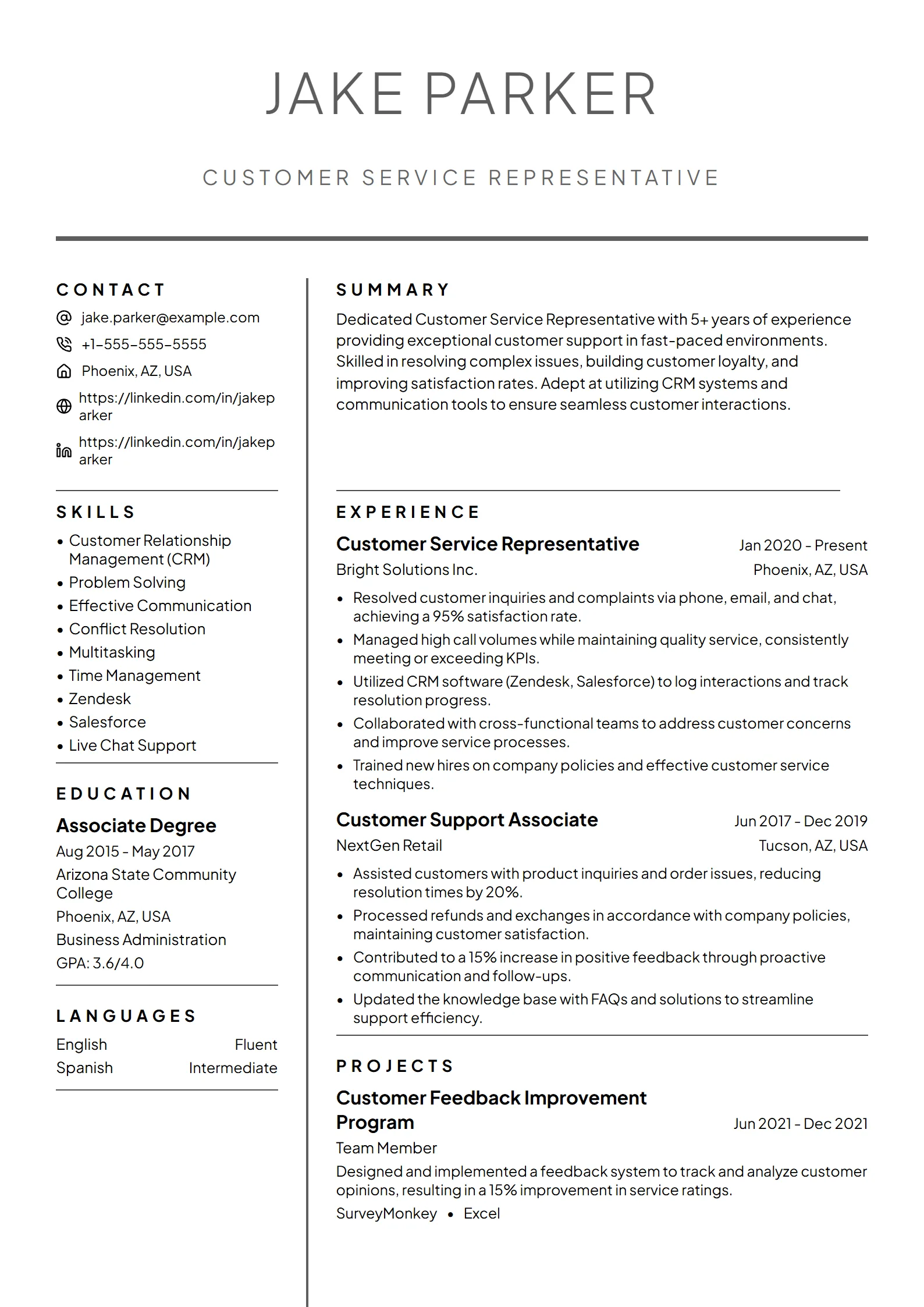
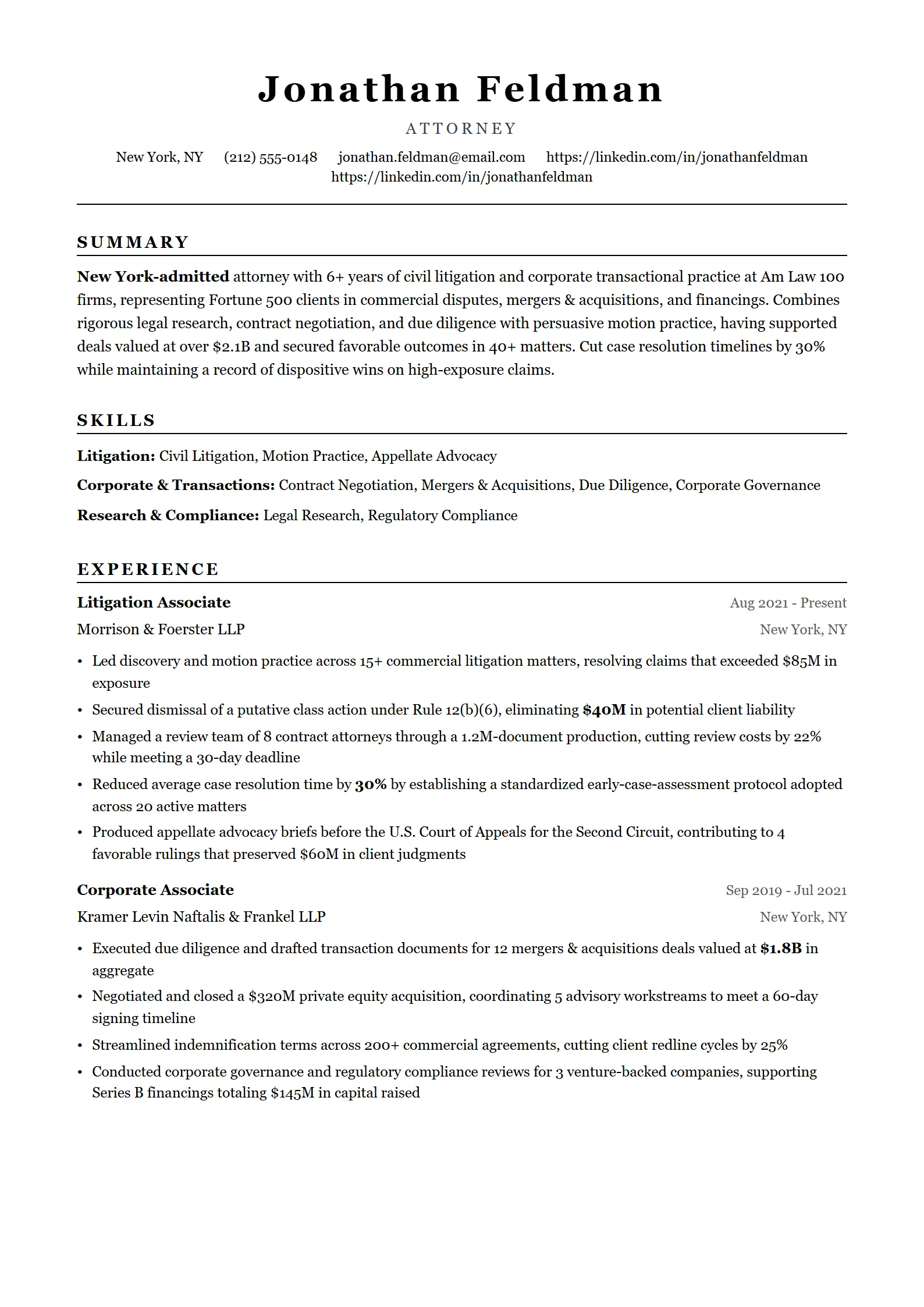
A simple resume template is a clean, single-column layout that presents your details in plain sections with standard headings, one professional font, and generous white space. It skips graphics, sidebars, tables, and color blocks. Because the text runs in a straightforward top-to-bottom order, both recruiters and applicant tracking systems read it without missing anything.
A basic resume template usually means the same thing. Simple, basic, and minimalist all describe a format that puts content first. The value is not that it looks plain; it is that nothing competes with your experience for attention. A hiring manager skimming for ten seconds finds your last job title, your results, and your skills exactly where they expect them.
It is also the safest starting point for online applications, where more complex layouts can look impressive but scramble when parsed. If you want to compare a minimalist layout against more visual options, browse the full set of resume templates and see which structure fits your field.
Who should use a simple resume format?
A simple resume format suits almost everyone, but it is the clear choice when your application passes through software before a human sees it — most corporate, healthcare, finance, government, and large-company roles. Students, career changers, and anyone with a straightforward work history also benefit, because a clean layout keeps the focus on substance rather than decoration.
Reach for a simple or basic template when:
- You are applying online through a company portal or job board, where an ATS parses your file before anyone reads it.
- You work in a conservative field — law, finance, accounting, healthcare, engineering, or government — where restraint reads as professional.
- You are early in your career and want experience and education to stand out without visual clutter.
- You are changing careers and need a strong summary and skills section to connect your background to the new role.
- You simply want a fast, reliable layout you can tailor to each job.
A more visual, two-column design can work when a recruiter will open your PDF directly, such as networking, referrals, or design-led roles. Even then, confirm it parses by reading our ATS-friendly resume guide first. When in doubt, simple wins.
Simple resume template structure
A simple resume template follows a predictable, single-column structure: a name-and-contact header, a short summary, a skills list, work experience in reverse-chronological order, and education. Optional sections — certifications, projects, or volunteer work — sit near the bottom. Each section uses a plain heading and consistent date placement, so the layout stays scannable and easy to parse.
Here is the skeleton most simple resumes follow, top to bottom:
- Header: full name, city and state, email, phone, and a LinkedIn or portfolio link.
- Summary: two or three lines naming your role, years of experience, and strongest results.
- Skills: a short, scannable list of the tools and abilities the job asks for.
- Experience: each role with title, company, and dates, plus three to five quantified bullets, newest first.
- Education: degree, school, and graduation year.
- Optional: certifications, projects, or volunteer work at the bottom.
Tip: keep one font throughout, set 1-inch margins, and use 10.5–12pt body text. Lead every bullet with a result — a number, percentage, or scope — rather than a duty. To see how real candidates fill this structure, study our resume examples by job title before you write.
How do I make a simple resume in Word or Google Docs?
To make a simple resume in Word or Google Docs, start from a blank single-column document, add standard headings — Summary, Skills, Experience, Education — use one professional font at 10.5–12pt with 1-inch margins, write quantified bullets, and export as a PDF. Avoid built-in templates that rely on tables, text boxes, or two columns, since those can confuse an ATS.
- Start blank. Open Word or Google Docs and skip the decorative built-in templates; a blank page gives you a clean, single-column base.
- Add the standard sections in order: header, summary, skills, experience, and education.
- Format for readability: one font, 10.5–12pt, 1-inch margins, single spacing, left-aligned, and no tables or text boxes.
- Write results-first bullets that mirror the keywords and job title from the posting.
- Export as a PDF (File → Download or Save As → PDF) so the layout holds and the text stays selectable.
Fresume does not sell a downloadable Word or Google Docs file — the templates live inside the builder, where the ATS-safe structure is already set for you. You pick a layout from 50+ ATS templates, fill in your details, and export a clean PDF, while the free ATS checker flags formatting problems and missing keywords against the exact job description. There is a free plan, with premium features at $17.49/month. Use Word or Google Docs if you are comfortable formatting by hand, or the builder if you would rather have the ATS rules handled for you.
Questions
Frequently asked questions
01Is a simple resume template ATS-friendly?
Yes. A simple, single-column template with standard headings and selectable text is the most ATS-friendly format there is. Applicant tracking systems read it top to bottom without tripping over tables, columns, or graphics. It is the safest choice for any online application, and especially for large companies that screen resumes with software first.
02What is the difference between a simple and a basic resume template?
There is no real difference. Simple, basic, and minimalist all describe a clean, single-column layout that puts your content first with plain headings and no decoration. People search for both terms, but they point to the same idea: a format built to be read easily by recruiters and parsed reliably by applicant tracking systems.
03Are simple resume templates good for experienced professionals?
Yes. A simple format scales with experience. Senior candidates use the same clean structure and let scope, budgets, team size, and measurable results carry the resume. Recruiters skim quickly, so a minimalist layout makes leadership signals easy to find. Once you pass roughly ten years of experience, let the resume run to two pages if you need the room.
04Does Fresume have a free simple resume template?
Fresume has a free plan, and its simple, ATS-safe templates live inside the builder rather than as downloadable files. You choose a layout, fill in your details, and export a clean PDF, while the free ATS checker reviews your resume against a specific job description to catch formatting issues and missing keywords.
05Can I use a simple resume template for any industry?
Almost always, yes. A simple format works across corporate, healthcare, finance, education, government, and tech roles, and conservative fields expect it. The main exception is design-led work, where a portfolio and a more visual layout matter — though even there, a parseable structure still helps whenever you apply online.
Build a clean, ATS-ready resume.
Start from a simple template, tailor it, and check it before you apply.
Simple vs. modern vs. creative resume templates: which should you use?
Choose a simple resume template when your application is screened by software first — it is the most reliably parsed format. Pick a modern layout for a contemporary look that stays ATS-safe, and a creative design only when a recruiter opens your PDF directly, as in design roles. As of July 2026, Fresume offers 50+ ATS-friendly resume templates with PDF export across all three styles.
| Style | Best when | Typical fields |
|---|---|---|
| Simple | Your resume is screened by an ATS before a human reads it. | Corporate, healthcare, finance, government |
| Modern | You want a contemporary look that still parses cleanly. | Tech, marketing, startups |
| Creative | A recruiter opens your PDF directly and visual design matters. | Design, art, branding |
Browse each set: simple, modern, and creative resume templates.