 Fresume
Resume templates
Professional resume templates that stay ATS-ready
Formal, single-column templates for finance, consulting, management, and sales — clean enough to pass the ATS and polished enough for a senior role. See who they suit and how to choose one.
A professional resume template is a formal, single-column layout built for experienced candidates in finance, consulting, management, sales, and law. It leads with a clear name header, a short summary, and reverse-chronological results, and it skips photos, icons, and color blocks. Because that restraint is exactly what applicant tracking systems parse cleanly, a well-built professional template stays ATS-safe without sacrificing polish.
Professional resume templates
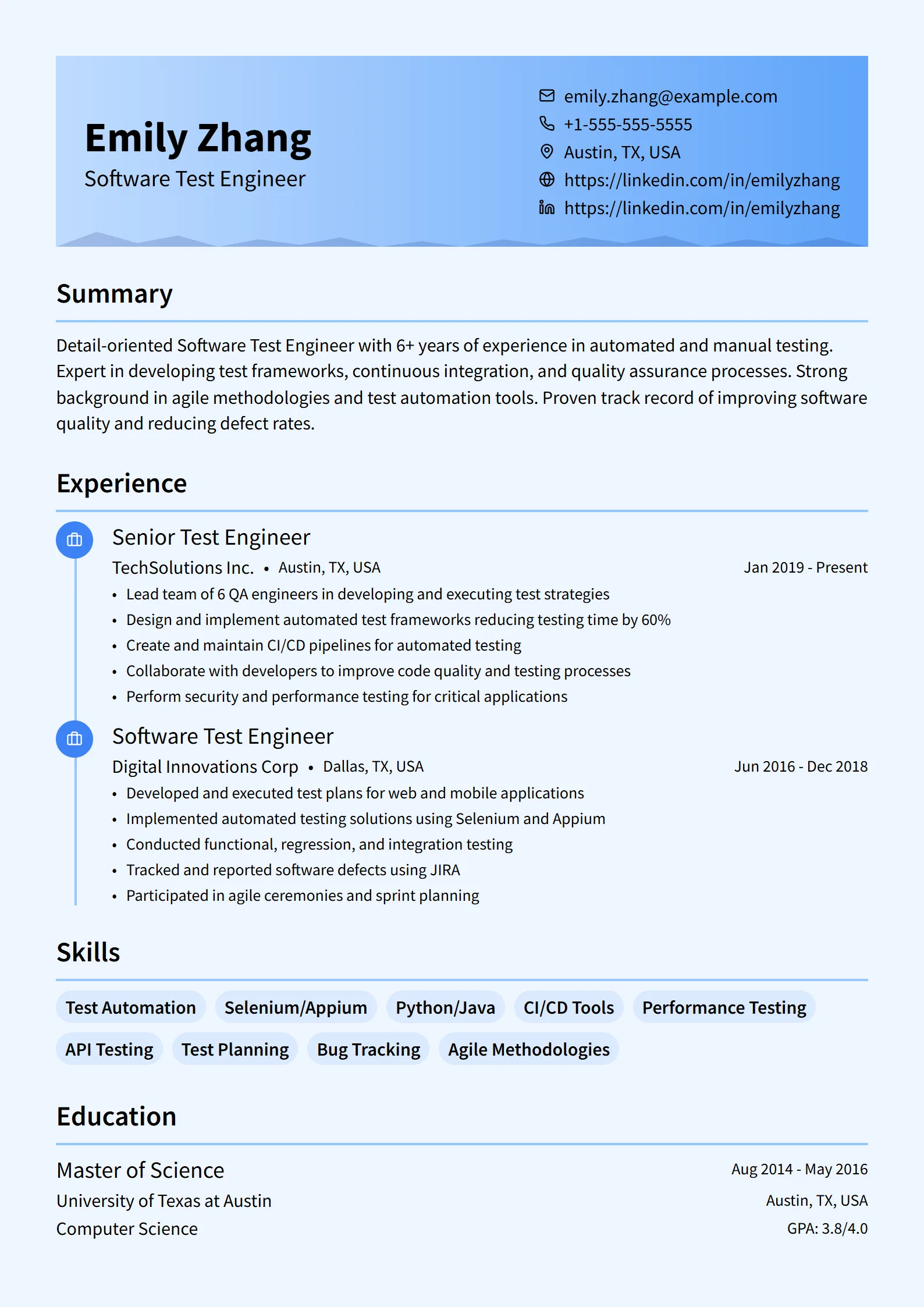
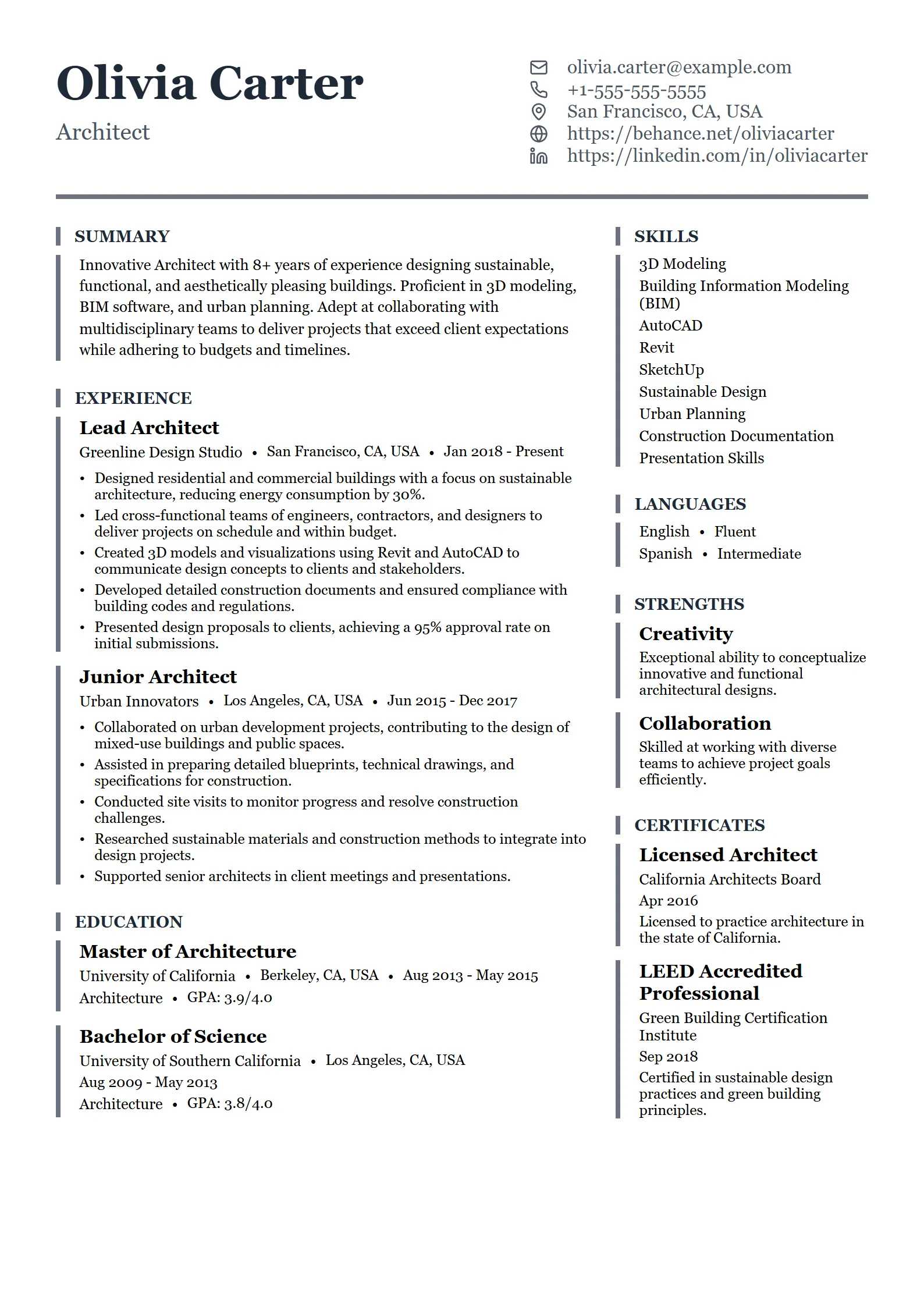
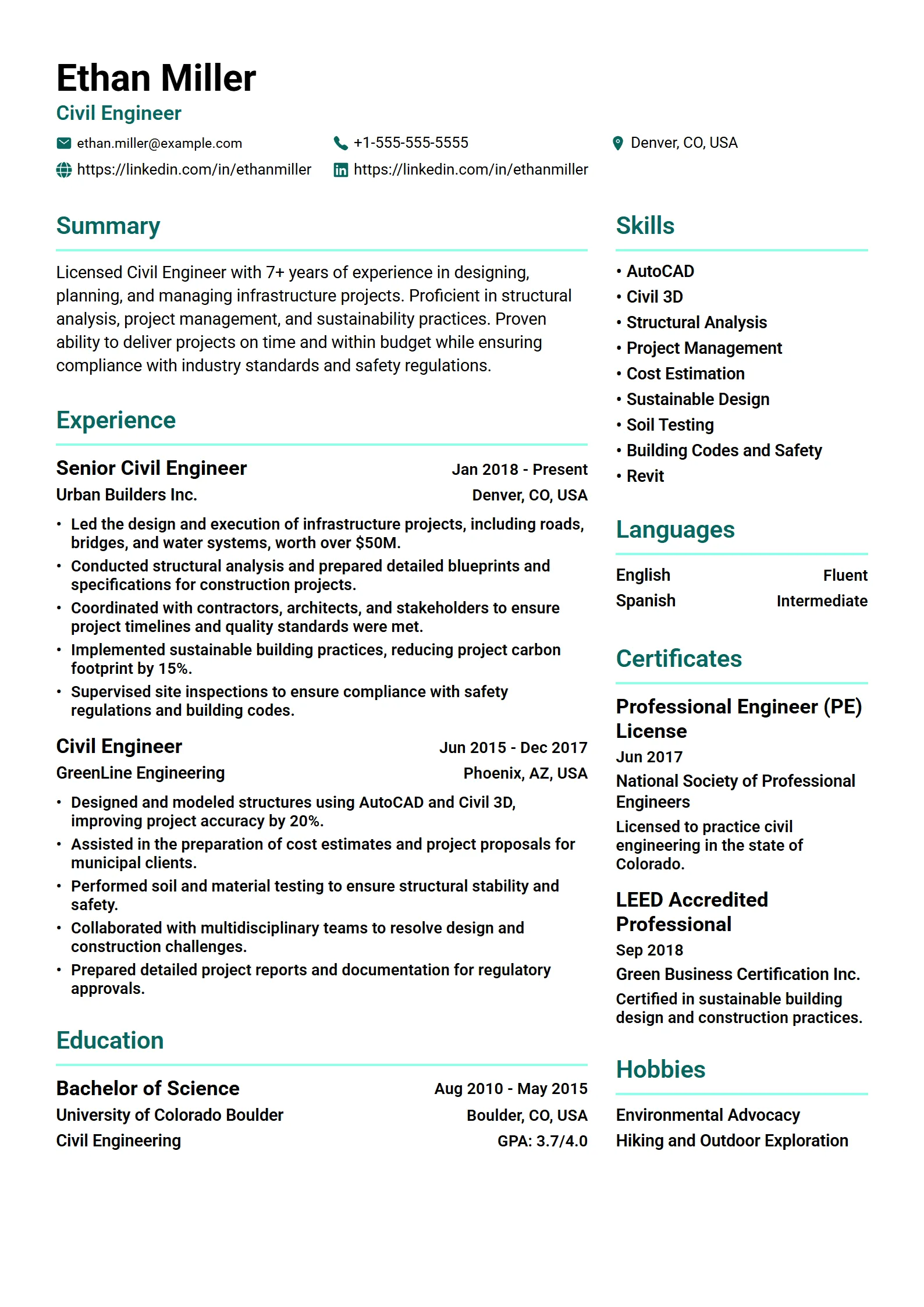
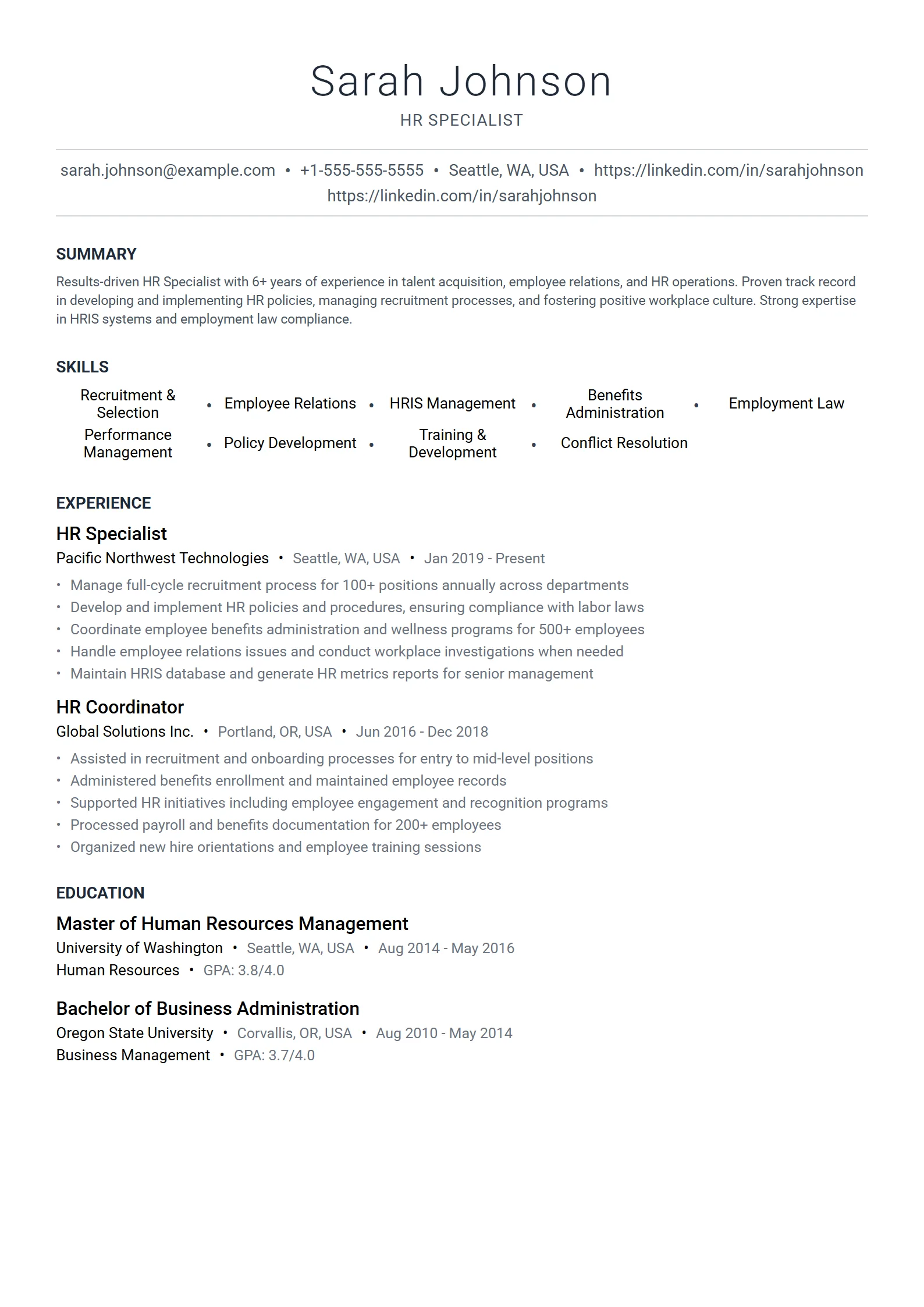
Polished, results-focused layouts for finance, consulting, sales, product, and management.
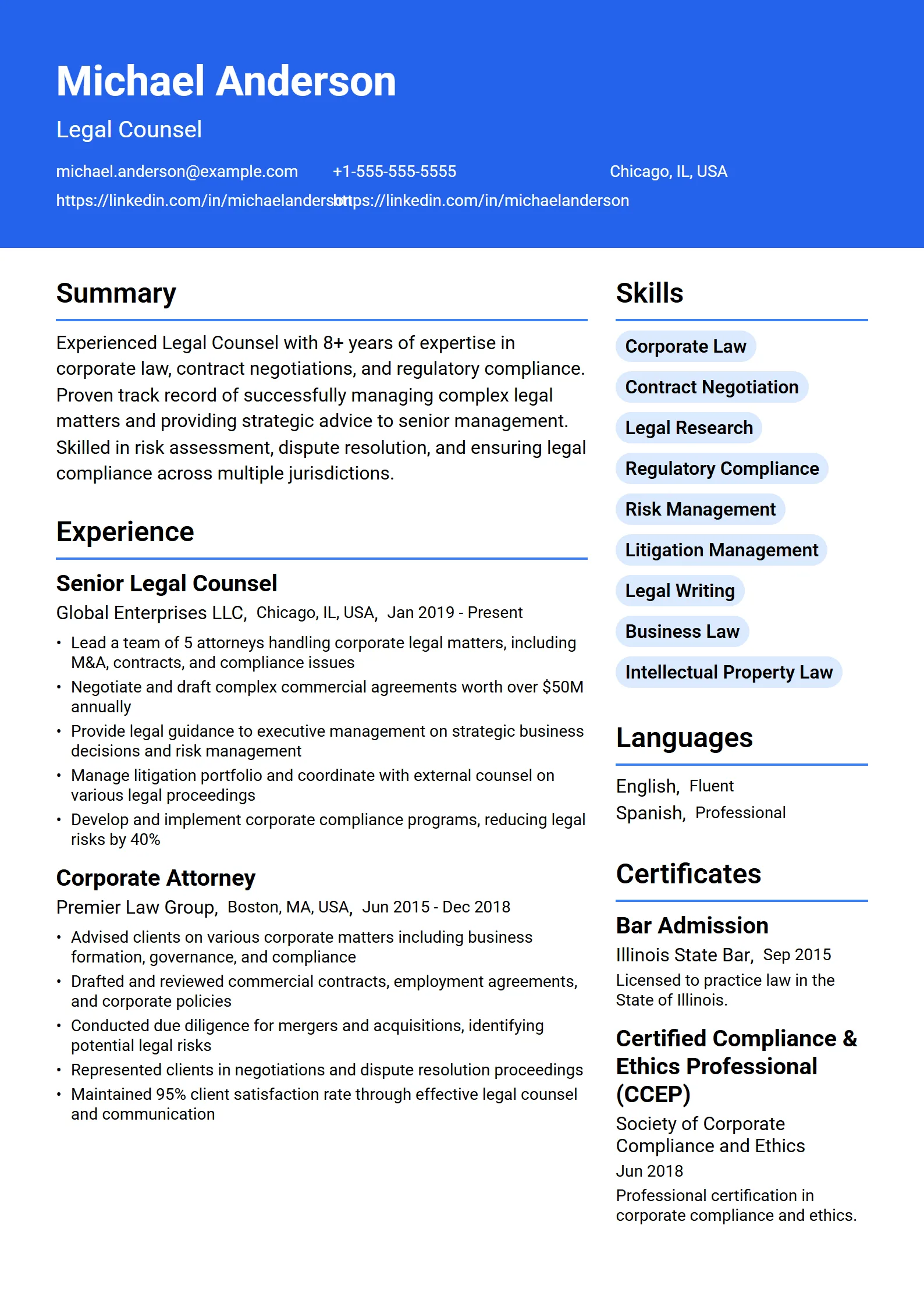
What is a professional resume template?
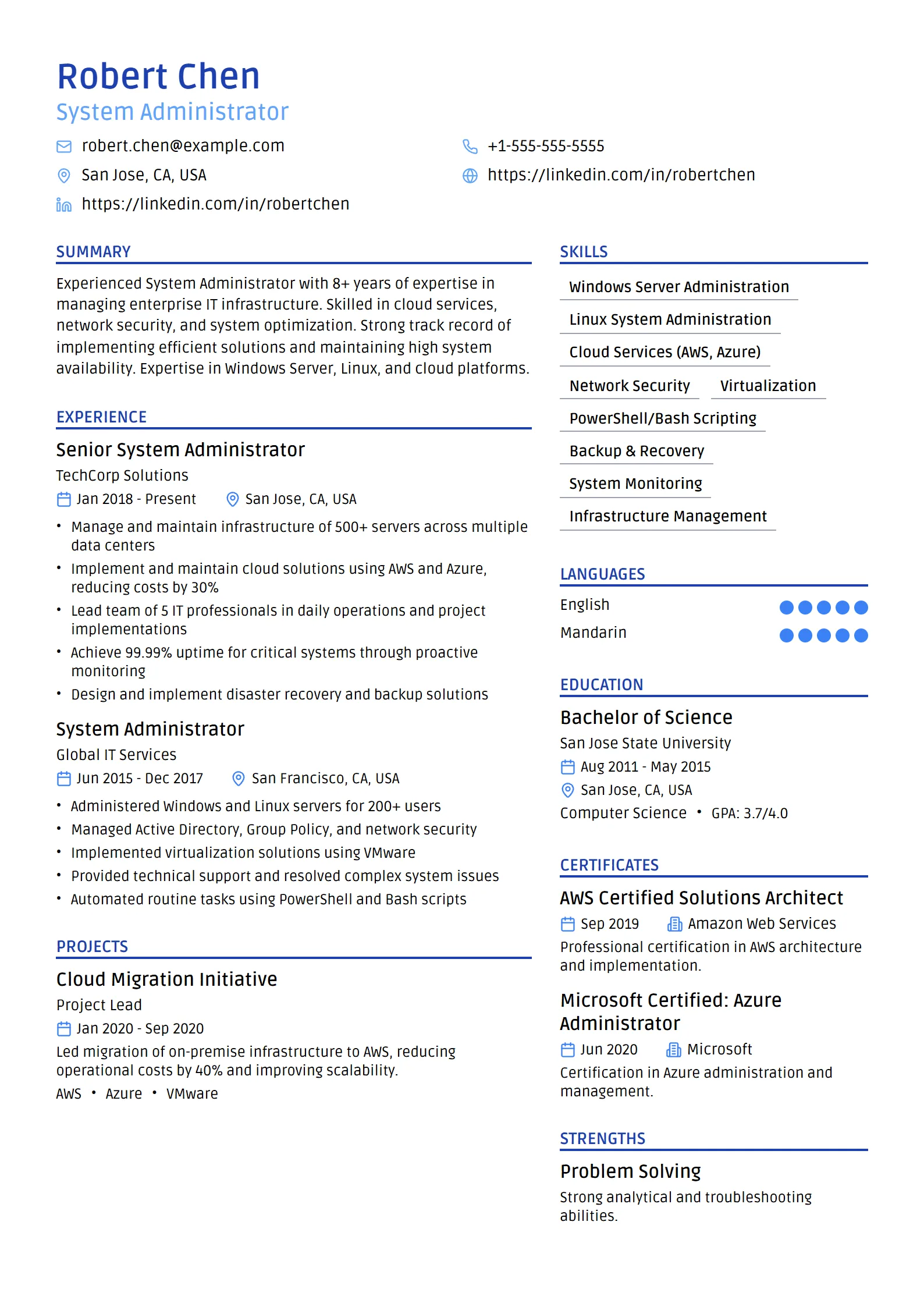
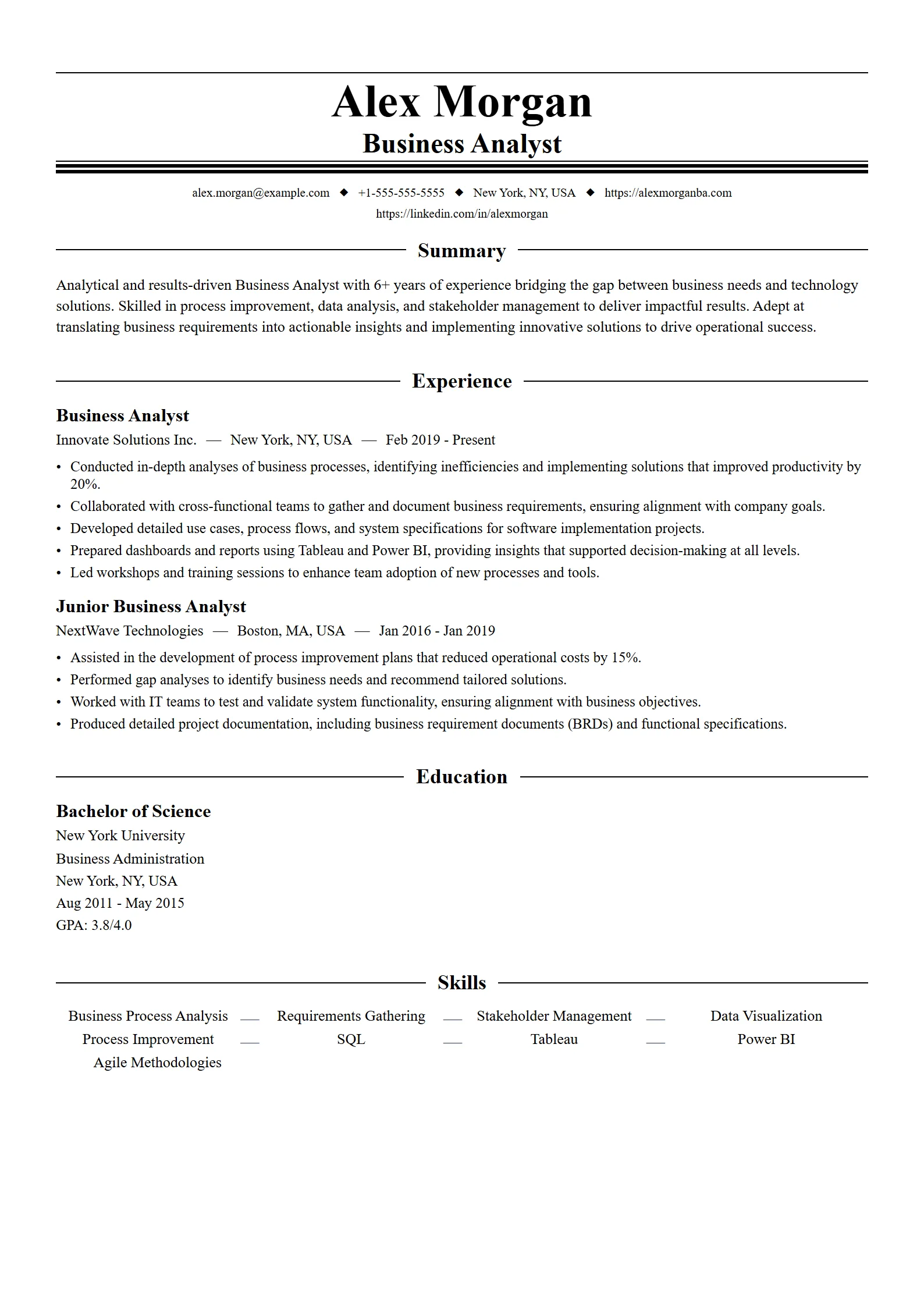
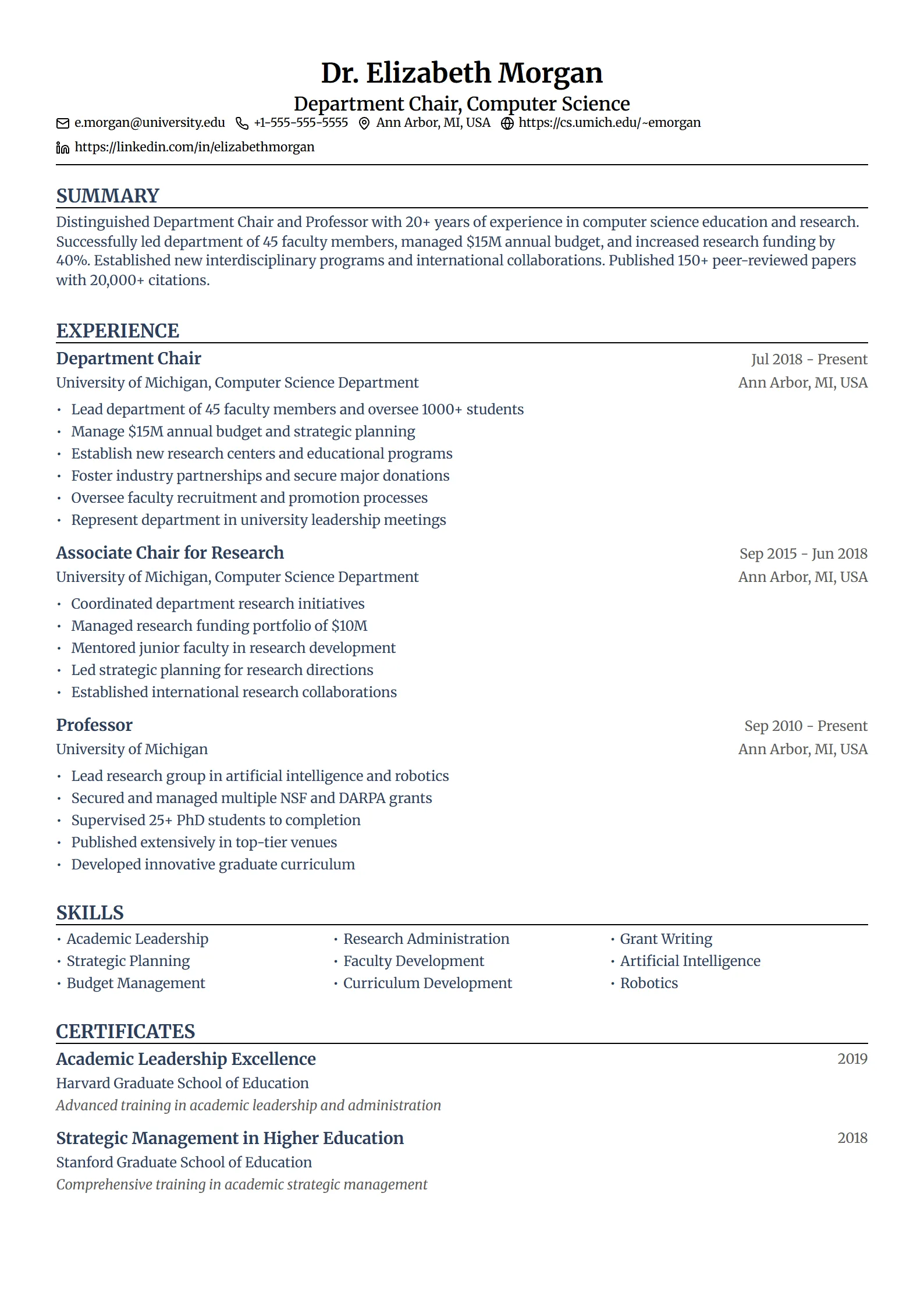
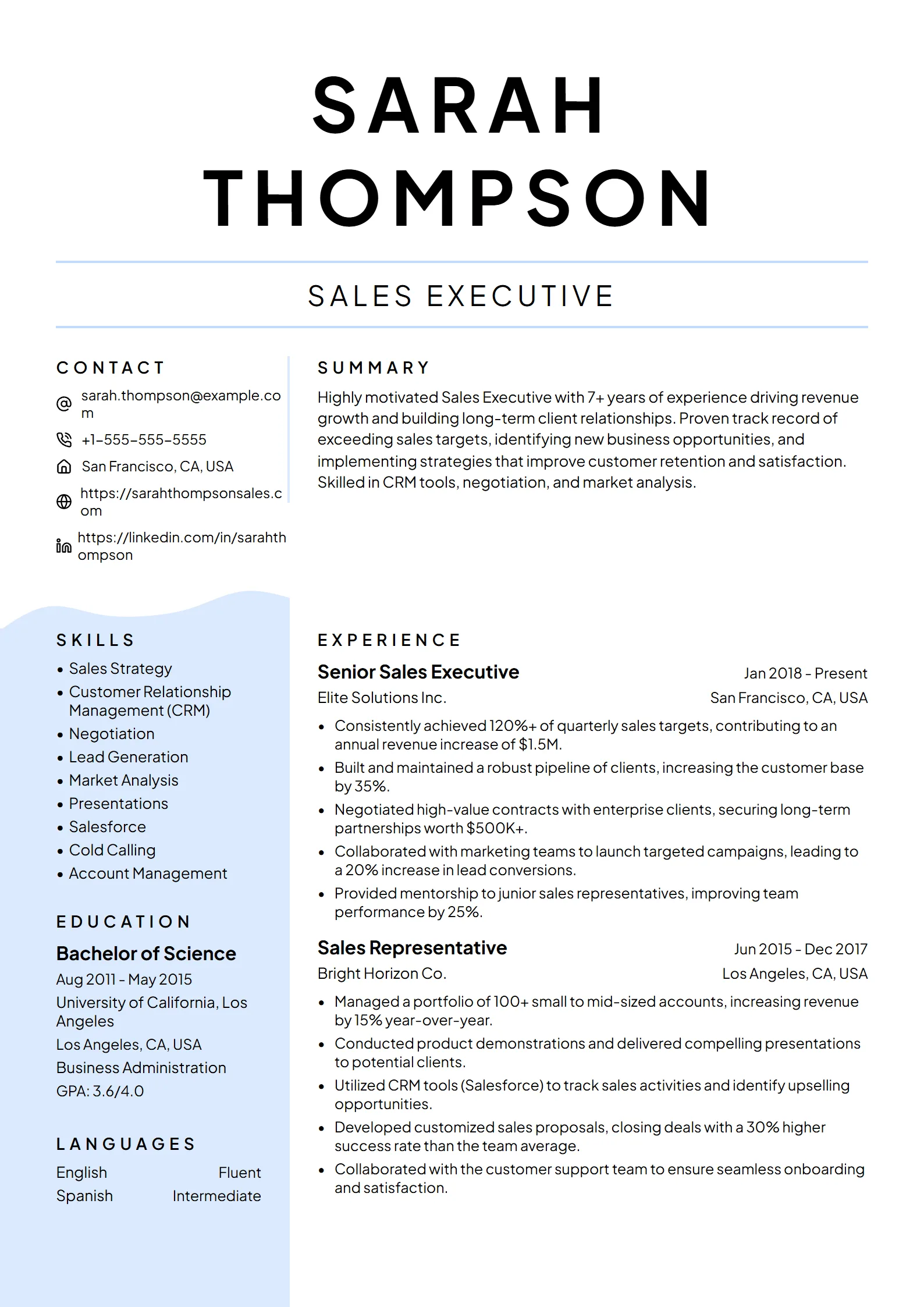
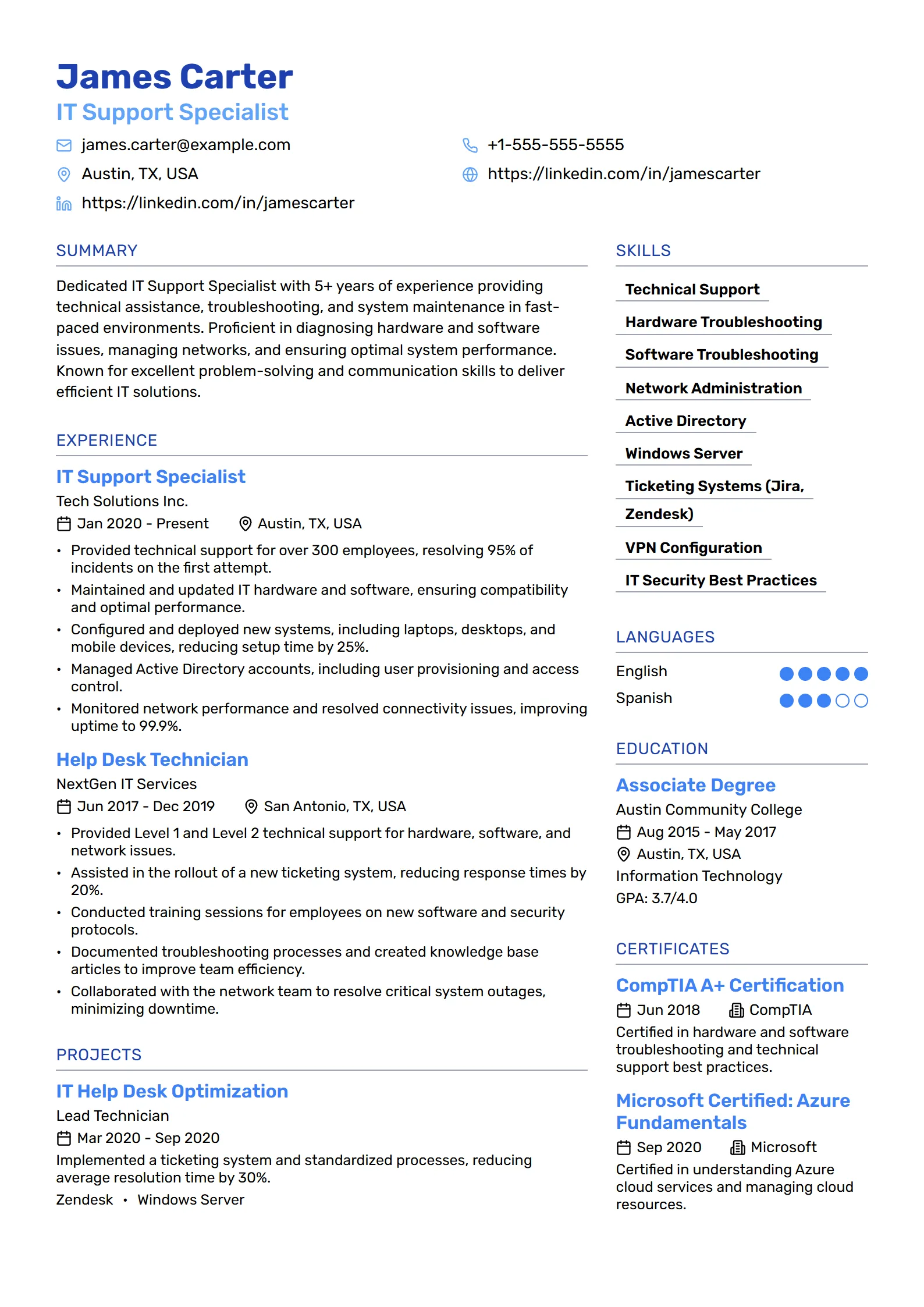
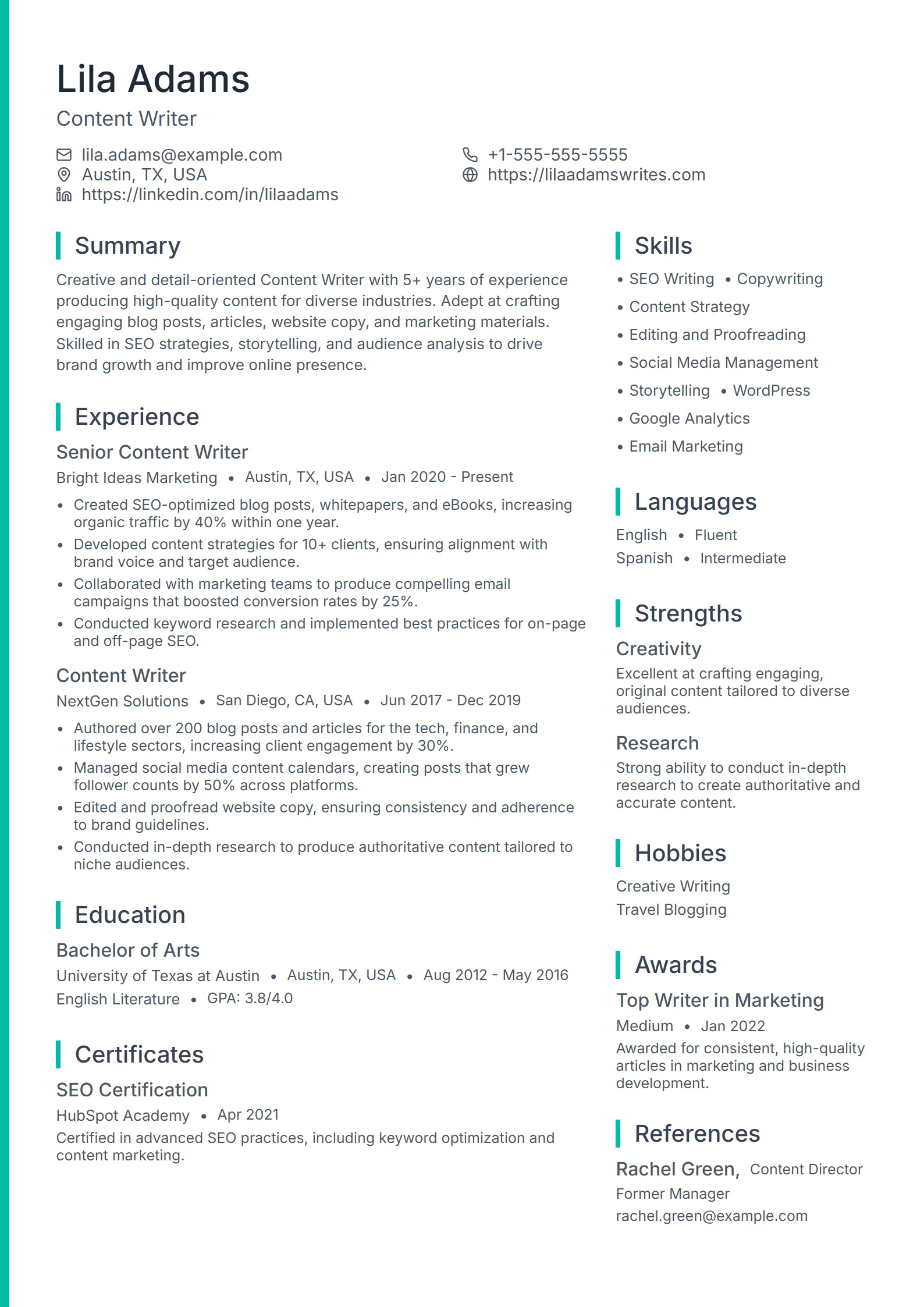
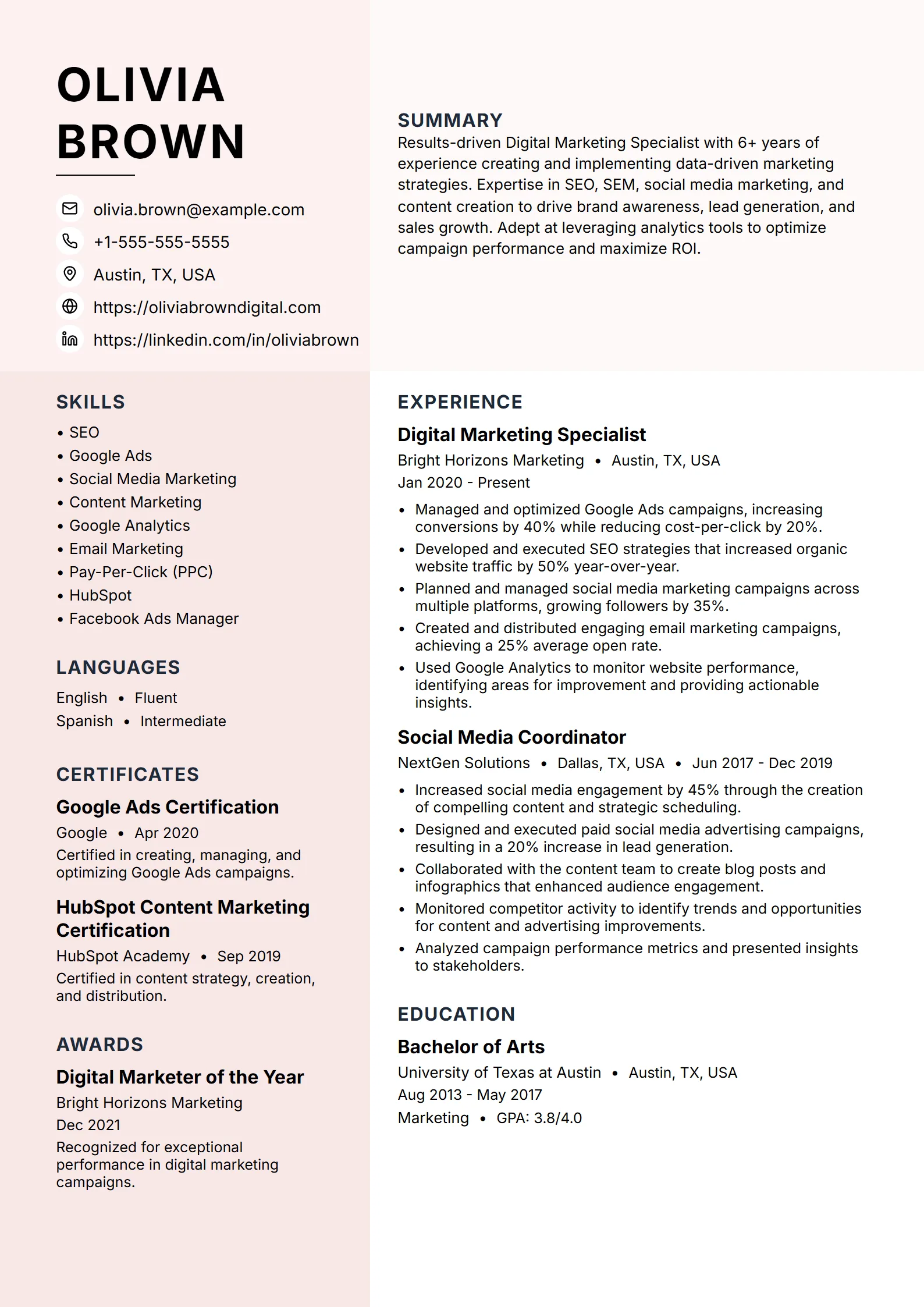
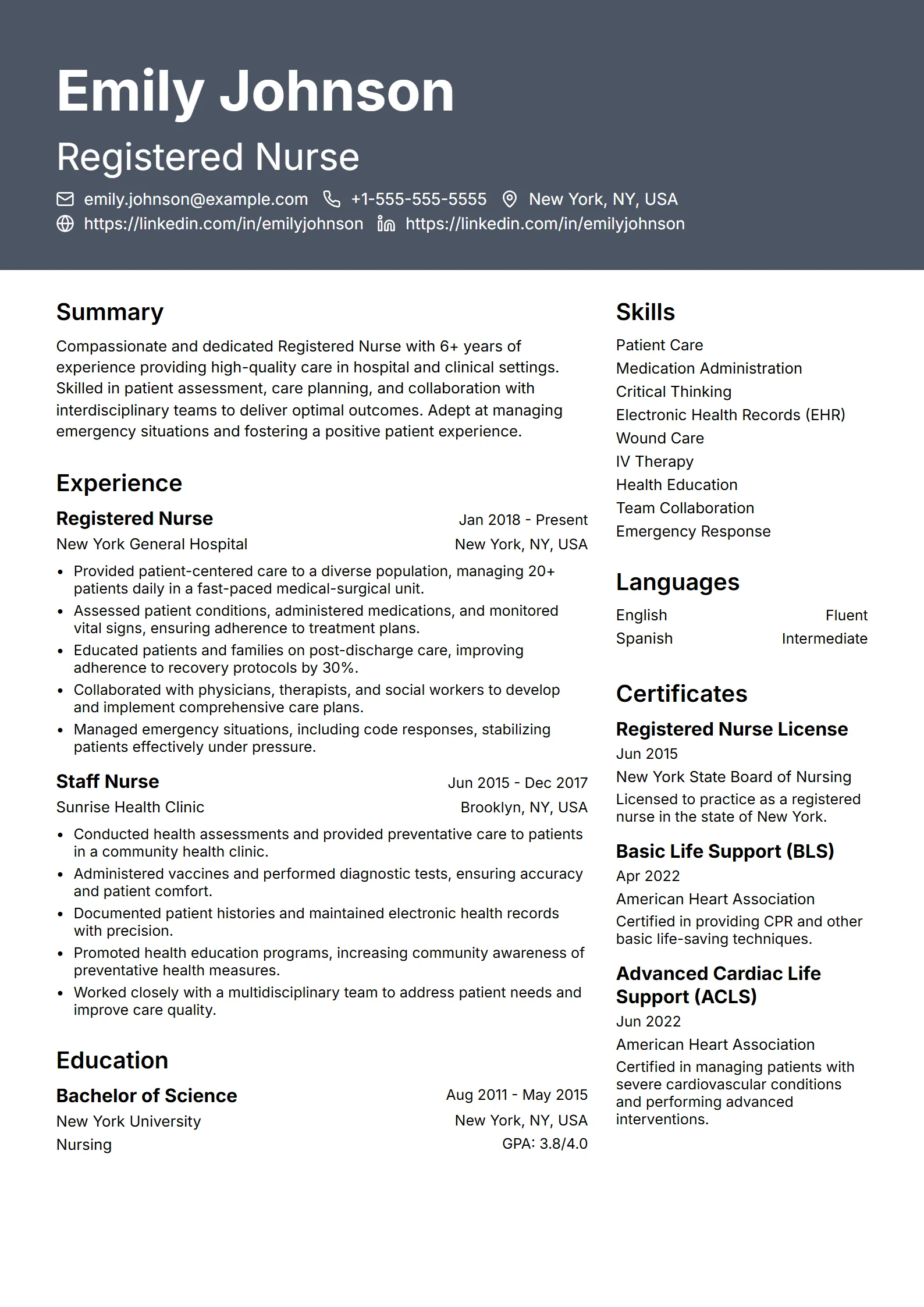
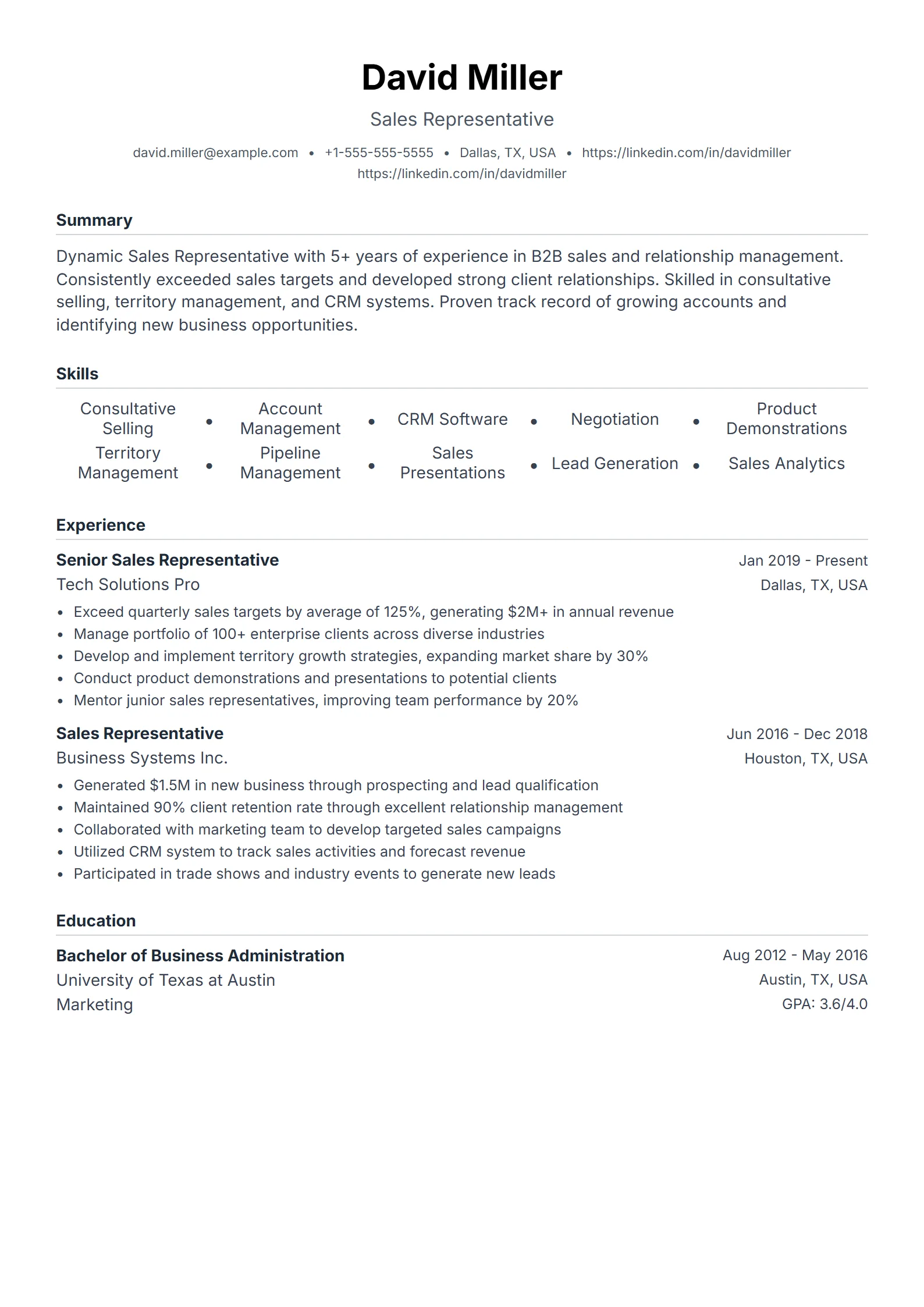
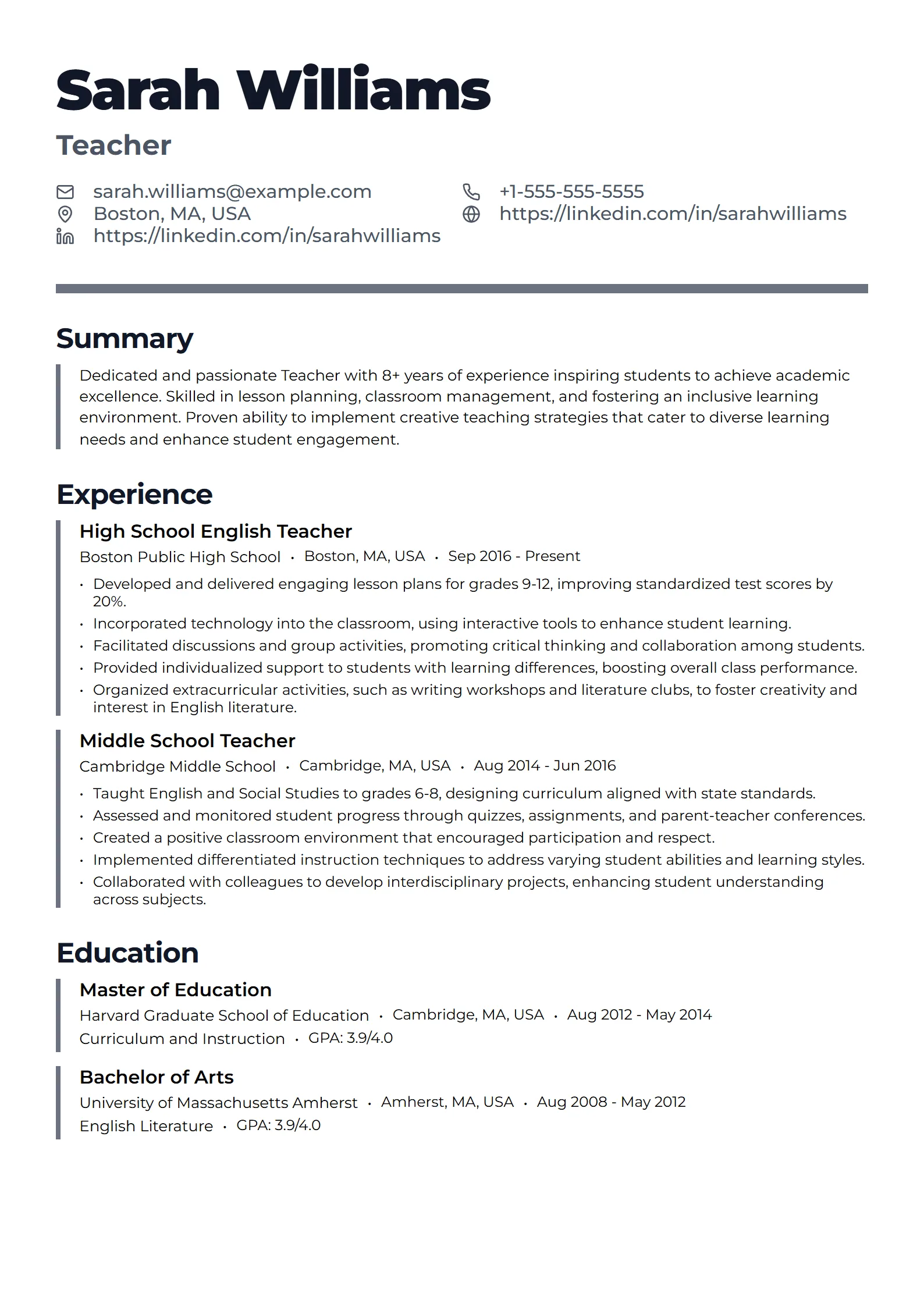
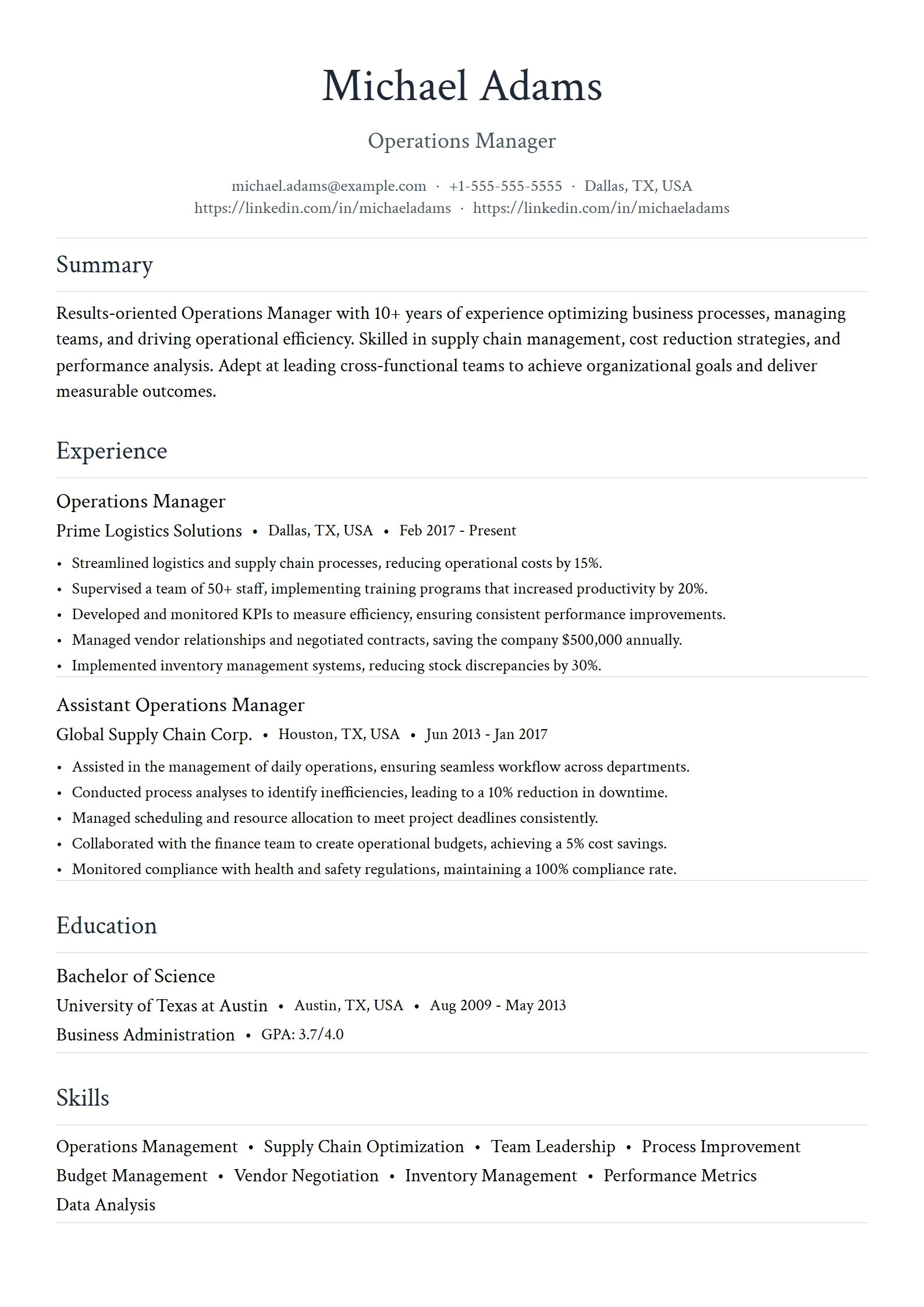
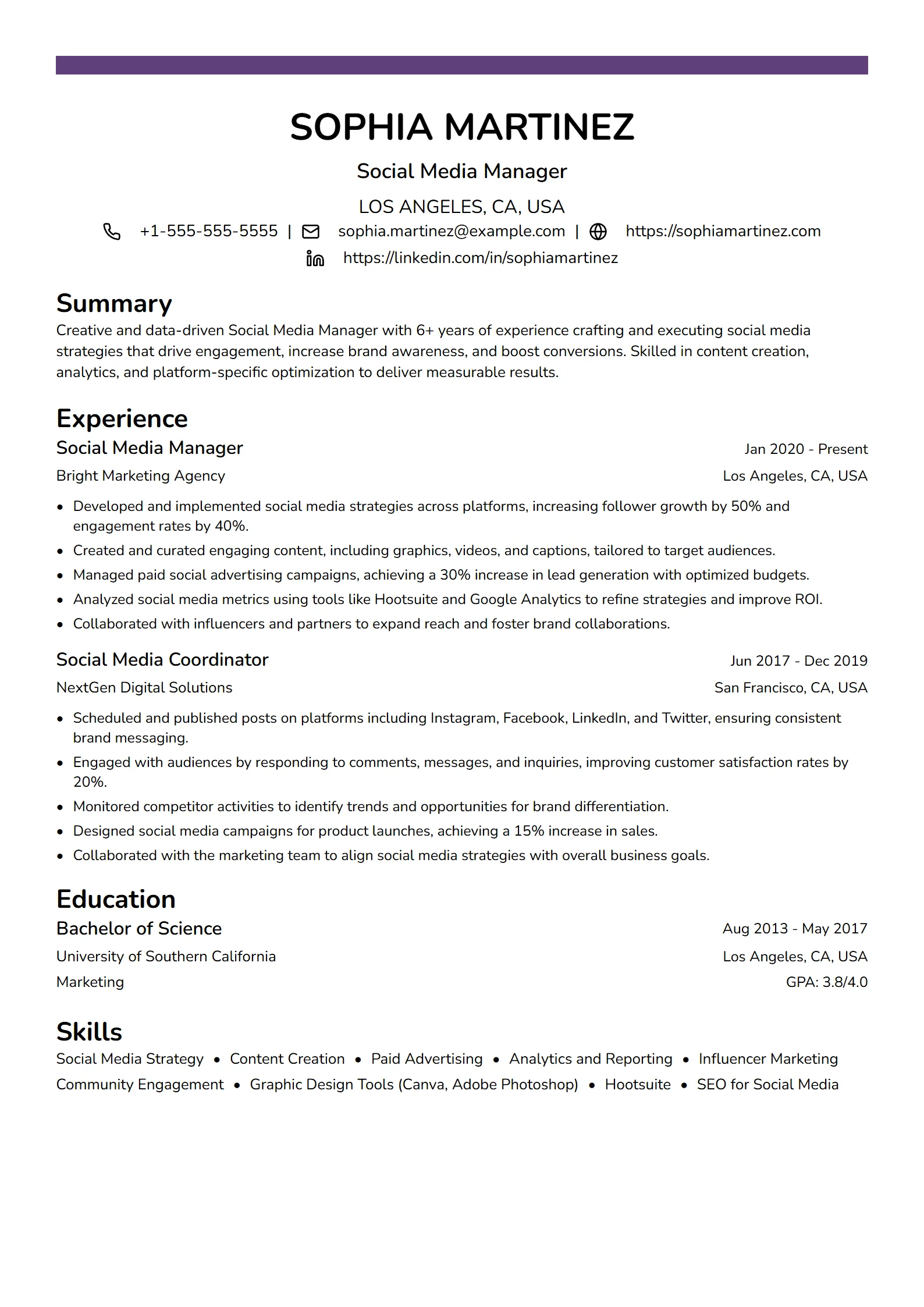
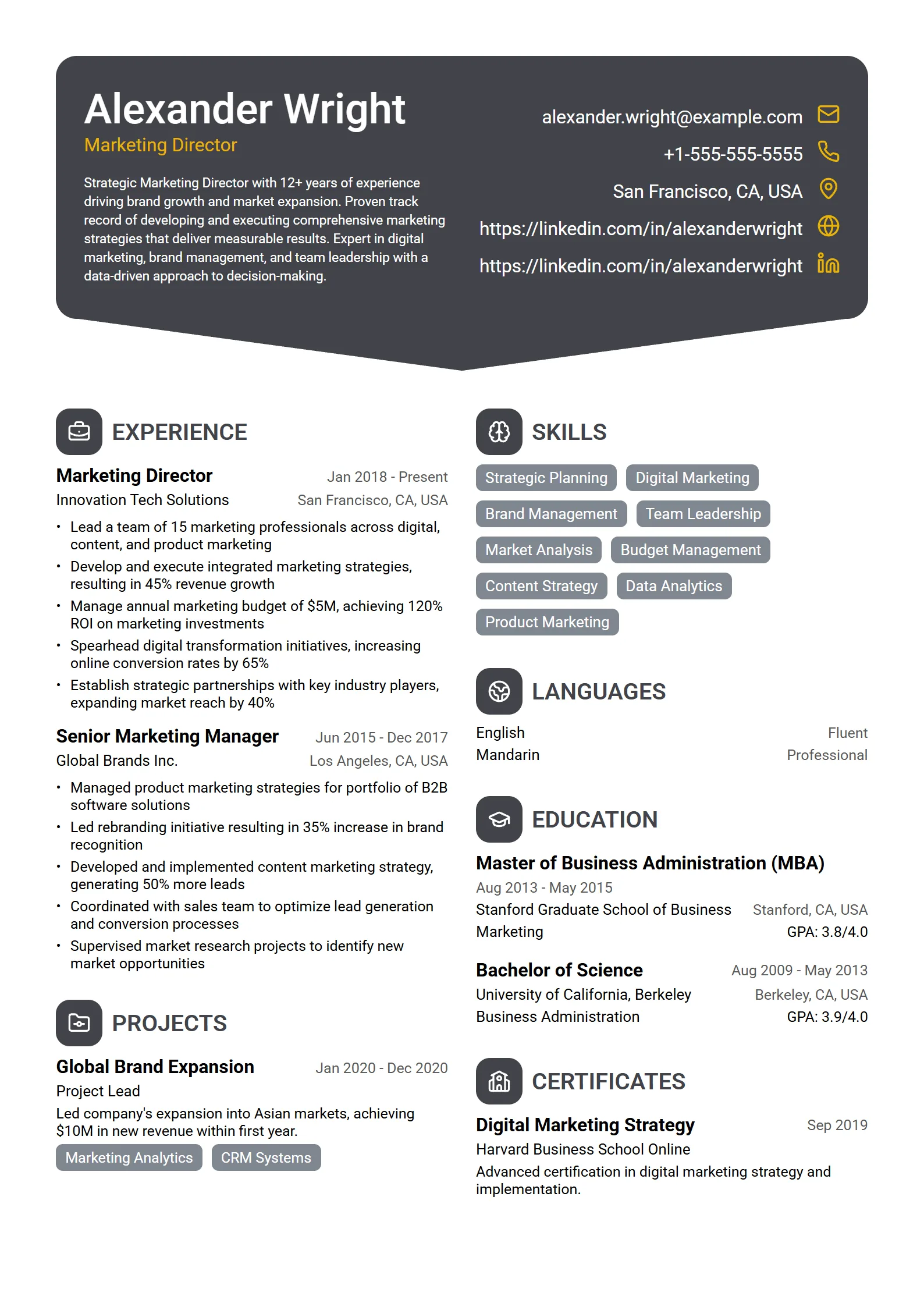
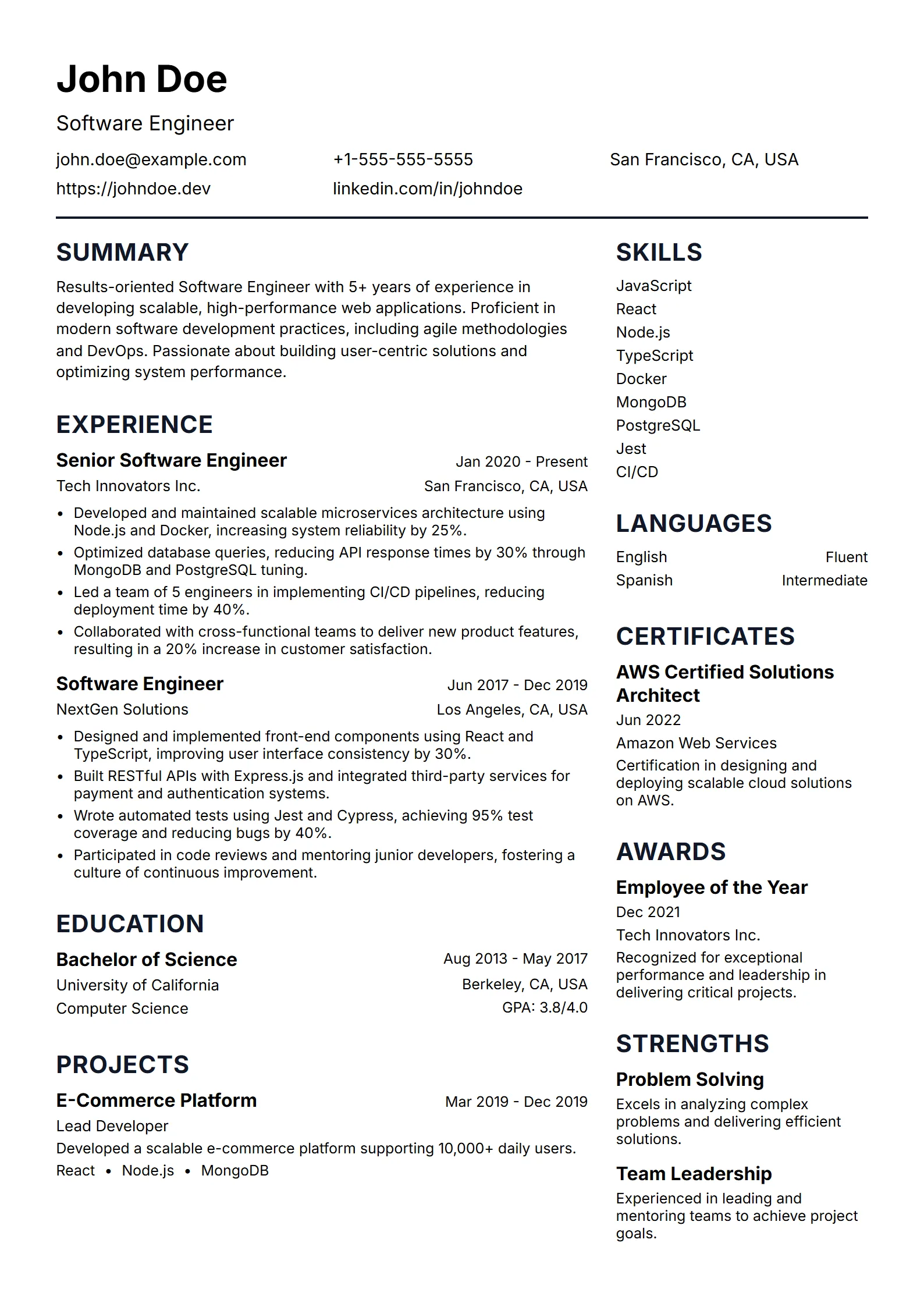
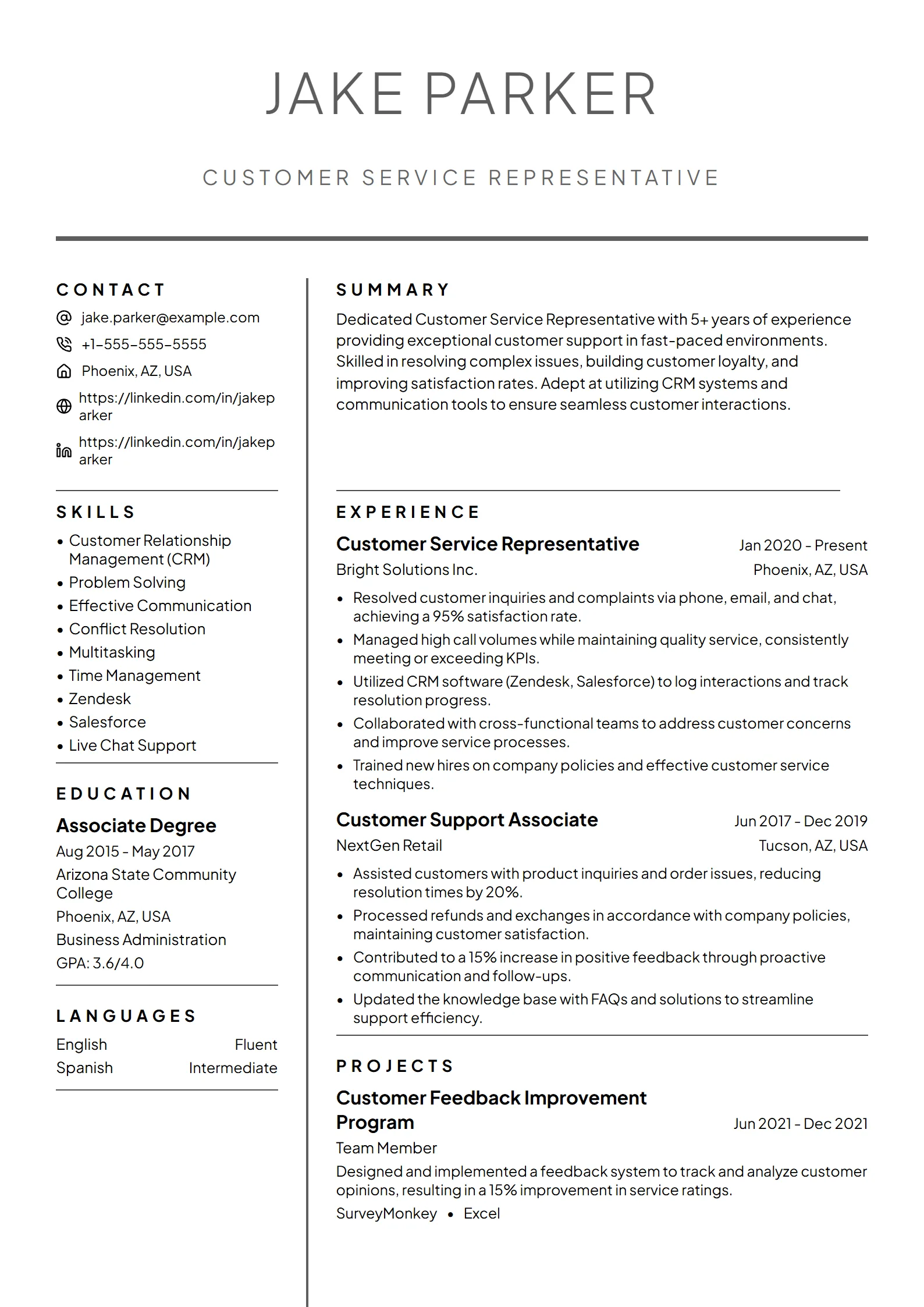
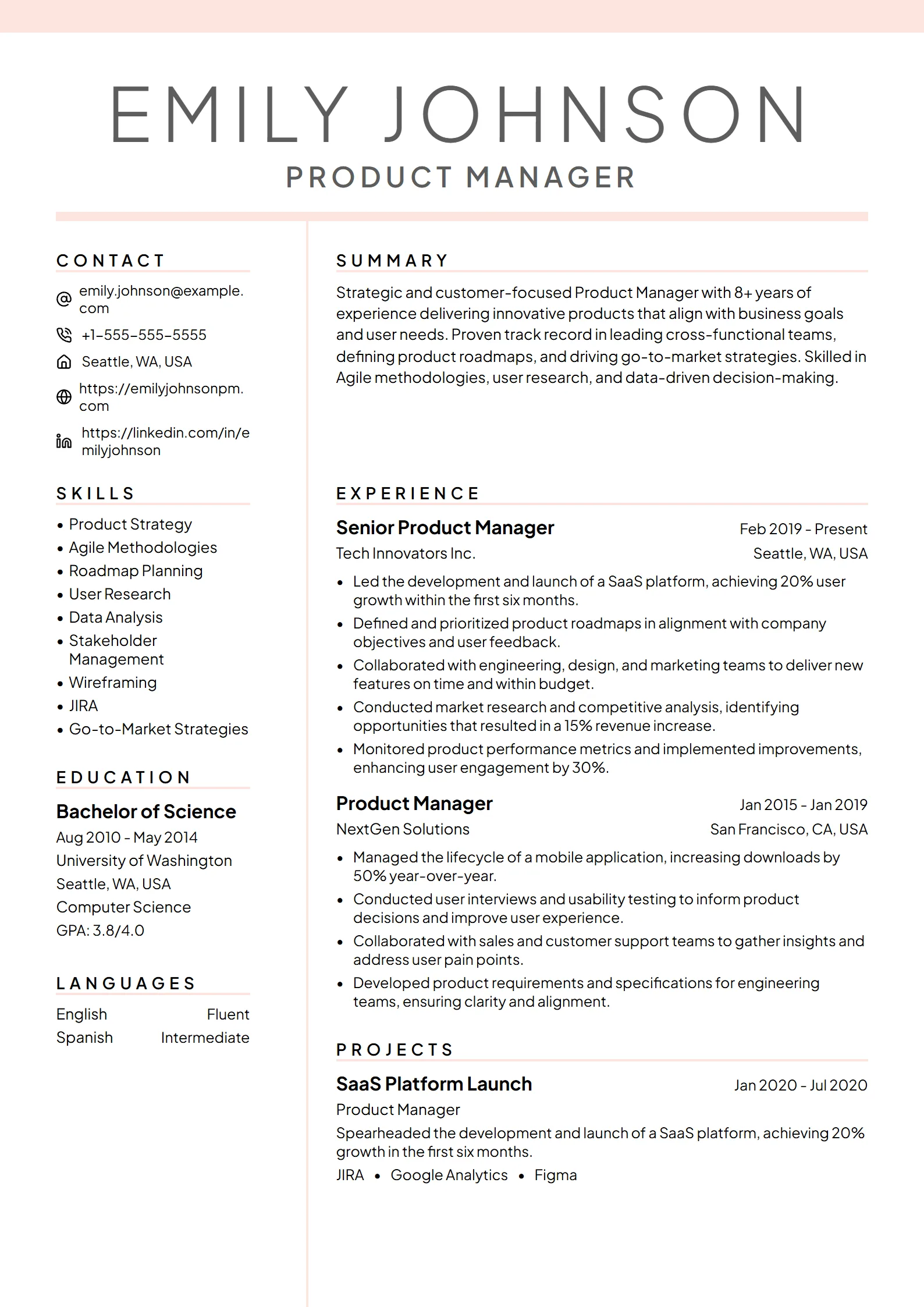
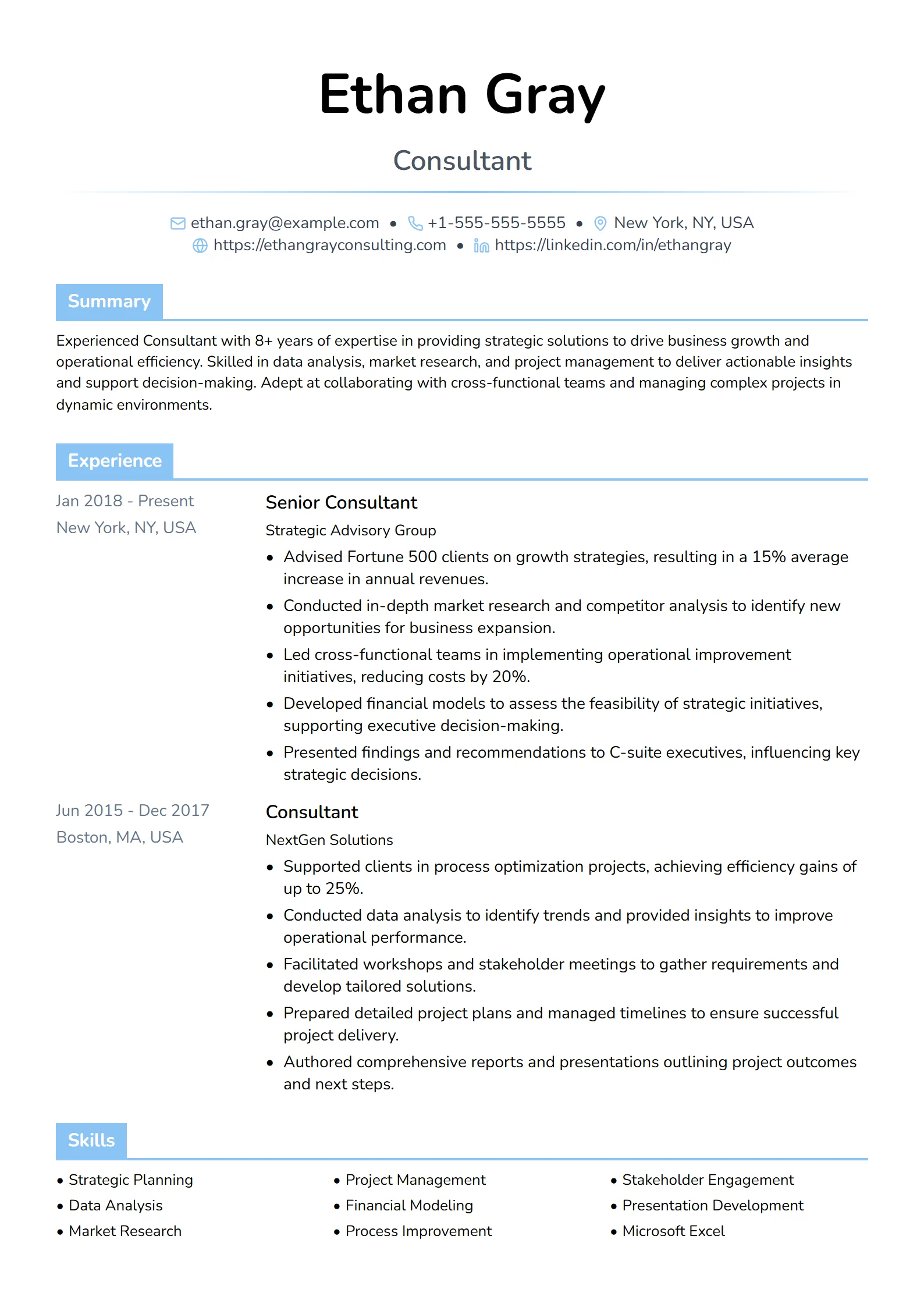
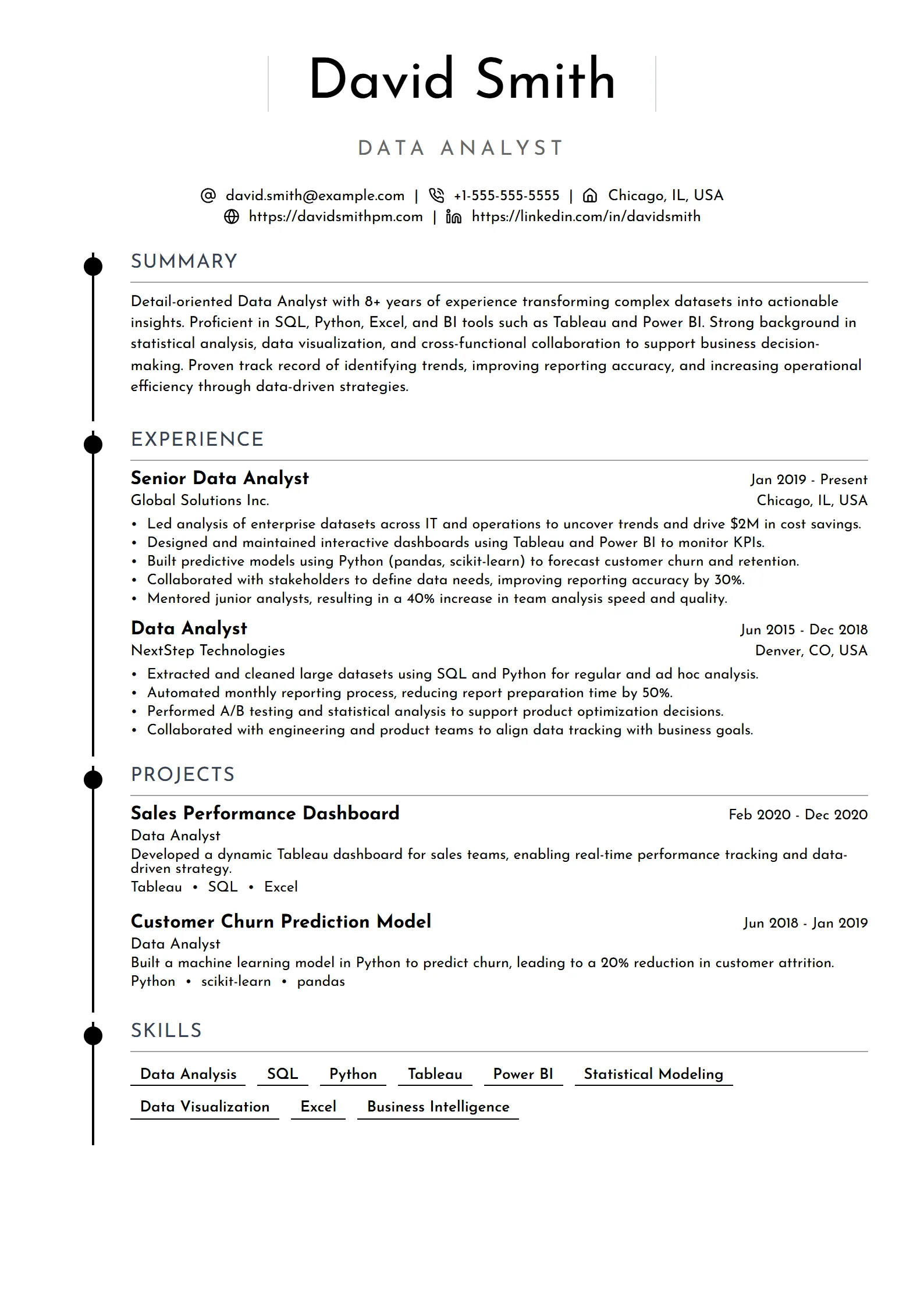
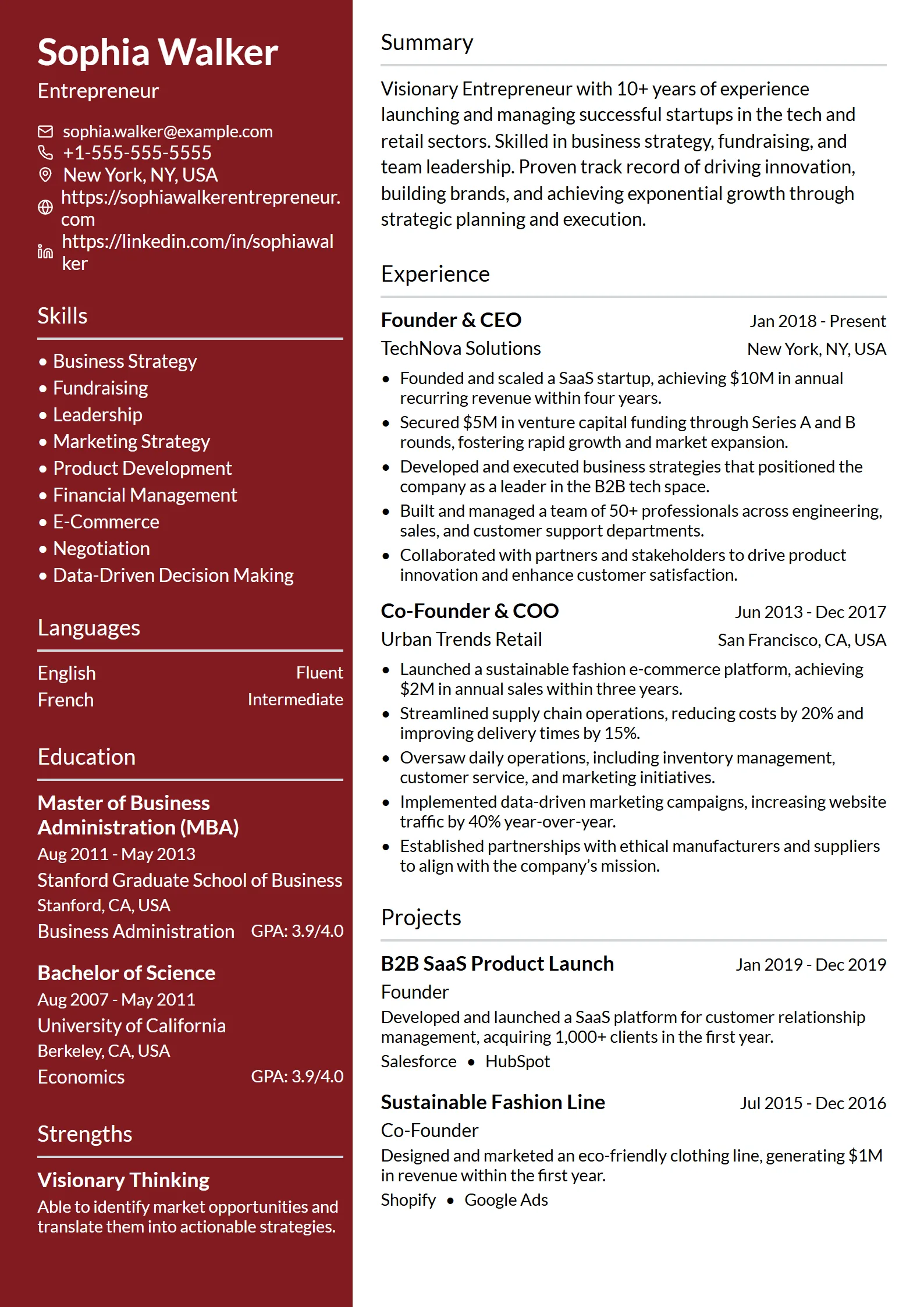
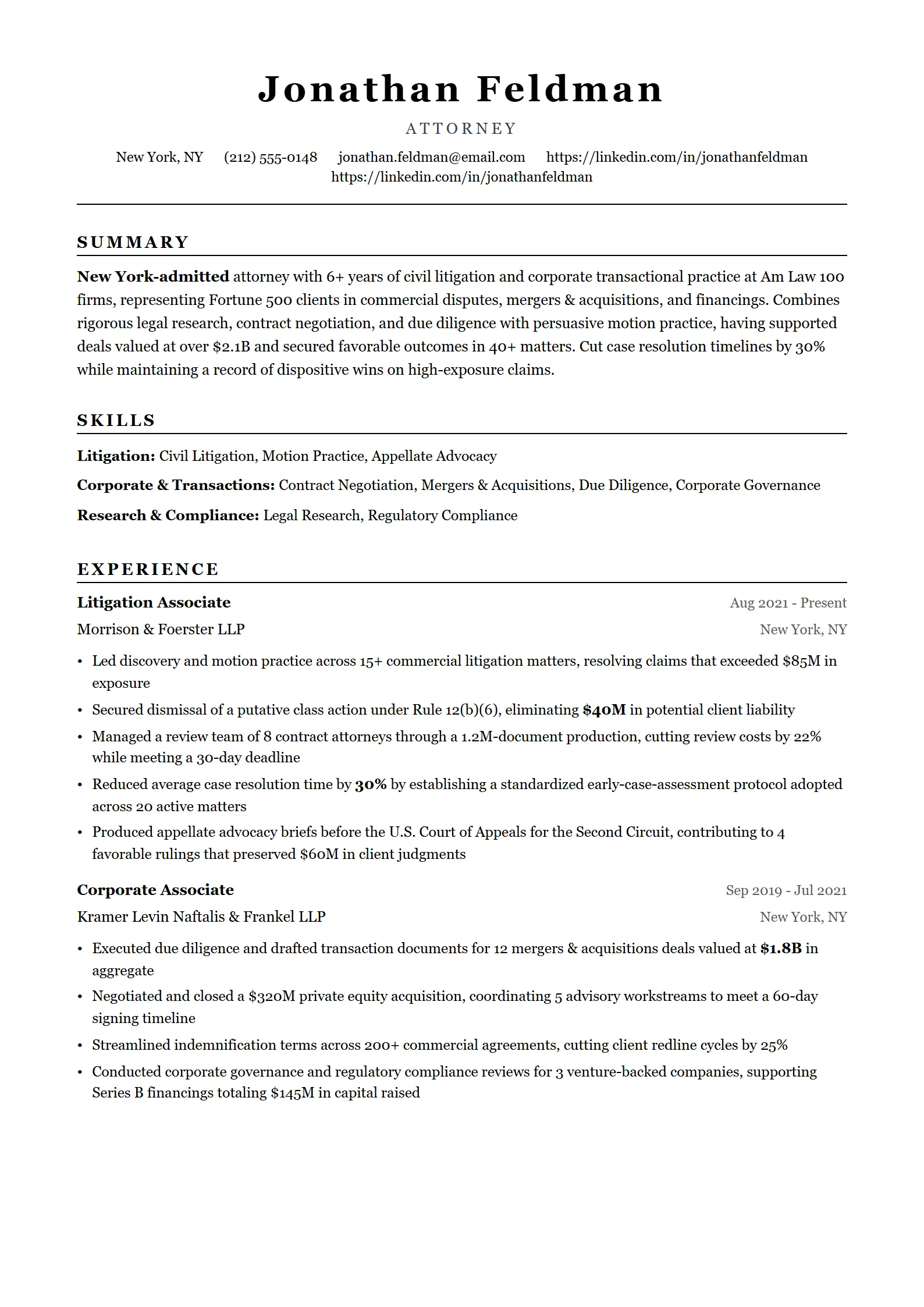
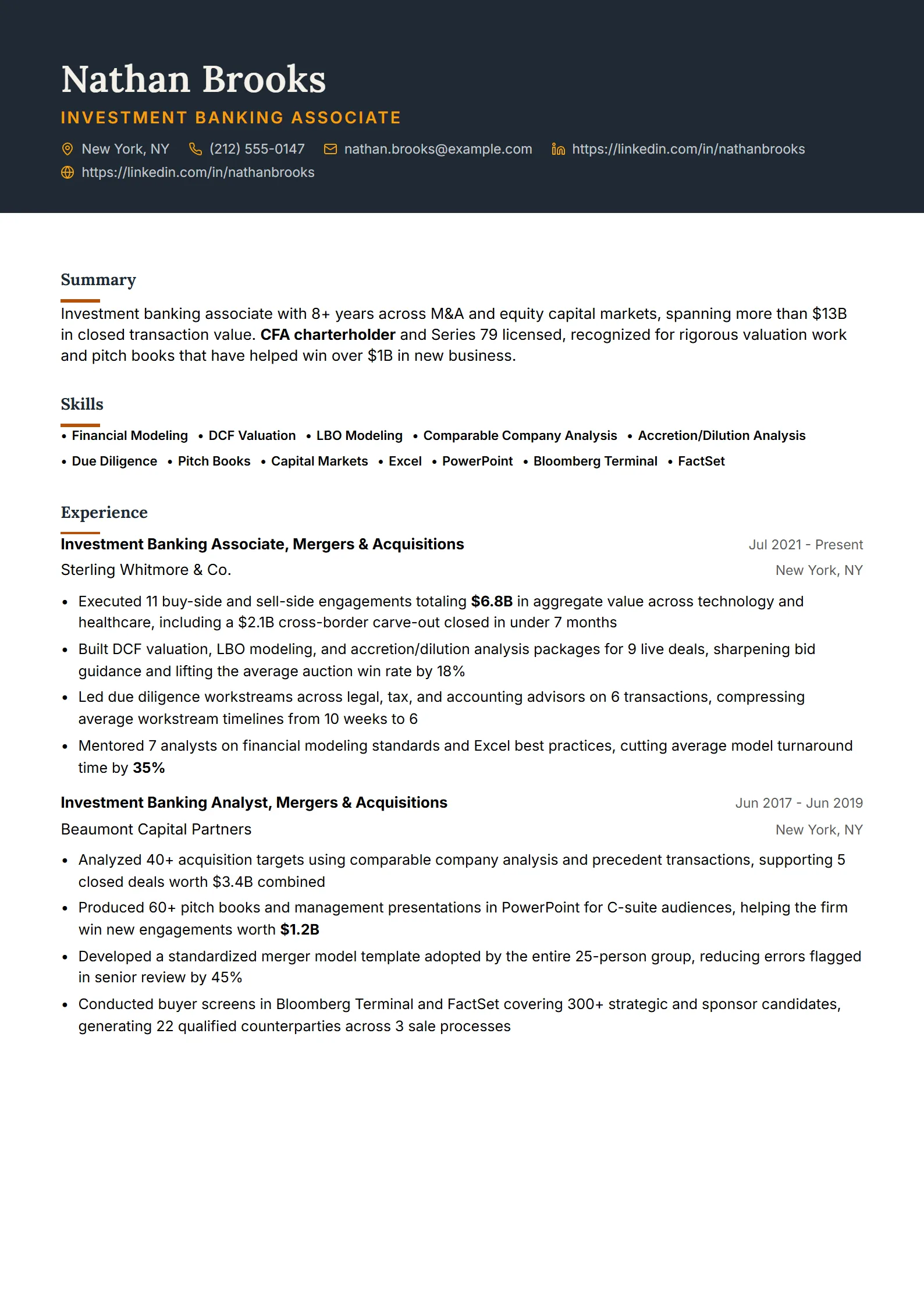
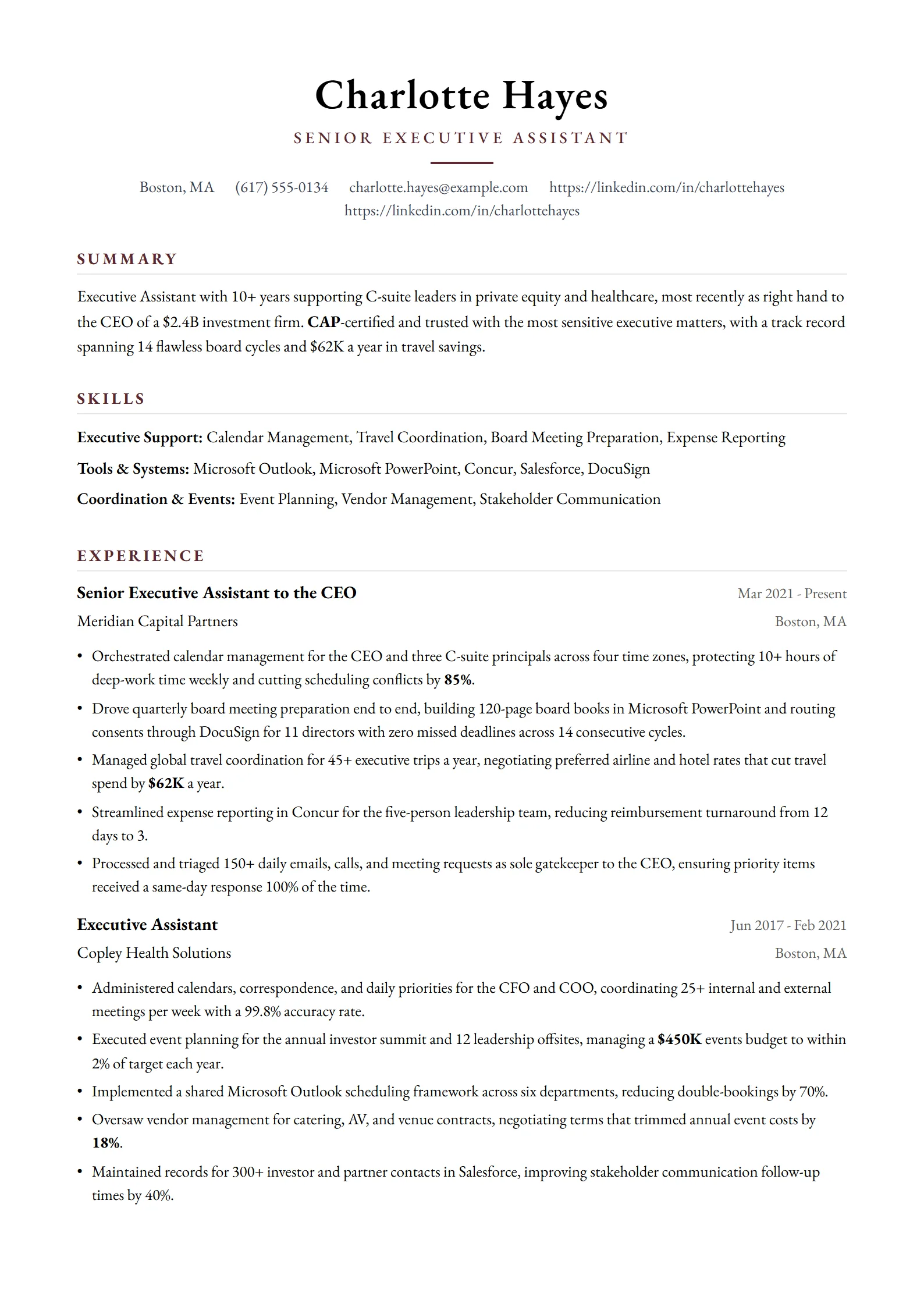
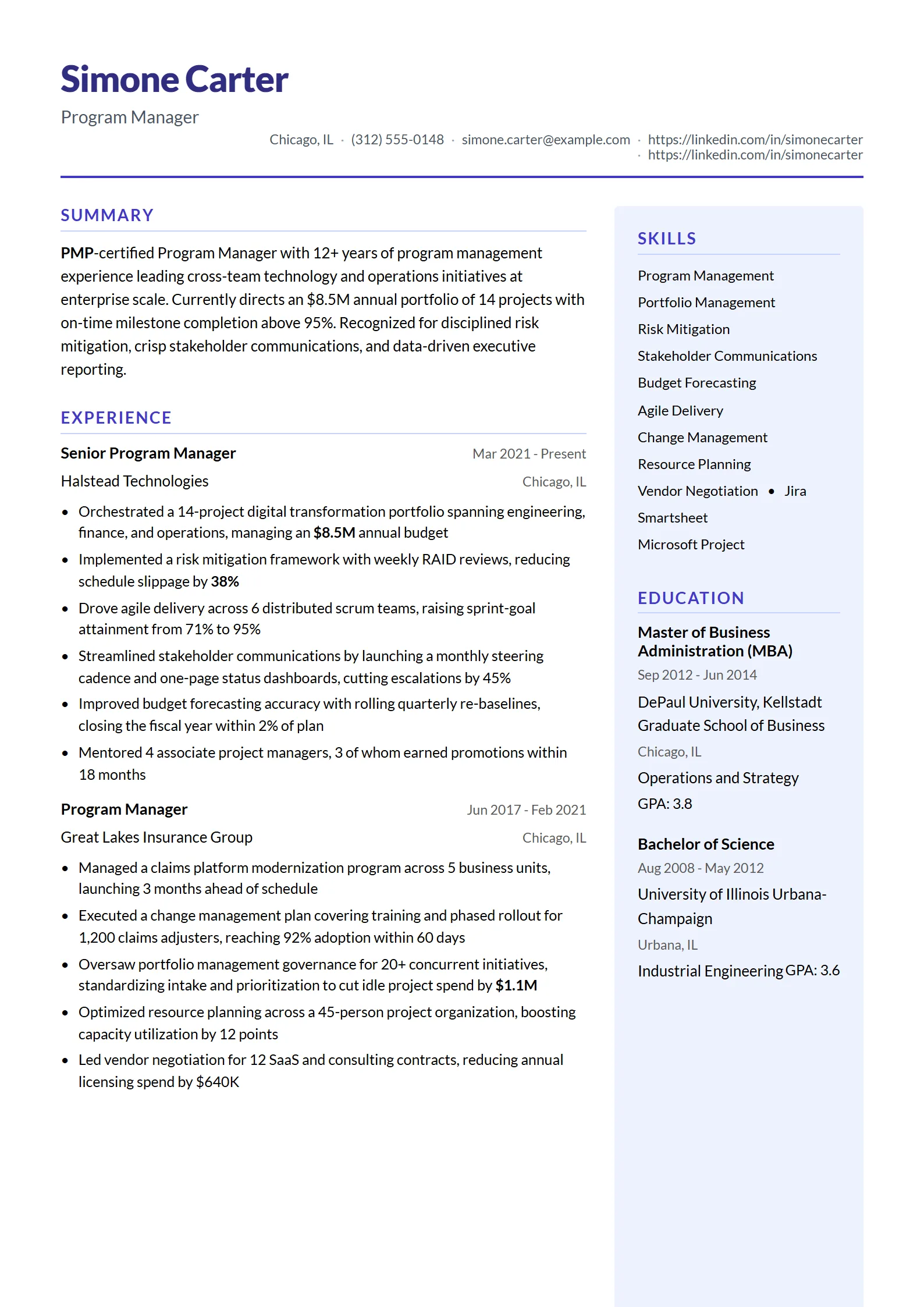
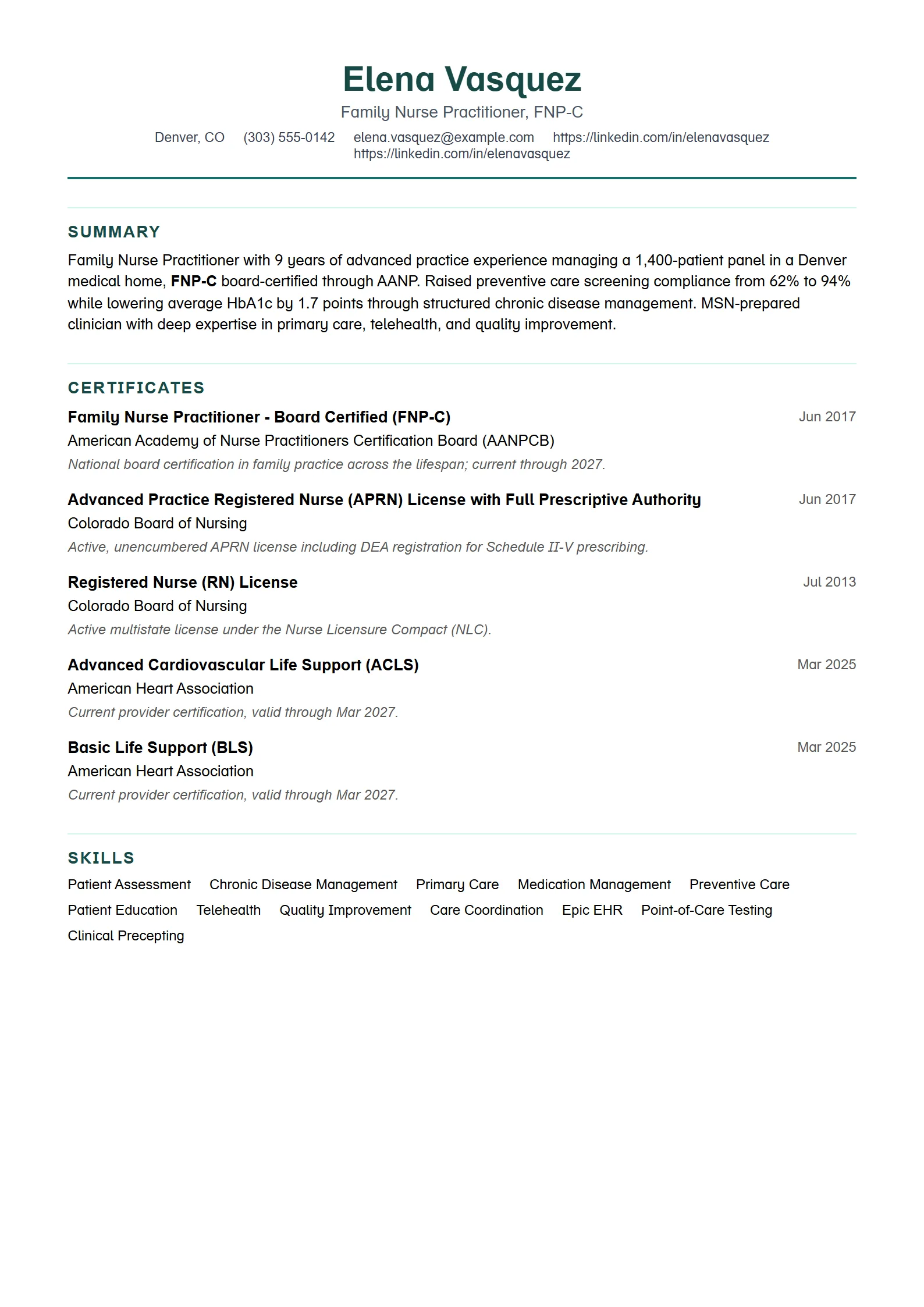
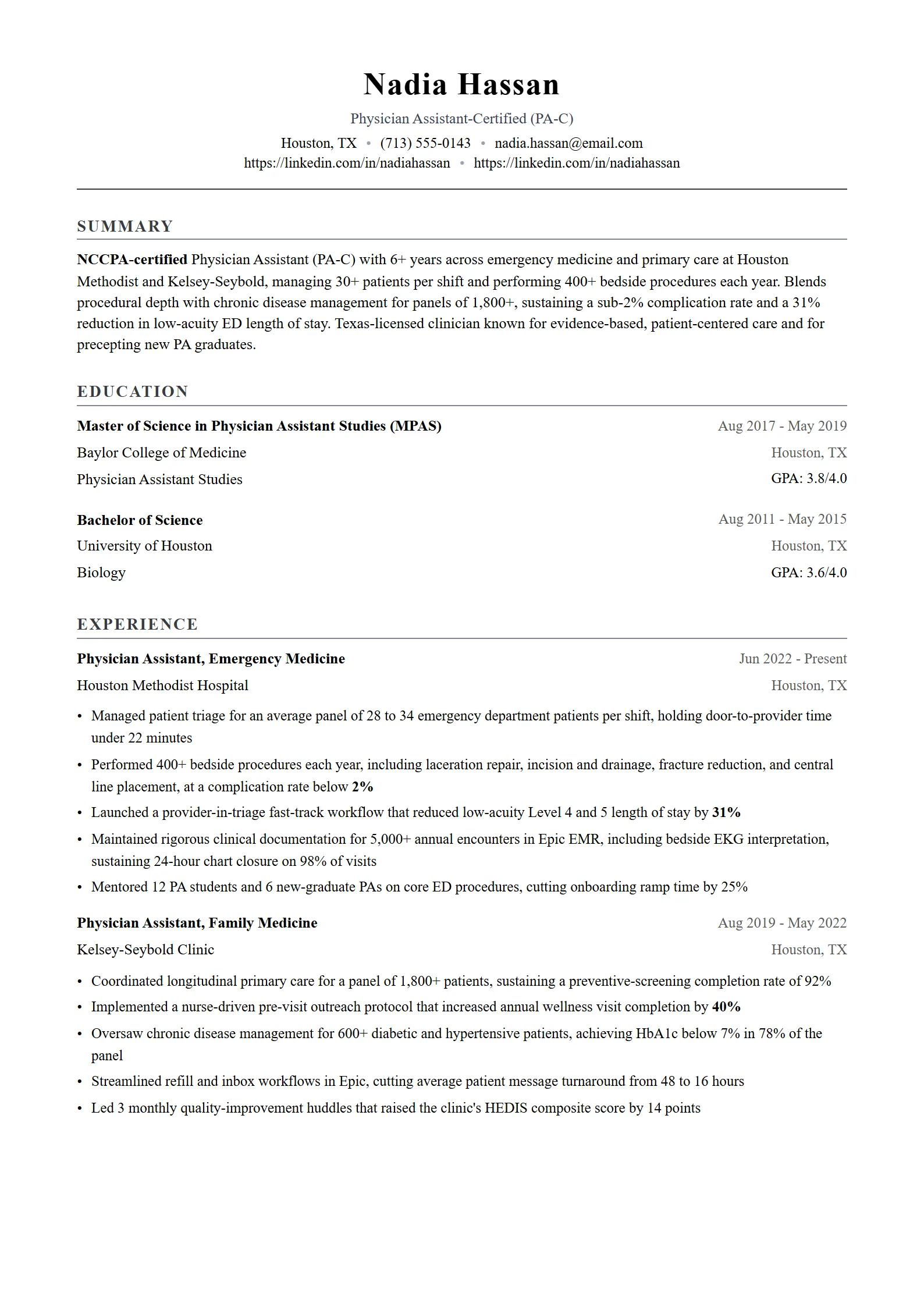
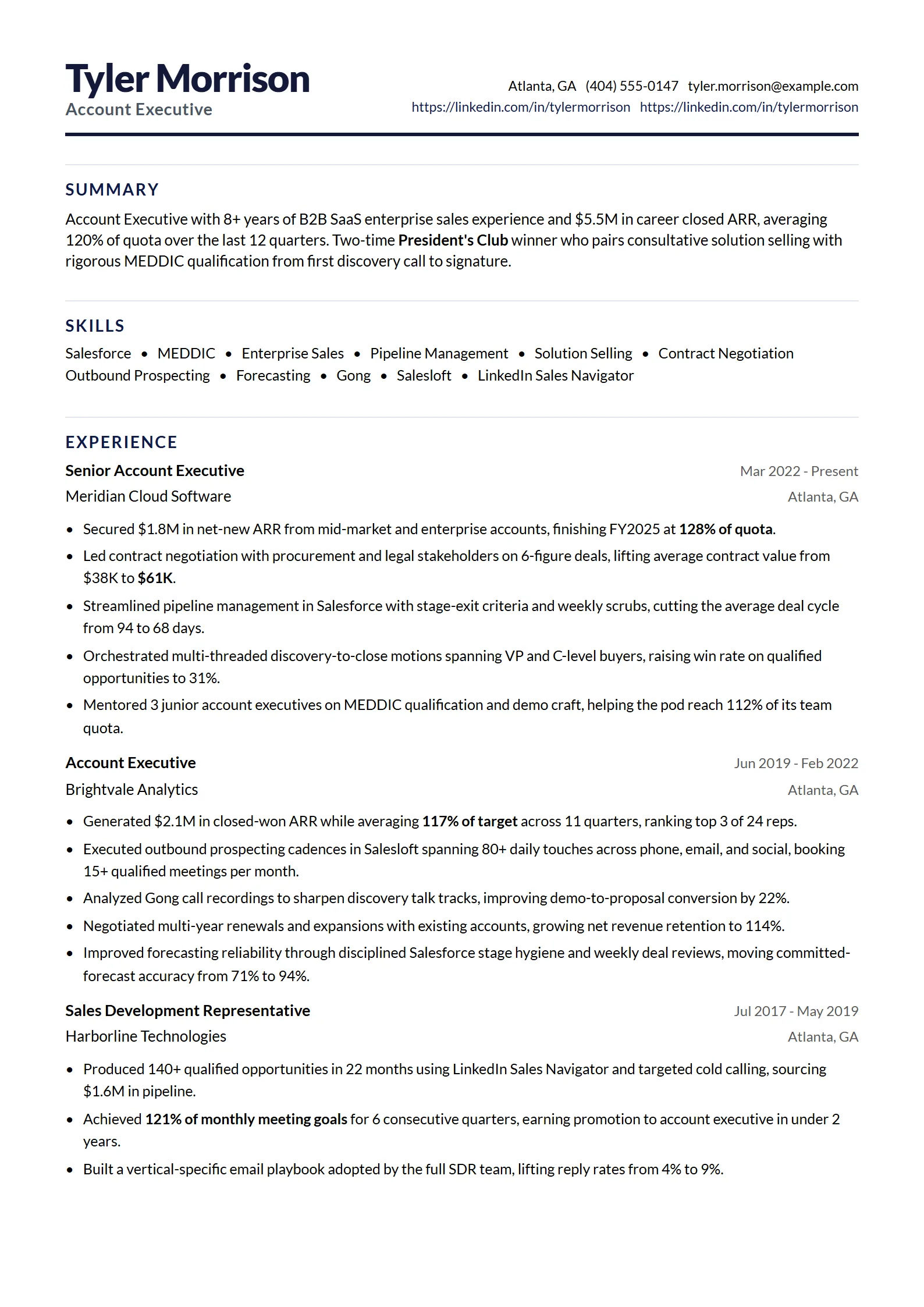
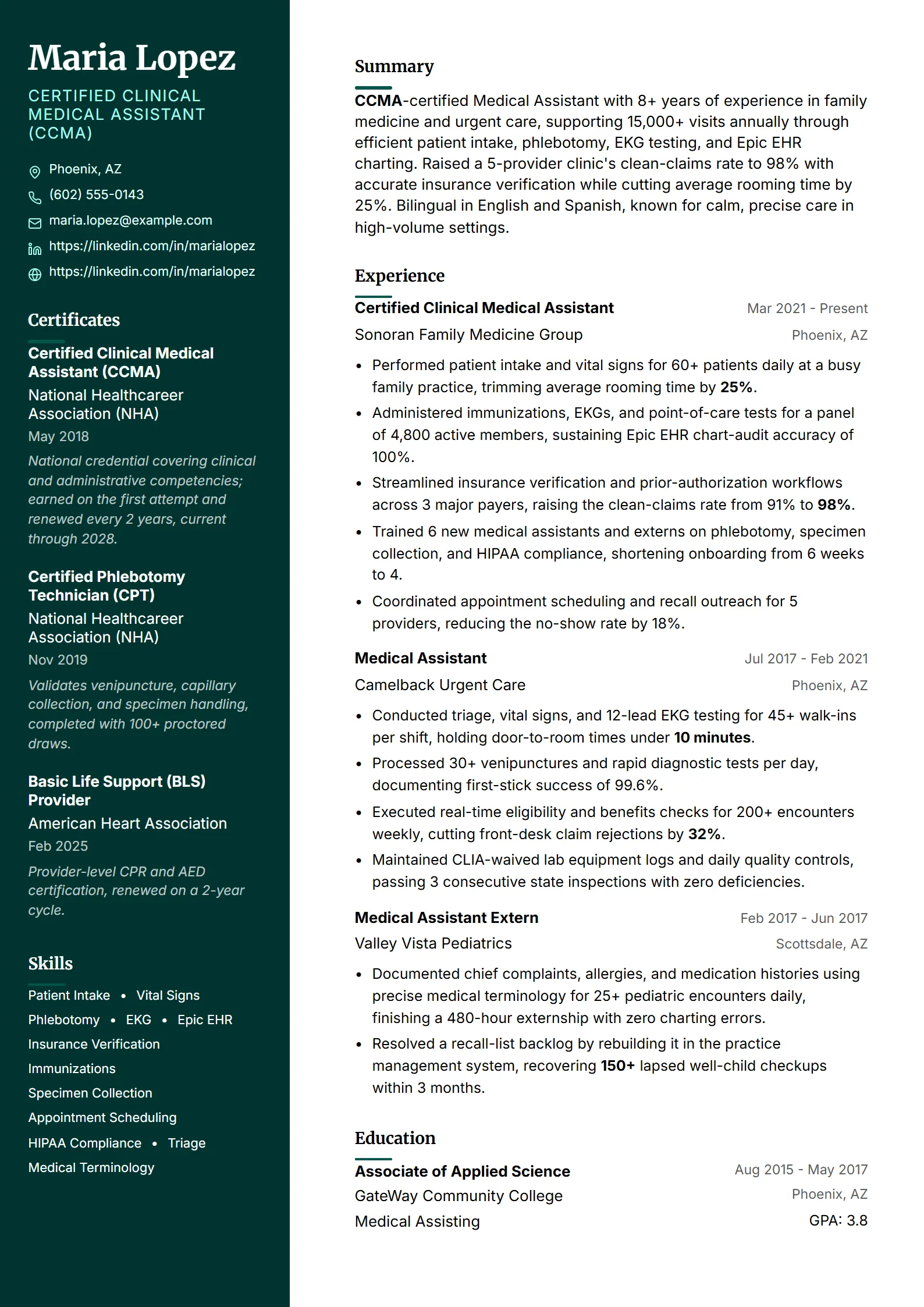
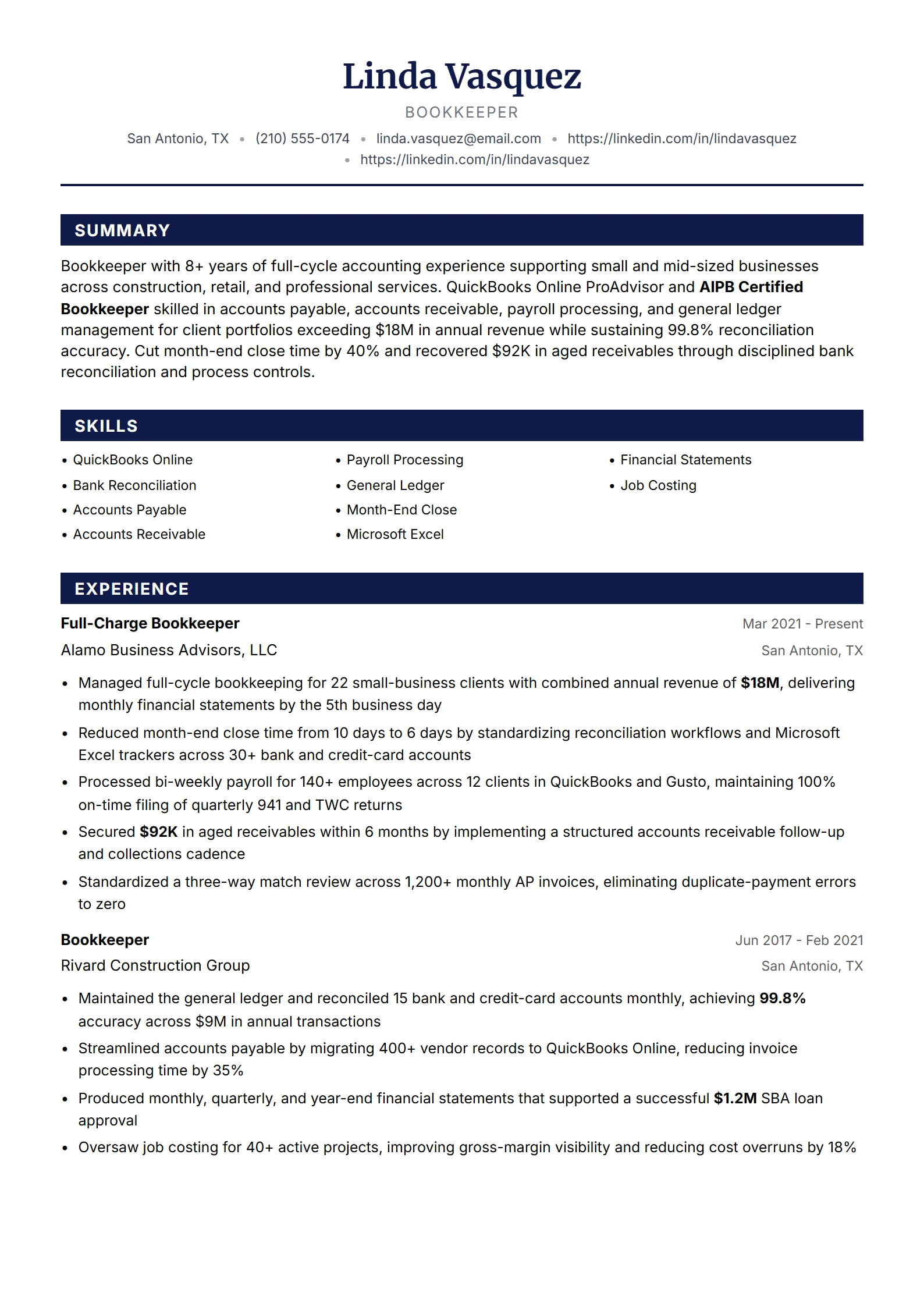
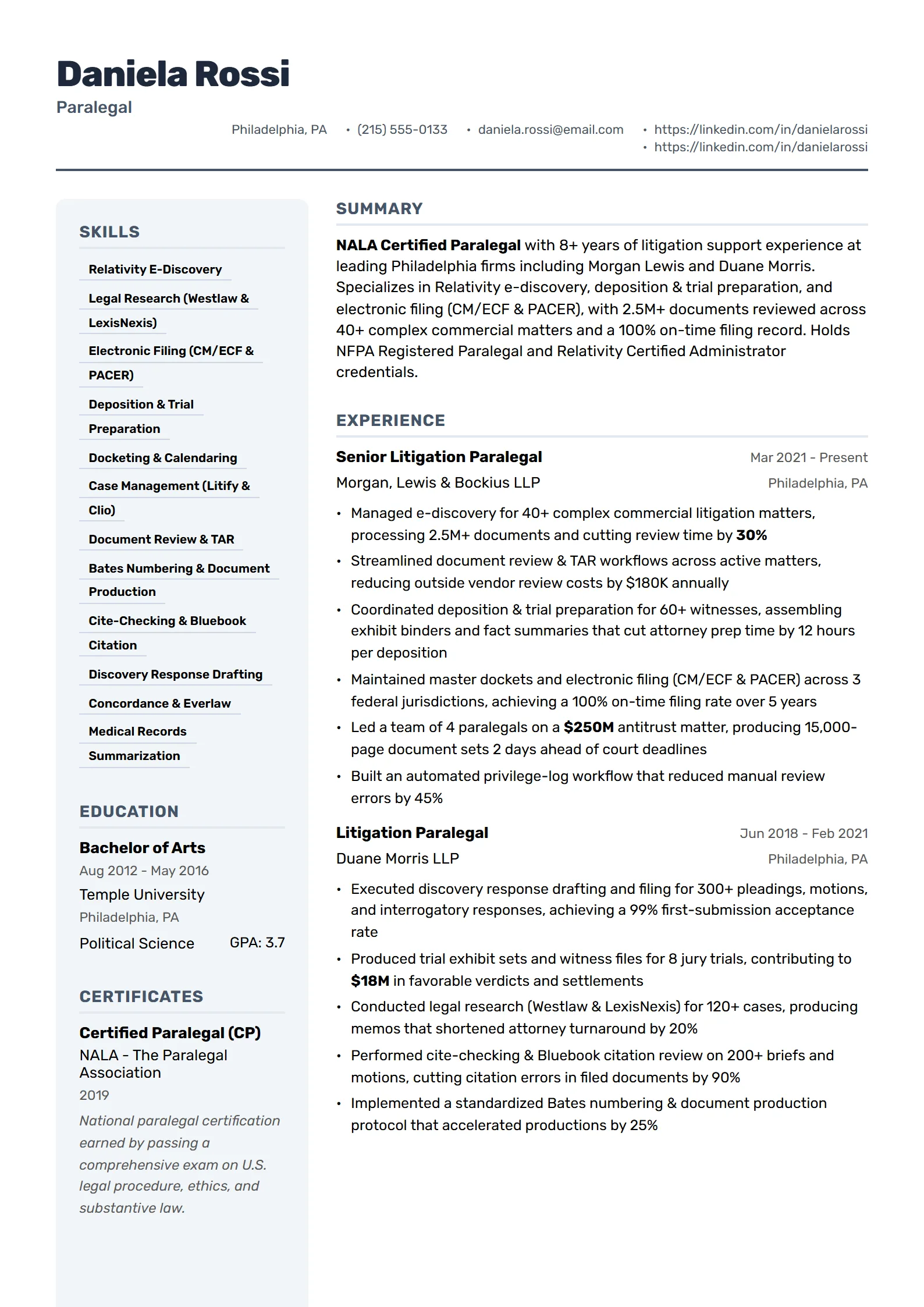
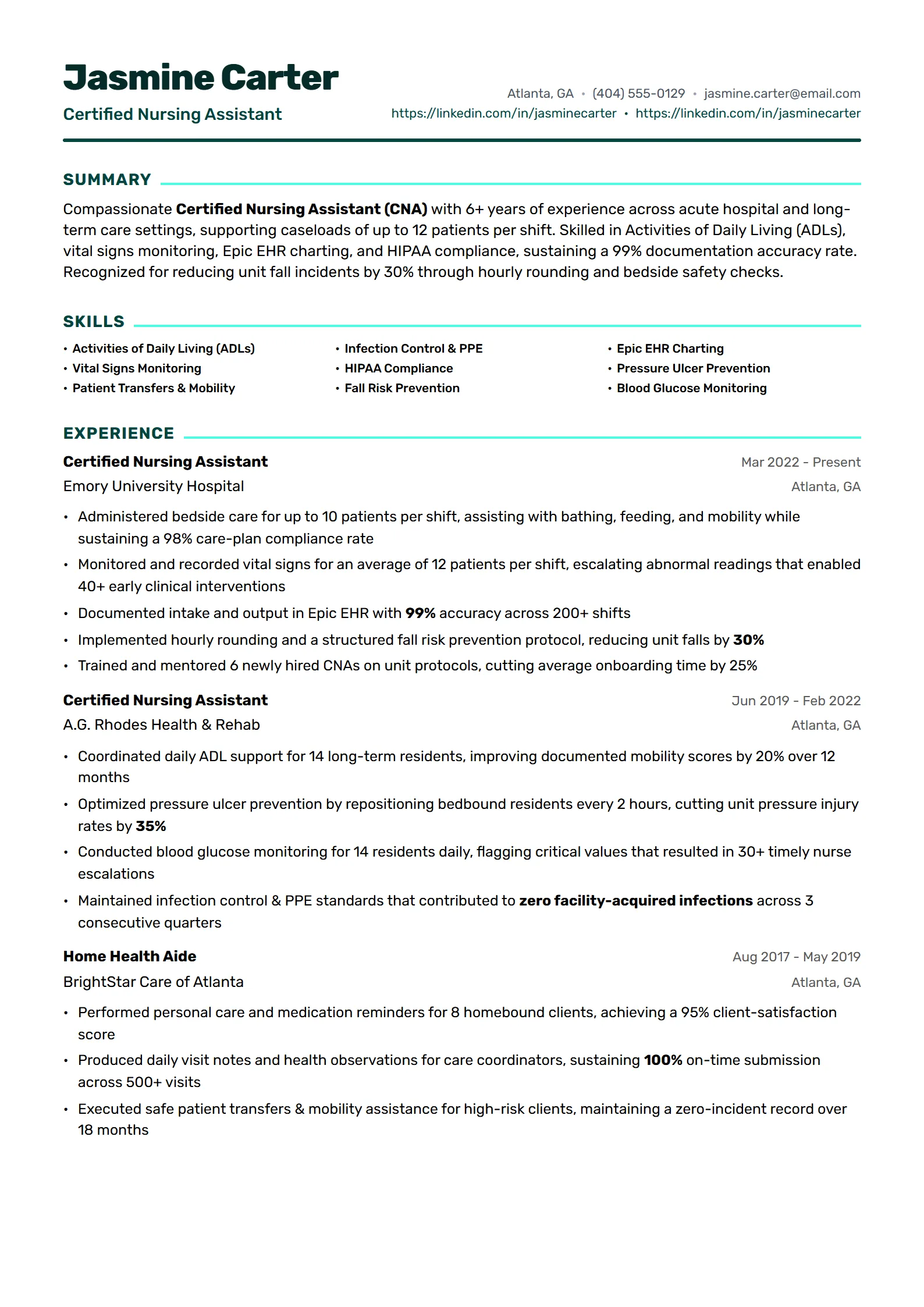
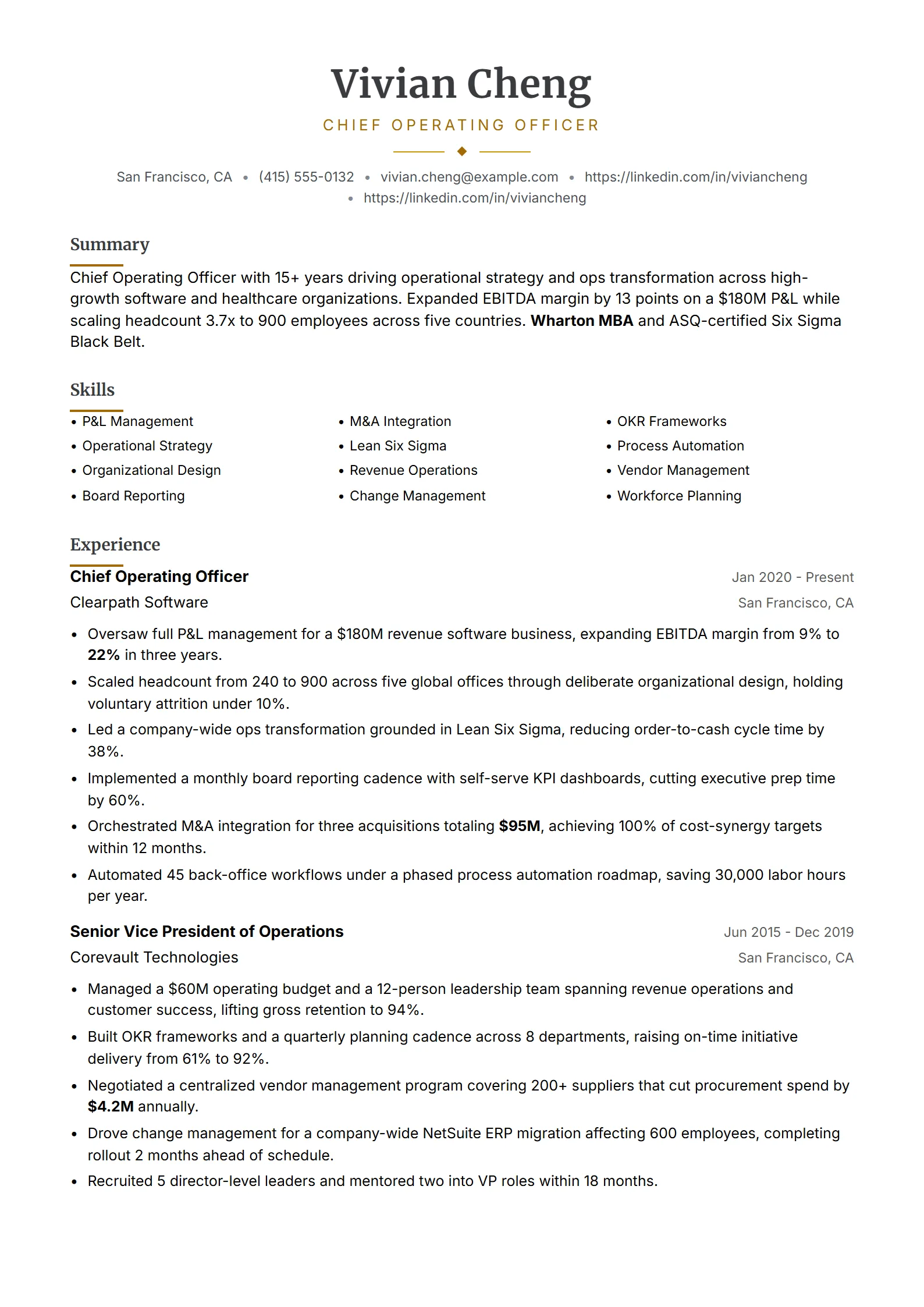
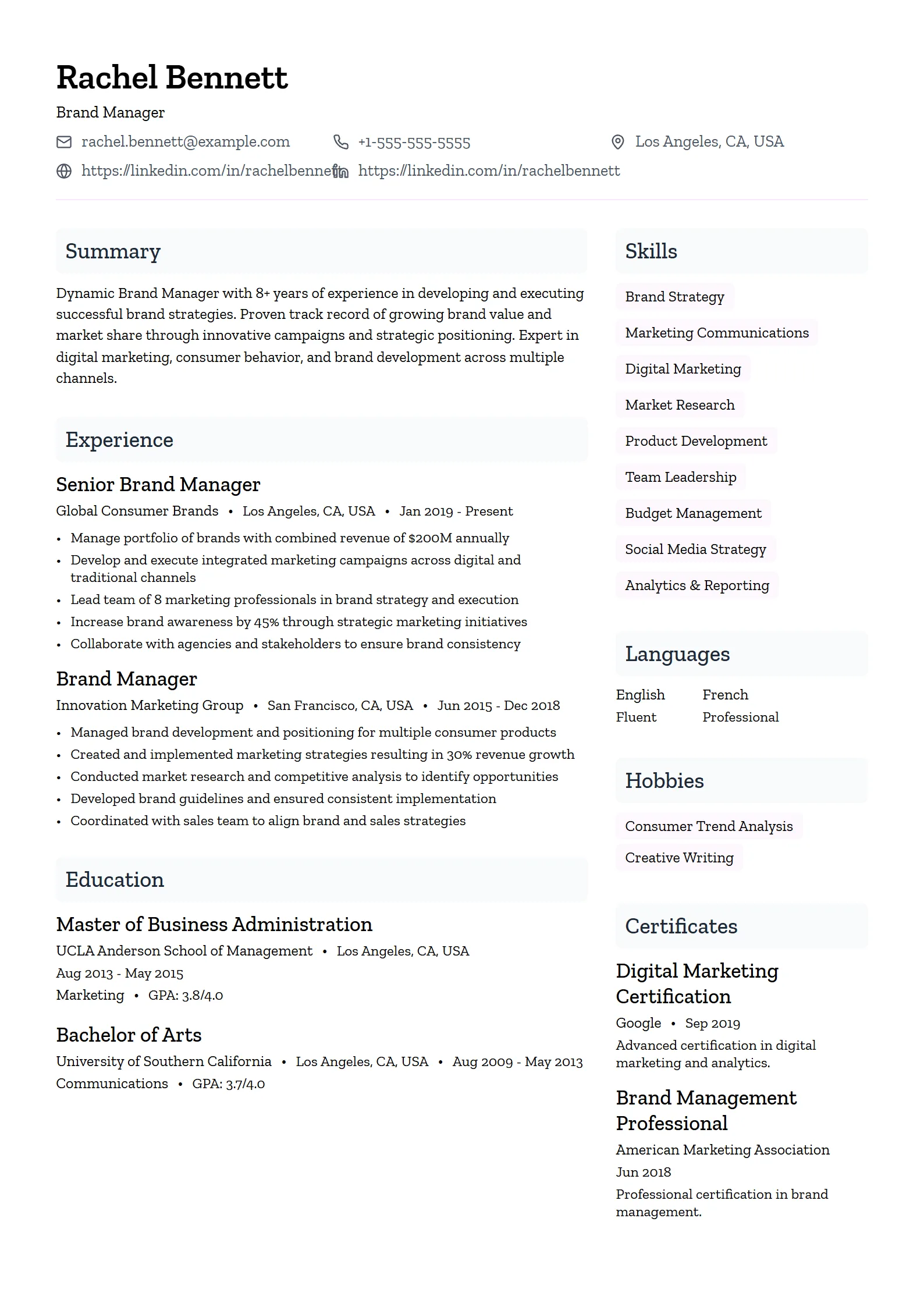
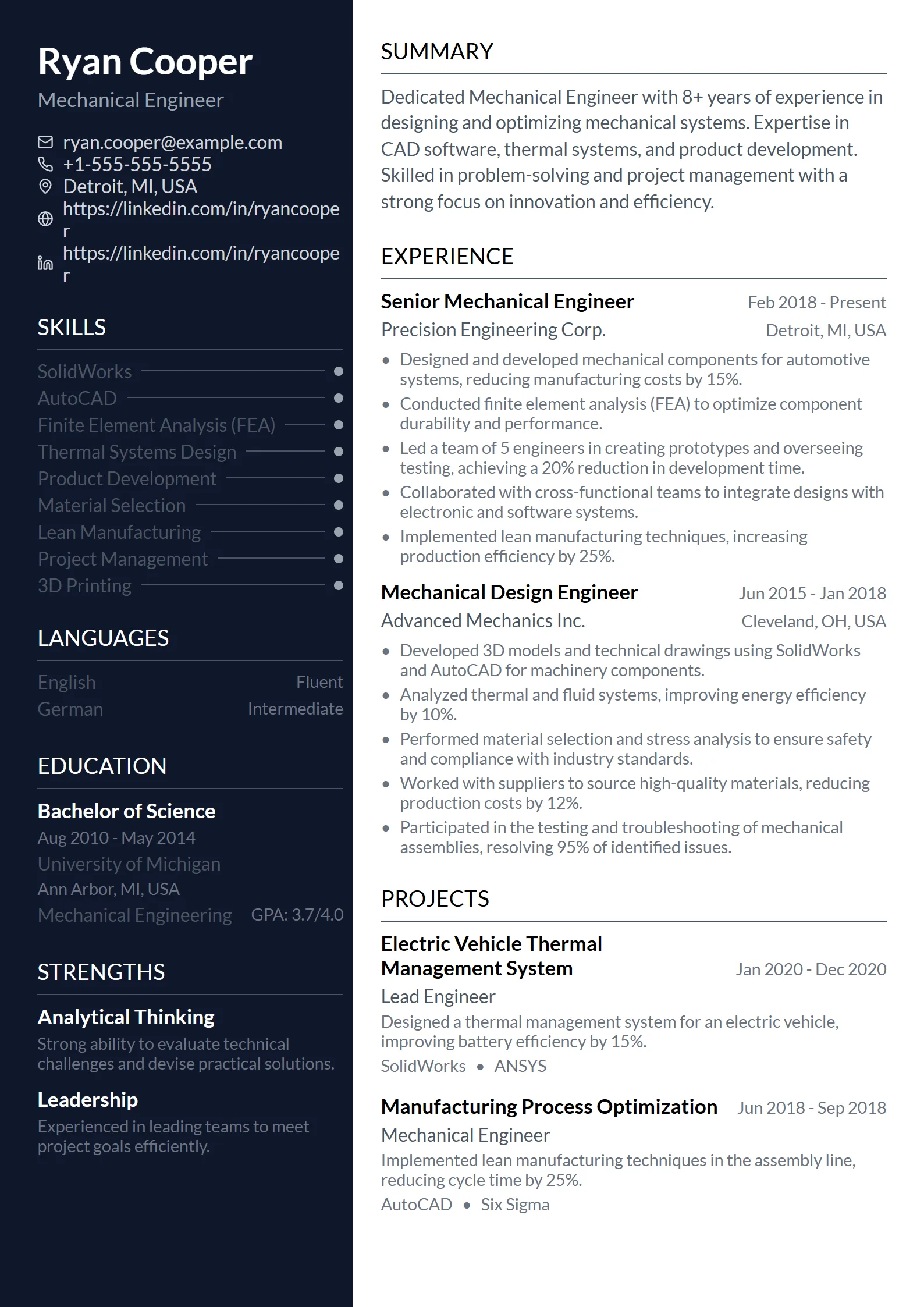
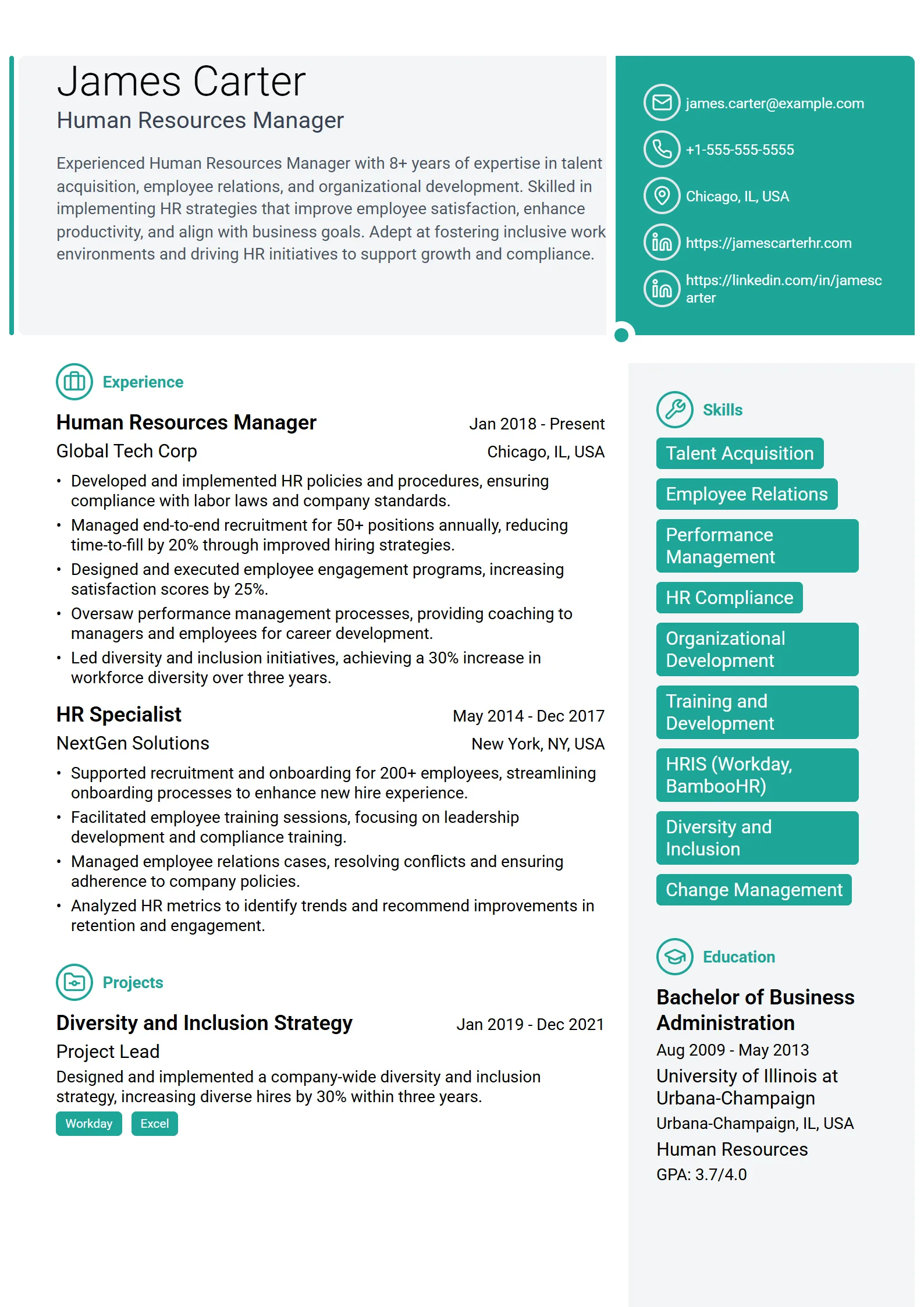
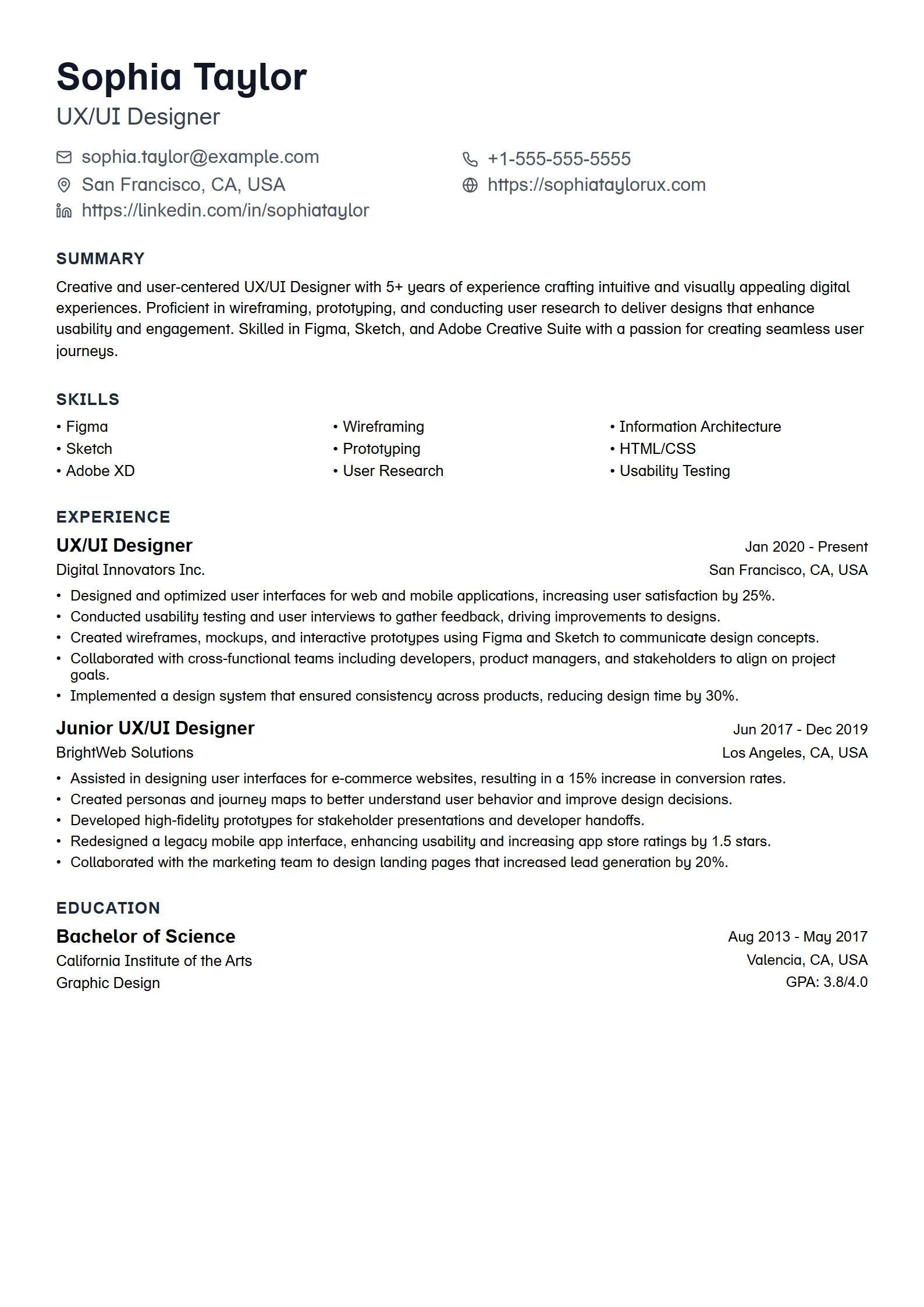
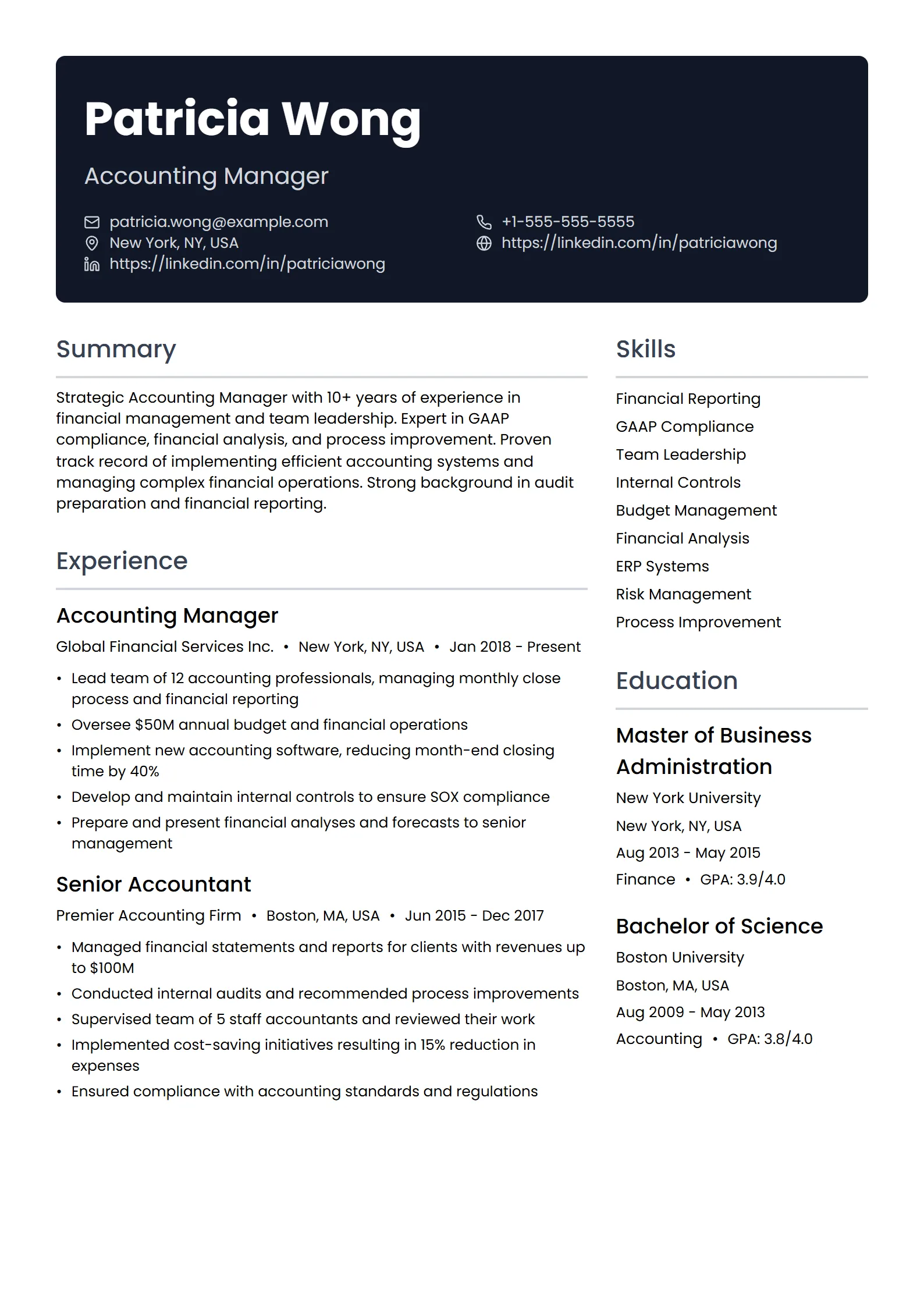
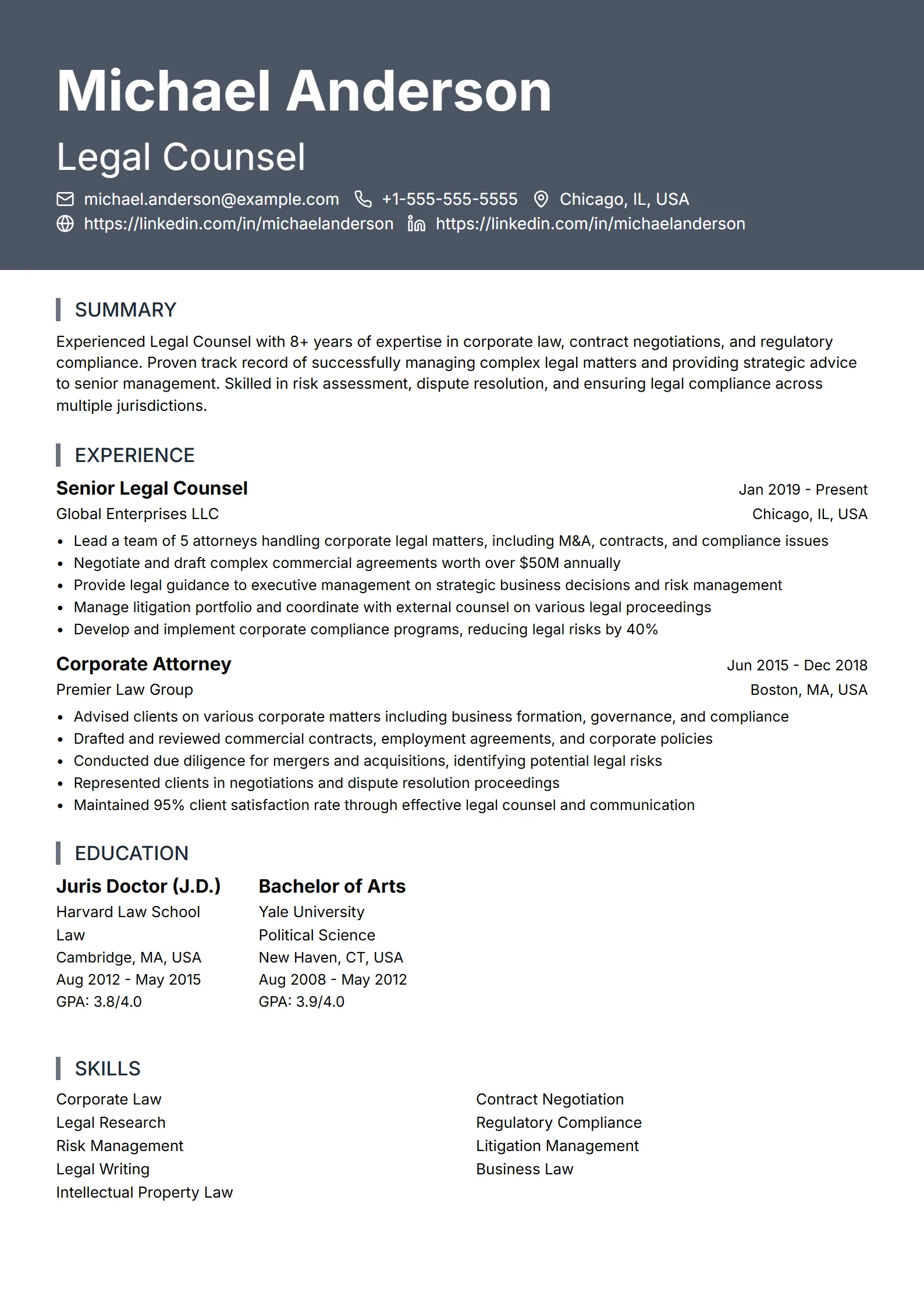
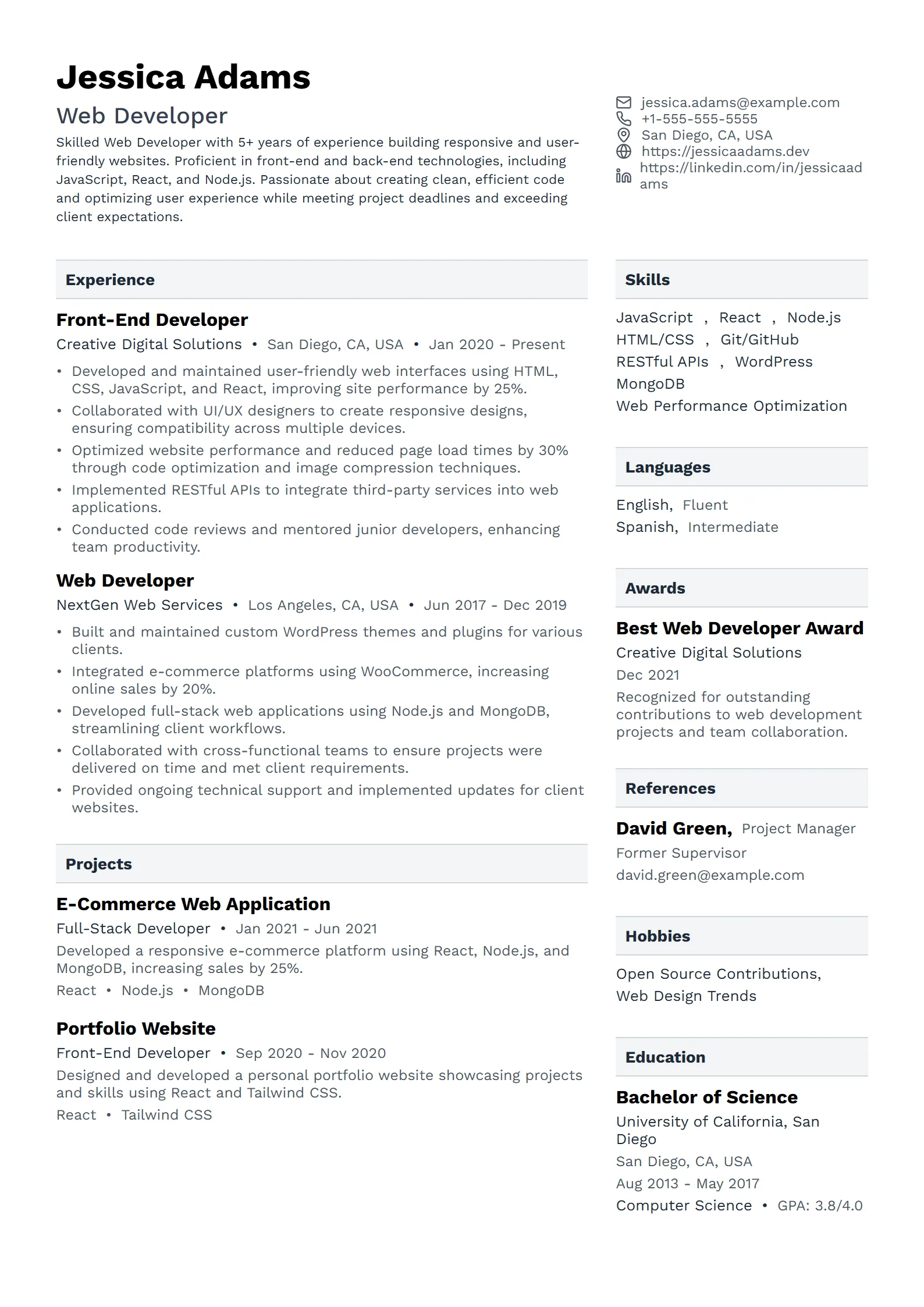
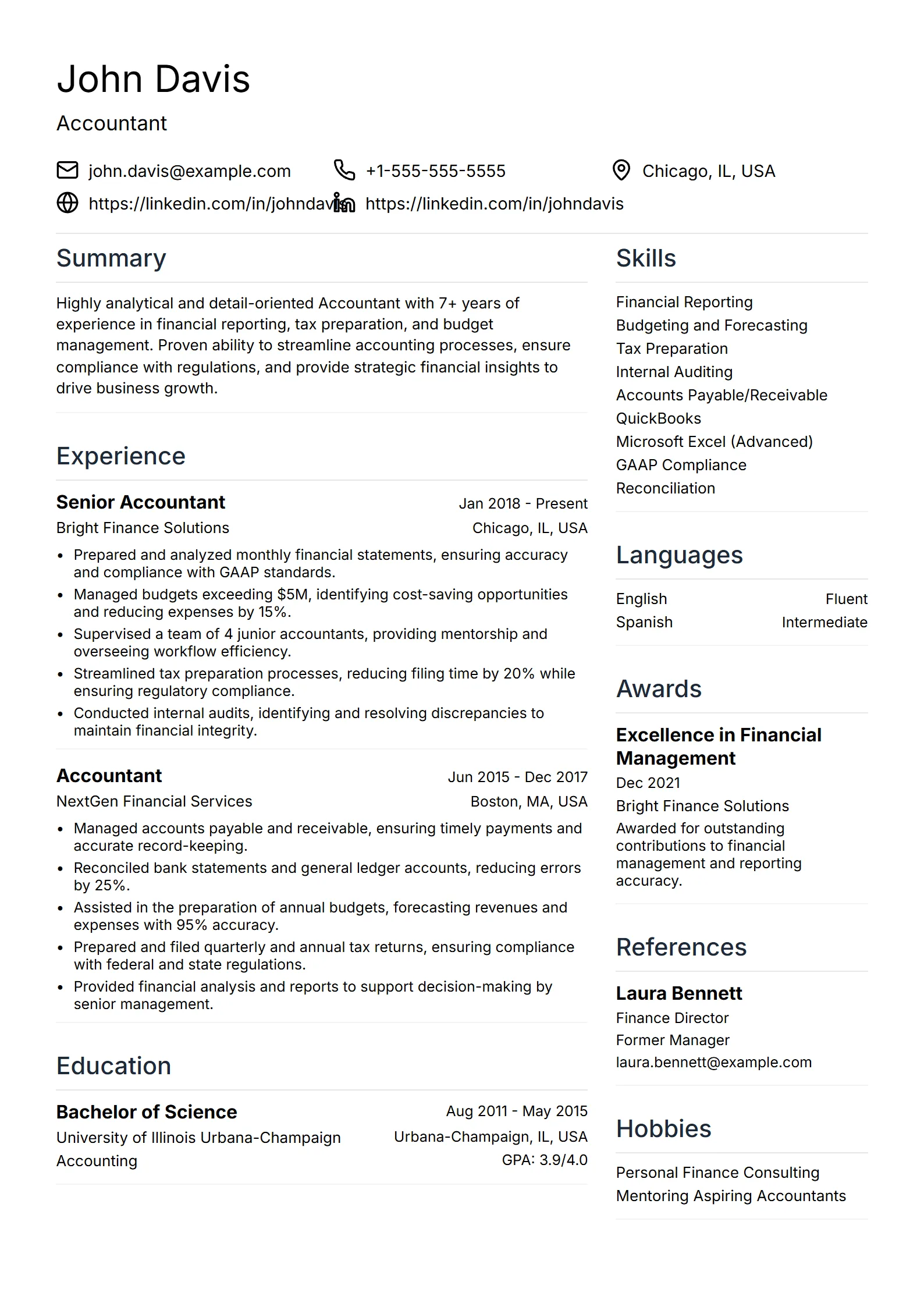
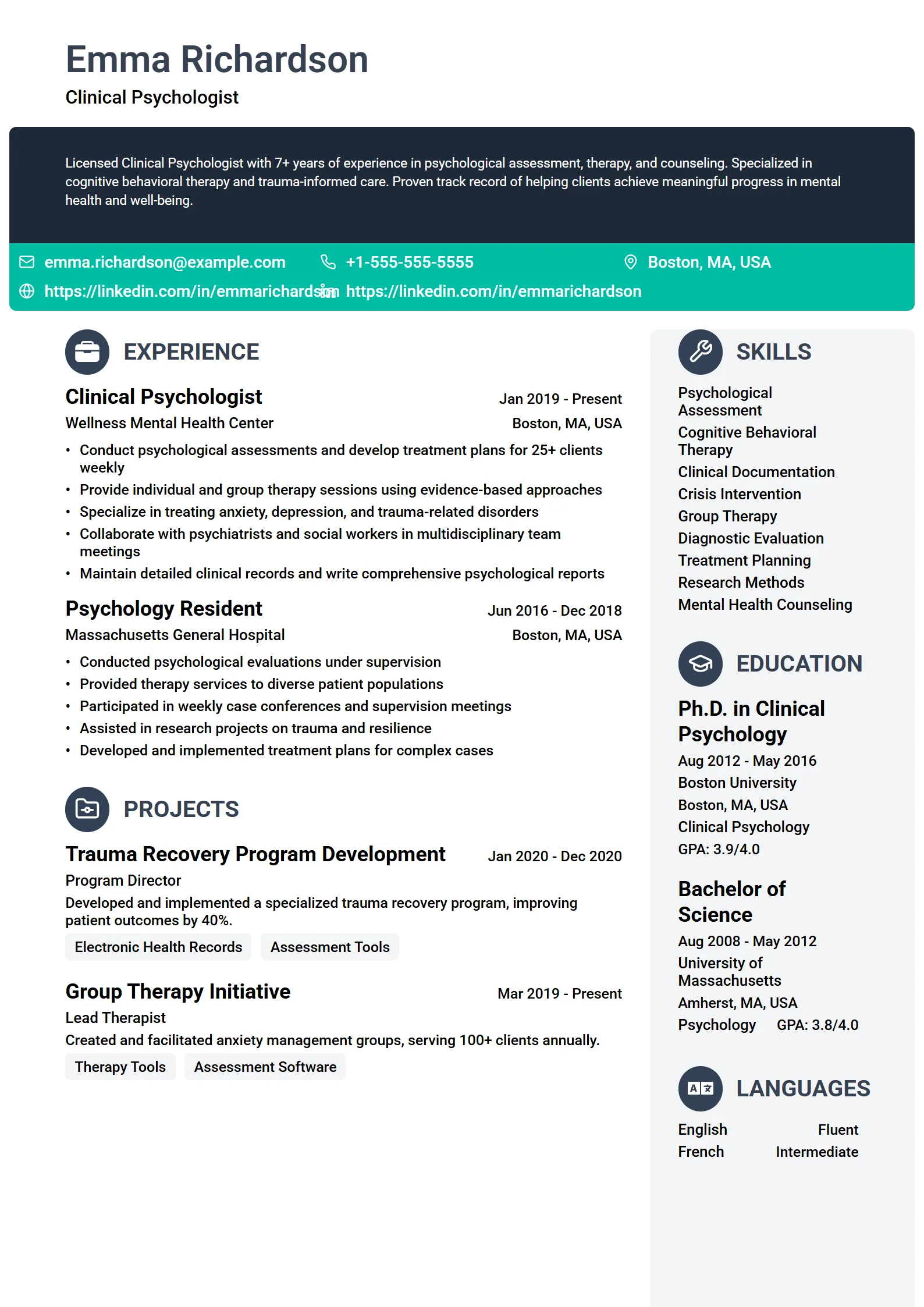
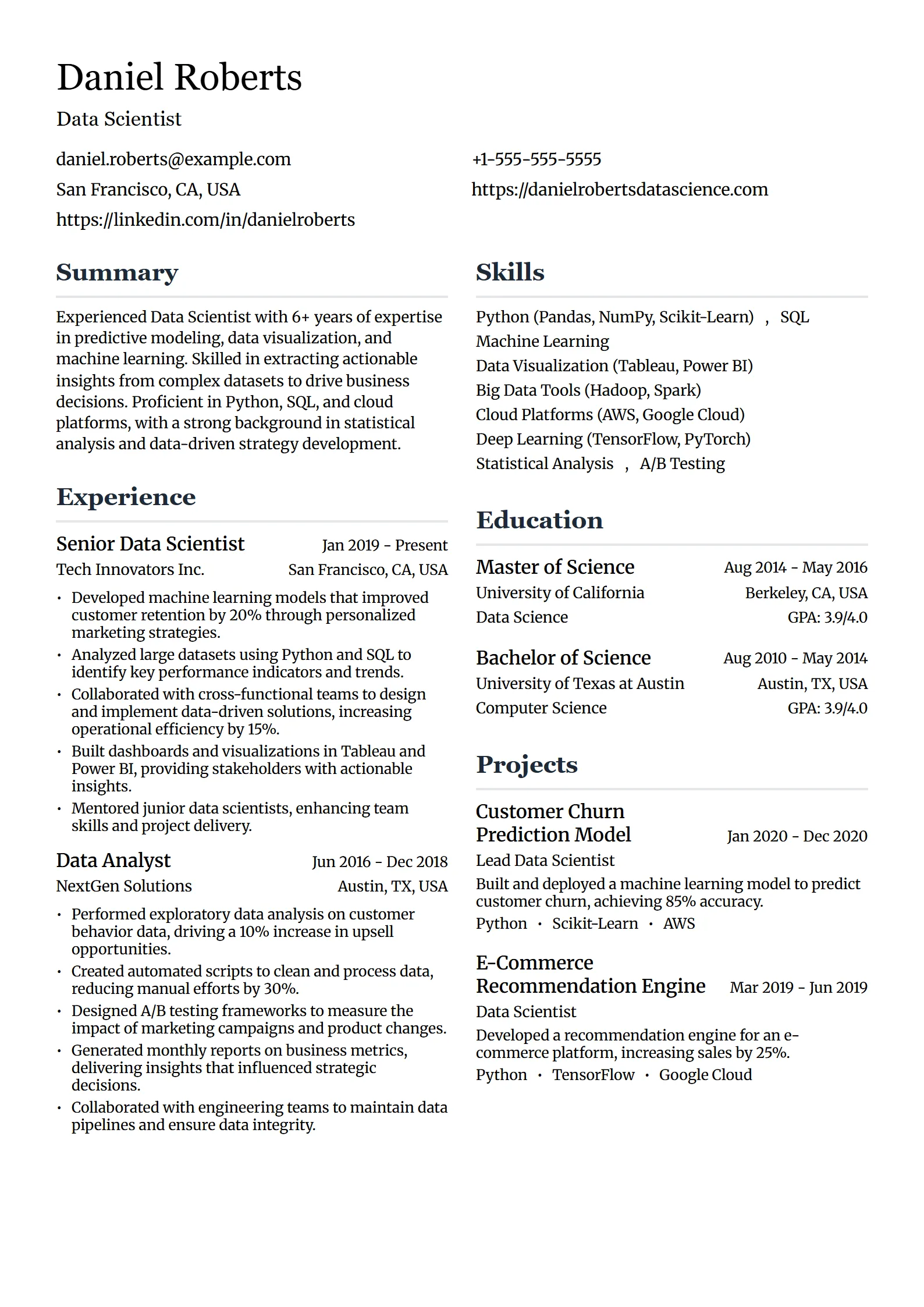
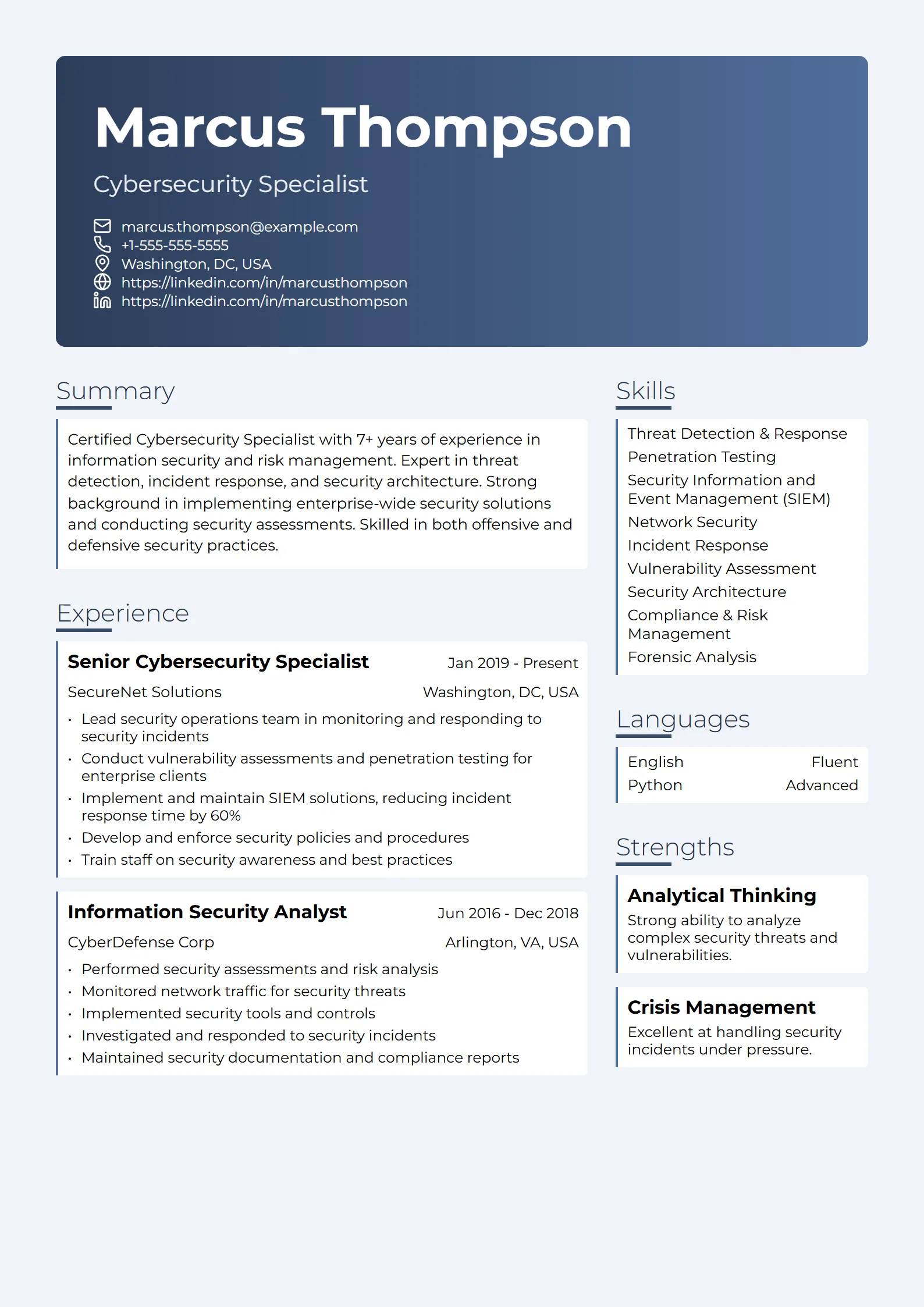
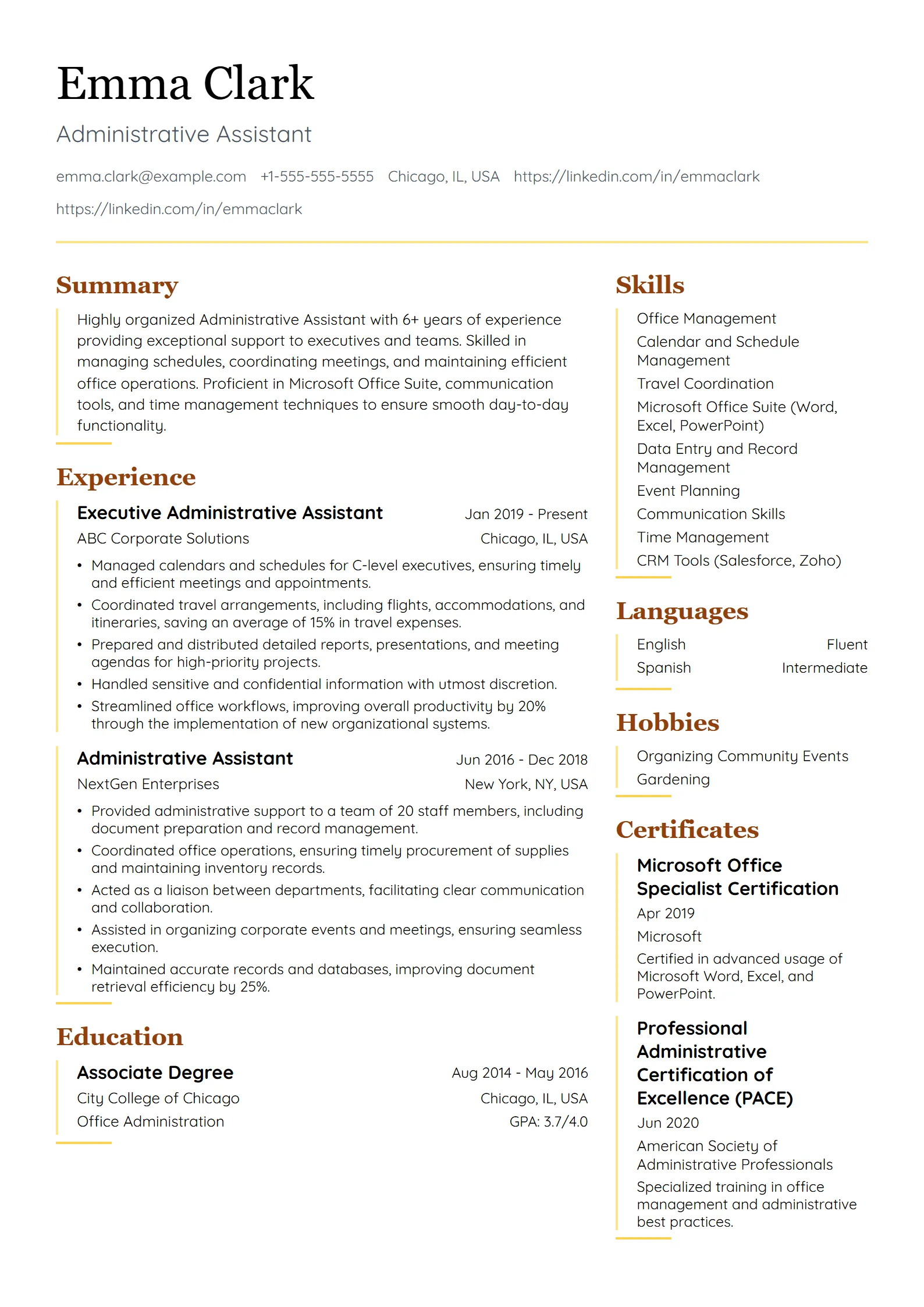
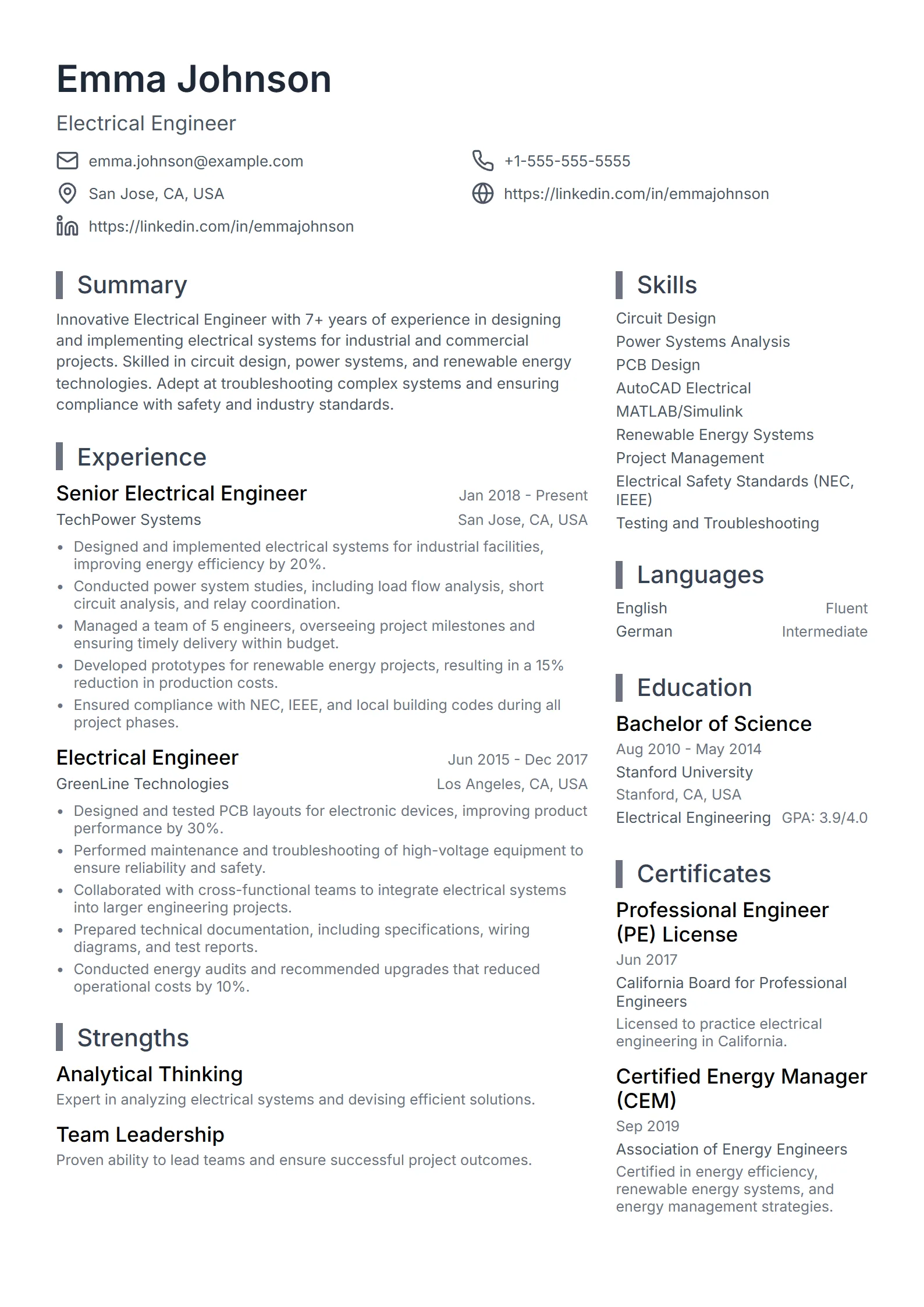
A professional resume template is a clean, conservative layout designed for experienced candidates in fields where credibility matters more than visual flair. It uses a single column, clear section headings, restrained typography, and generous white space, so the reader’s attention goes to your track record rather than the design. Think finance, consulting, management, and sales, where hiring managers expect polish without gimmicks.
The word “professional” here describes tone, not just appearance. A professional template keeps a formal name header, a short summary, and a reverse-chronological work history that leads with results. It avoids photos, icons that replace words, and color blocks that compete with the content. The look signals that you understand the norms of a senior or client-facing role, which is often half the battle in a conservative industry.
Because the structure is deliberately plain, a professional template is also one of the safest choices for applicant tracking systems. The same restraint that reads as formal is what lets software extract your experience without errors. You can browse the full set on our resume templates page and filter for the professional and executive styles.
Who should use a professional or executive resume template?
A professional or executive resume template suits candidates whose target roles reward restraint and evidence of impact: finance, accounting, consulting, management, sales, operations, law, and healthcare administration. If your field values discretion, seniority, or client trust, a formal layout reads as competence. If you are moving into a leadership role, an executive variant gives you room for a stronger summary and a record of scope — budgets, teams, and results — rather than a list of daily duties.
The right emphasis shifts by field, even when the base layout stays the same:
| Field or role | What a professional template should emphasize |
|---|---|
| Finance and accounting | Credentials such as CPA or CFA, quantified results, and a clean, formal header with no color noise. |
| Management consulting | A sharp summary, problem-to-result bullets, and named industries or client types where you are allowed to share them. |
| Management and operations | Team size, budget, and scope led, placed high so seniority is obvious at a glance. |
| Sales and business development | Quota attainment, revenue figures, and deal size, with a metric leading every bullet. |
| Executive and C-suite | A longer summary, P&L or board experience, and a record of scale rather than tasks. |
Tip: Seniority shows through evidence, not decoration. Lead each bullet with a number — revenue, headcount, budget, or percentage — before you describe the task. A plain template full of strong metrics beats a designed template full of duties every time.
When should you use a professional template instead of a modern or creative one?
Use a professional template when the industry is conservative or the role is senior, and reserve modern or creative layouts for fields that reward visible design sense. Law, finance, government, healthcare administration, consulting, and executive search generally expect a traditional, formal resume; anything too styled can read as a mismatch. In those settings, restraint is the signal, and a clean document tells the reader you understand the room.
Modern and creative templates fit tech, marketing, design, product, and startups, where a contemporary look is part of the message. If you are unsure which way to lean, match your template to how people already in the role present themselves, and compare the two families on our resume templates page. When you want a current look that still stays conservative, a professional template with a single restrained accent color is usually the safe middle ground.
One rule holds across every field: the layout should never fight the content. A professional template earns its keep by getting out of the way so your results lead. To see how candidates in your profession balance polish and substance, study real resume examples by job title before you commit to a style.
How do I choose a professional resume template?
To choose a professional resume template, start with a single-column, ATS-safe layout, then pick the version that surfaces the evidence your target role values most. A finance role needs credentials and numbers near the top; a management role needs scope and team size; a sales role needs quota and revenue. The best template is the one that puts your strongest proof where a busy reader sees it first.
Work through these steps:
- Start with a single-column, ATS-safe layout so the structure parses cleanly and reads formally.
- Match the template to your field by browsing resume templates and filtering for professional or executive styles.
- Confirm the layout puts your strongest evidence — credentials, metrics, or scope — near the top where it earns attention.
- Compare your draft against real resume examples in your profession to see what belongs in each section.
- Keep the design restrained: one clean font, at most one accent color, consistent dates, and no photos or icons that replace text.
- Run the finished file through a free ATS resume checker before you apply, so you test your content, not just the blank template.
Fresume includes 50+ resume templates, several of them professional and executive styles that stay ATS-safe while you edit them in the builder. You can preview every layout free and export a polished PDF on the paid plan at $17.49 a month, so choosing a template becomes a question of fit rather than parsing risk.
How do you make a professional resume stand out without over-designing it?
You make a professional resume stand out through substance, not styling: sharper bullets, quantified results, and a summary that states your level and specialty in one line. In a formal field, the resumes that win are rarely the most decorated; they are the ones where every line proves impact. Design earns attention for half a second, but evidence keeps it.
Practical moves that lift a plain template:
- Lead with numbers. Put revenue, growth, budget, headcount, or a percentage at the start of a bullet, then the action that produced it.
- Write a level-setting summary. Two or three lines that name your role, years, and the kind of results you deliver, not a generic objective.
- Prioritize recent, relevant work. Give the last few years the most space and trim older roles to a line each.
- Use one accent, consistently. A single color for headings or a thin divider is enough; anything more competes with your content.
- Keep it scannable. Short paragraphs, parallel bullets, and clear headings help a busy hiring manager find your best evidence fast.
For inspiration grounded in real hiring, browse resume examples in your field and notice how the strongest ones rely on wording and metrics rather than graphics.
Are professional resume templates ATS-friendly?
Yes, professional templates are usually the most ATS-friendly family, because the same restraint that reads as formal also makes the file easy for software to parse. A single column, standard headings, selectable text, and no tables or text boxes are exactly what an applicant tracking system needs to map your experience correctly. The conservative look and the parseable structure come from the same set of choices, which is why a well-built professional layout rarely forces a trade-off between polish and parsing.
That said, a template can look professional and still hide text in a header region, a sidebar, or a graphic. The only way to be sure is to test the finished file, not the empty template. For the layout rules in depth, read our guide to ATS resume templates.
Example, a parser-safe order for a professional resume: Name and contact, then Summary, then Work Experience, then Skills, then Education, then Certifications — each heading on its own line, one column, no icons or photos.
Before a high-priority application, run the export through our free ATS resume checker to confirm the text is selectable, the sections are recognized, and the keywords match the job. The free plan includes three checks a month, which is enough to verify each version before you send it. Fix the structure first, tighten the wording, and apply only once both pass.
Questions
Frequently asked questions
01Are professional resume templates ATS-friendly?
Yes. Professional templates are usually the most ATS-friendly family because their restraint — a single column, standard headings, selectable text, and no tables or graphics — is exactly what applicant tracking systems need to parse your experience. The one catch is to test the finished file, not the blank template, since a formal-looking layout can still trap text in a header region, a sidebar, or a graphic.
02What is the difference between a professional and an executive resume template?
Both are formal and conservative, but an executive template gives more room for a longer summary and a record of scope — budgets, teams, P&L, and board work — while a standard professional template balances a concise summary with detailed recent roles. Executives lead with scale and results; mid-level candidates lead with responsibilities backed by metrics.
03Which industries need a professional resume template?
Finance, accounting, law, consulting, management, operations, sales, government, and healthcare administration typically reward a formal layout. These fields value discretion, credentials, and evidence of impact, so a plain, well-organized template reads as competence. Tech, design, marketing, and startup roles can use more modern styles.
04Can I make a professional resume template in Word or Google Docs?
You can, if you start from a blank single-column document, use the built-in heading styles, keep one clean font, and avoid tables, text boxes, and images for key content. Fresume templates are not downloadable Word files, though; they live inside the resume builder, which keeps the professional layout ATS-safe for you as you edit.
05How many professional templates does Fresume have?
Fresume includes 50+ resume templates spanning simple, professional, modern, creative, and ATS-friendly styles, so there are several professional and executive options to choose from. Every template is built to stay ATS-readable. You can browse and filter them on the resume templates page, then edit your choice directly in the builder.
06Should a professional resume use color?
Keep it minimal. One restrained accent color for headings or a thin rule is fine and can look current, but the body text should stay dark and high-contrast, with no color blocks that compete with the content. In the most conservative fields — law, finance, government — plain black on white is the safest choice.
07How long should a professional resume be?
One page for early to mid-career candidates and up to two pages for senior or executive profiles with a long, relevant record. Length should follow evidence, not padding: every line should earn its place with a result, scope, or credential. Trim older roles to a line or two so recent, senior work leads the page.
Ready to get started?
Search US jobs, build an ATS-ready resume, and apply where you fit — free to start.