 Fresume
Resume templates
Creative Resume Templates That Still Pass an ATS
Creative resume templates for design, content, and marketing roles — the cool, design-forward layouts built to impress a human without breaking the software that reads your resume first. Here is how to keep both happy.
Creative resume templates
Design-forward layouts with personality, built to keep your details easy to find.
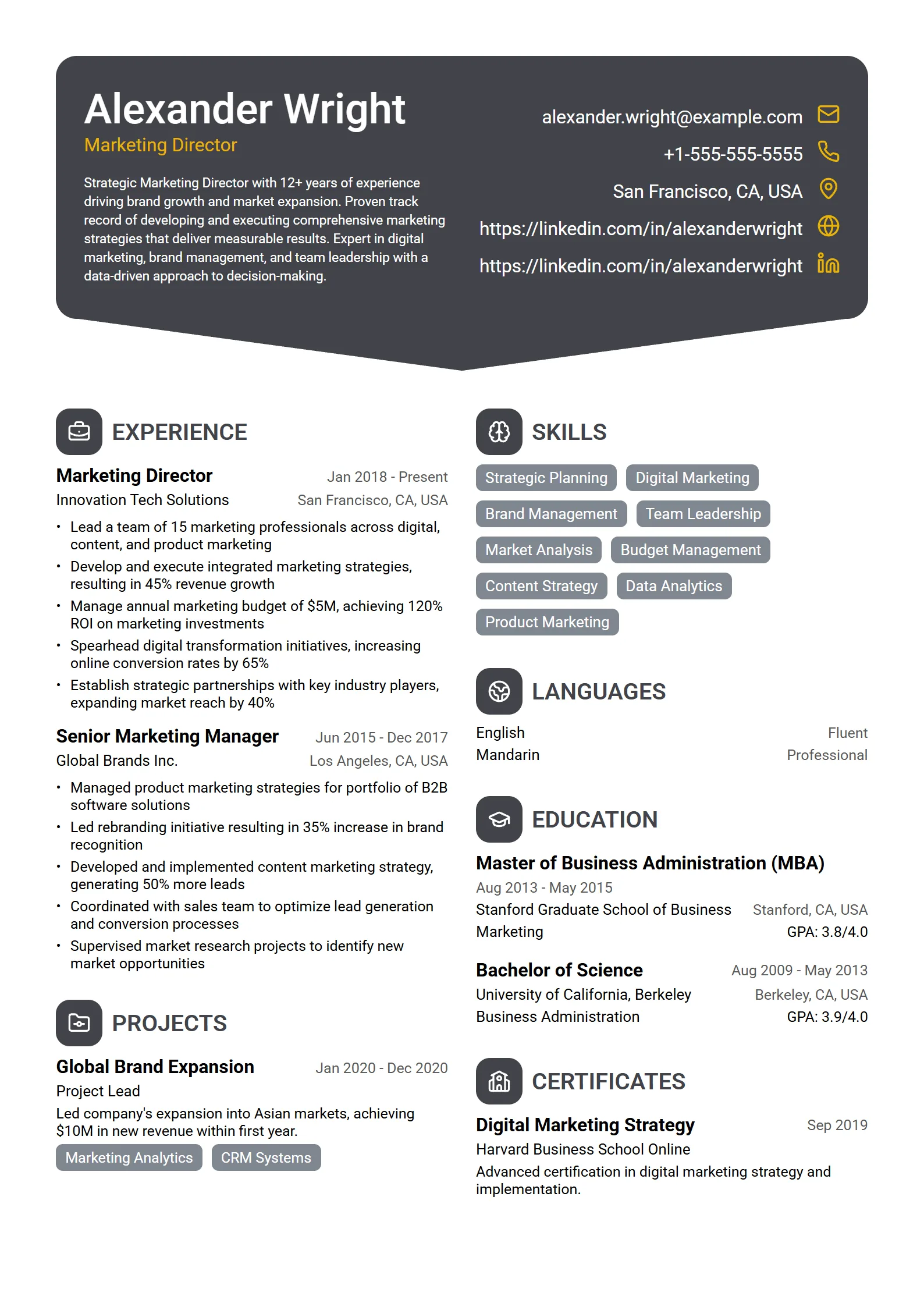
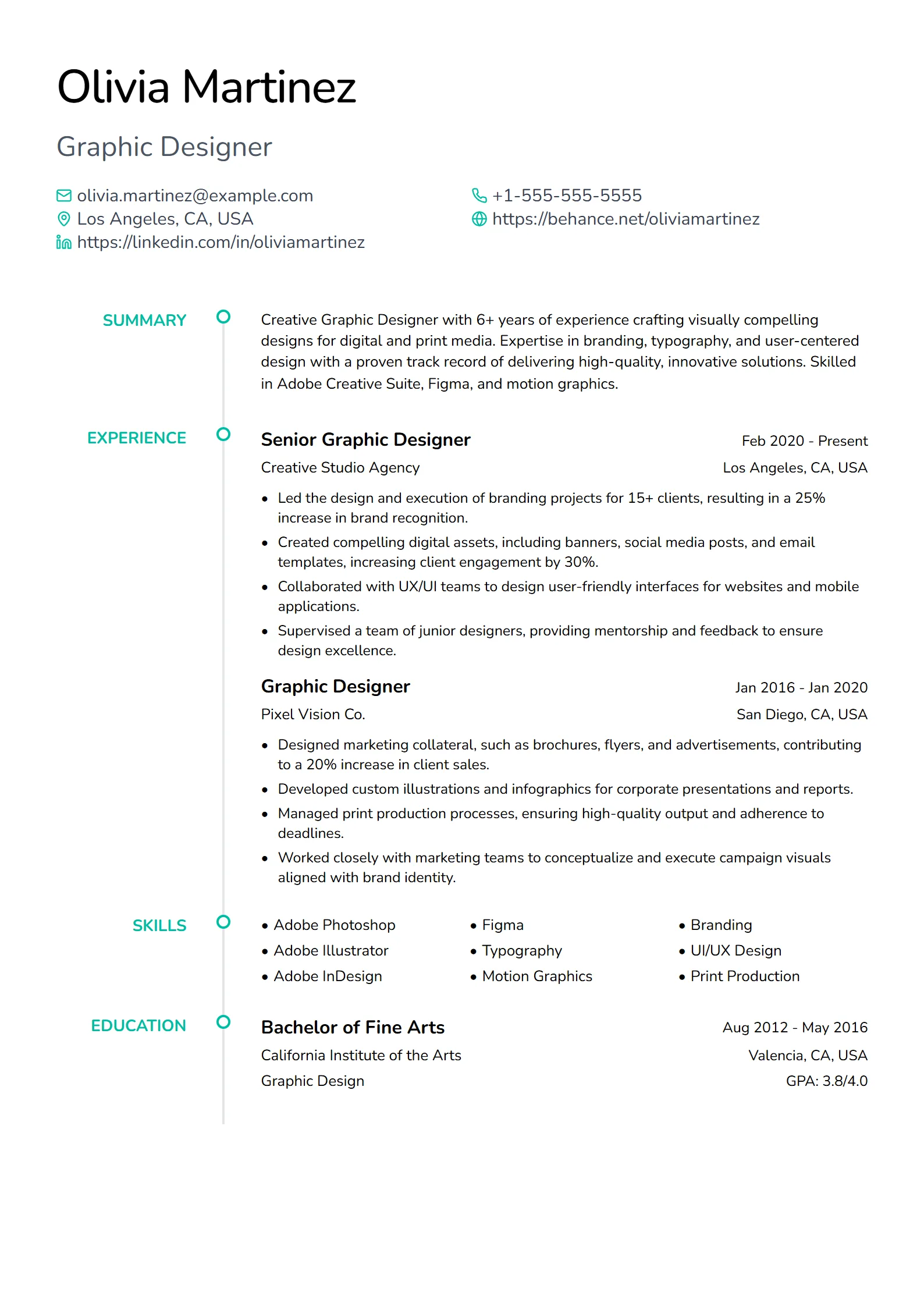
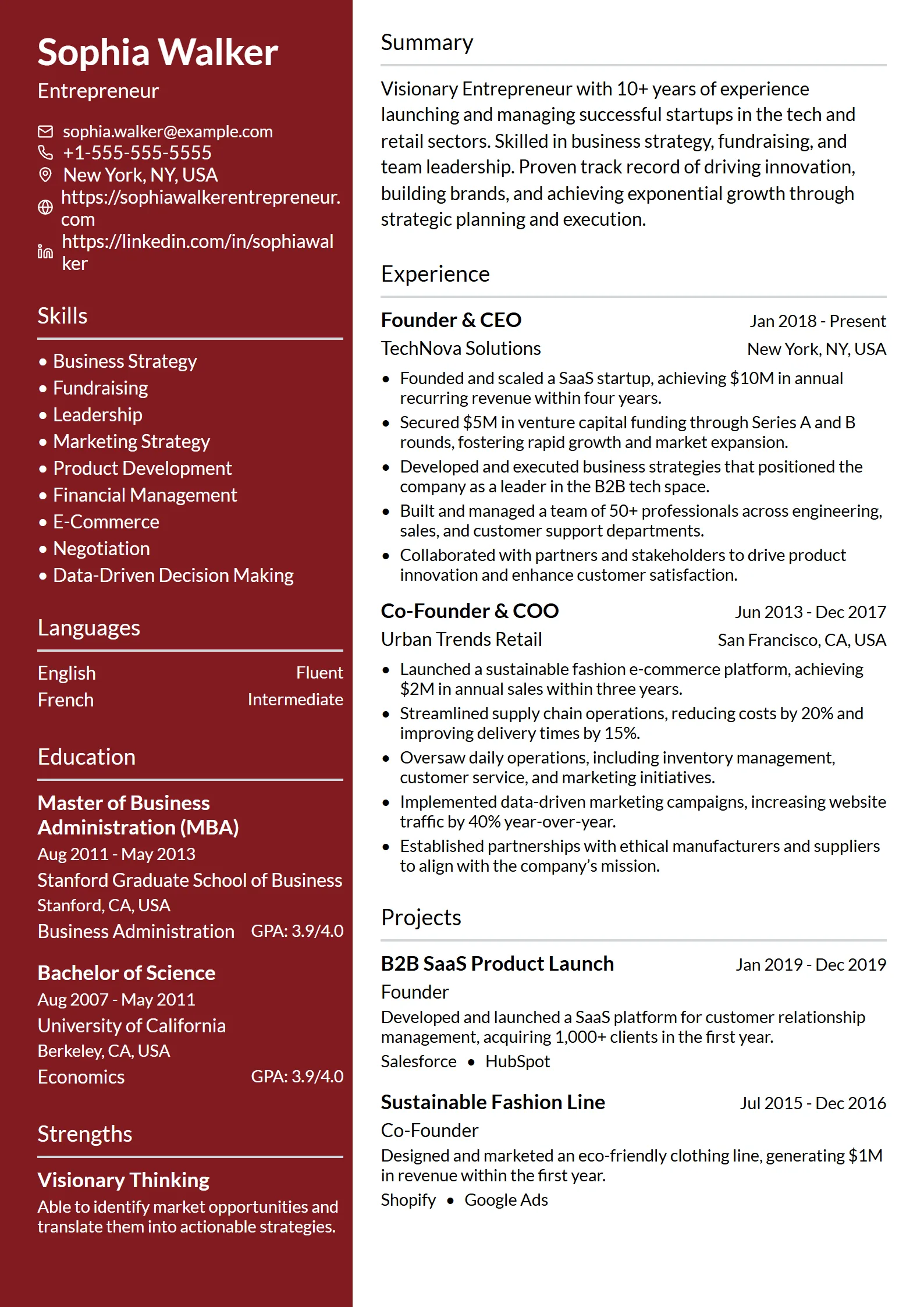
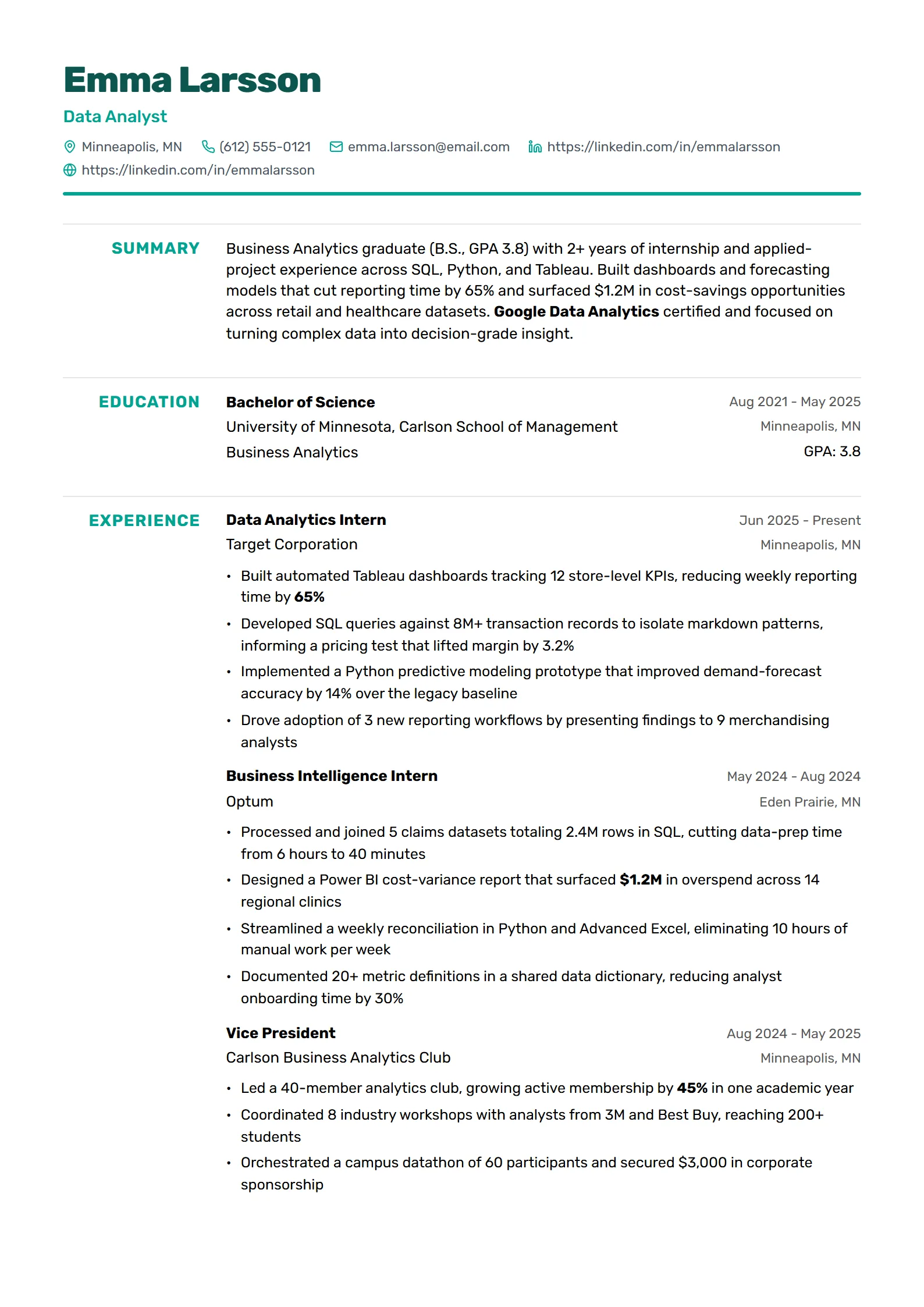
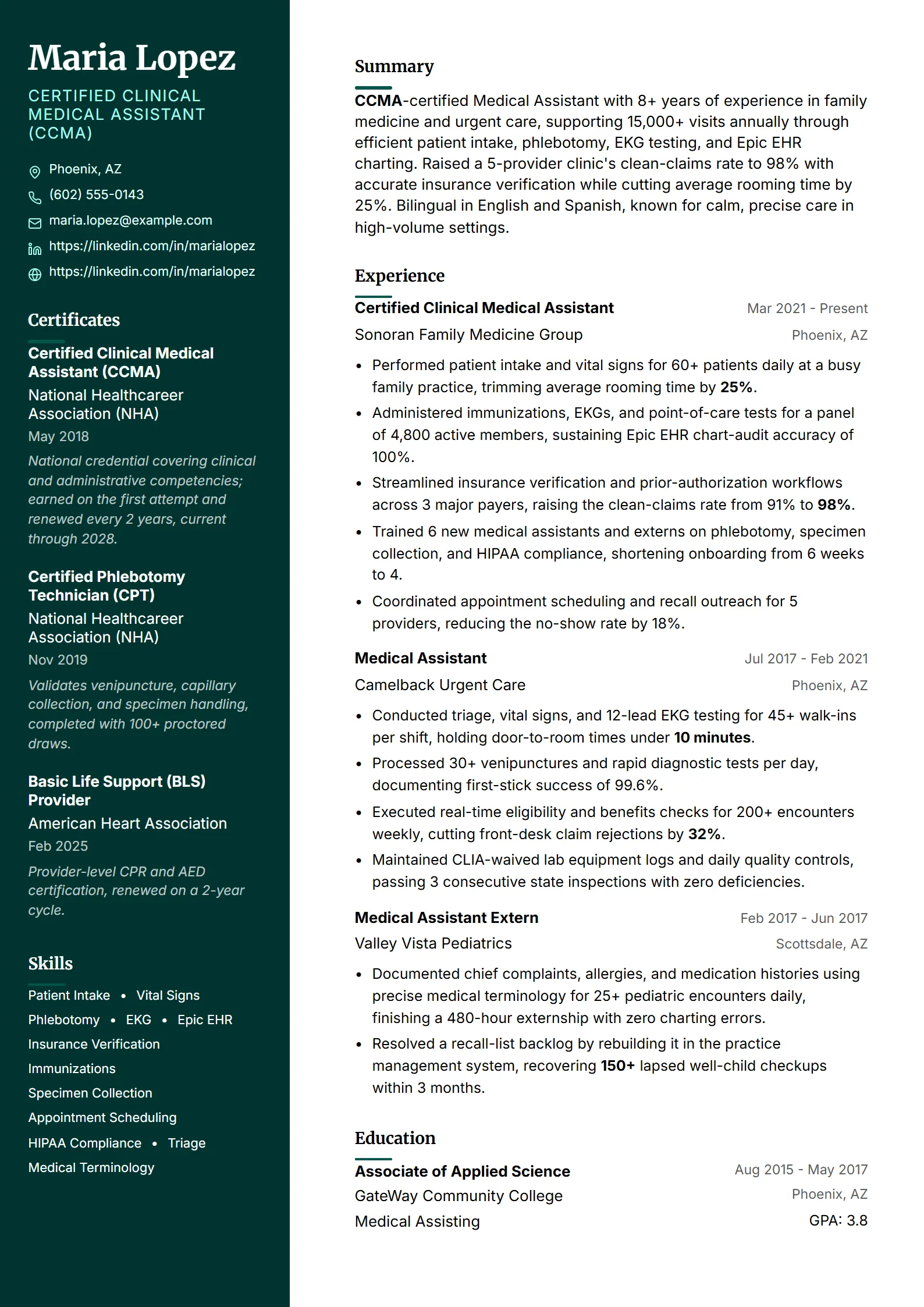
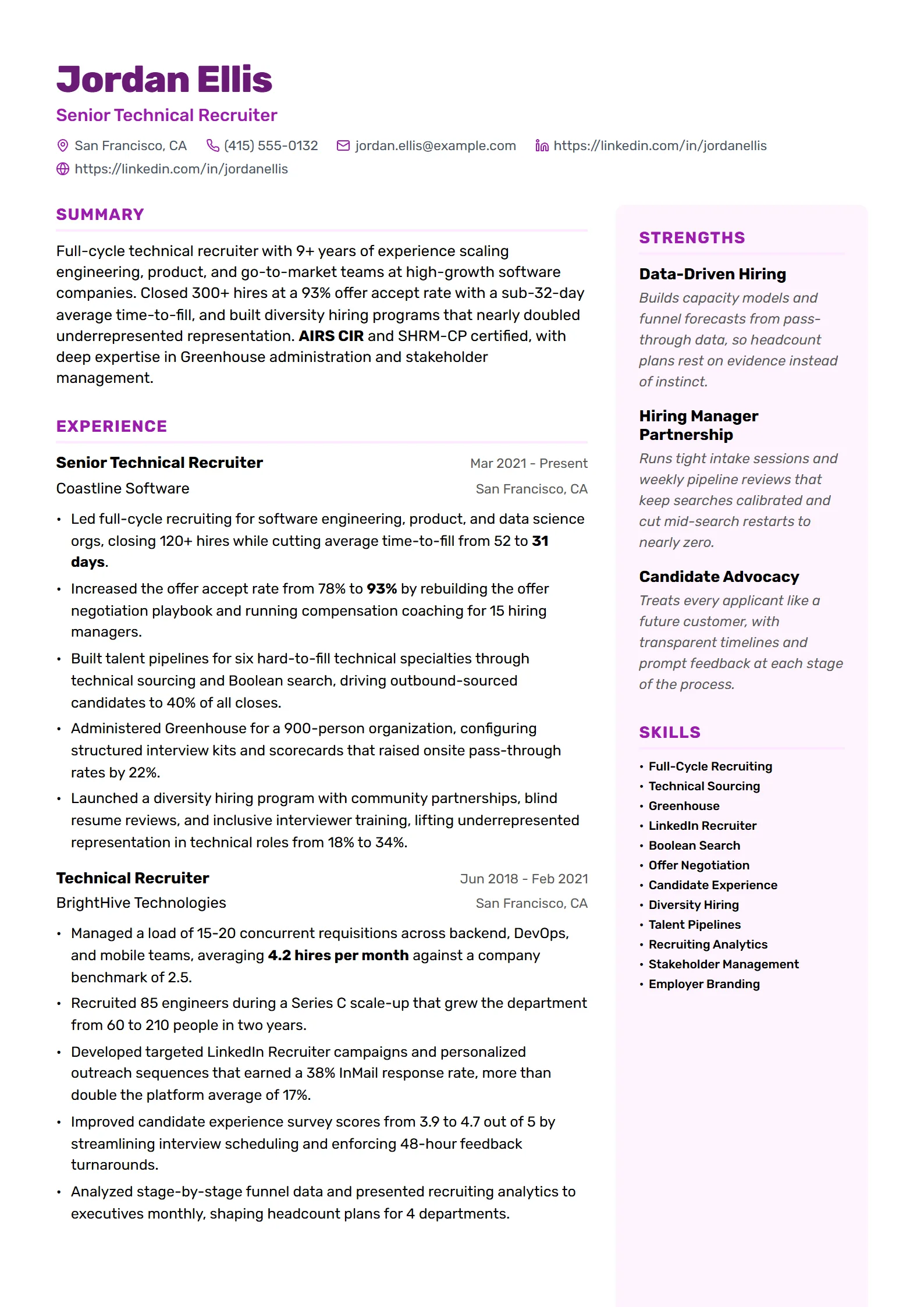
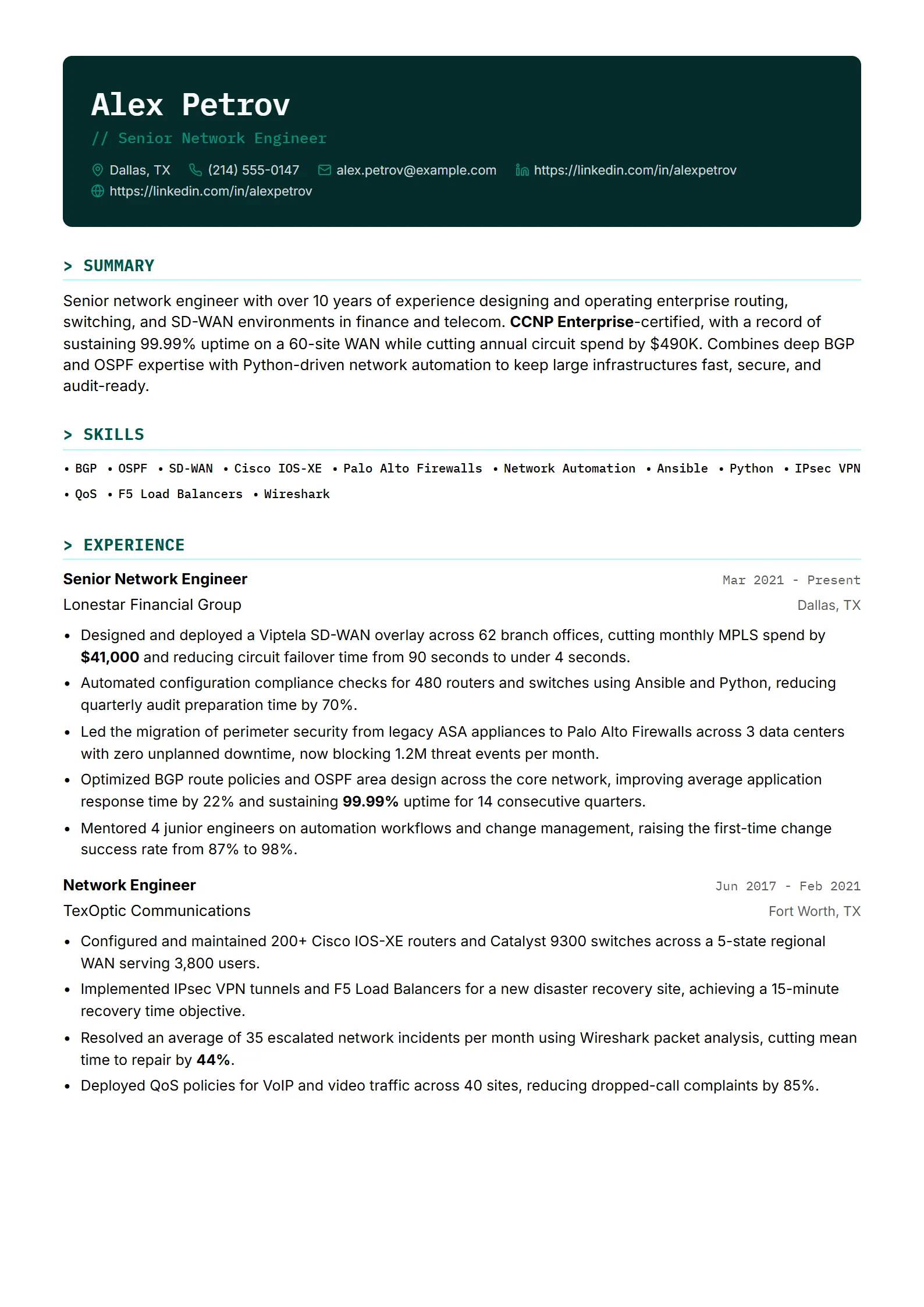
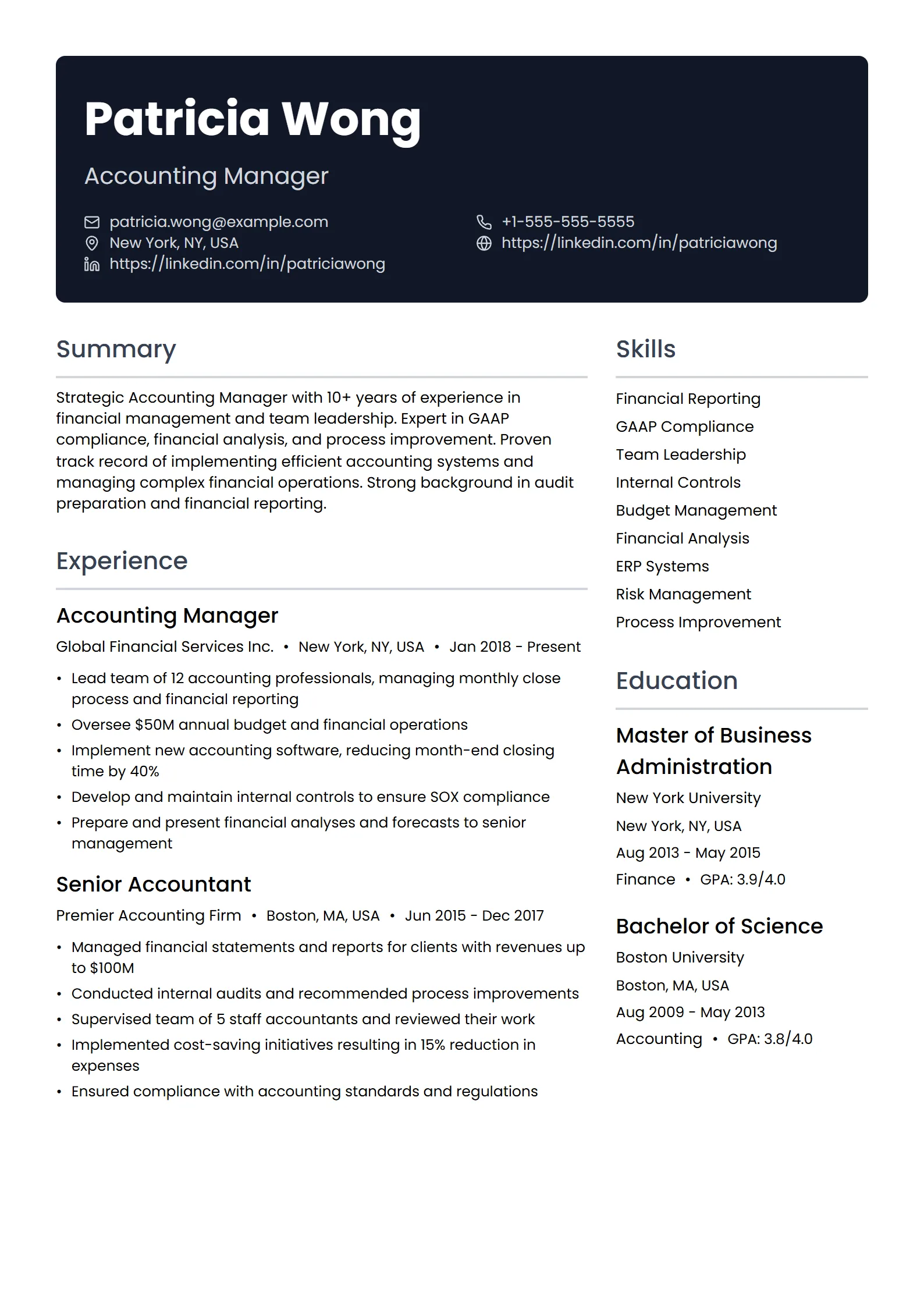
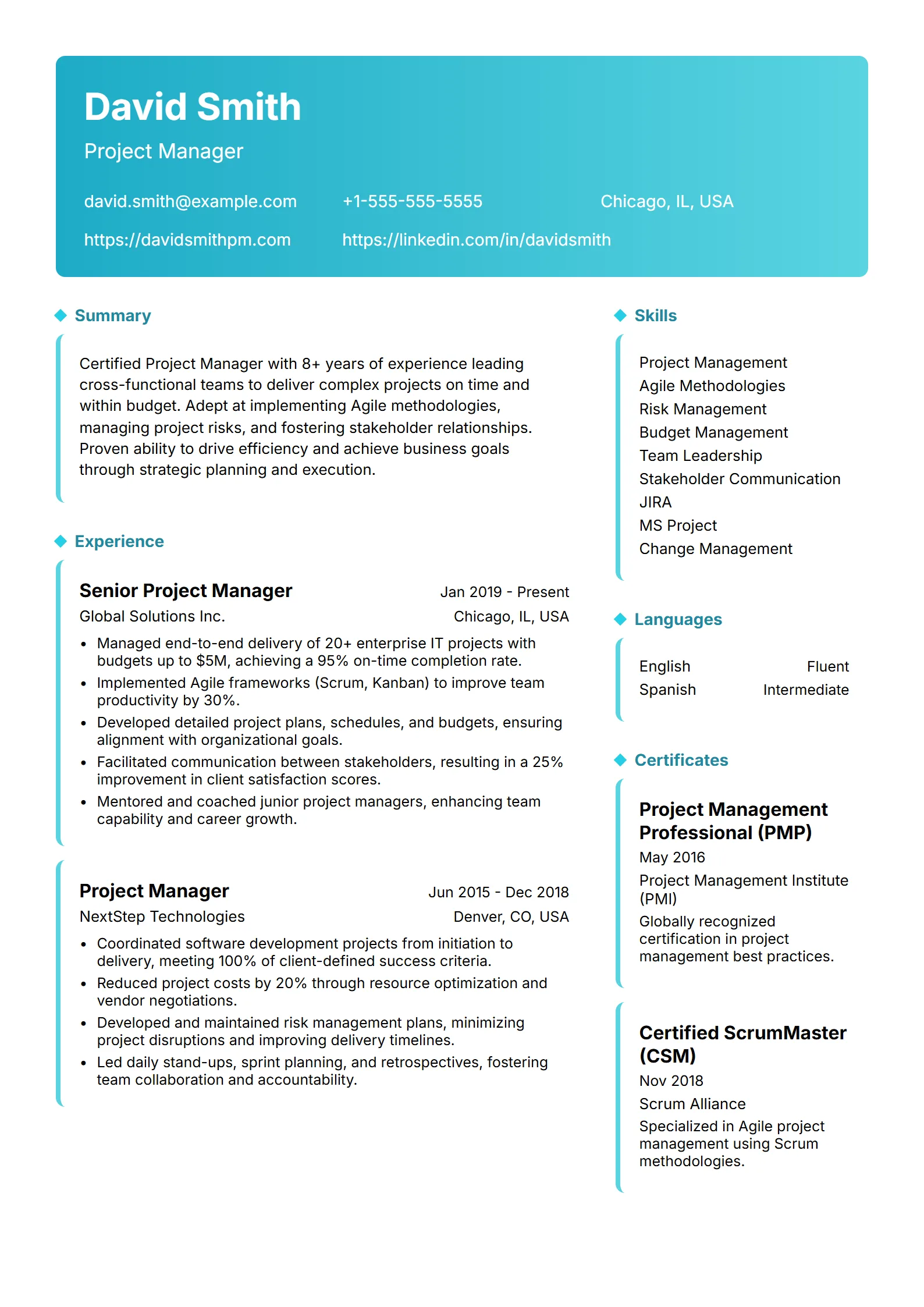
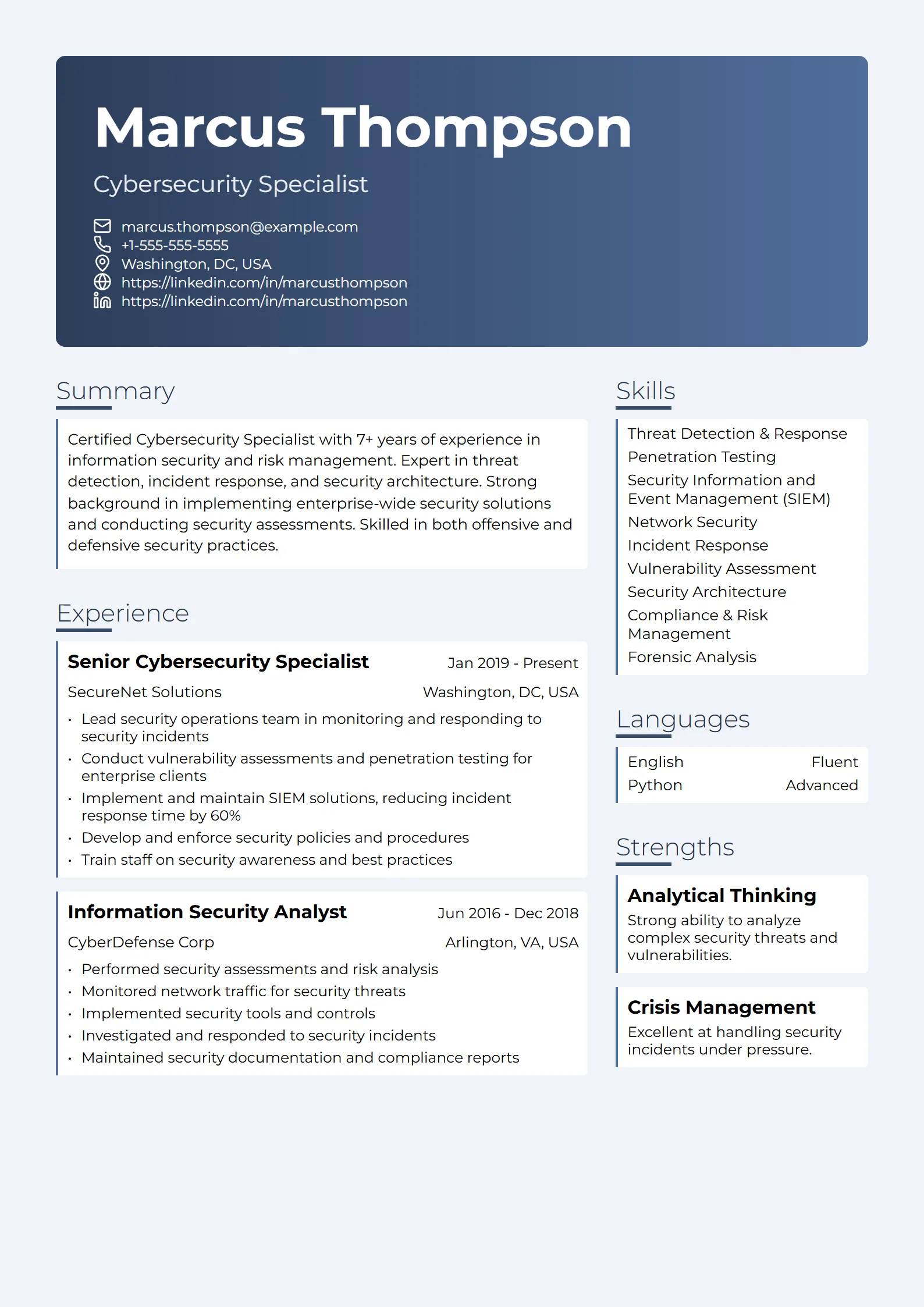
What is a creative resume template?
A creative resume template is a layout that leans on visual design — color, a sidebar, icons, custom fonts, or a two-column grid — to make your experience look distinctive instead of following the plain, single-column format most resumes use. It signals taste and craft, which is exactly what hiring managers in design, content, and marketing want to see at a glance.
The catch is that the same flourishes that impress a human can confuse the software that reads your resume first. Before a person ever opens your file, most mid-size and large employers run it through an applicant tracking system (ATS) that extracts your text into plain fields. A template that looks beautiful but parses badly can quietly cost you the interview. The good news: creative and ATS-friendly are not opposites — you just have to know which design choices are safe and which ones break parsing.
Rule of thumb: if a design element hides your words inside a graphic, a text box, or a second column, assume an ATS might miss them. Keep the text in a clean, linear flow and spend your creativity on the parts a machine ignores — spacing, hierarchy, and restraint.
Do creative resume templates pass ATS scans?
Some do, many do not — and it depends entirely on how the template is built, not on how it looks. An ATS reads a resume by pulling text out in reading order and sorting it into fields like work experience and skills. Designs that fight that process are the ones that fail. These are the elements that most often break parsing:
- Multi-column layouts. A two-column resume can be read straight across both columns, splicing your job titles into the middle of your skills list.
- Text boxes and graphics. Text placed inside a shape, image, or icon is often invisible to the parser — including a name or headline baked into a banner.
- Tables. Skills grids or timelines built from table cells can be flattened or reordered.
- Headers and footers. Contact details tucked into the document header may never be read, so your email and phone go missing.
- Icons instead of labels. A phone icon is not the word phone; a machine only sees the number, if it sees it at all.
- Resumes saved as images. A file exported as a flat image, or a scanned printout, has no selectable text and usually scores near zero.
None of this means you must submit a boring page. It means the creativity has to live in choices that survive plain-text extraction. The only reliable way to know your template is safe is to test the real file: run it through a free ATS resume checker and confirm your name, contact details, titles, and keywords all come back in the right place.
Which jobs are creative resume templates good for?
Creative templates — the unique, artistic layouts that read as a work sample — help most when the role itself is judged on visual or written craft, and when a human is likely to see the document early. That usually means:
- Design roles — graphic designers, UX/UI designers, art directors, and illustrators, where a tasteful layout doubles as a work sample. See a full annotated graphic designer resume example for how to do this without losing the ATS.
- Content and writing roles — copywriters, content strategists, and editors, where restrained typography and clear hierarchy show you can organize information.
- Marketing roles — brand, social, and creative marketers, where a sense of layout is part of the job.
For most other fields — engineering, finance, healthcare, operations, law — a clean, standard layout signals professionalism and parses more reliably. If you are unsure where your role falls, browse resume examples by job title to see what is normal in your field before you reach for a heavy design.
Example: A product designer keeps a single-column resume with black body text and one accent color on the section headings. The creative signal comes from generous white space, a confident type scale, and a linked portfolio in the header — yet every word is still plain, selectable text an ATS can read.
How do you make a creative resume ATS-safe?
You do not have to choose between a resume that looks good and one that gets parsed. Follow these steps to keep the personality and drop the parse-breakers:
- Start from a single-column layout. One linear flow, top to bottom. If you want a sidebar look, place that content as a full-width section instead of a true second column.
- Keep every word as real text. No text inside images, banners, or shapes, and no contact details in the document header or footer. Type your name, email, and phone as ordinary lines near the top.
- Use color and type for hierarchy, not decoration. One or two accent colors on headings, a clean professional font at 10.5–12pt, and standard section names — Experience, Skills, Education — the ATS recognizes.
- Replace icons with words. Label sections and contact lines in plain text; an icon can sit beside the word, but the word has to be there.
- Mirror the job description. Include the exact skills and job title from the posting so the parser scores a match — creativity never substitutes for the right keywords.
- Export a text-based PDF and test it. Save as a PDF rather than an image, then run it through an ATS checker to confirm every field reads back correctly.
Creative resume template vs. standard template — what actually changes?
The safe version of a creative resume changes how design elements are used, not whether you use them. Here is the swap that keeps the look and protects the parse:
| Element | Typical creative template | ATS-safe approach |
|---|---|---|
| Layout | Two or three columns with a sidebar | Single column, full-width sections |
| Color | Filled color blocks behind text | Accent color on headings and rules only |
| Contact info | In the document header or an icon strip | Plain text lines at the top of the body |
| Skills and timeline | Built with tables or graphics | Simple bulleted or comma-separated lists |
| Fonts | Decorative display fonts | Clean professional fonts, 10.5–12pt |
| Portfolio work | Screenshots embedded on the page | A single linked portfolio URL |
Every one of Fresume’s 50+ resume templates is built on a single-column, ATS-safe foundation, so you can pick a look with real personality and still trust that a machine can read it. Want to see the full range from minimal to expressive? The resume templates gallery is the place to start.
Where should the creative part of your application live?
The most reliable way to show creative range is to keep the resume clean and let a portfolio carry the visuals. A one-page, text-based resume gets you through the ATS and onto a recruiter’s screen; a linked portfolio — your own site, Behance, or Dribbble — is where art directors actually judge your work, at full resolution, in context, with case studies you could never fit on a page.
So put a single, prominent portfolio link near the top of your resume and let the document itself stay parseable. You get both: the machine reads your text, and the human clicks through to the work. Before you apply, run the finished file through the free ATS resume checker to confirm nothing got scrambled, then tailor the keywords to each posting.
Questions
Frequently asked questions
01Are creative resume templates ATS-friendly?
Some are, many are not — it depends on how the template is built, not how it looks. Designs that use two-column layouts, text boxes, tables, or contact details in the document header often confuse an applicant tracking system, which reads your resume as plain text before a person sees it. A creative template built on a single-column, all-text foundation can be both attractive and ATS-safe. Test the actual file with a free ATS resume checker to be sure.
02What is the best resume format for creative jobs?
A single-column, text-based layout with restrained, artistic design accents. Keep every word as selectable text, use one or two accent colors on headings, and rely on white space and a confident type scale for personality. Then put a single portfolio link near the top so the visual proof lives where art directors actually look, not inside a graphic the parser might skip.
03Should a graphic designer use a creative resume template?
Yes, but carefully. A designer’s resume doubles as a work sample, so tasteful layout helps — as long as the file still parses. Keep the text in one linear column, avoid baking your name or headline into a banner image, and link out to your full portfolio for the heavy visuals. Our annotated graphic designer resume example shows exactly how to strike that balance.
04Do creative resumes need two columns?
No. Two columns are the single most common reason a stylish resume fails an ATS, because the software can read straight across both columns and splice your content together. You can get the same airy, modern feel with a single column, generous spacing, and clear section headings — without the parsing risk.
05Can I use color on an ATS resume?
Yes, in moderation. Color applied to headings, section rules, or a name line is fine because the underlying text stays readable. The problem is color used as filled blocks behind text or as the only way to convey meaning. Stick to one or two accent colors and keep body text high-contrast and plain.
06Are creative resume templates free on Fresume?
You can build and download a resume on the free plan, and every one of Fresume’s 50+ templates — from minimal to expressive — is built on a single-column, ATS-safe foundation. Premium ($17.49/month) unlocks the full tailoring and ATS-check workflow, but you can start creating and testing your resume for free.
Ready to get started?
Search US jobs, build an ATS-ready resume, and apply where you fit — free to start.
Other resume template styles
Creative not quite the right fit? Compare the other ATS-safe styles — modern resume templates, simple resume templates, and professional resume templates — or browse the full resume templates gallery.