 Fresume
Resume templates
Resume templates for every role, built to pass the ATS
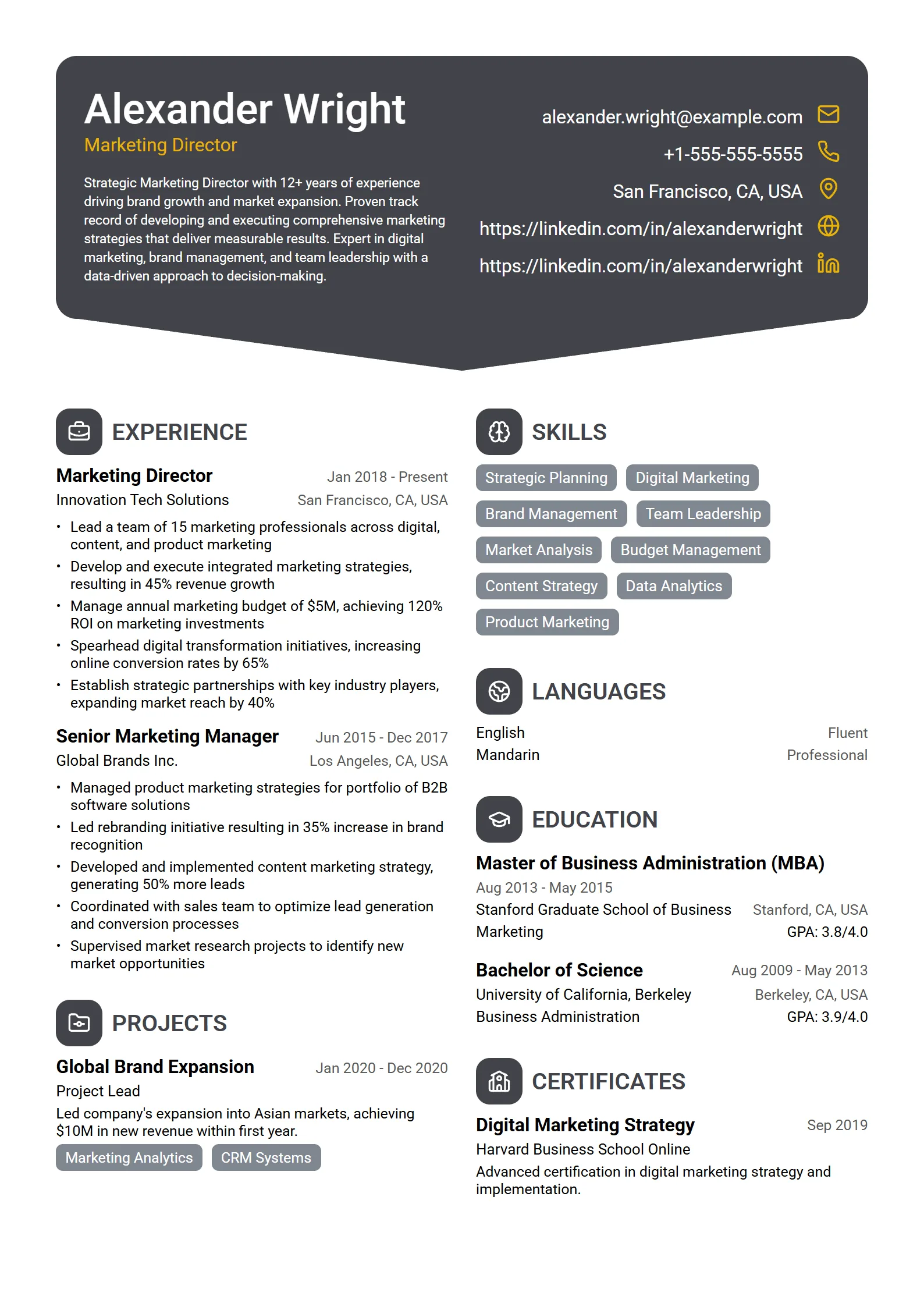
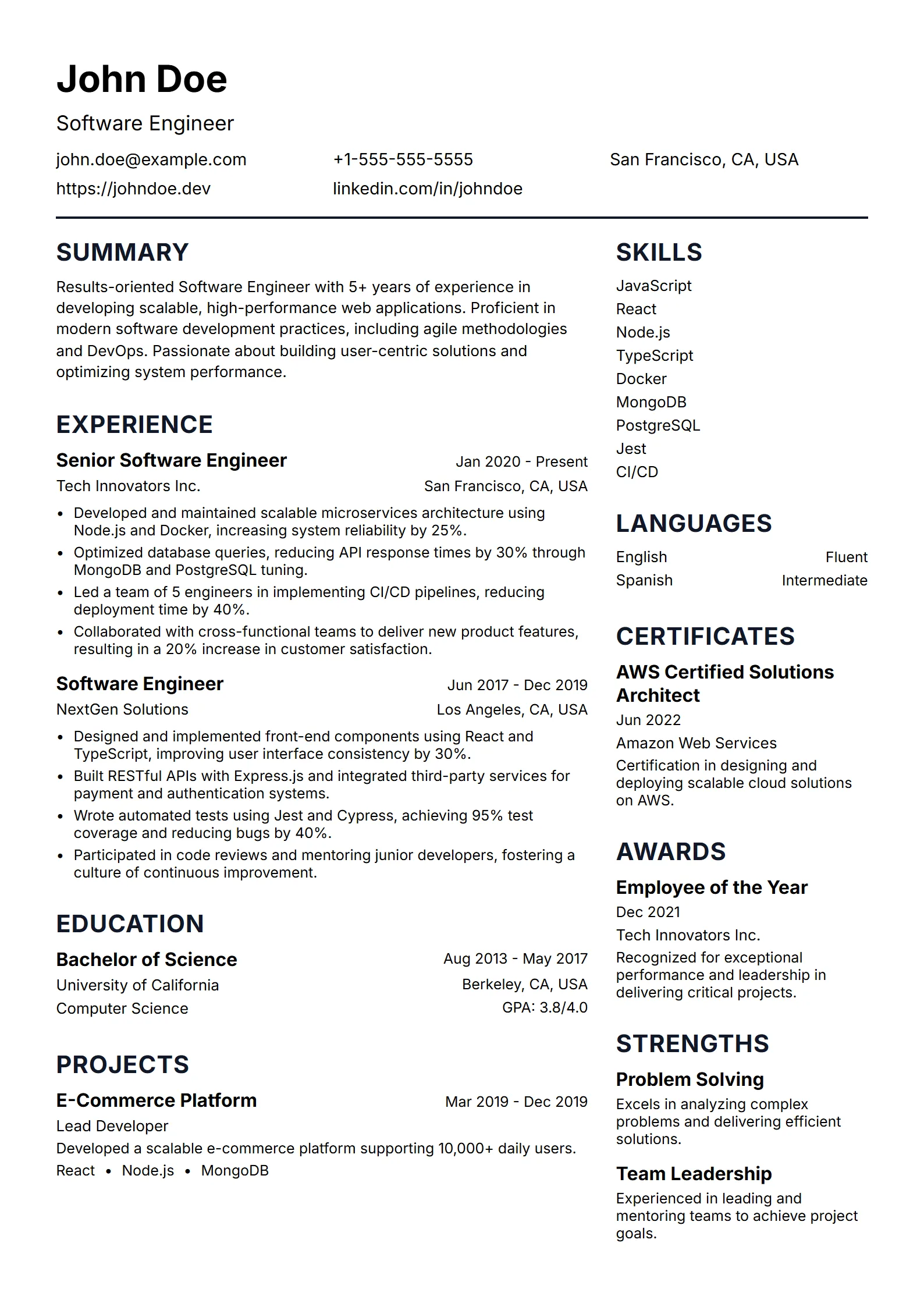
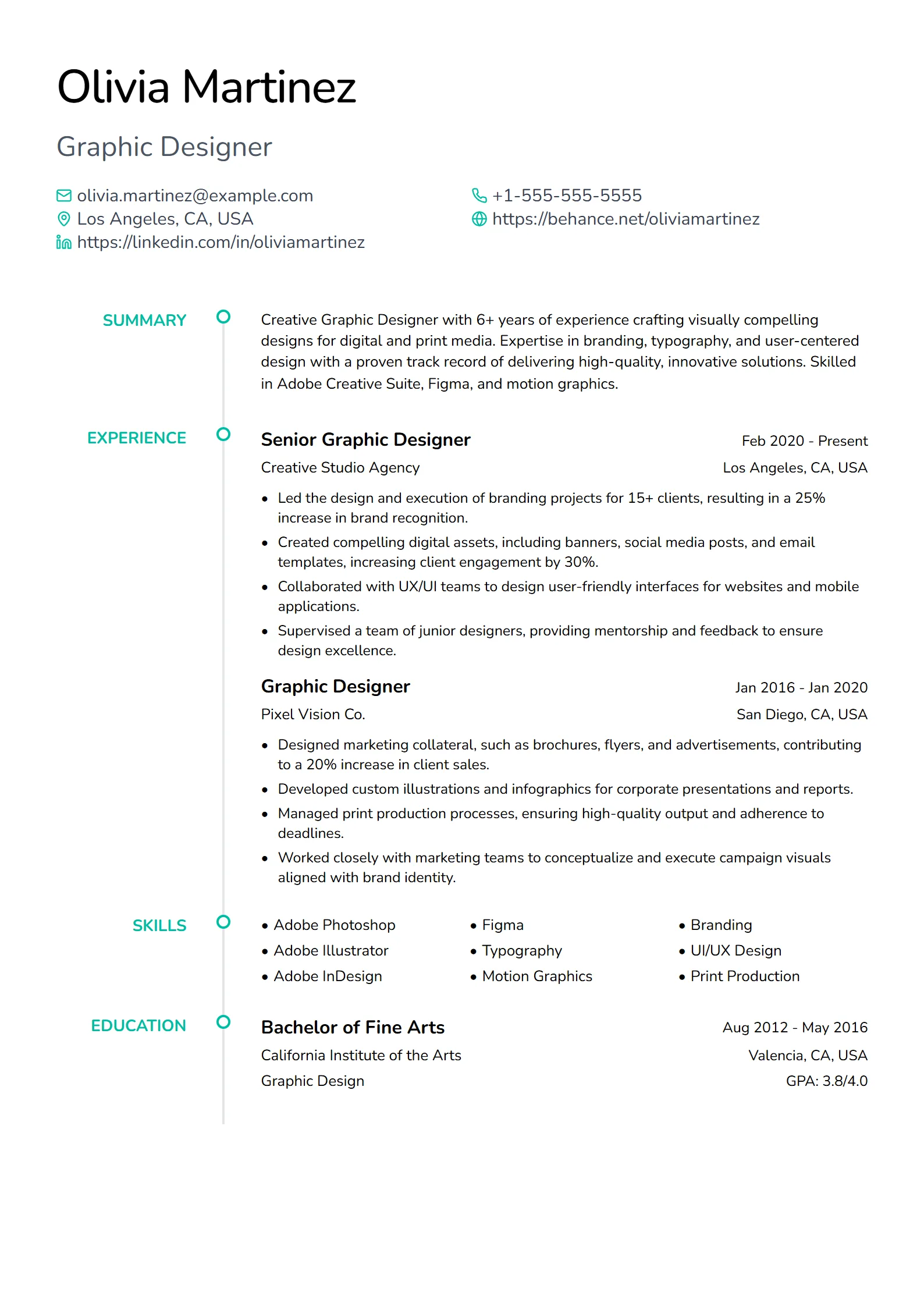
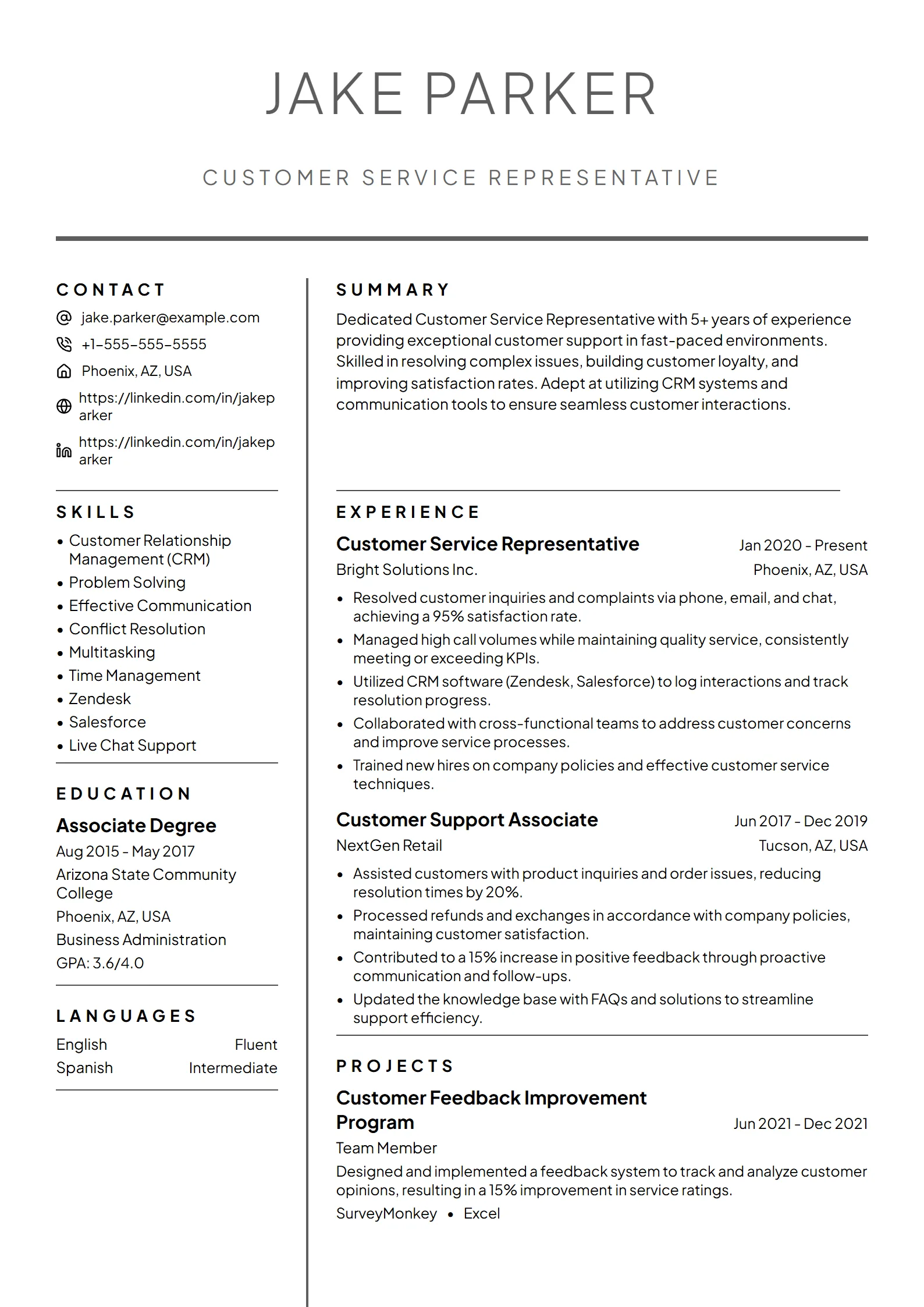
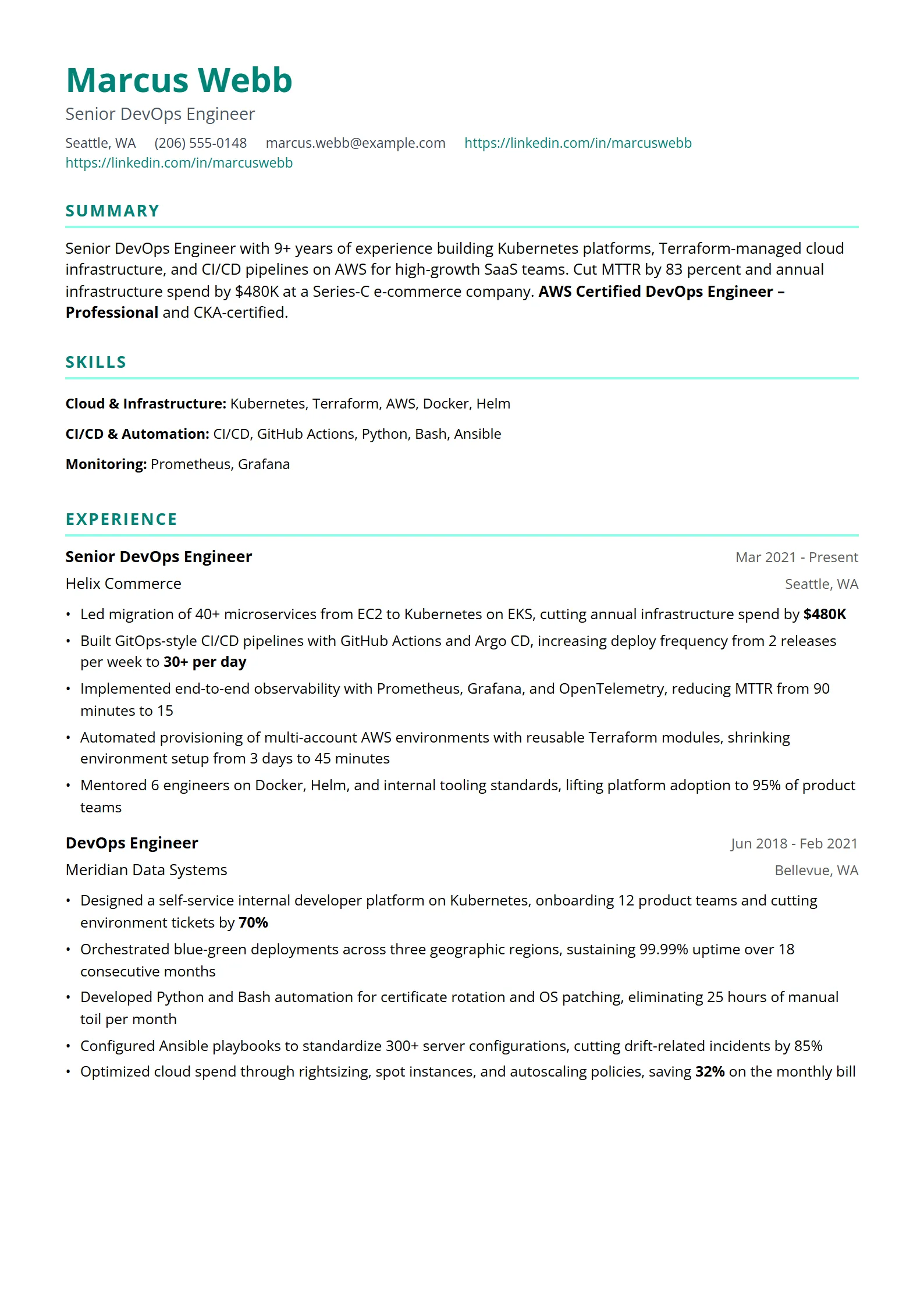
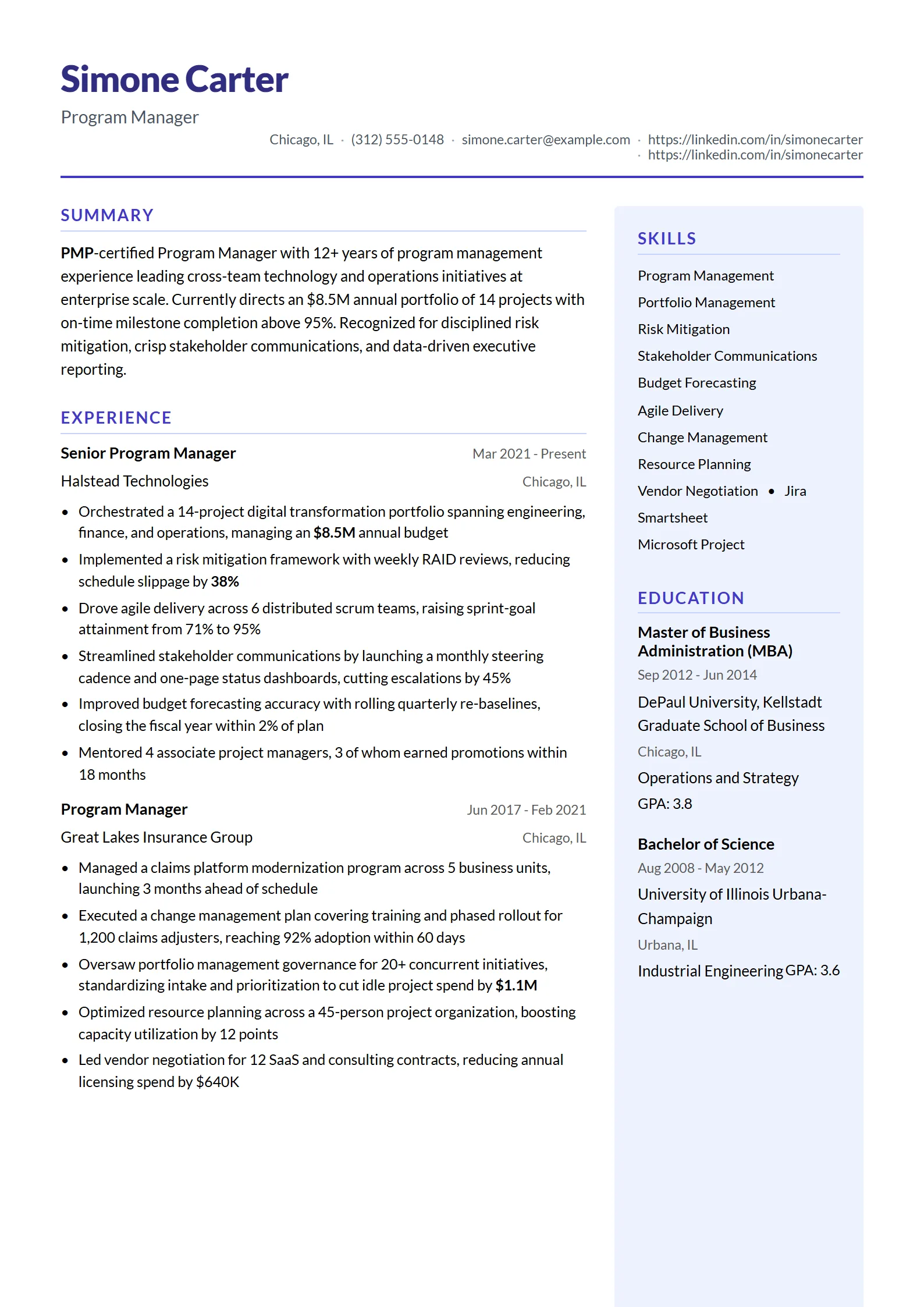
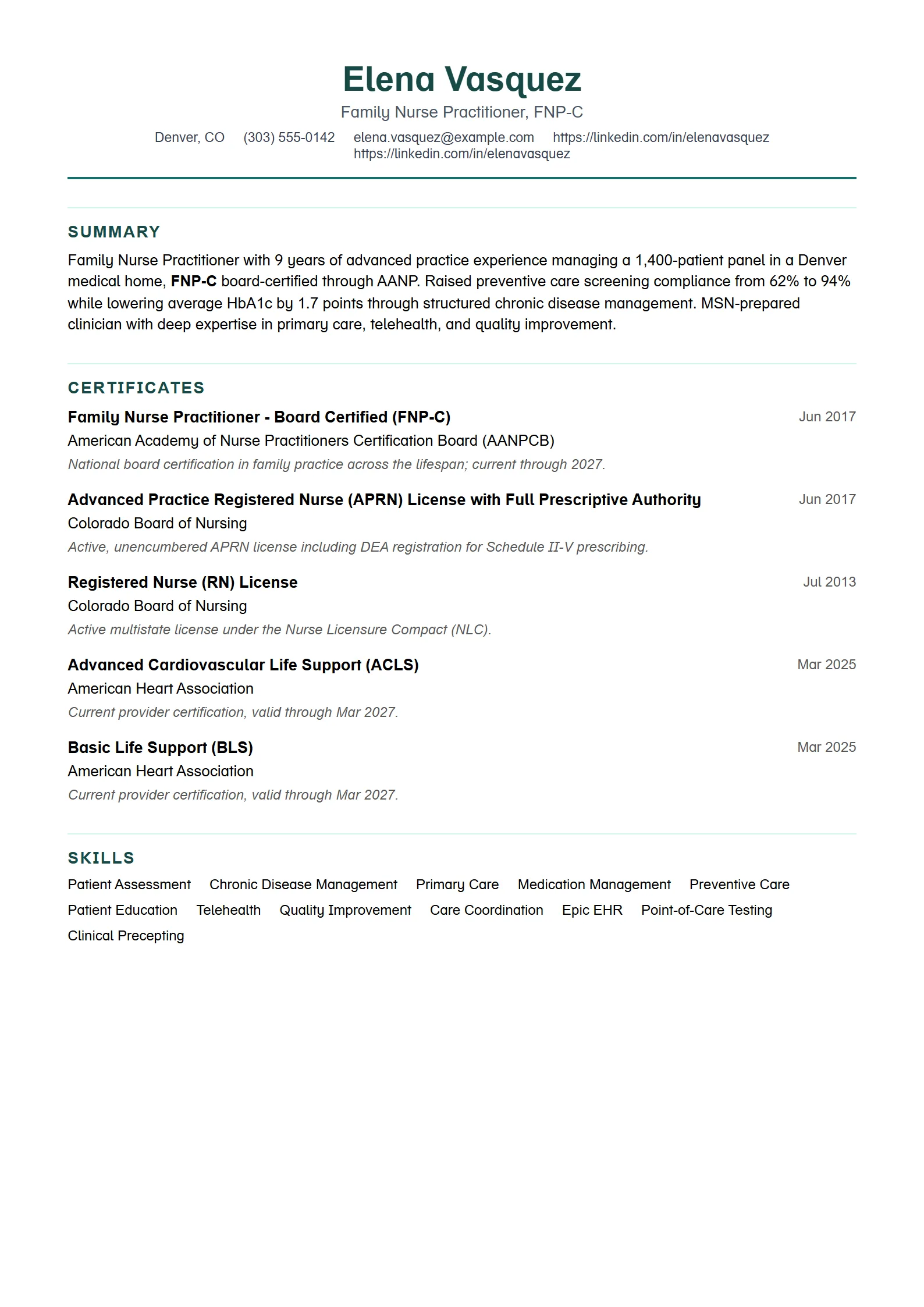
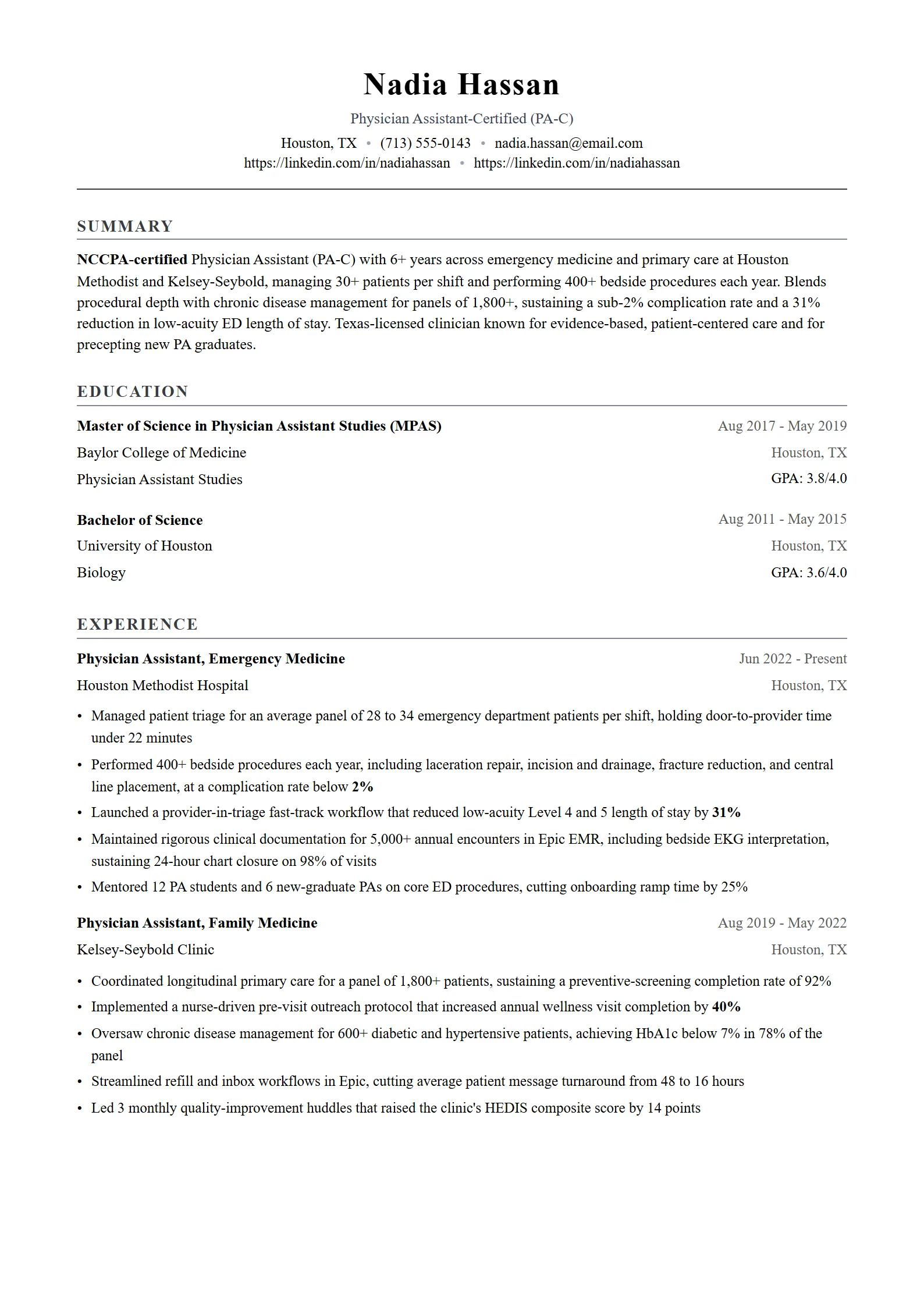
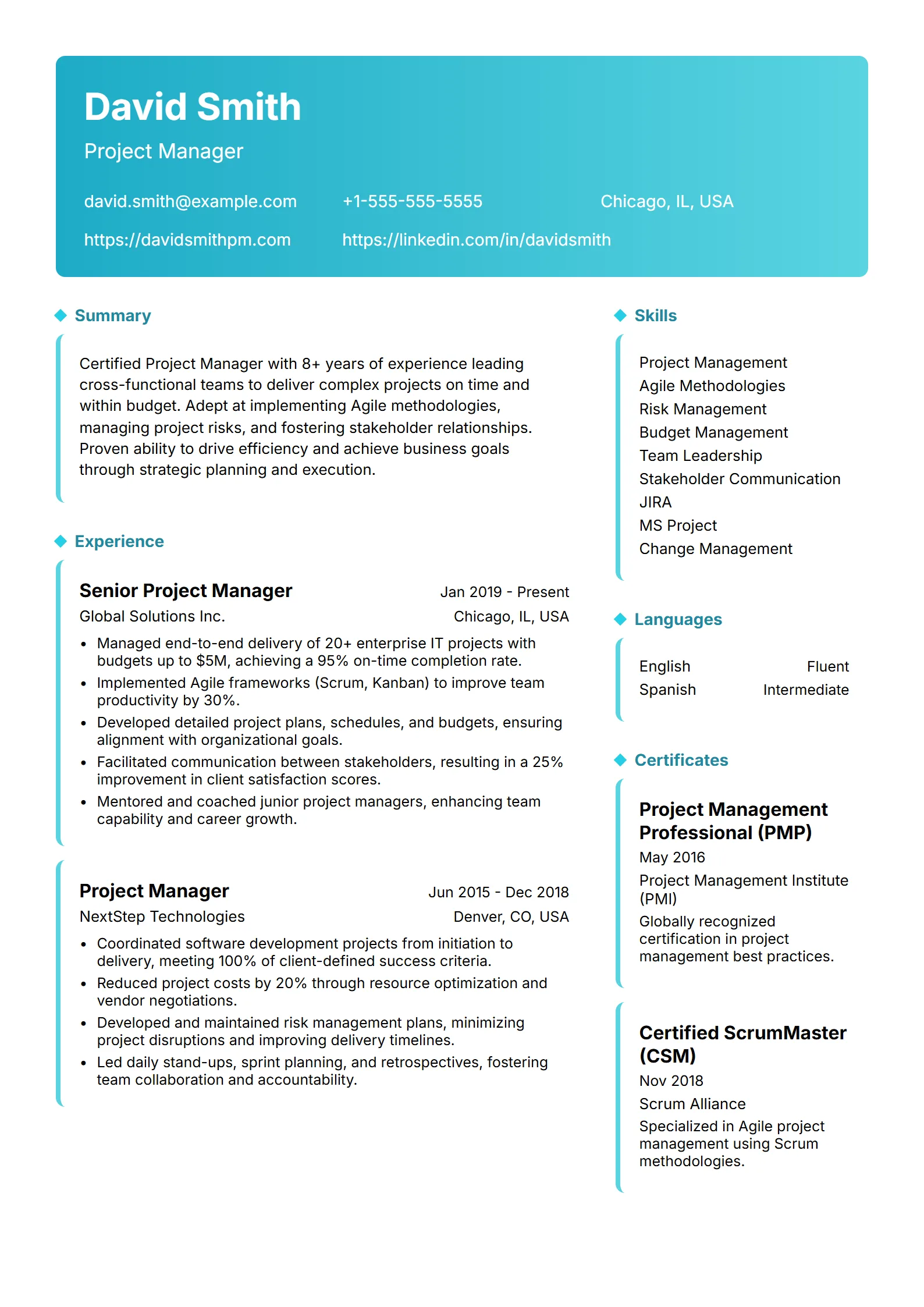
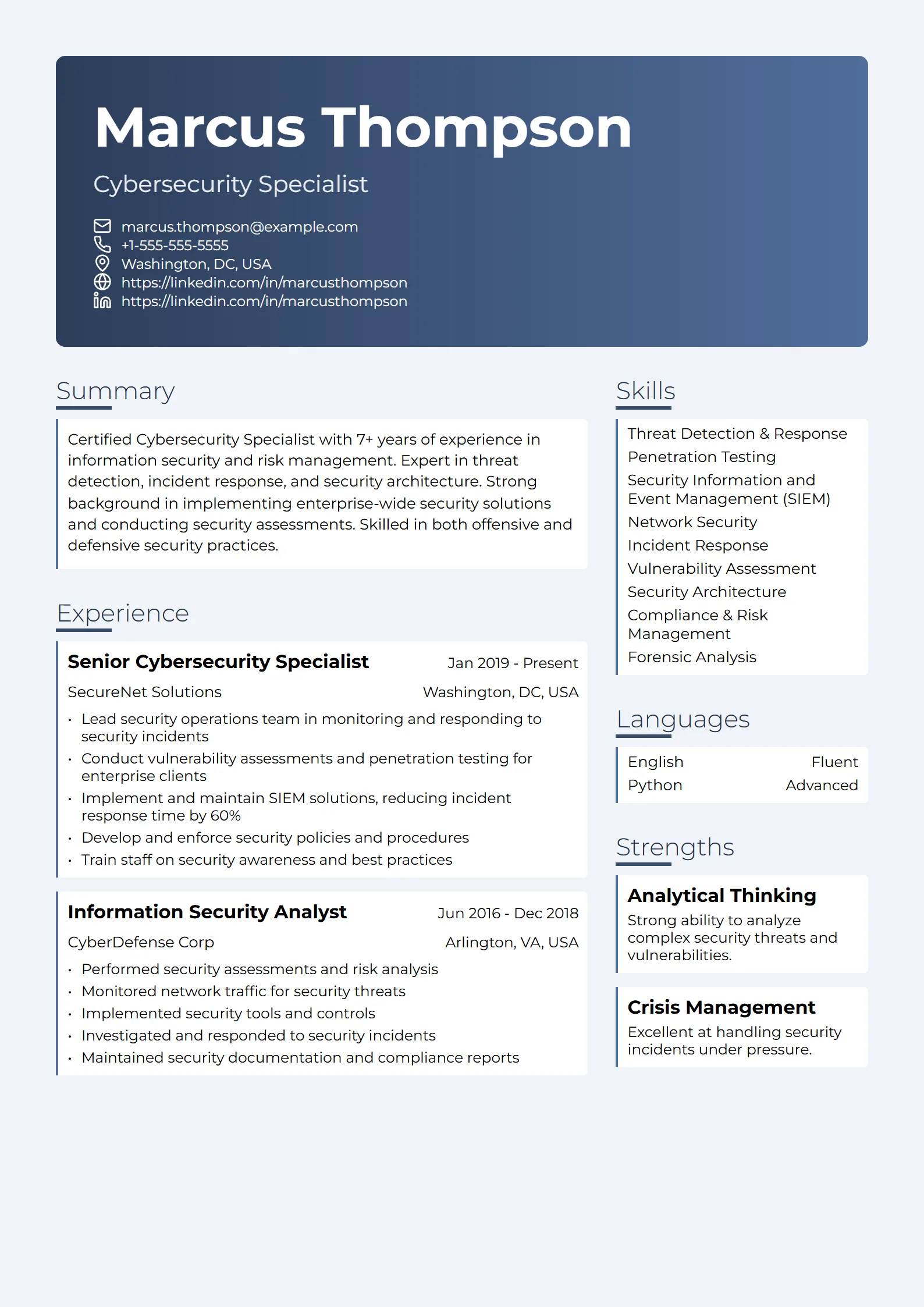
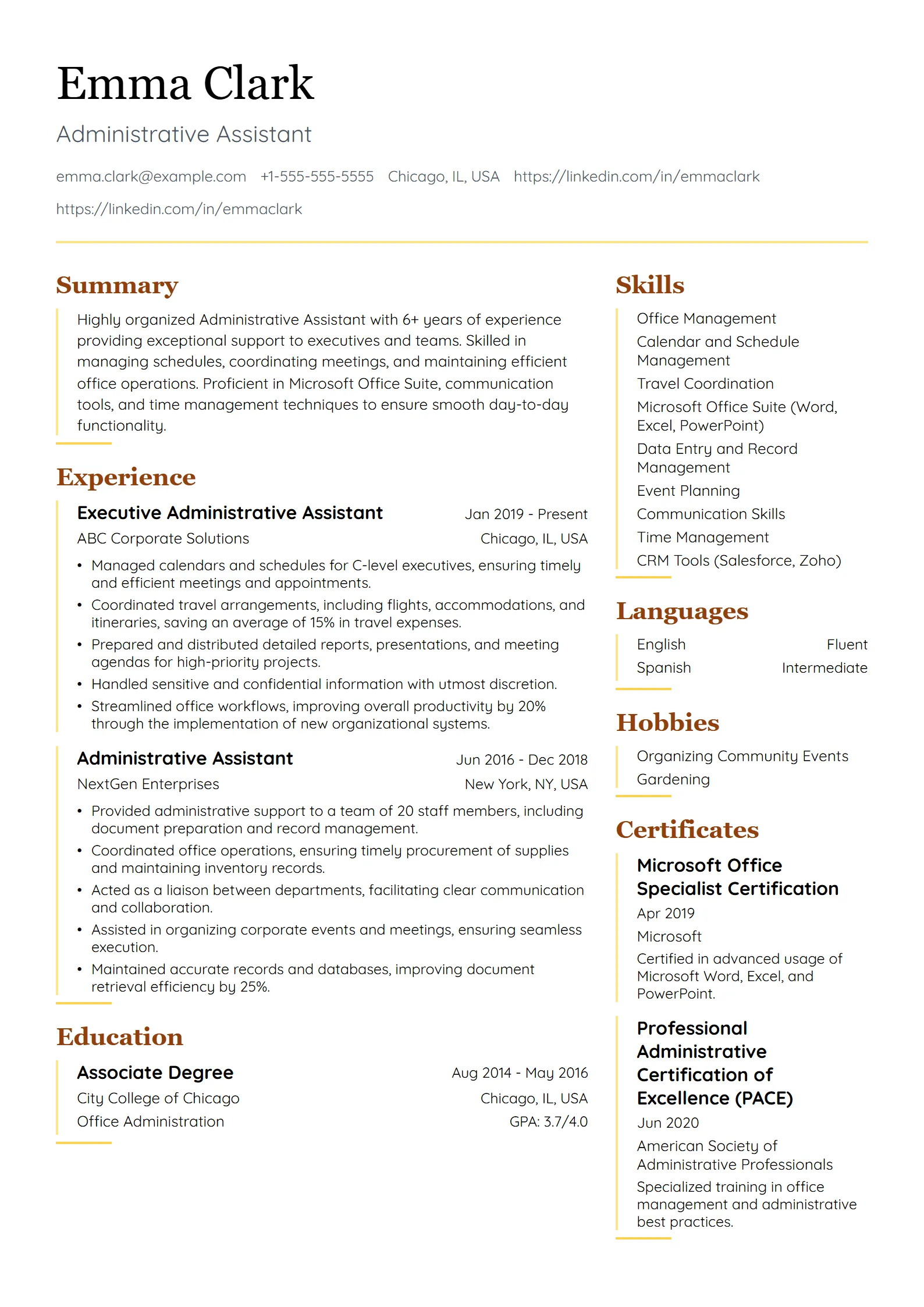
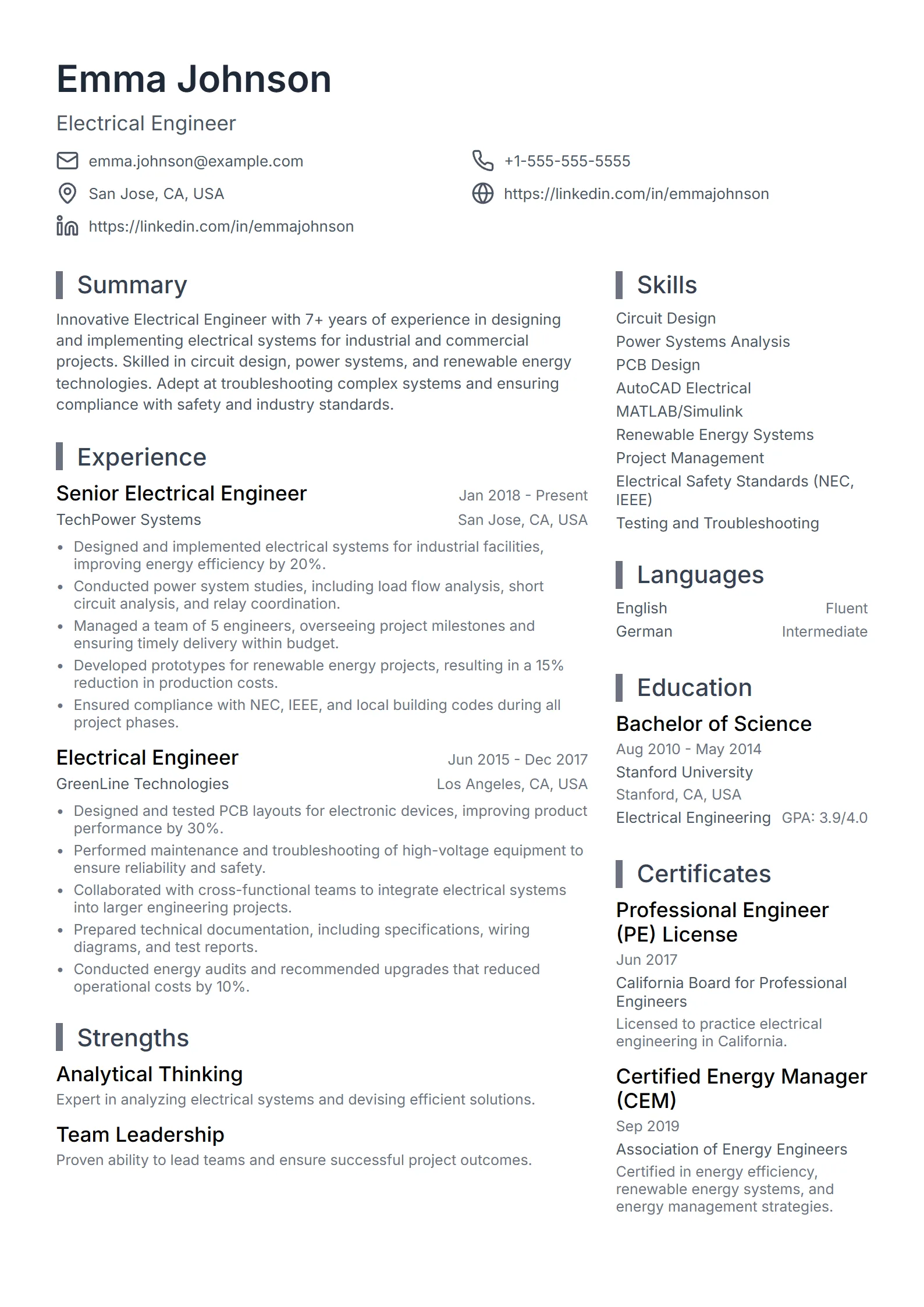
Fresume offers 50+ ATS-ready resume templates in simple, professional, modern, creative, and ATS-friendly styles. Each uses standard section headings and real, selectable text that applicant tracking systems parse cleanly, with a single-column layout recommended as the safest choice. Start free, edit any design, and export a clean, recruiter-ready PDF.
Browse the resume template library
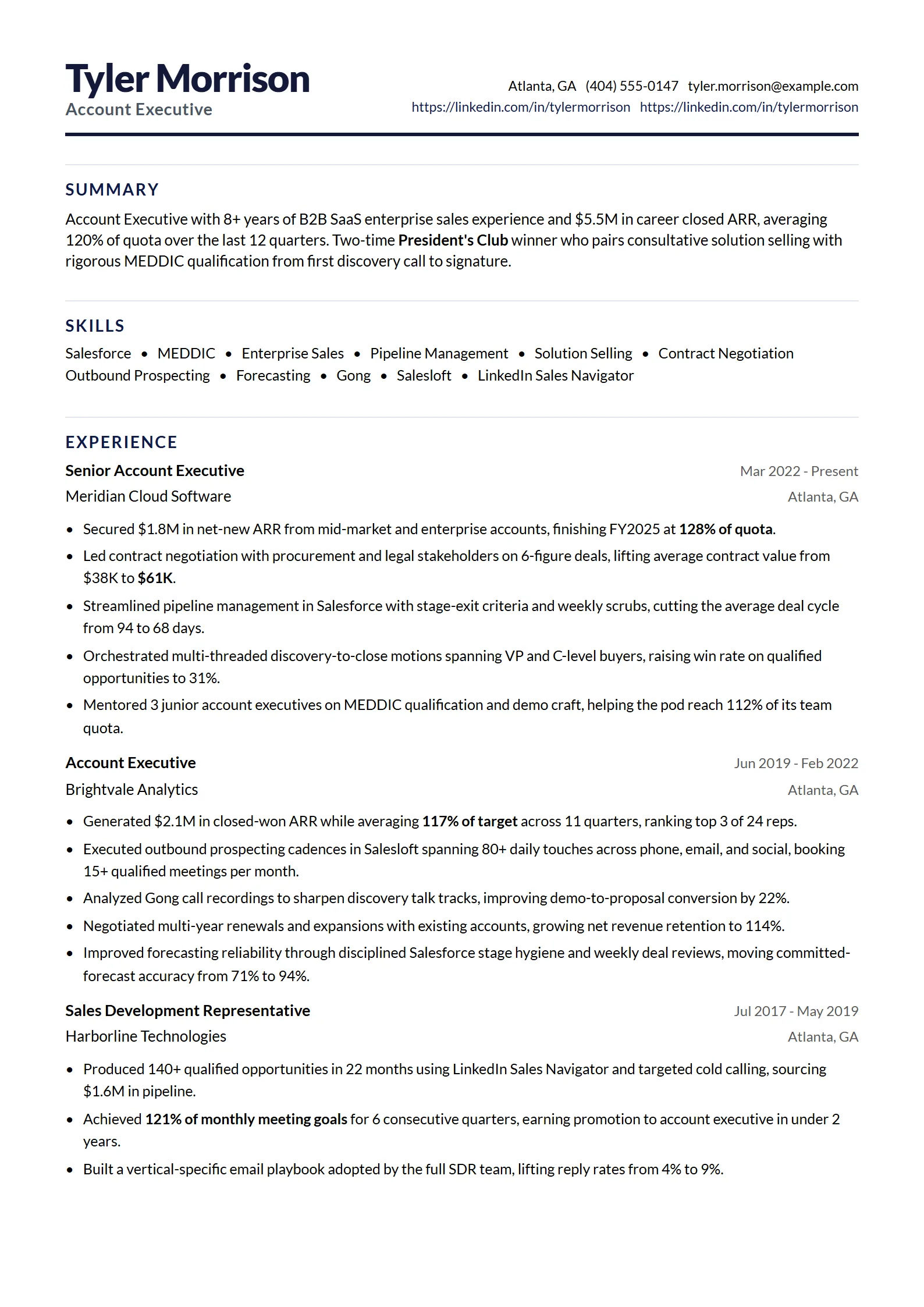
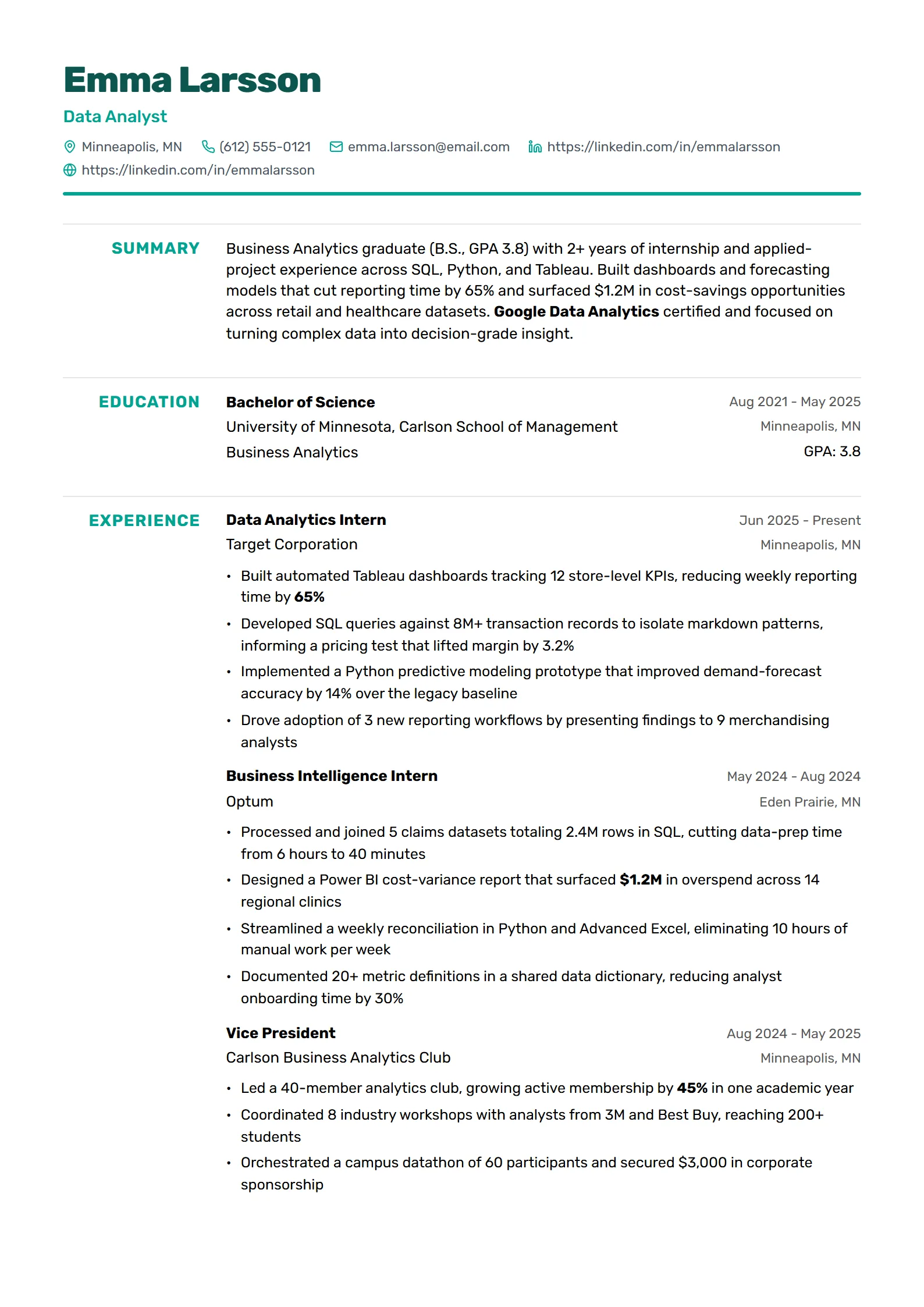
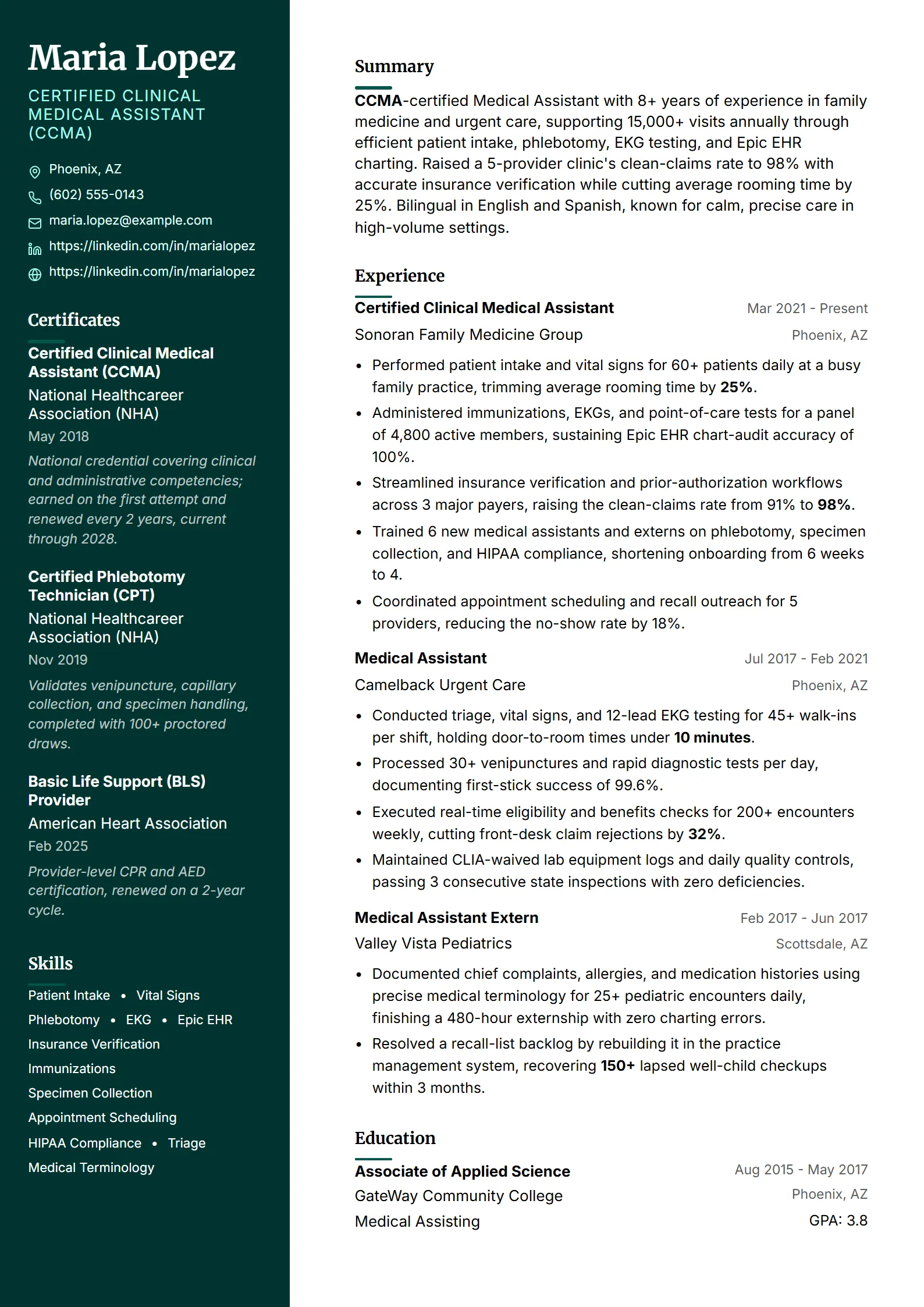
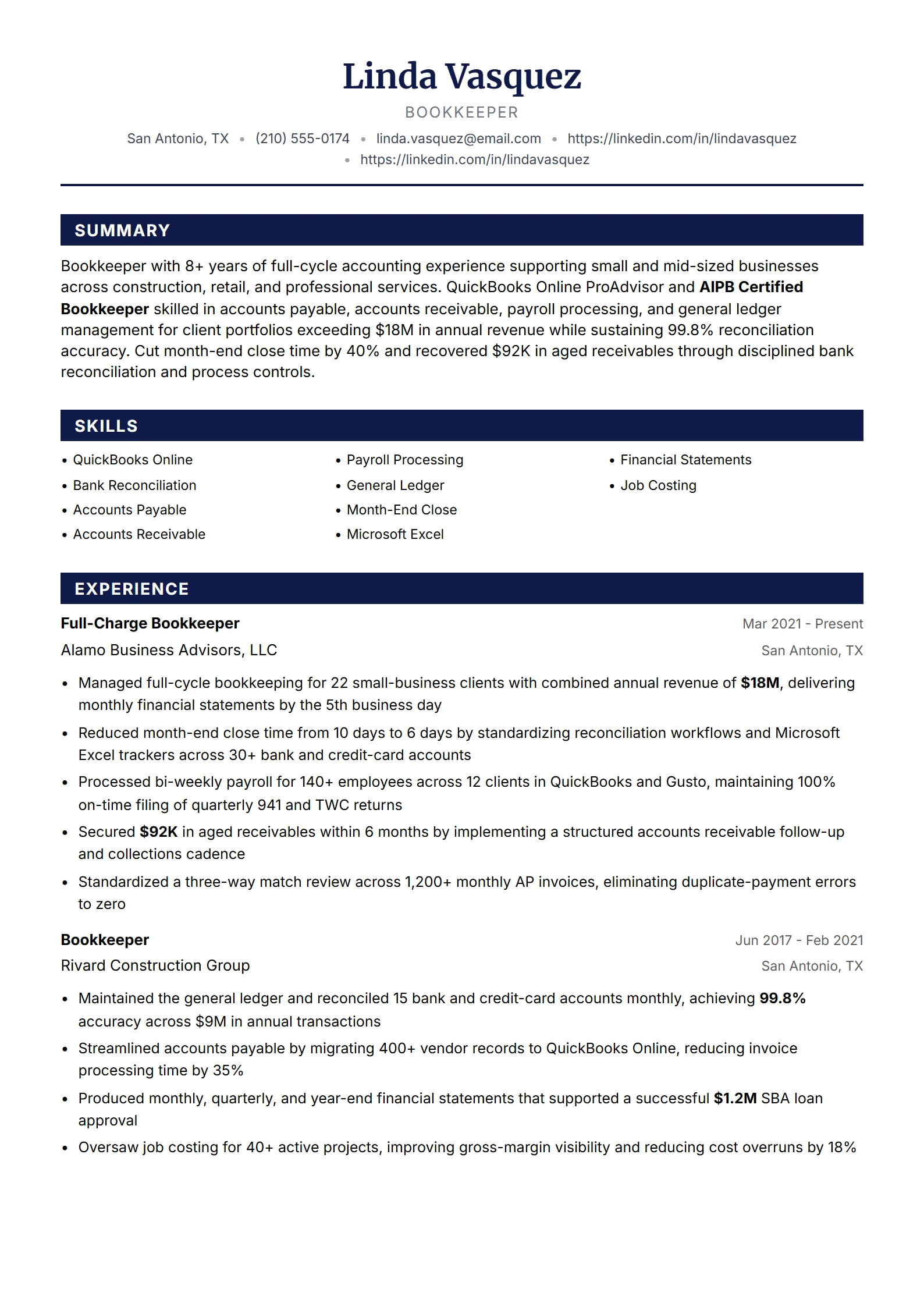
Real Fresume templates, ranked by how often job seekers pick them. Preview any design, then open it in the builder to edit and export a clean PDF.
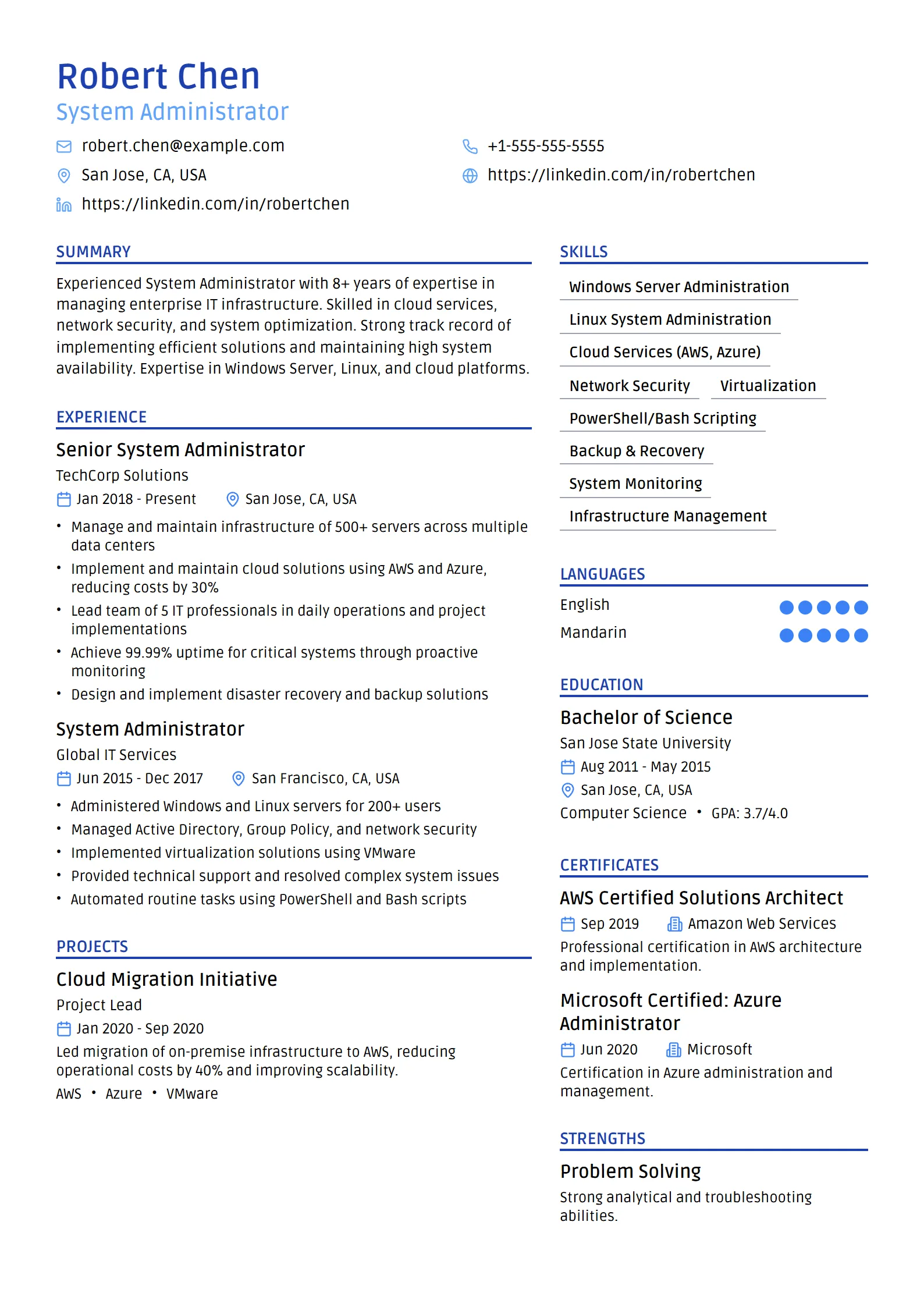
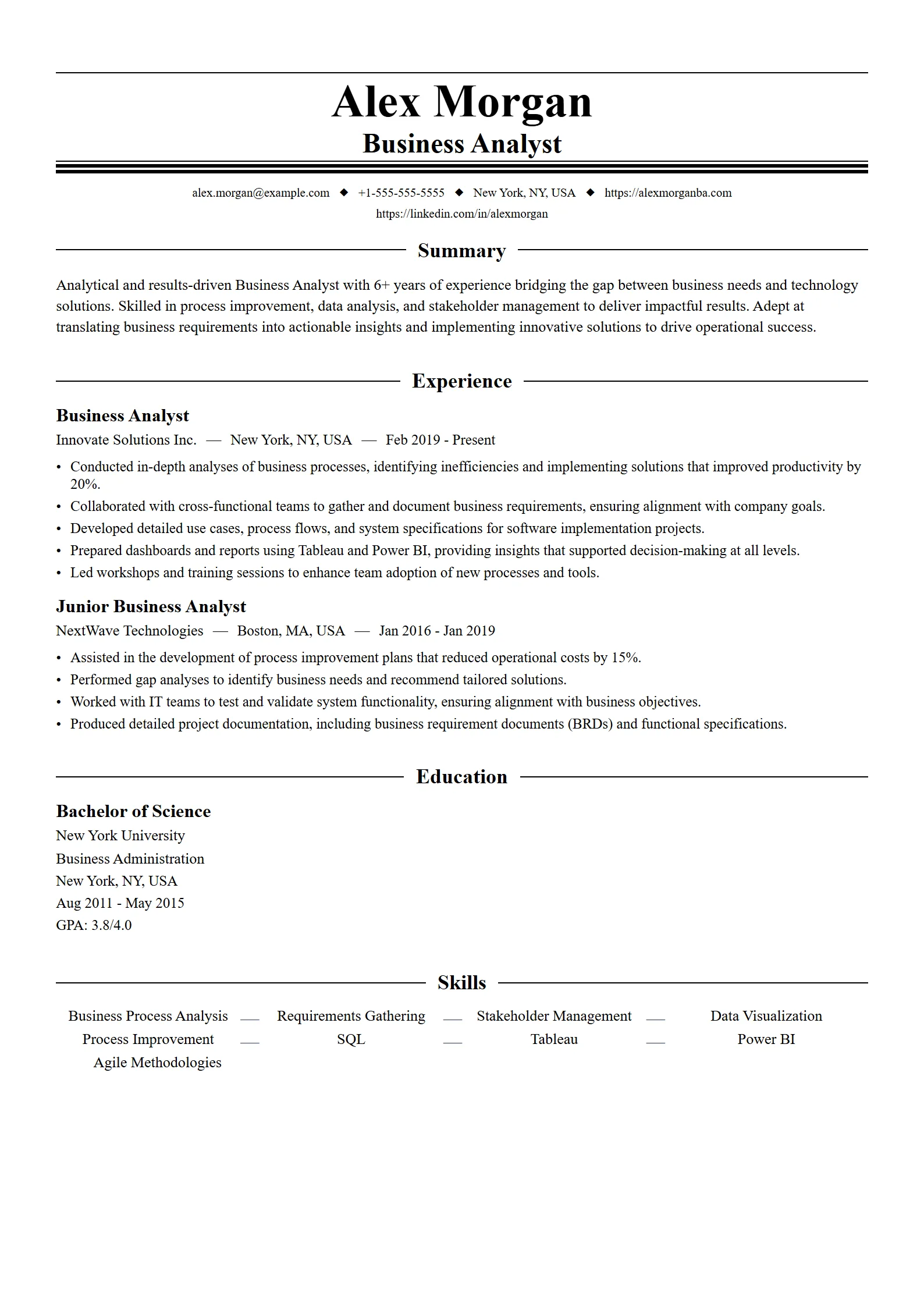
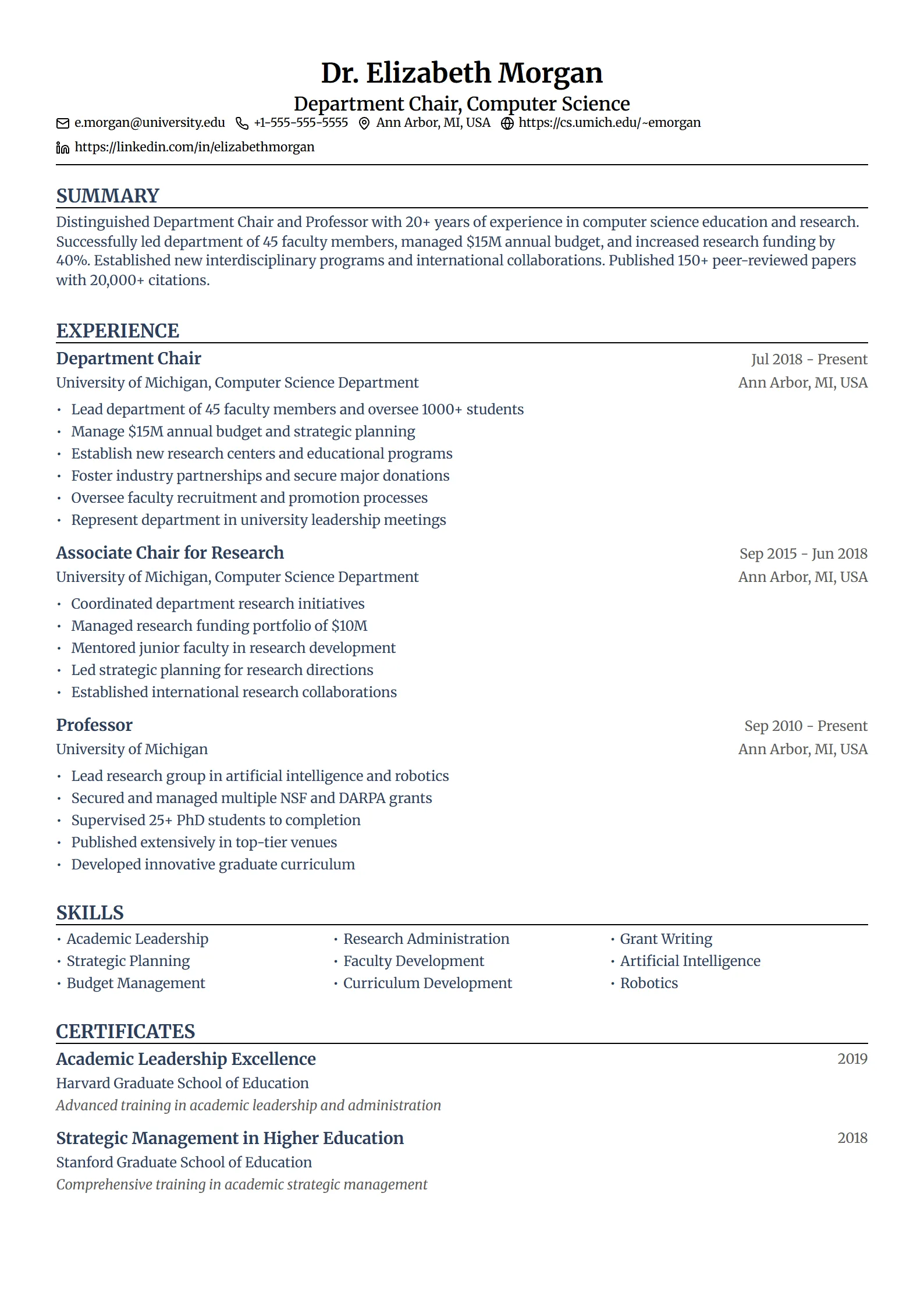
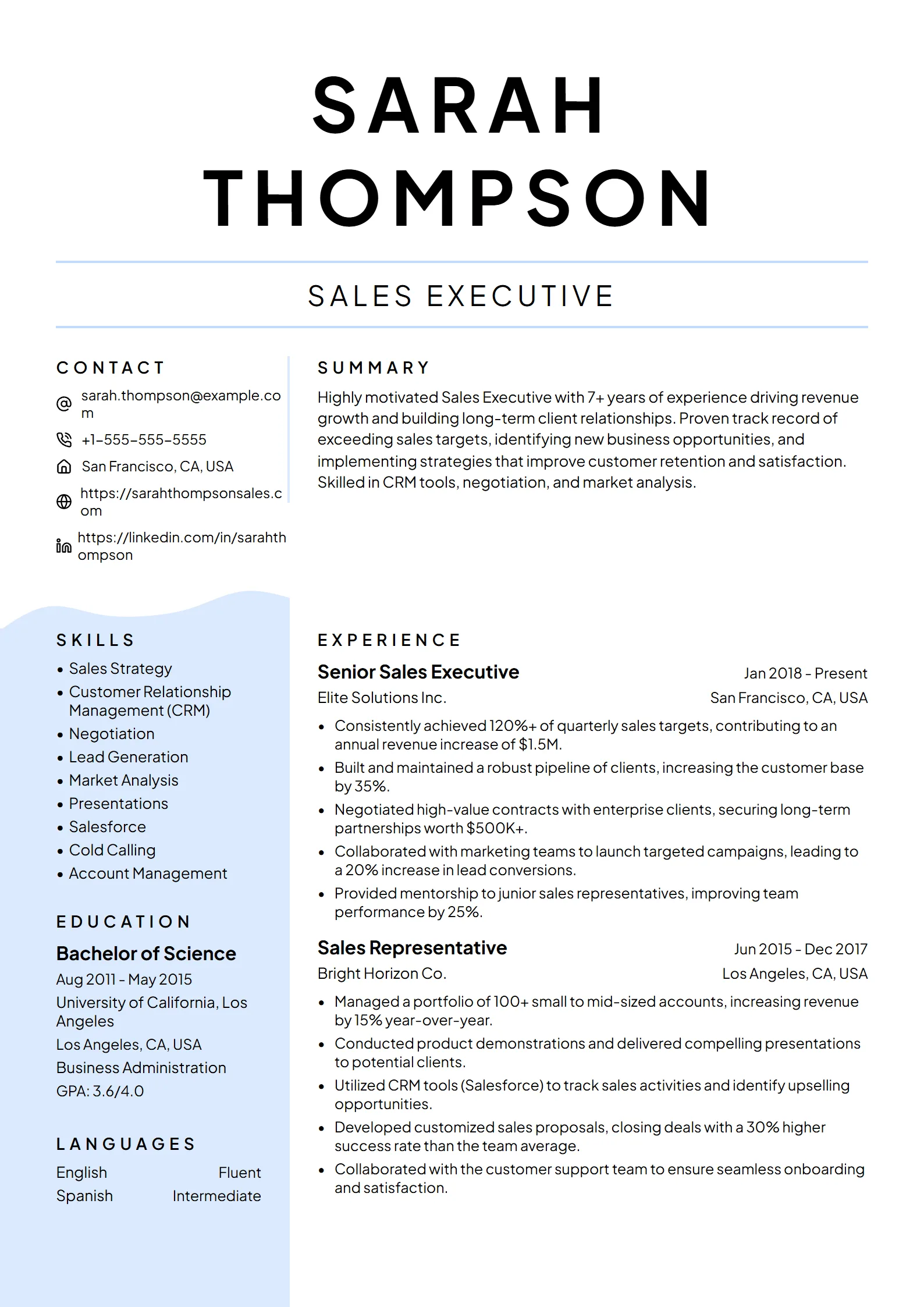
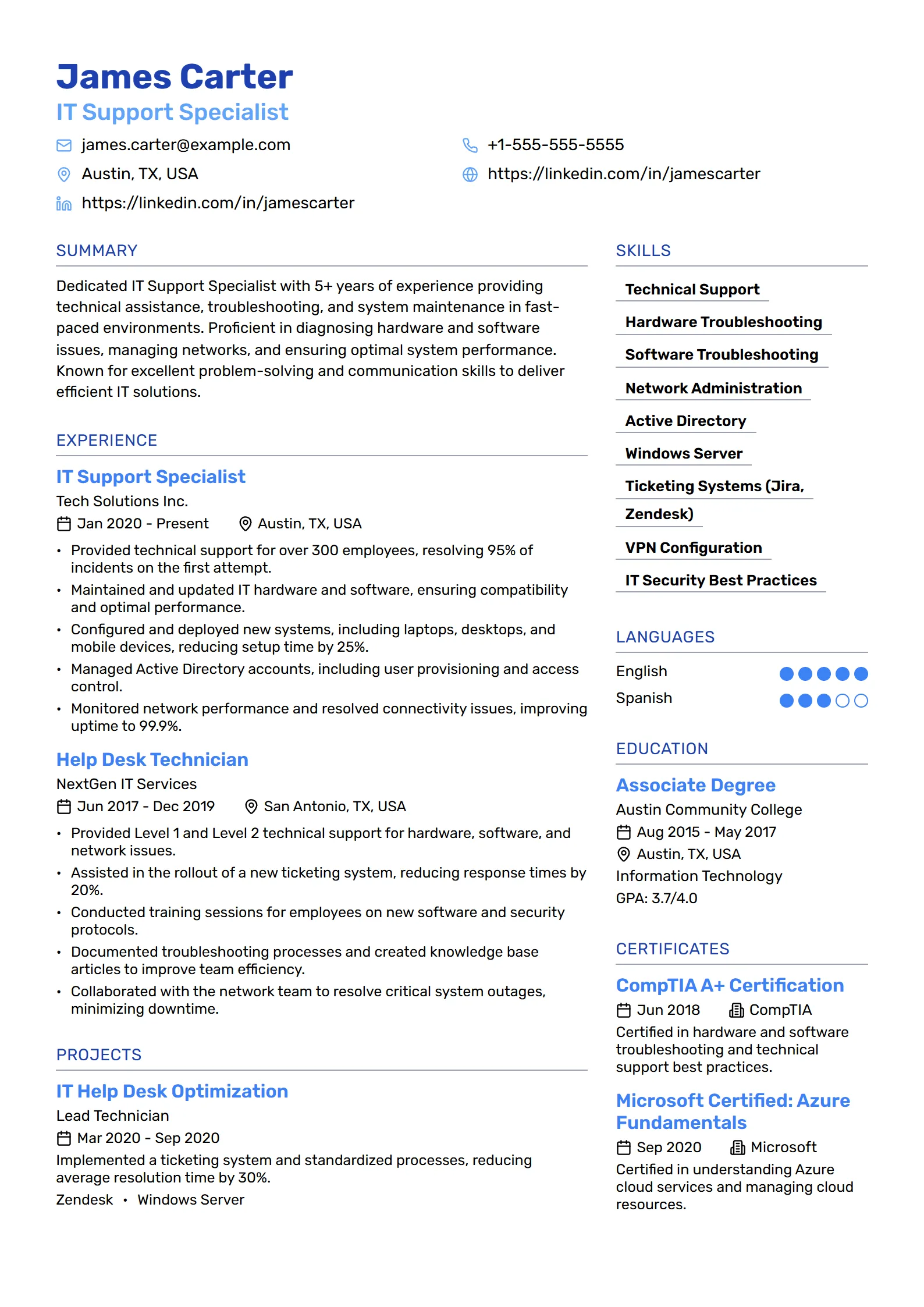
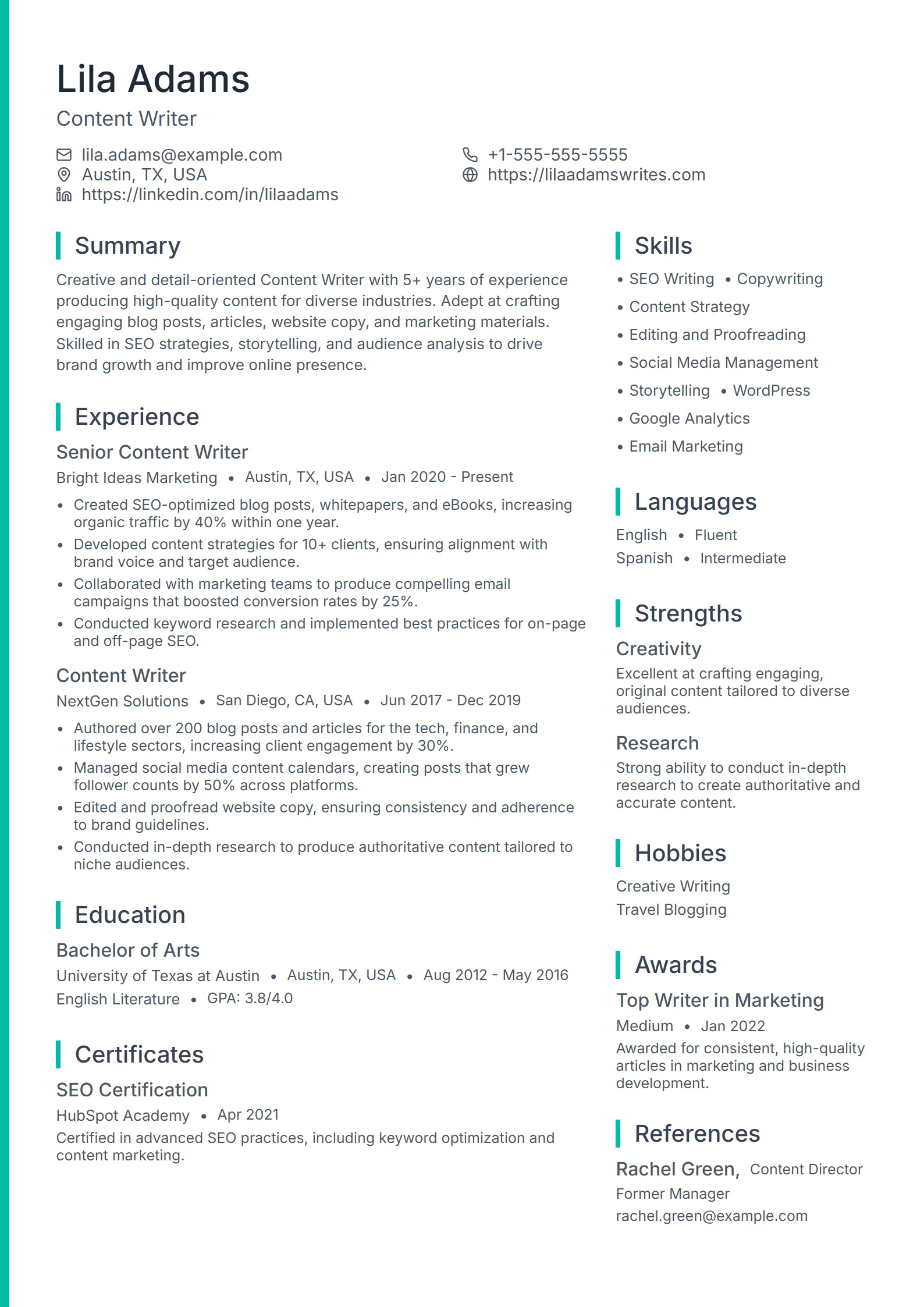
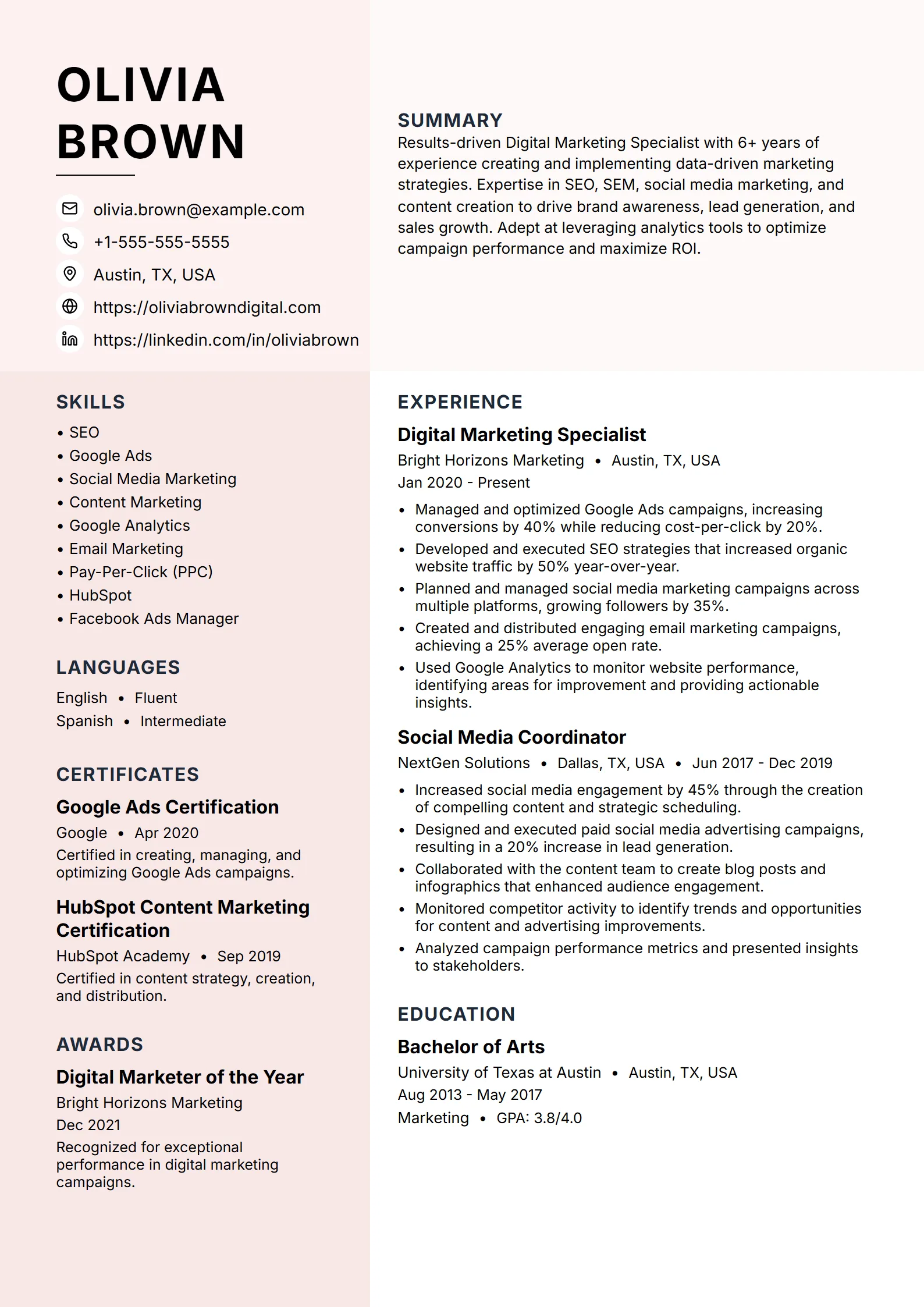
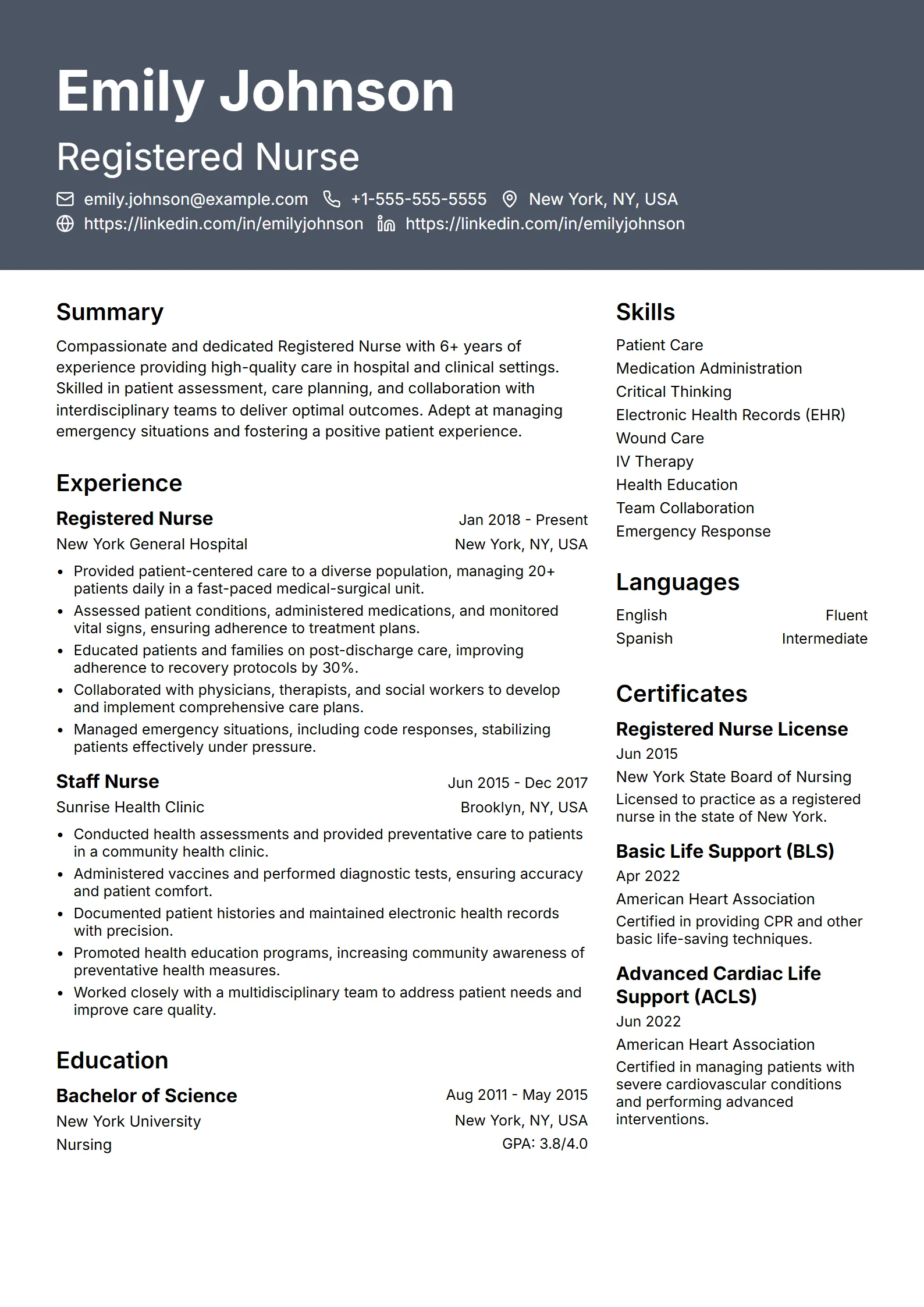
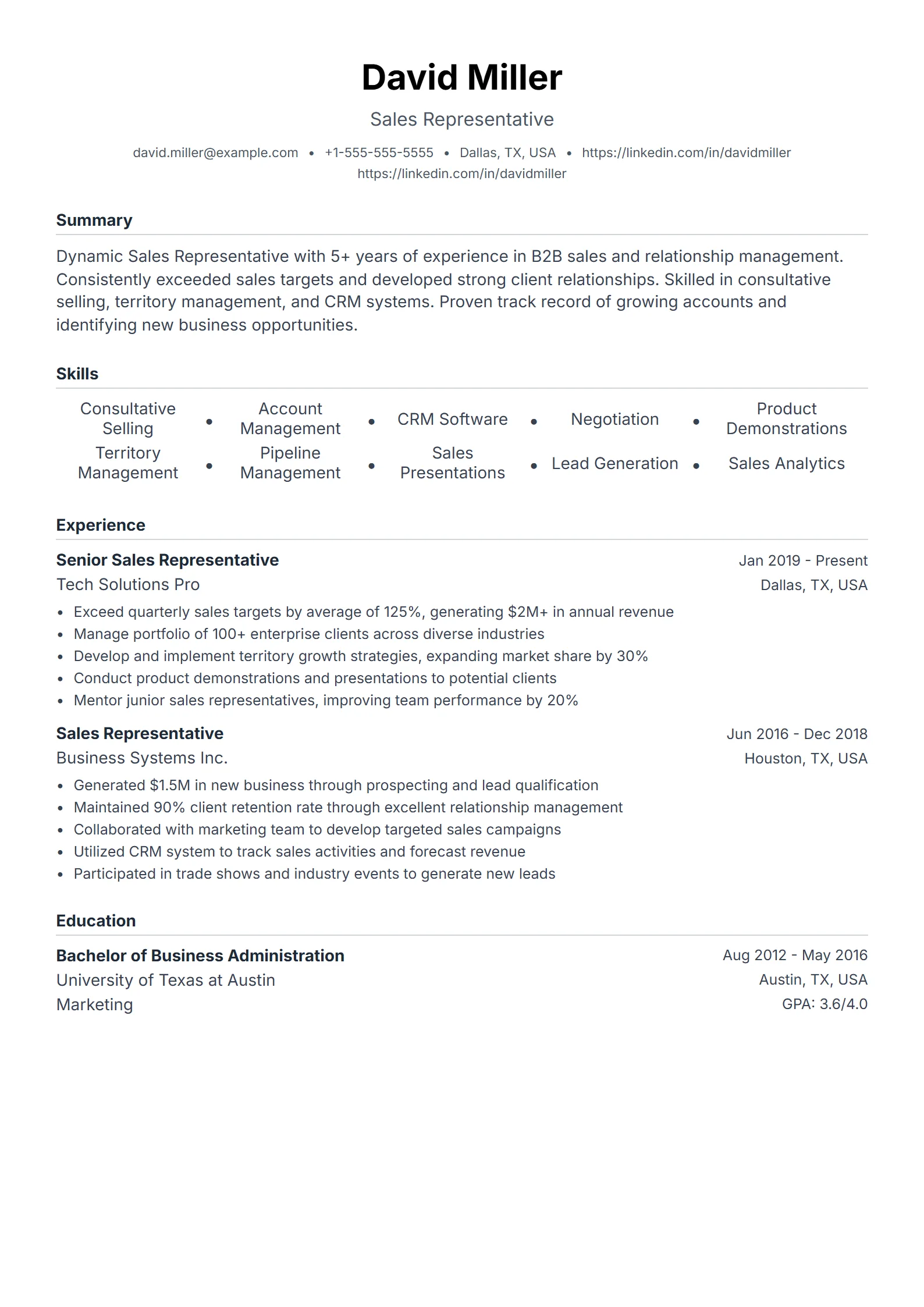
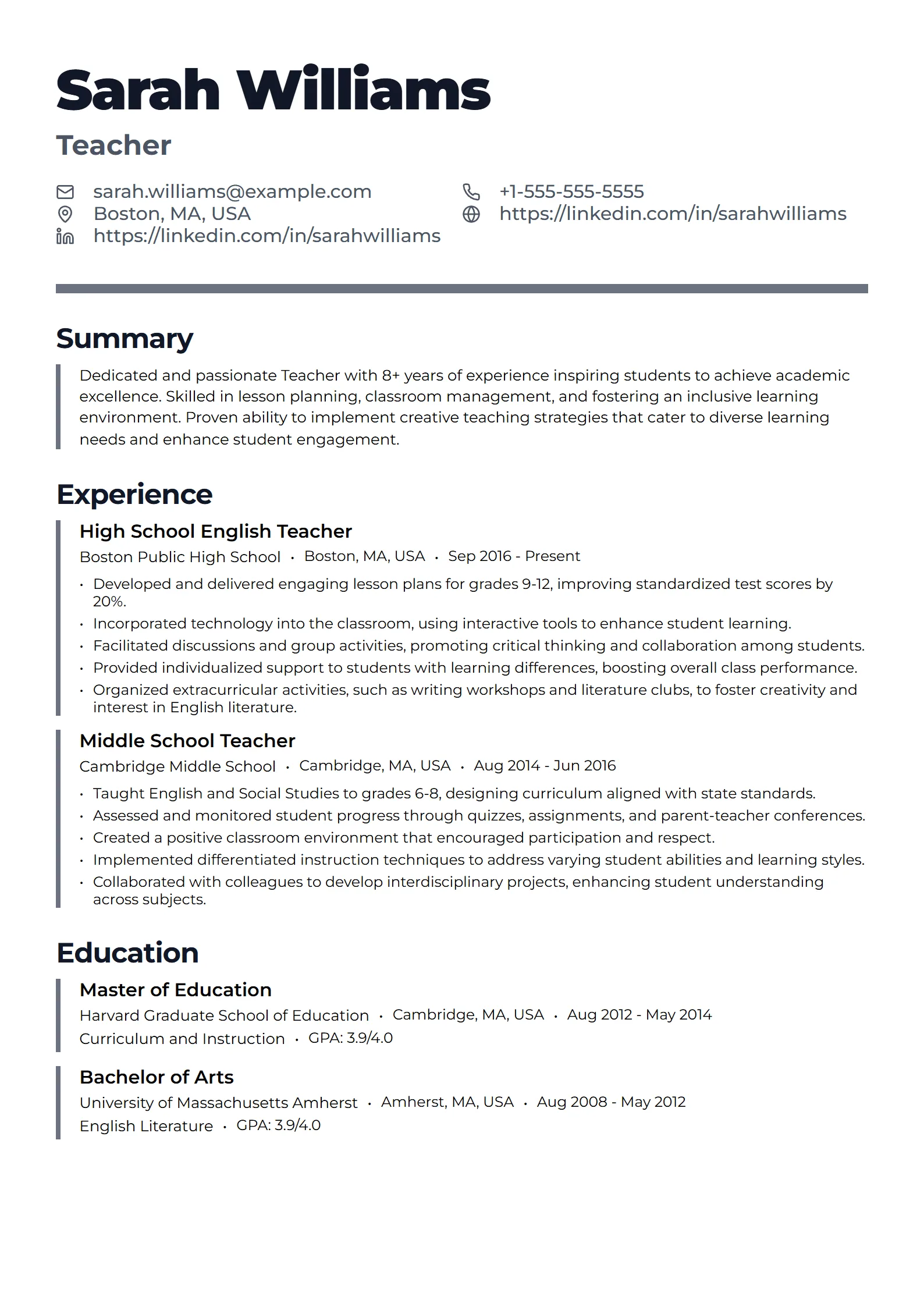
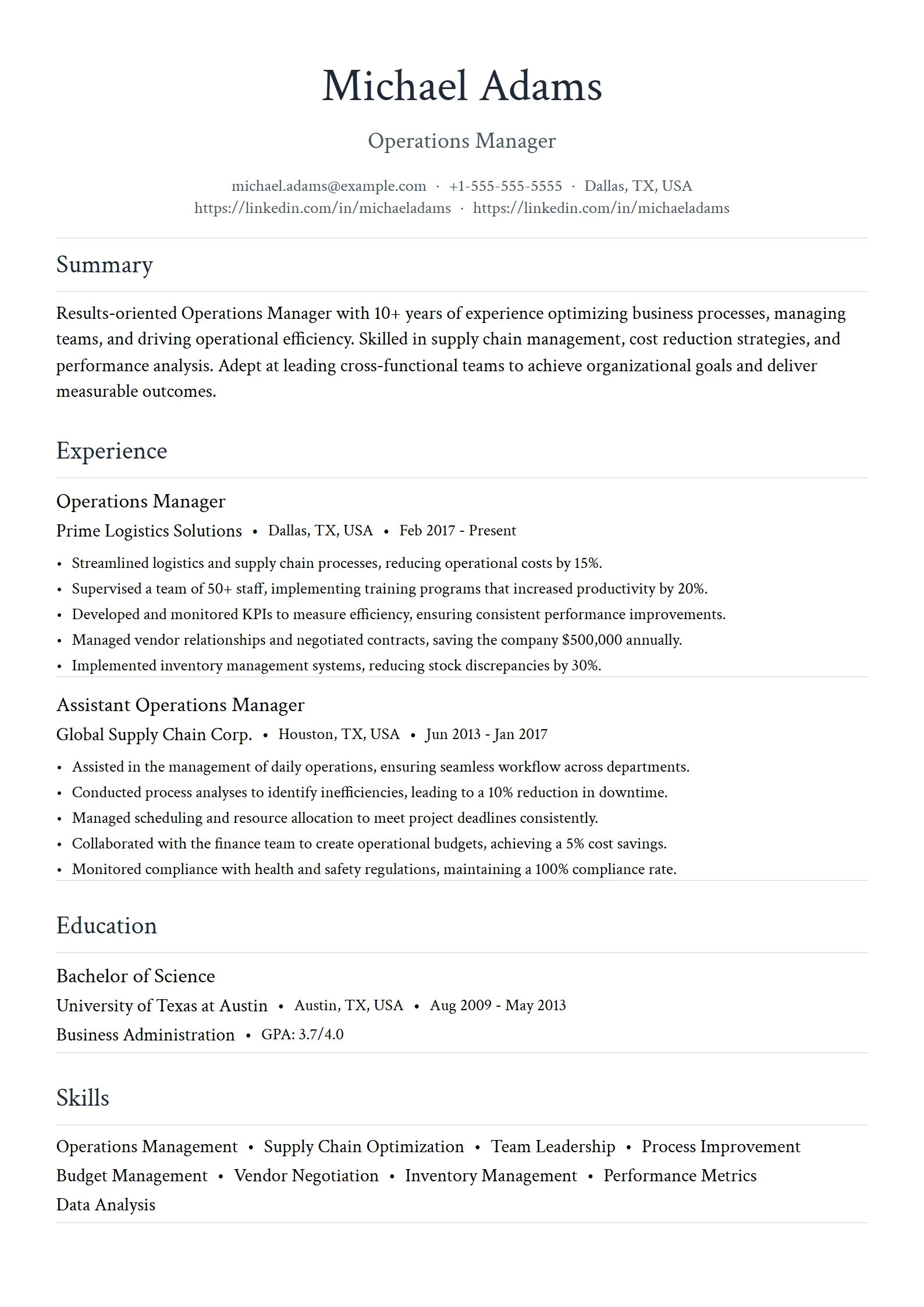
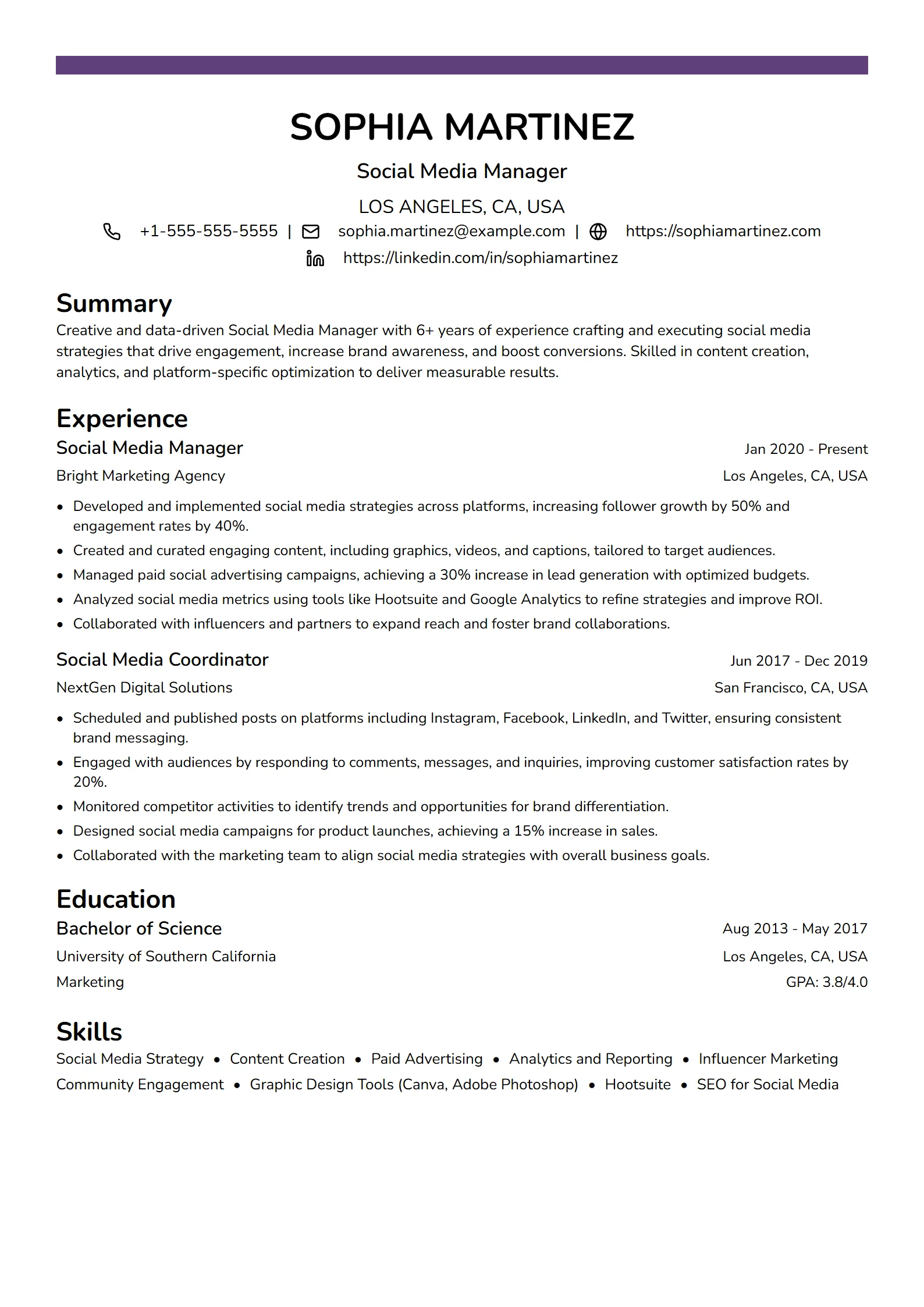
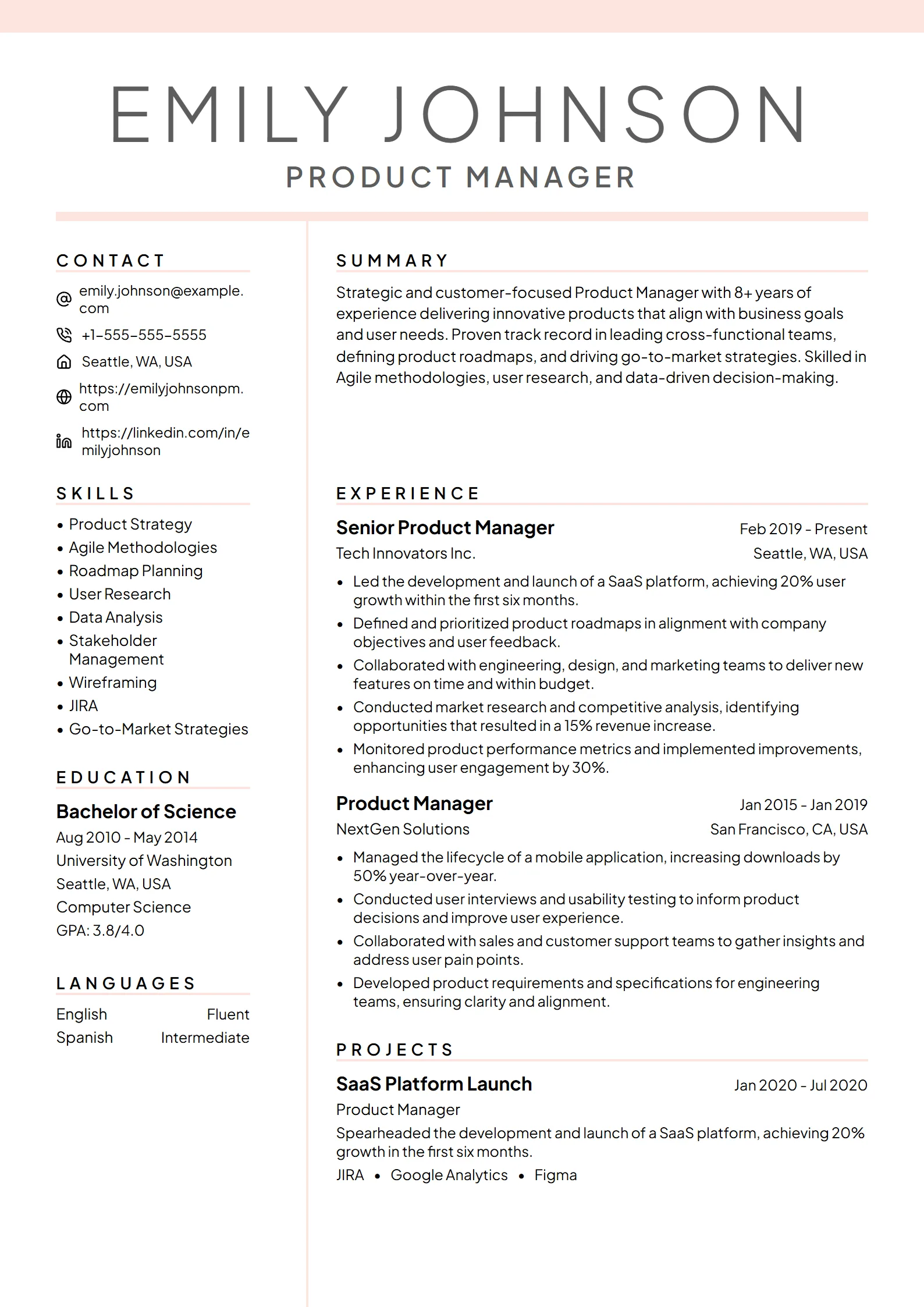
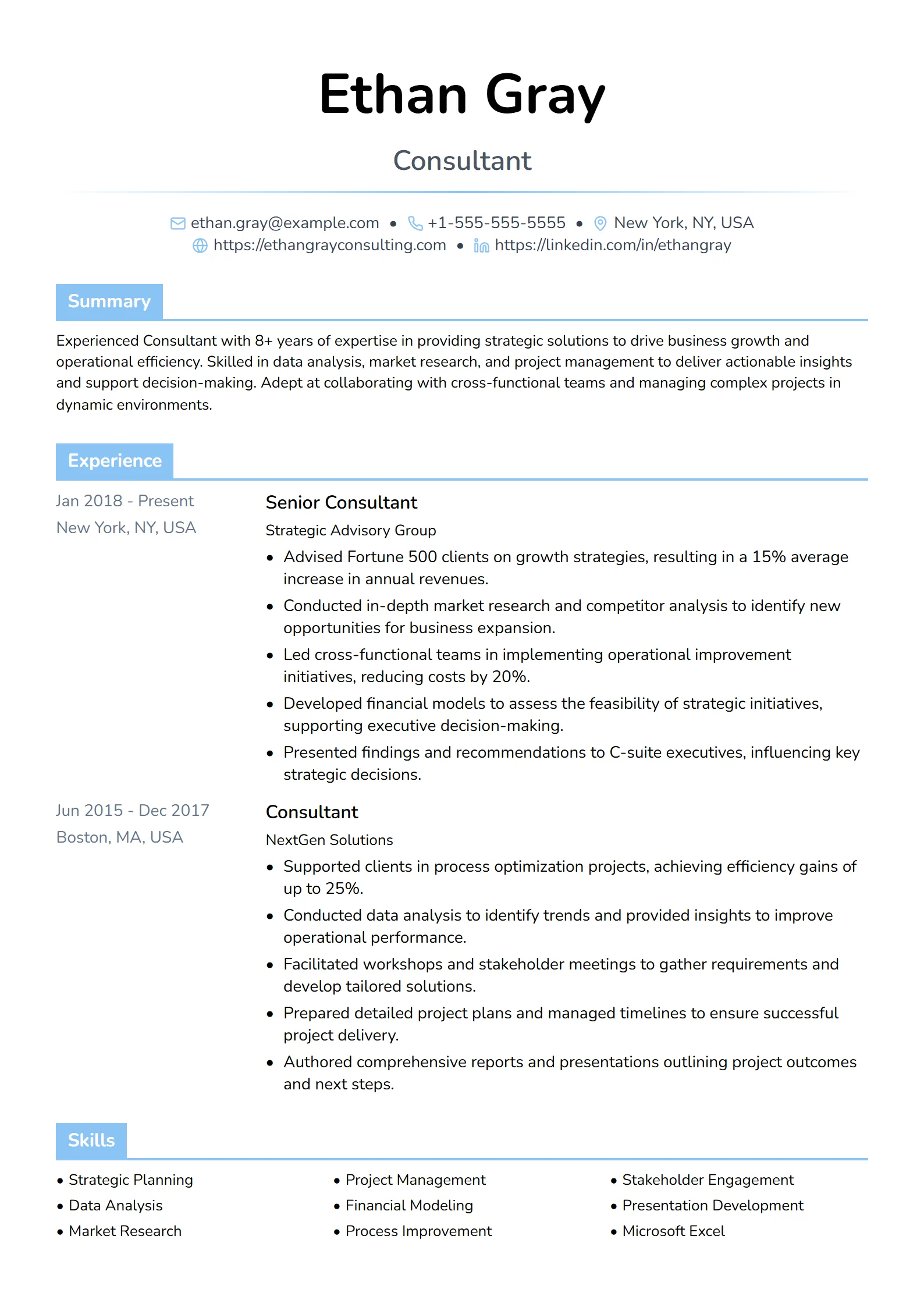
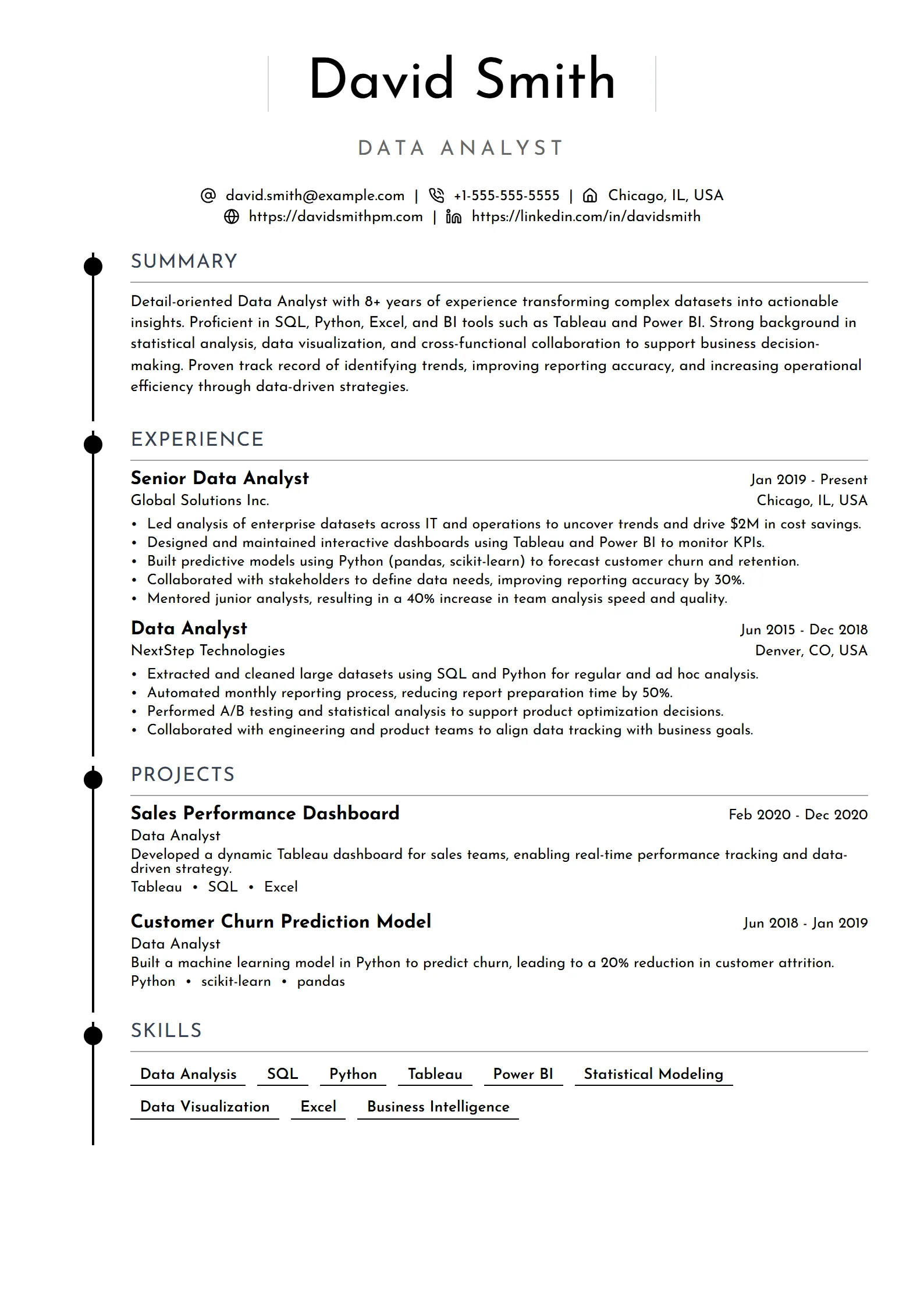
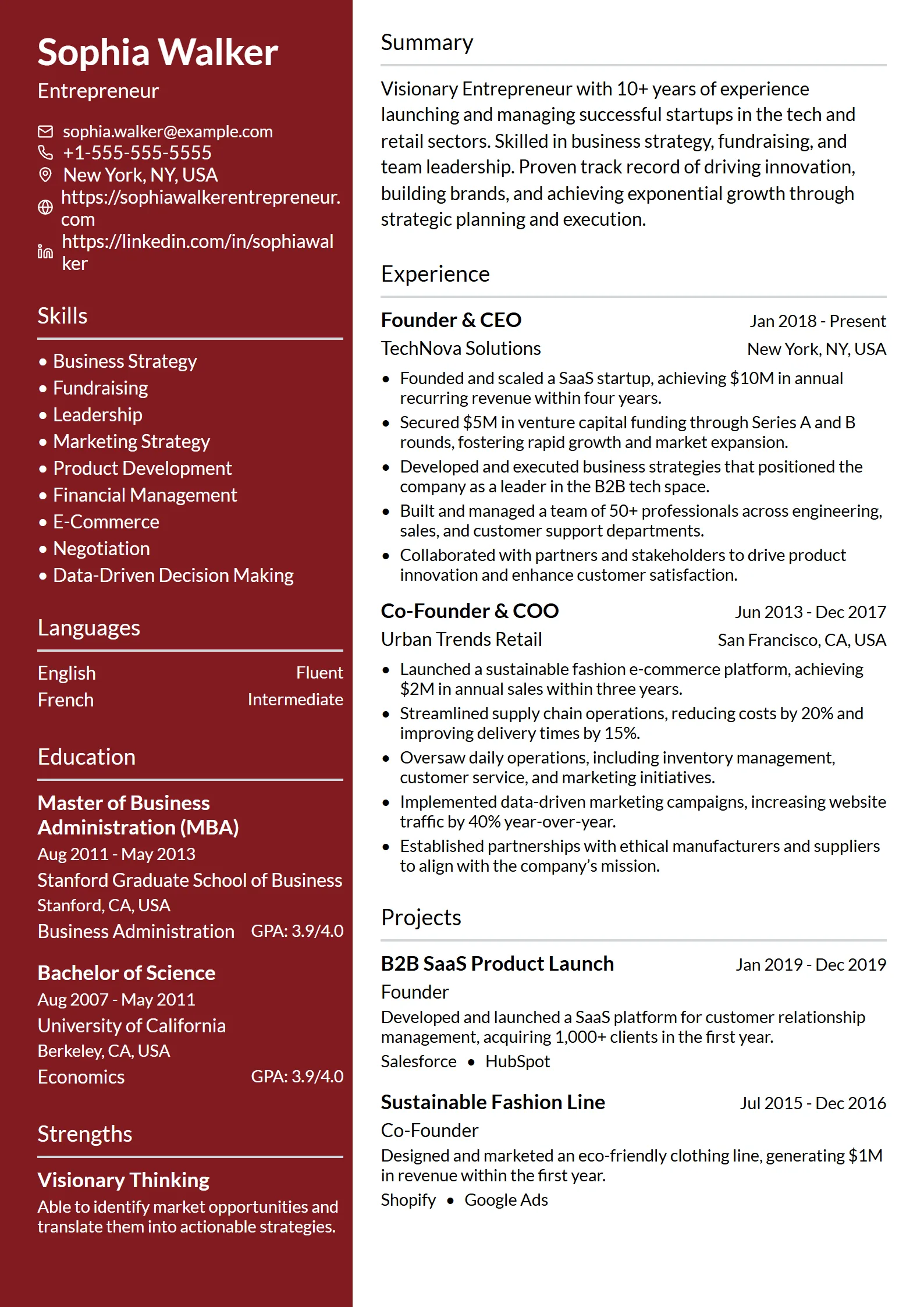
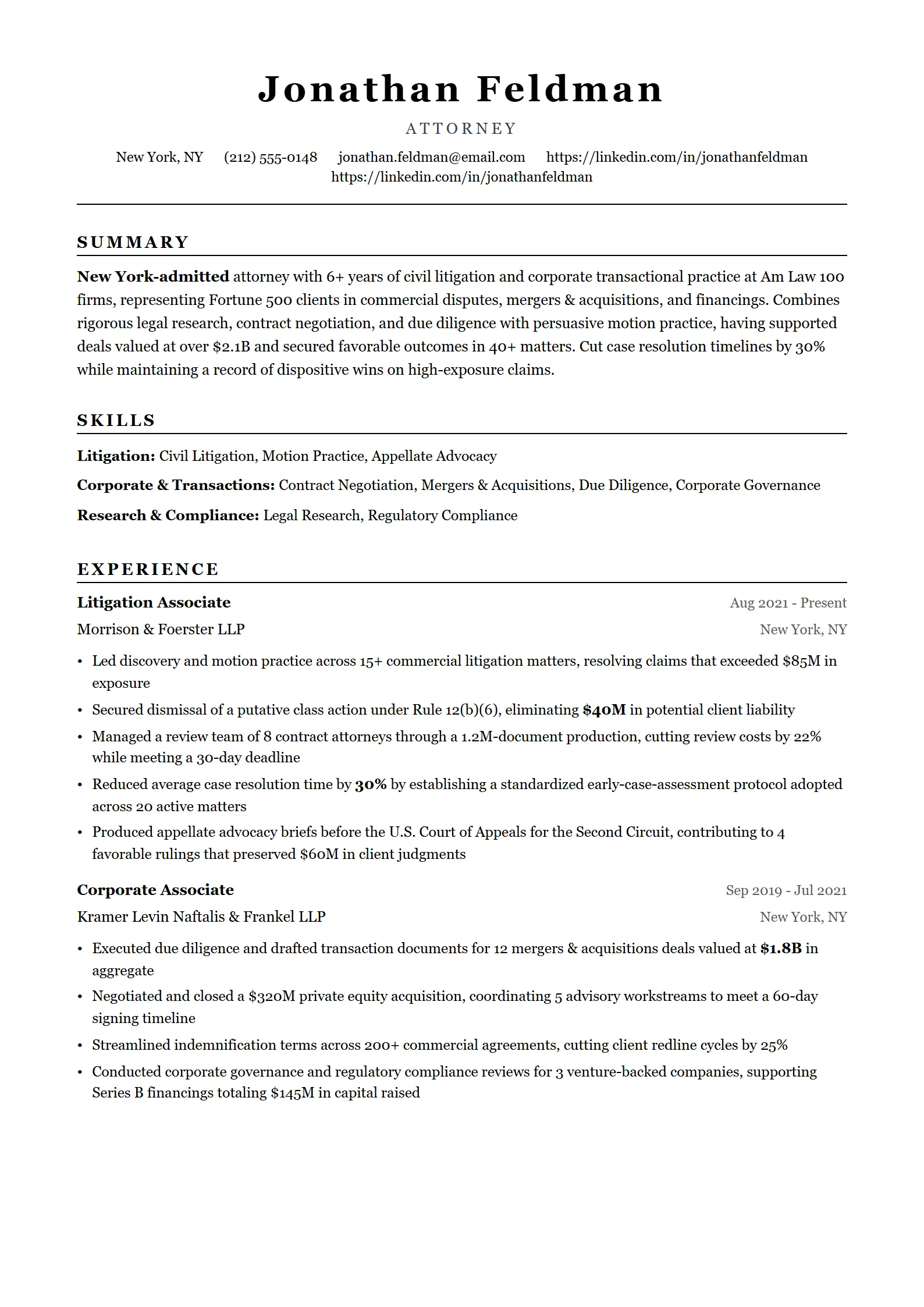
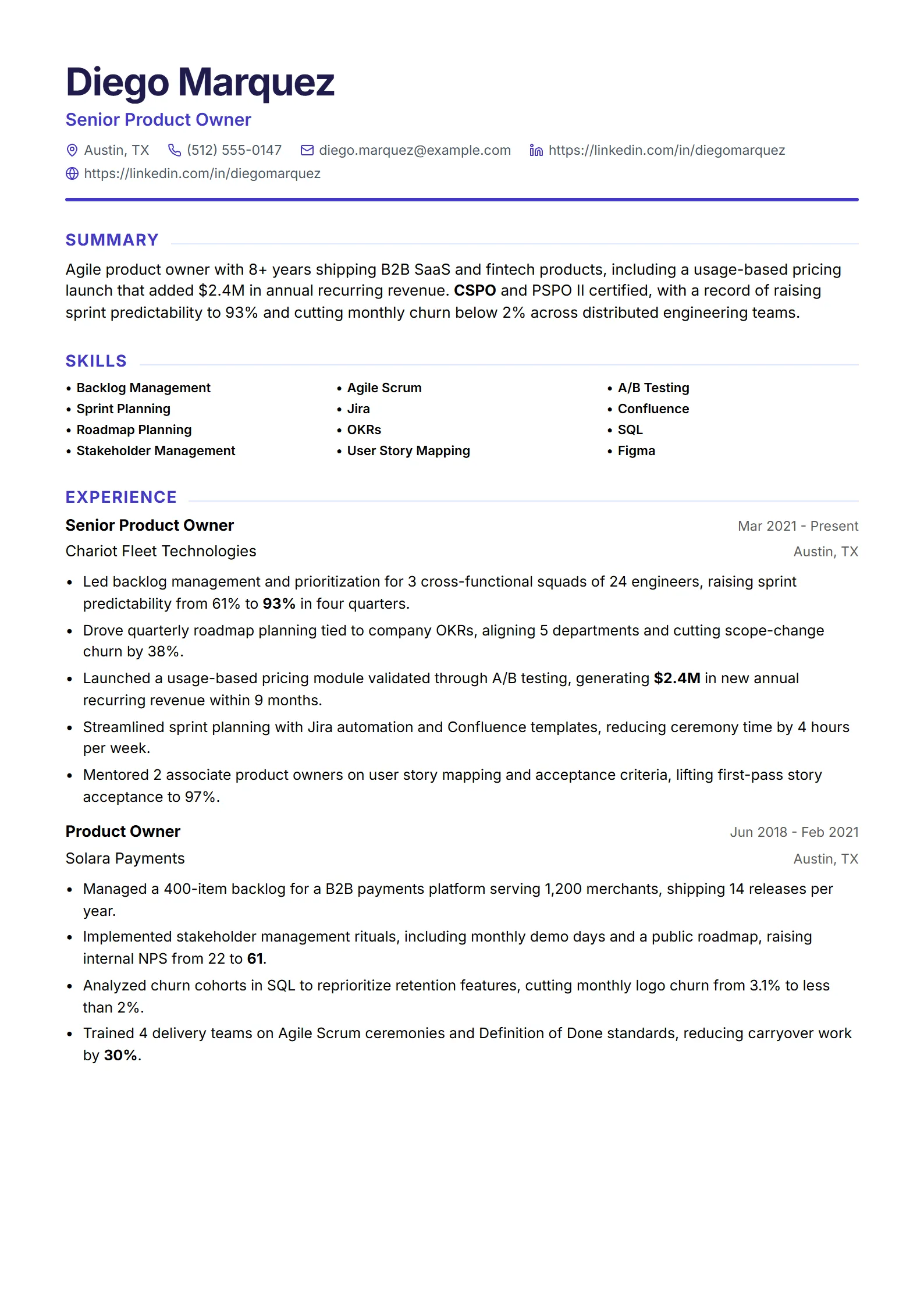
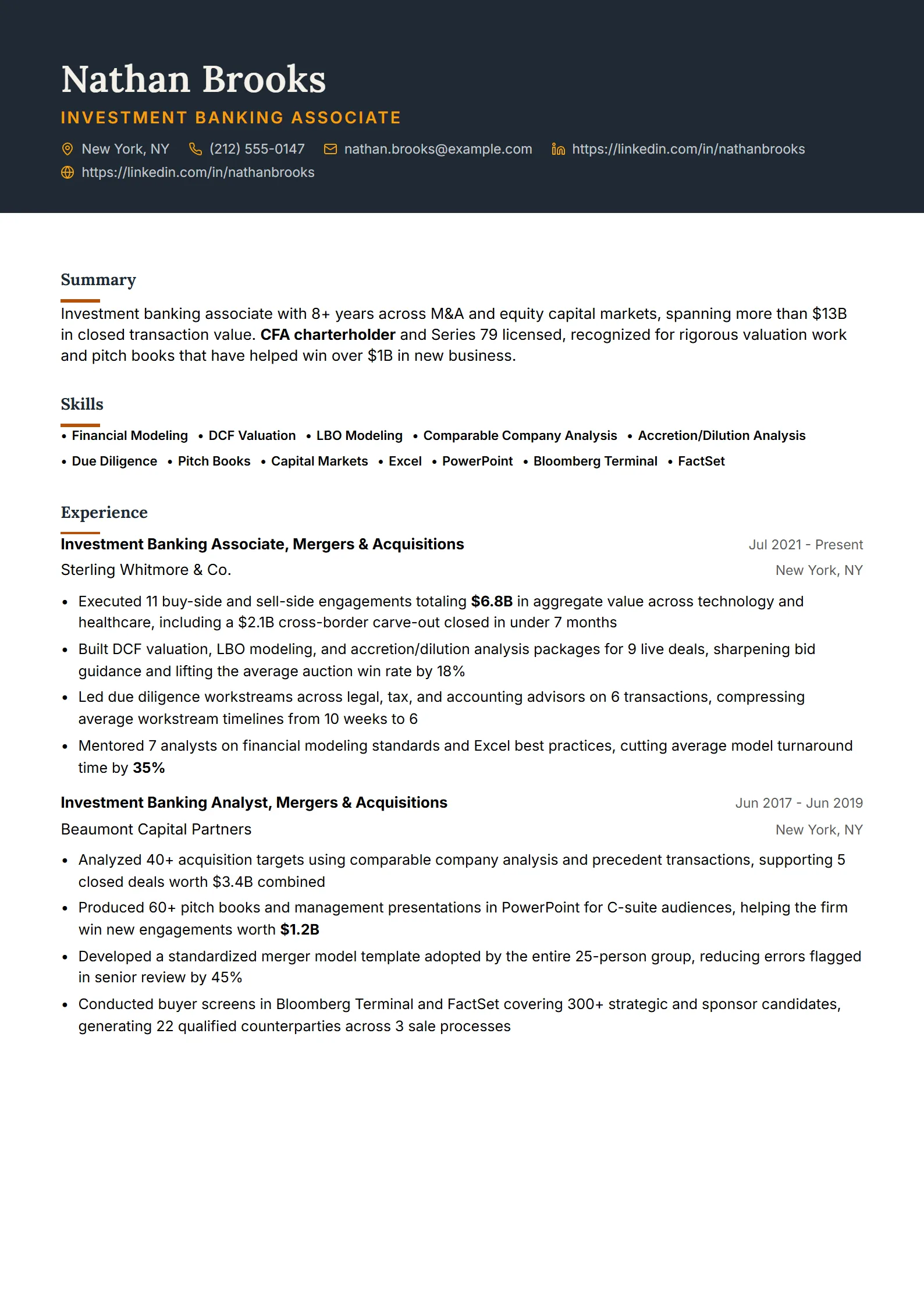
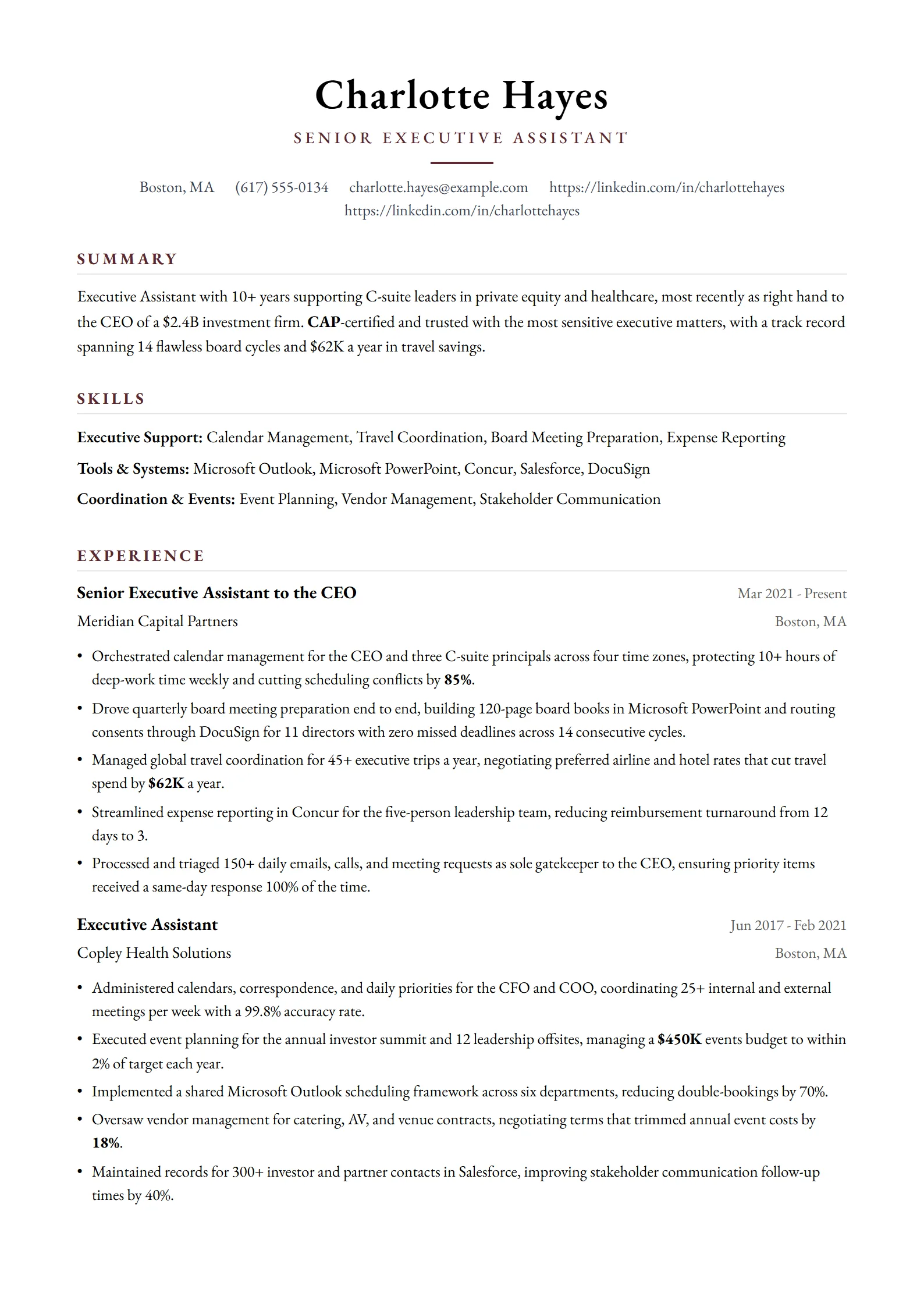
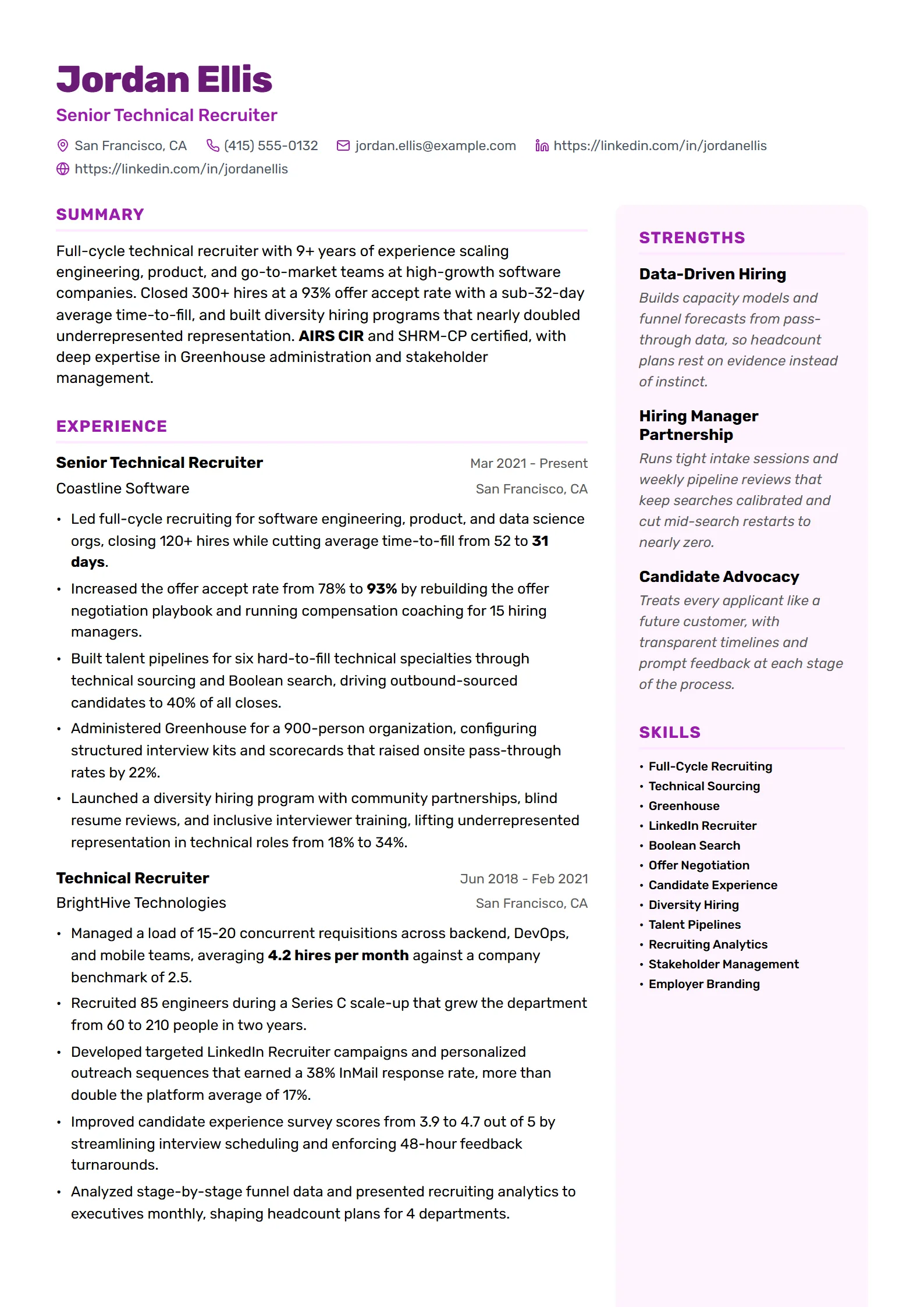
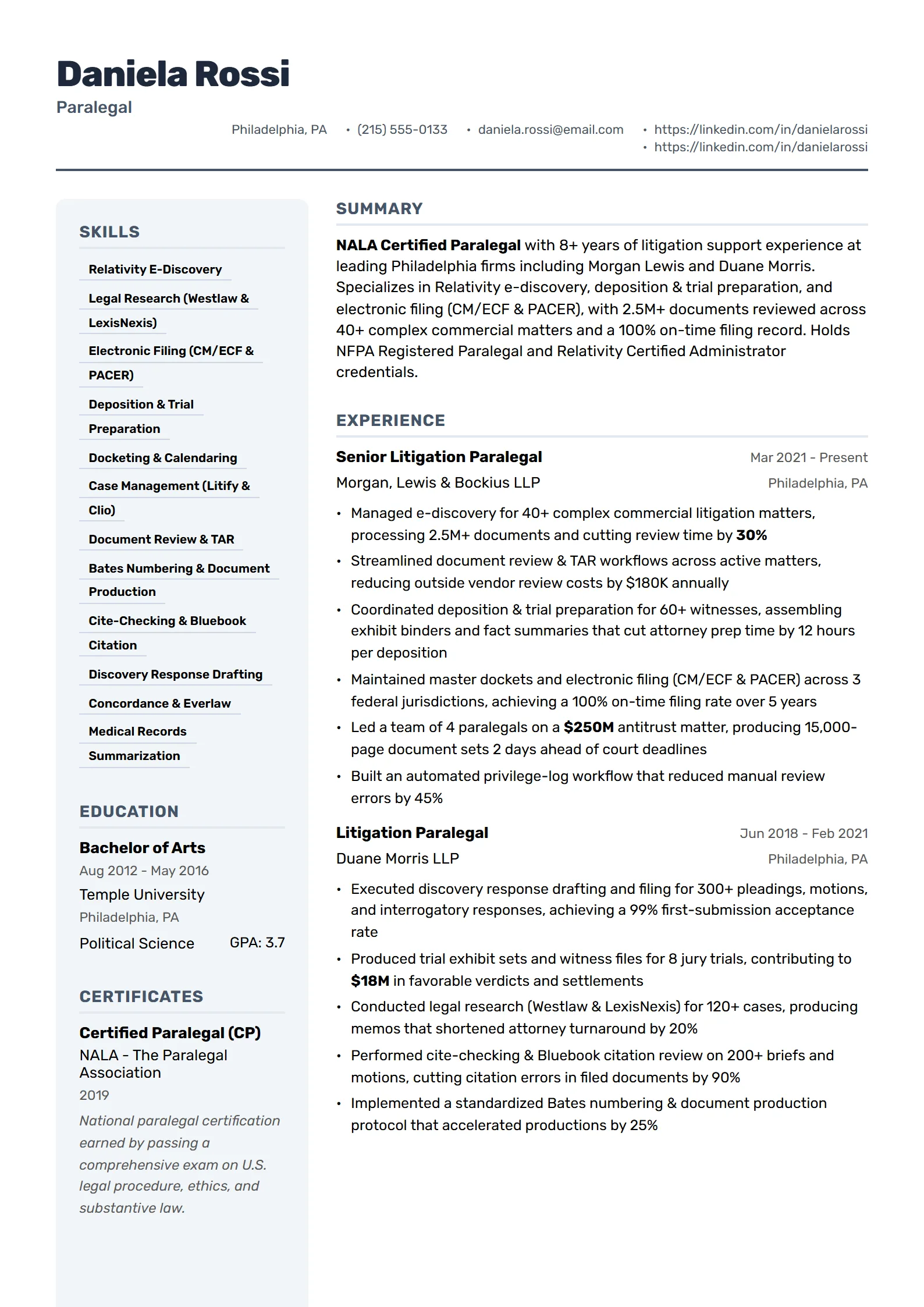
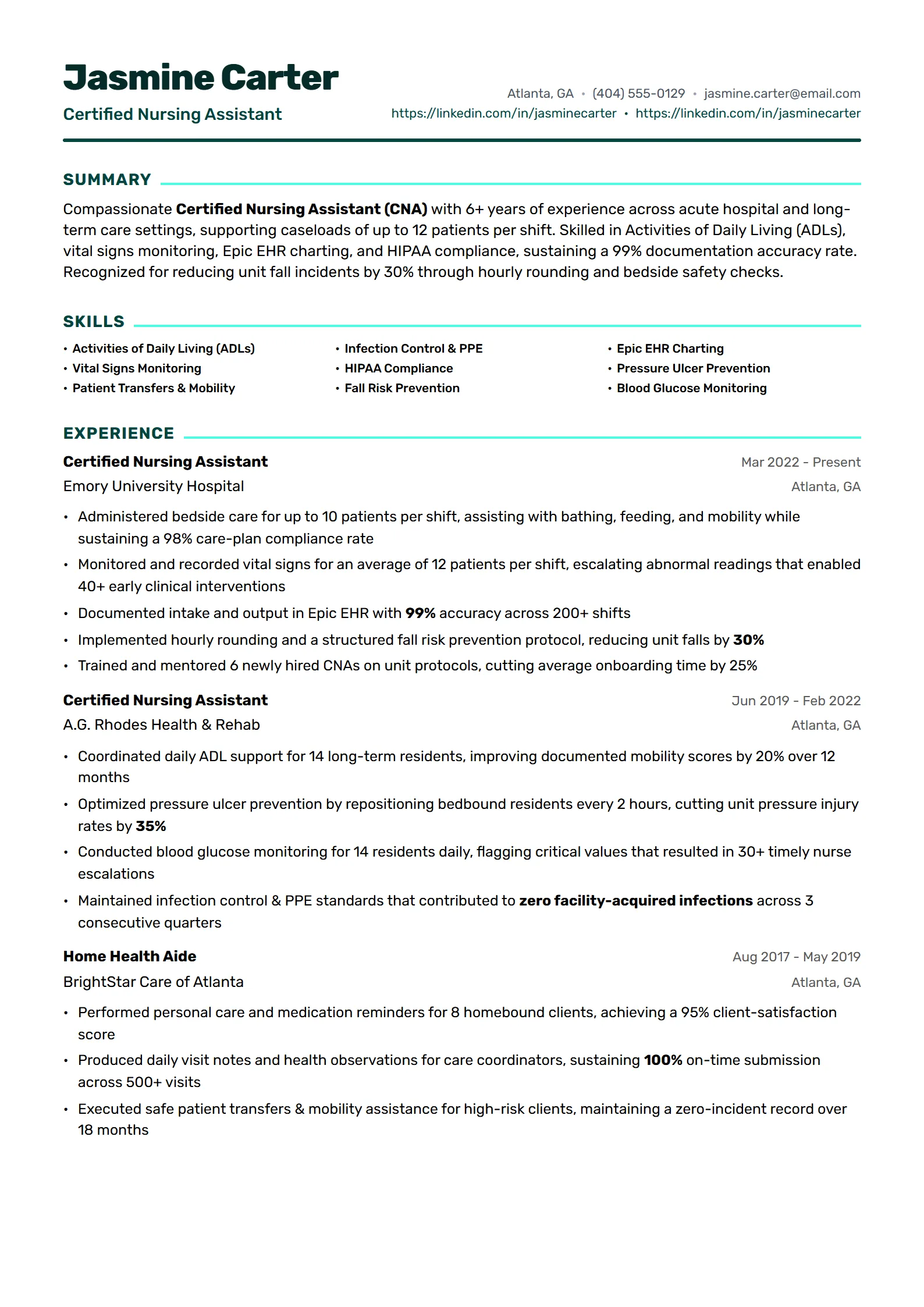
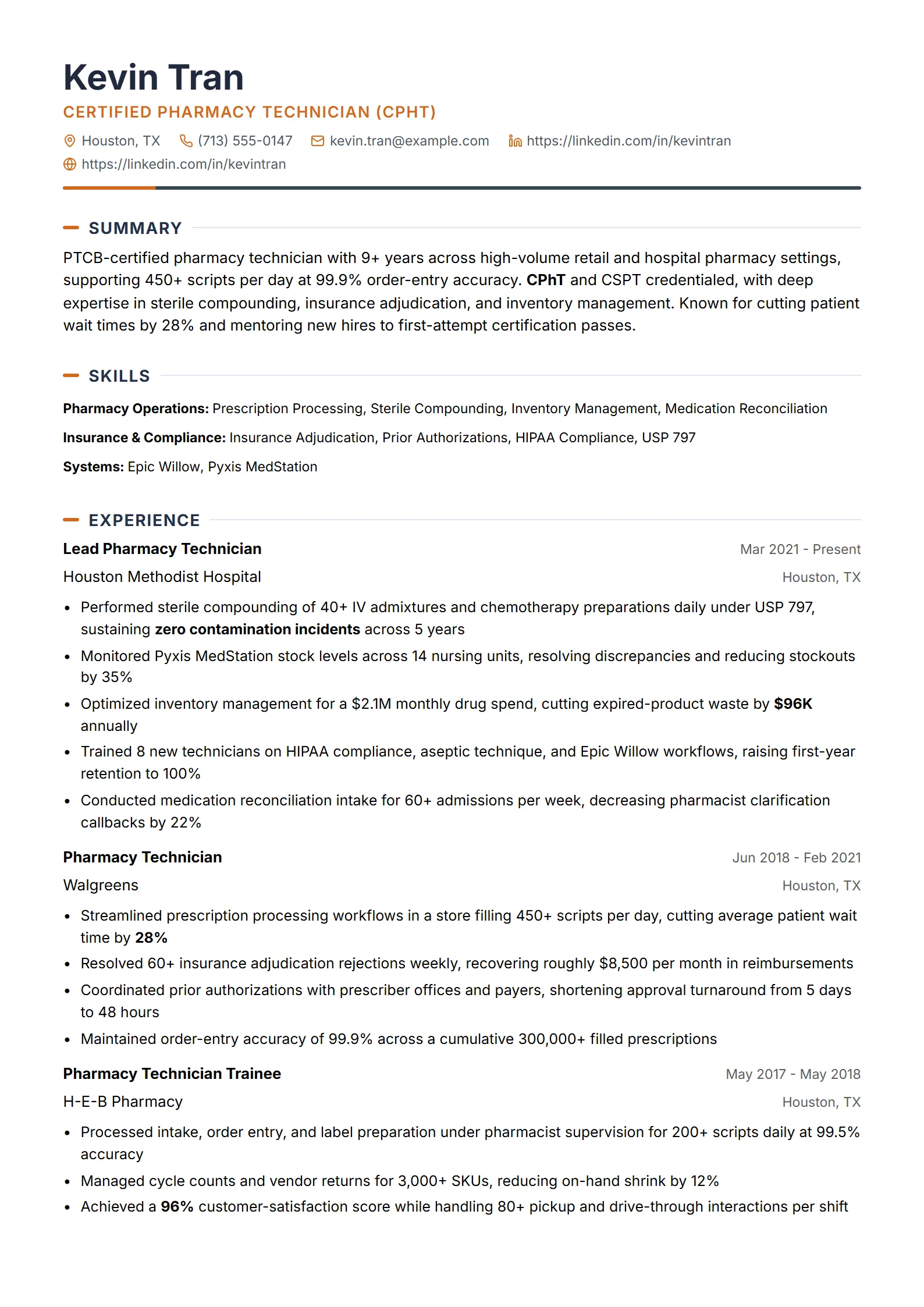
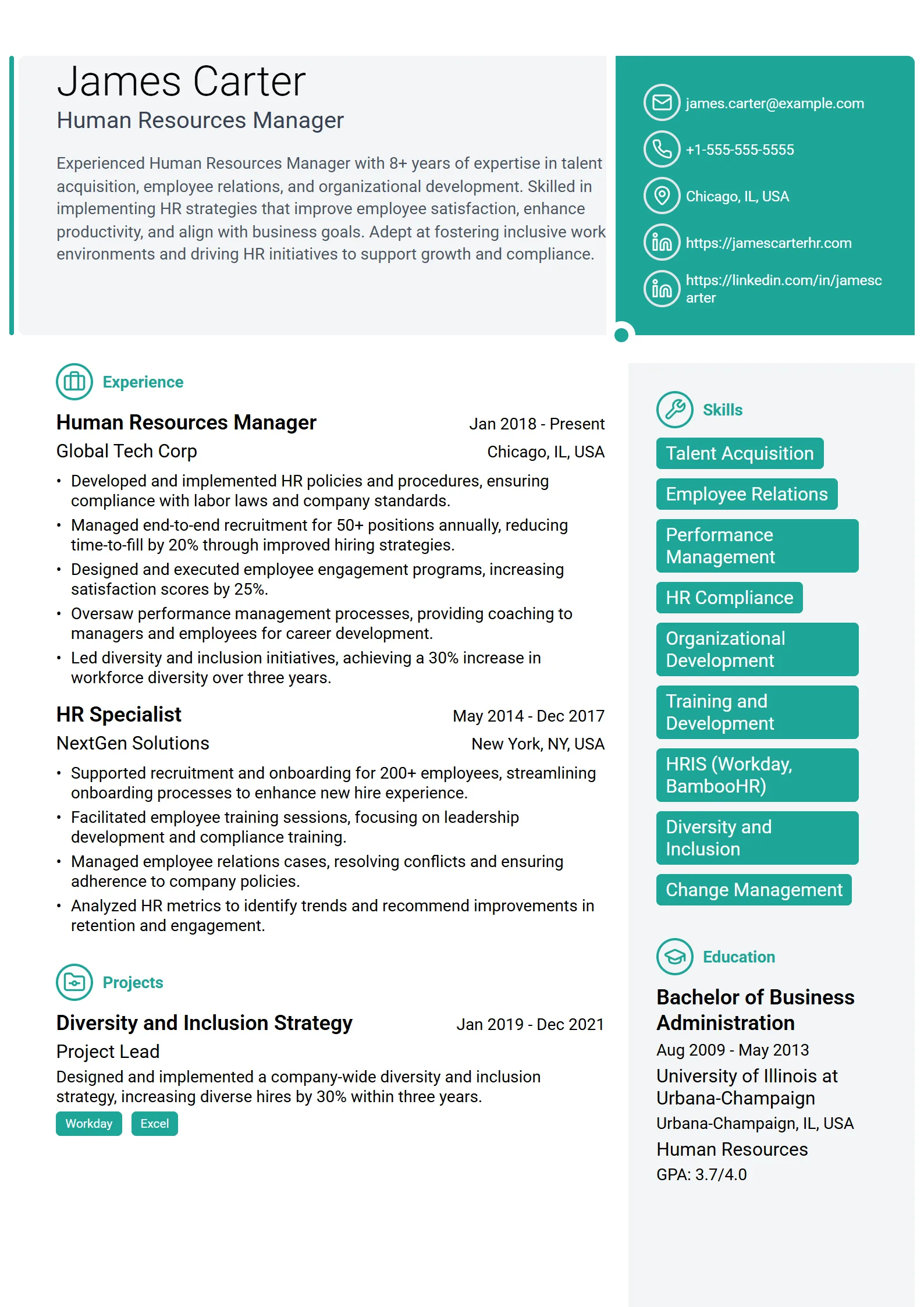
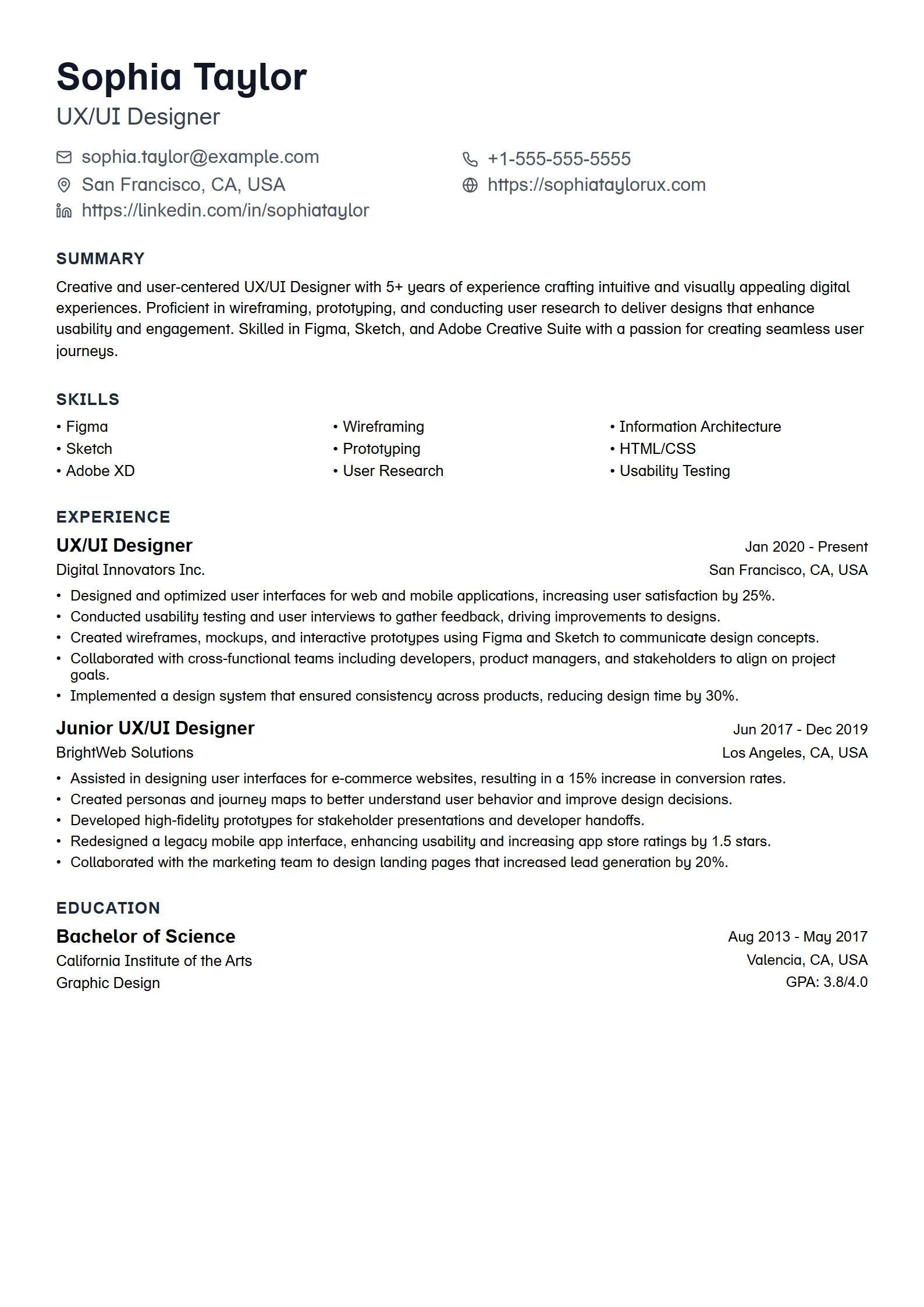
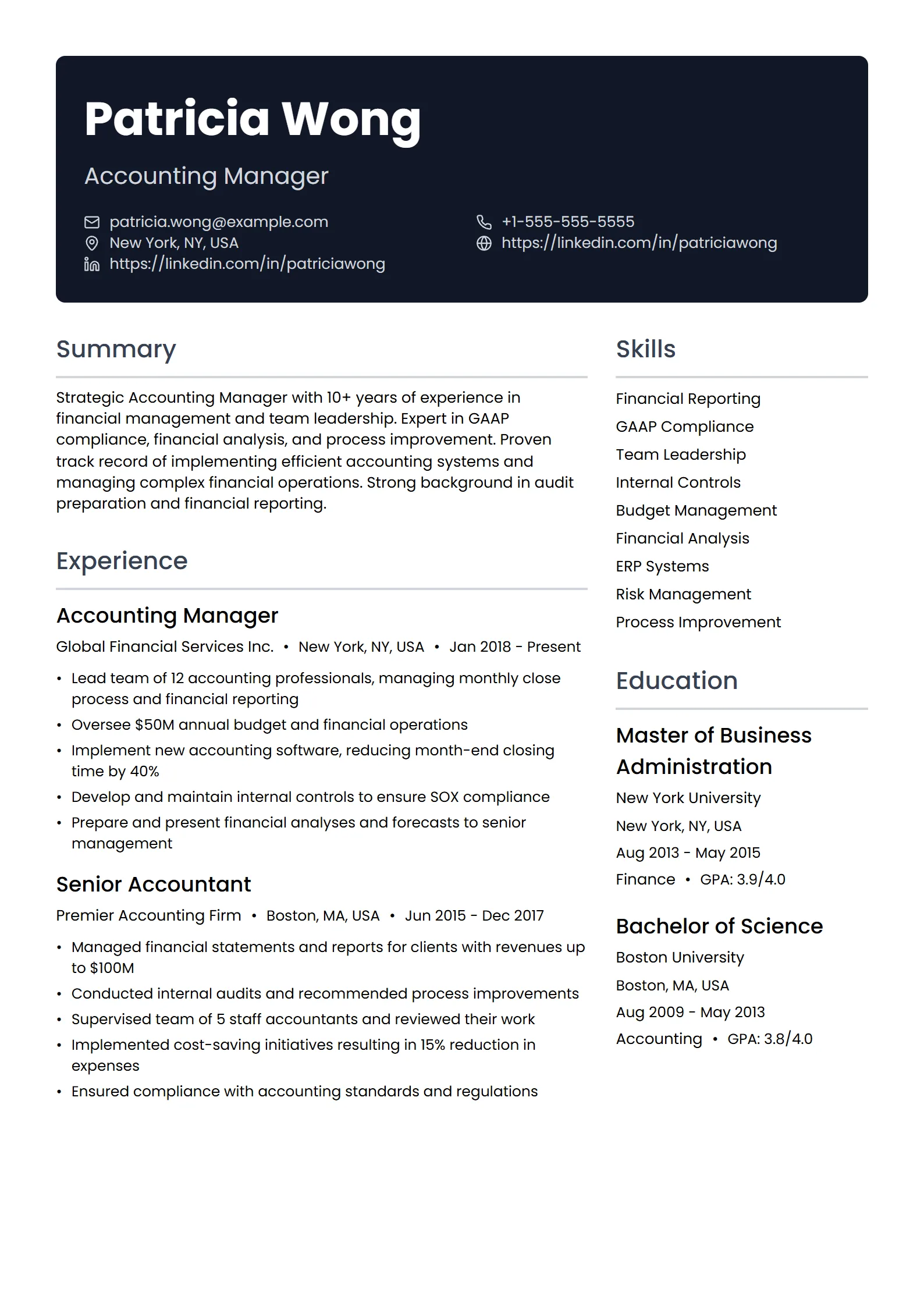
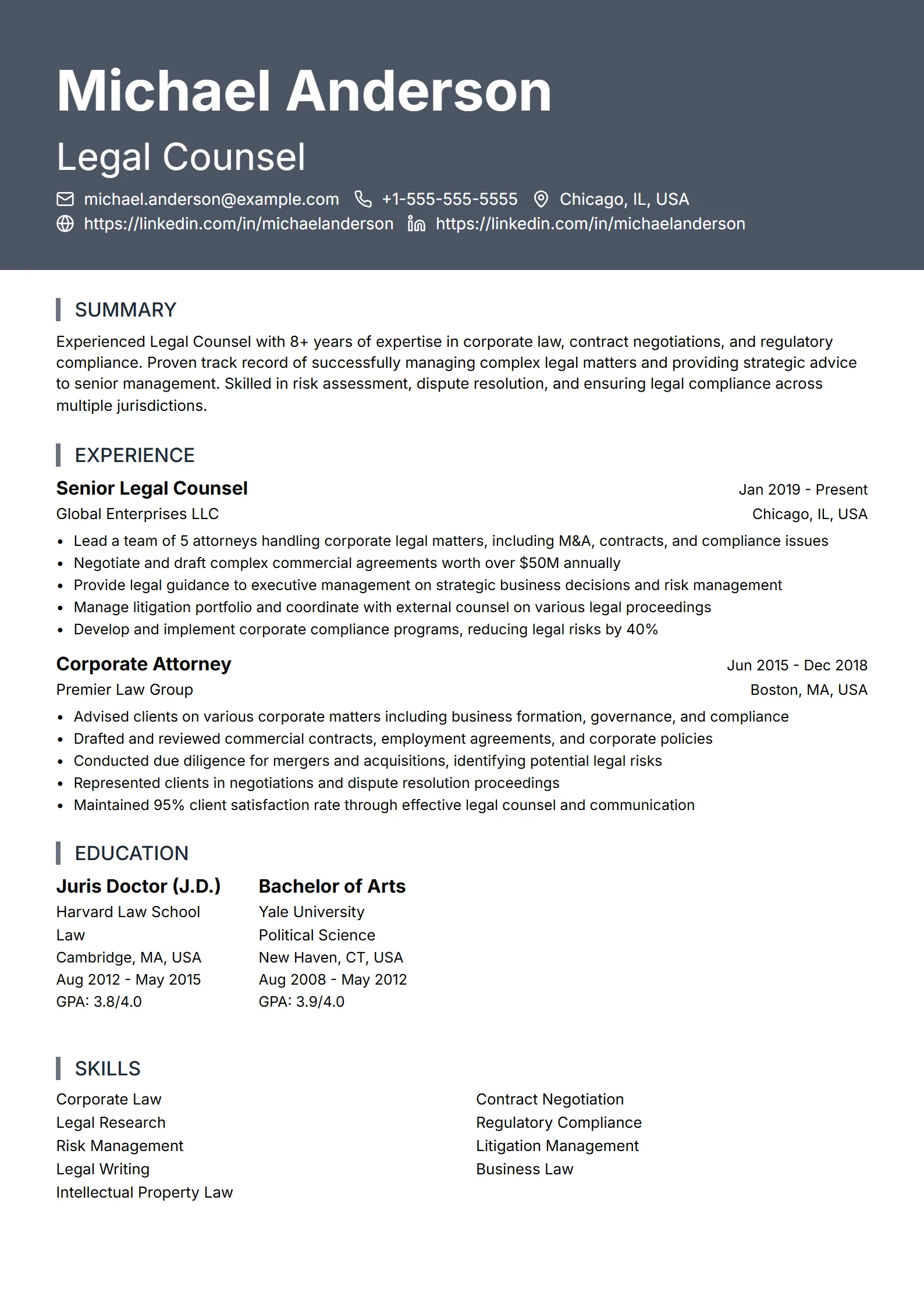
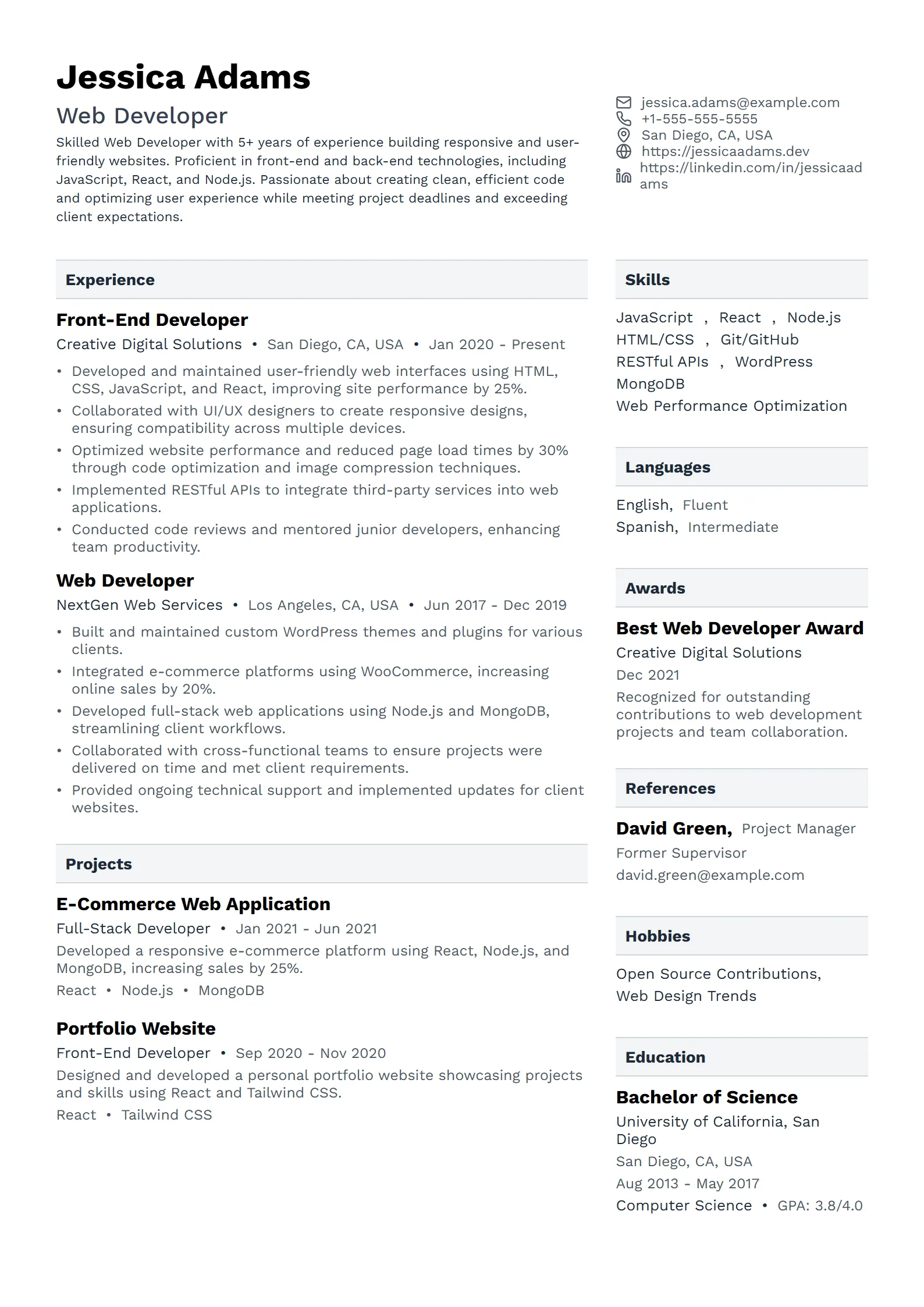
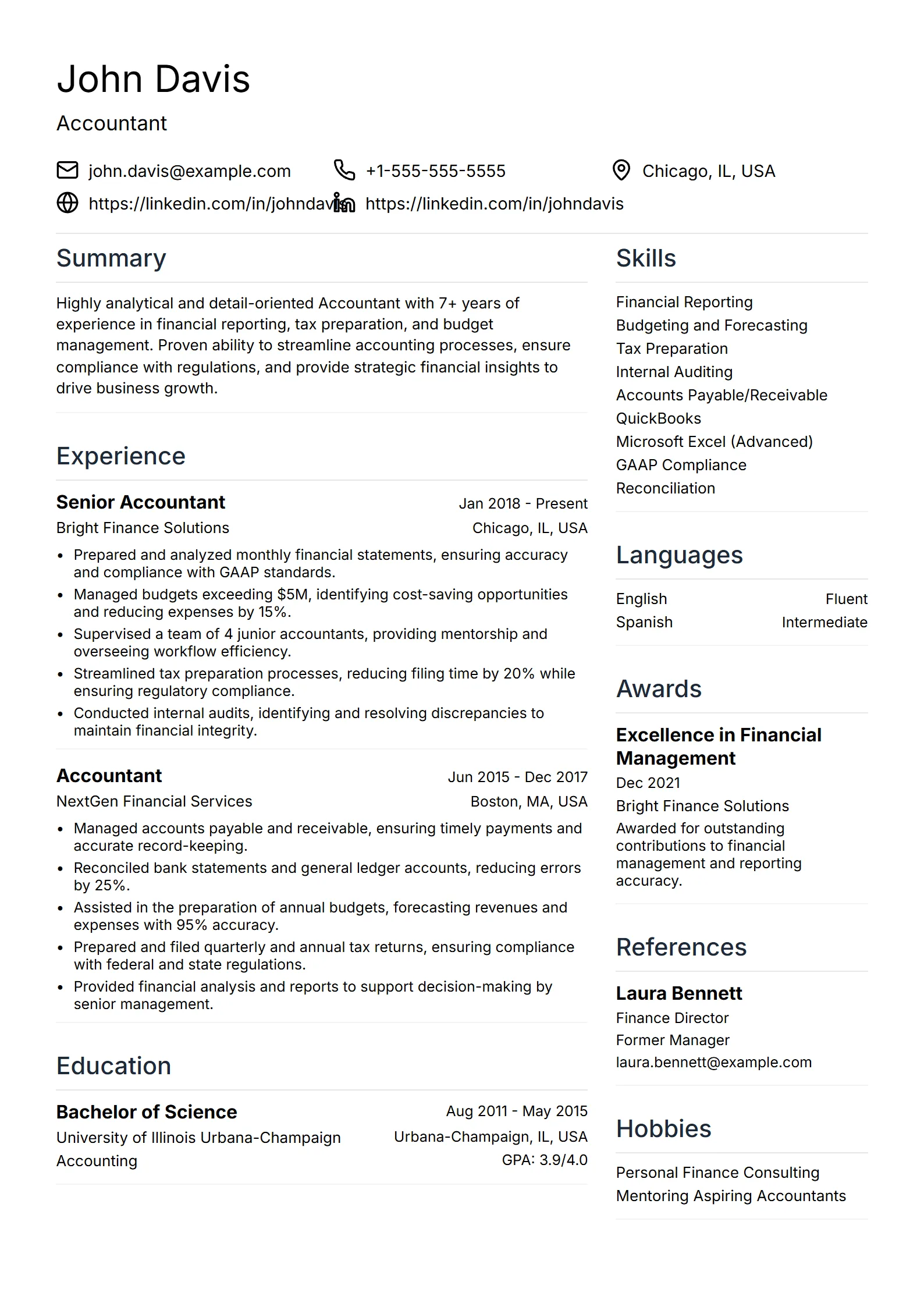
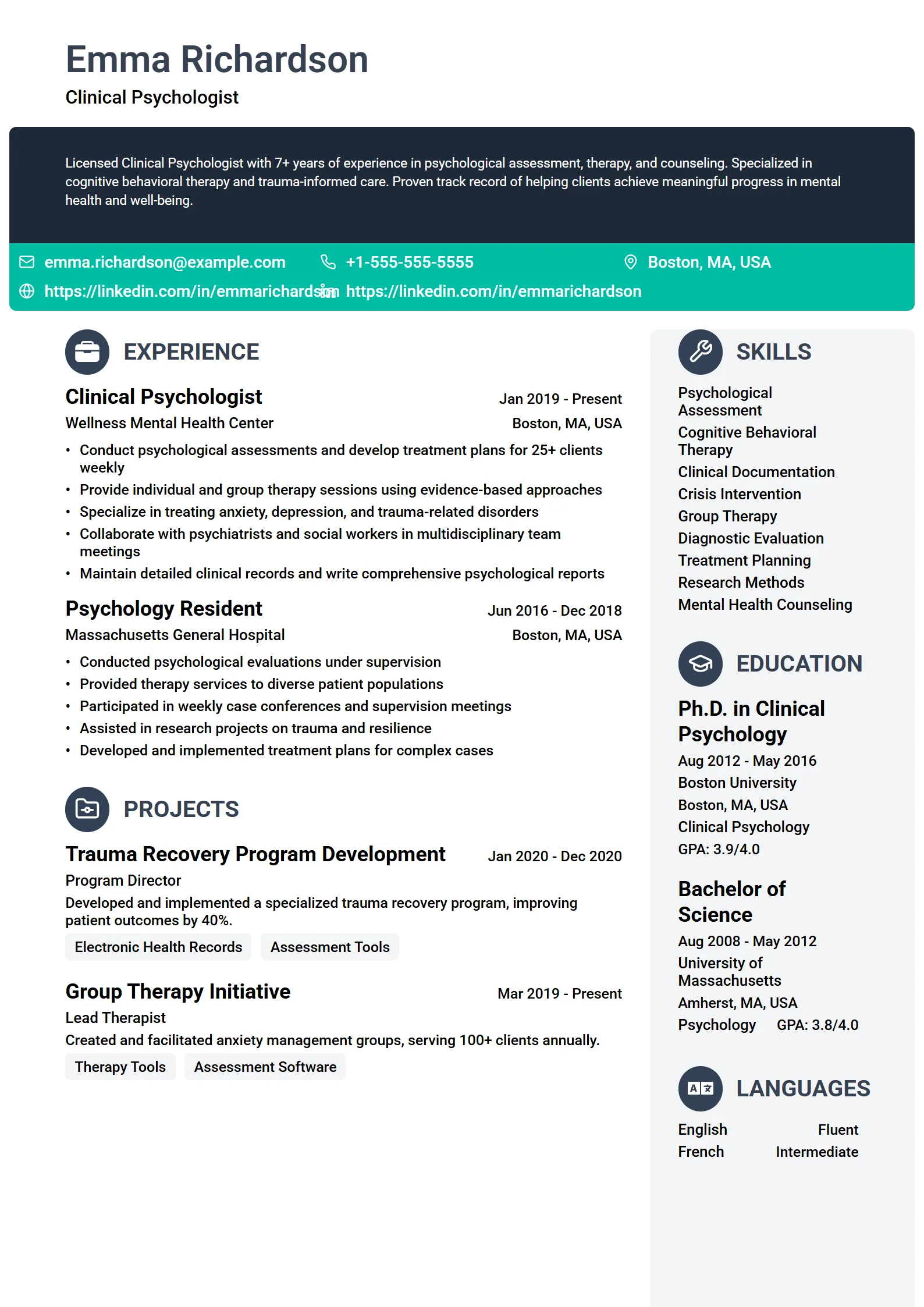
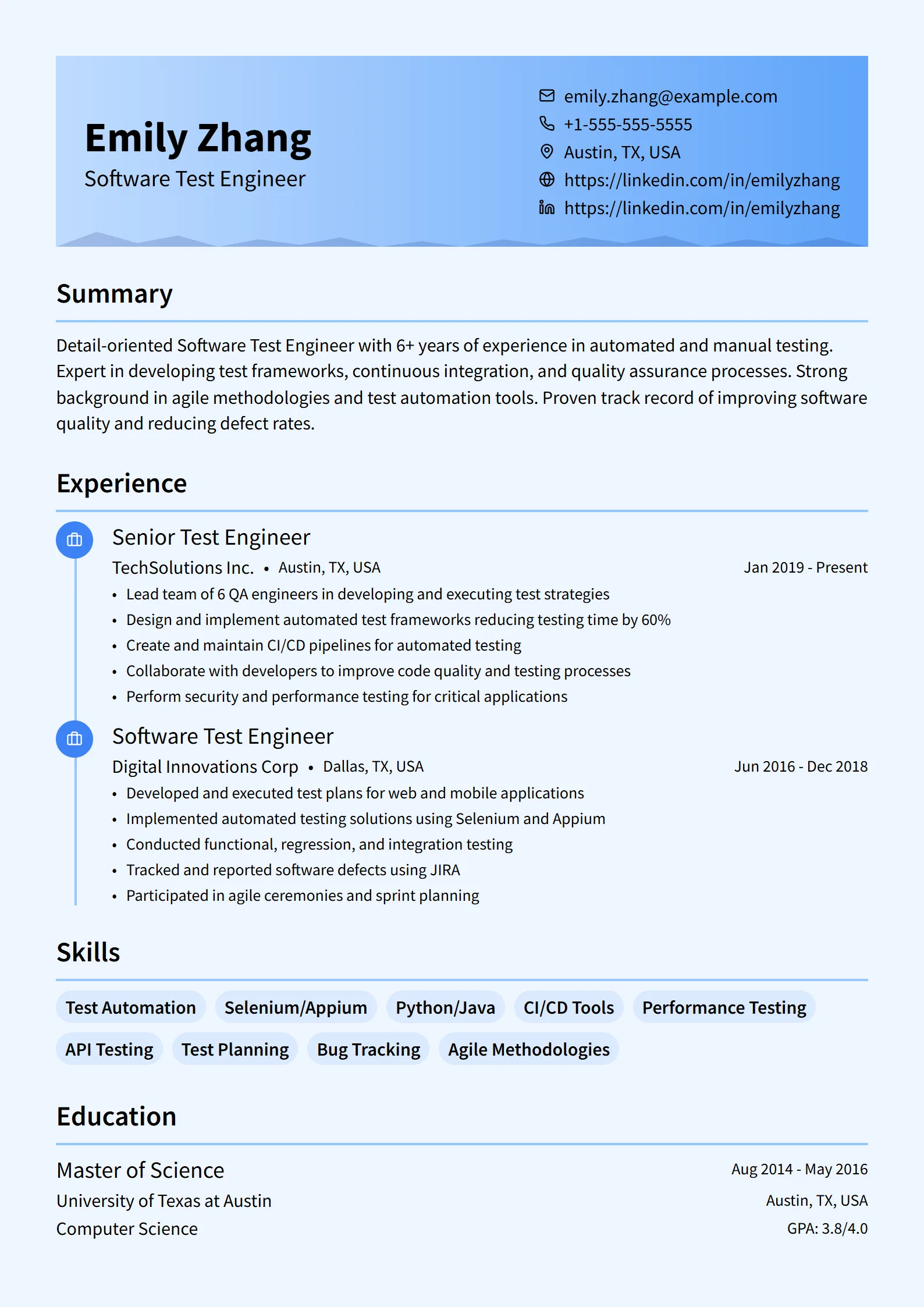
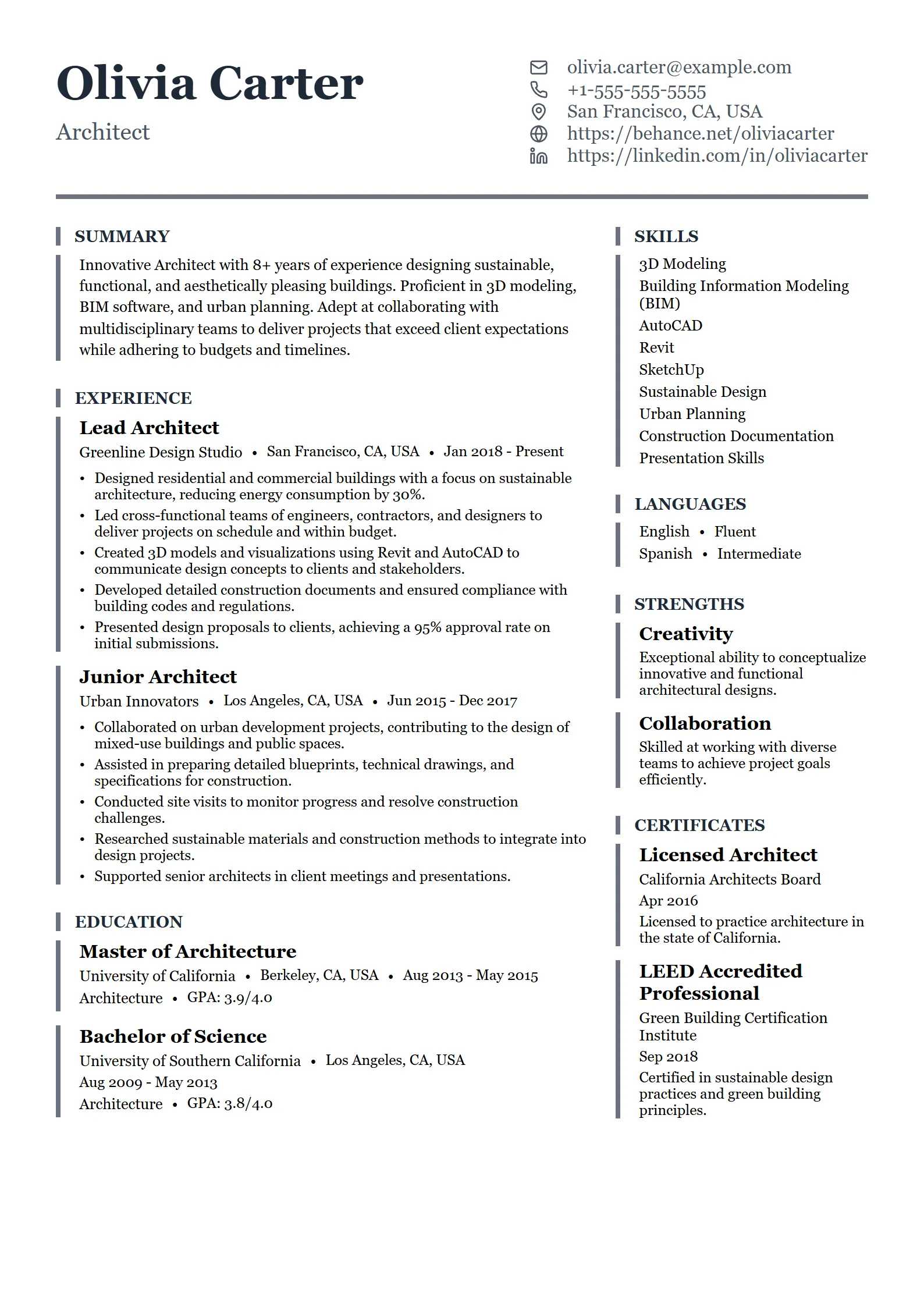
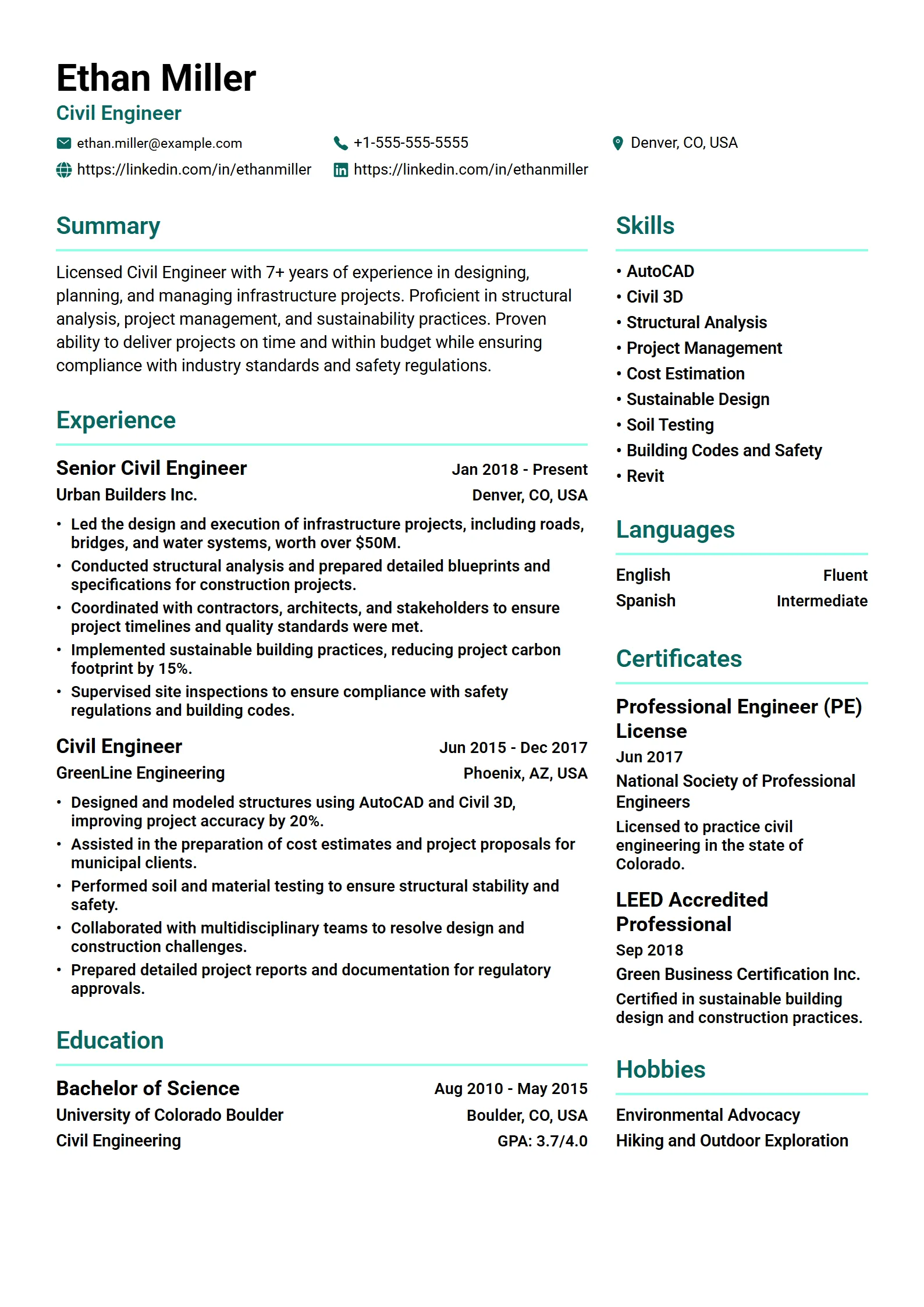
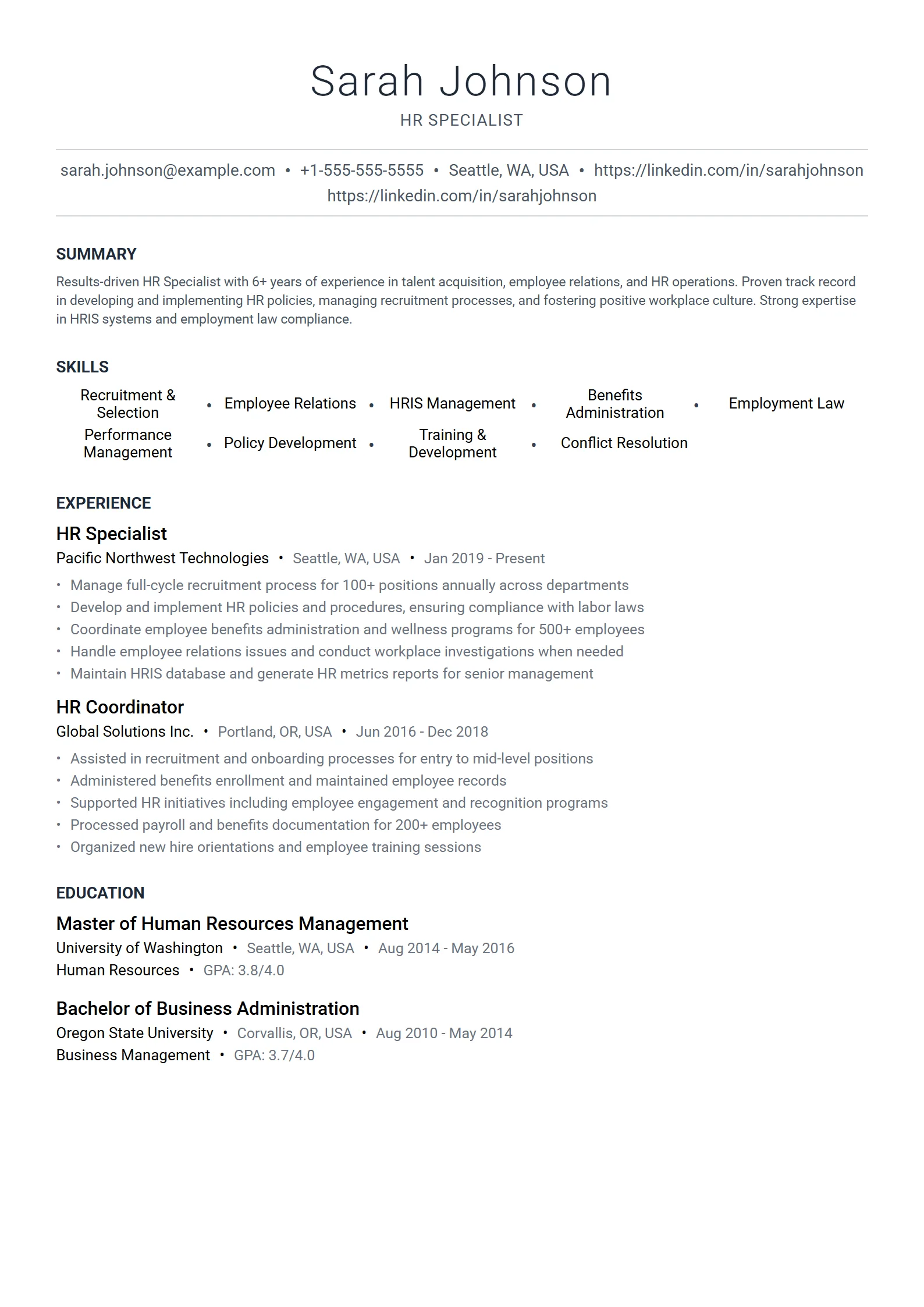
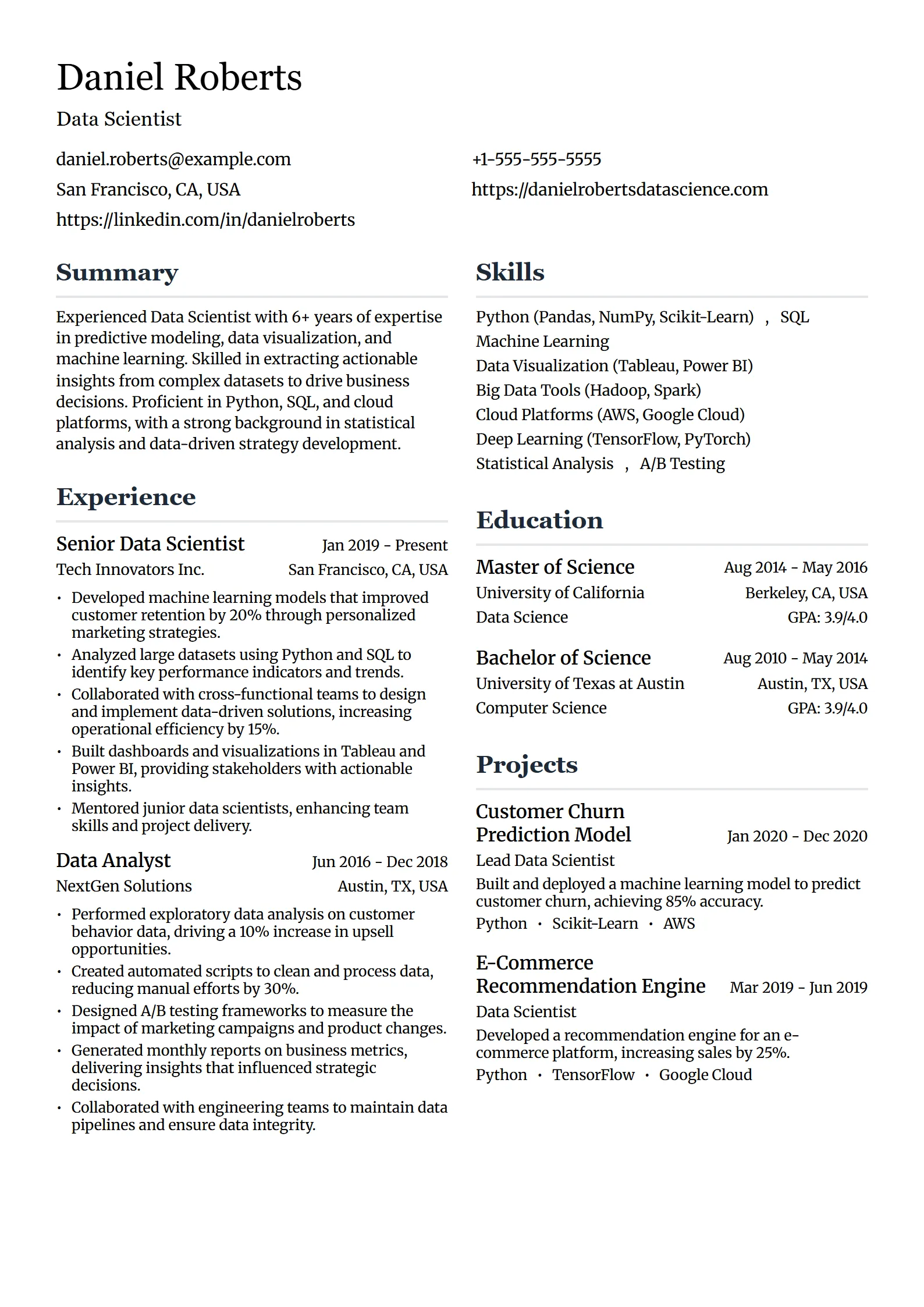
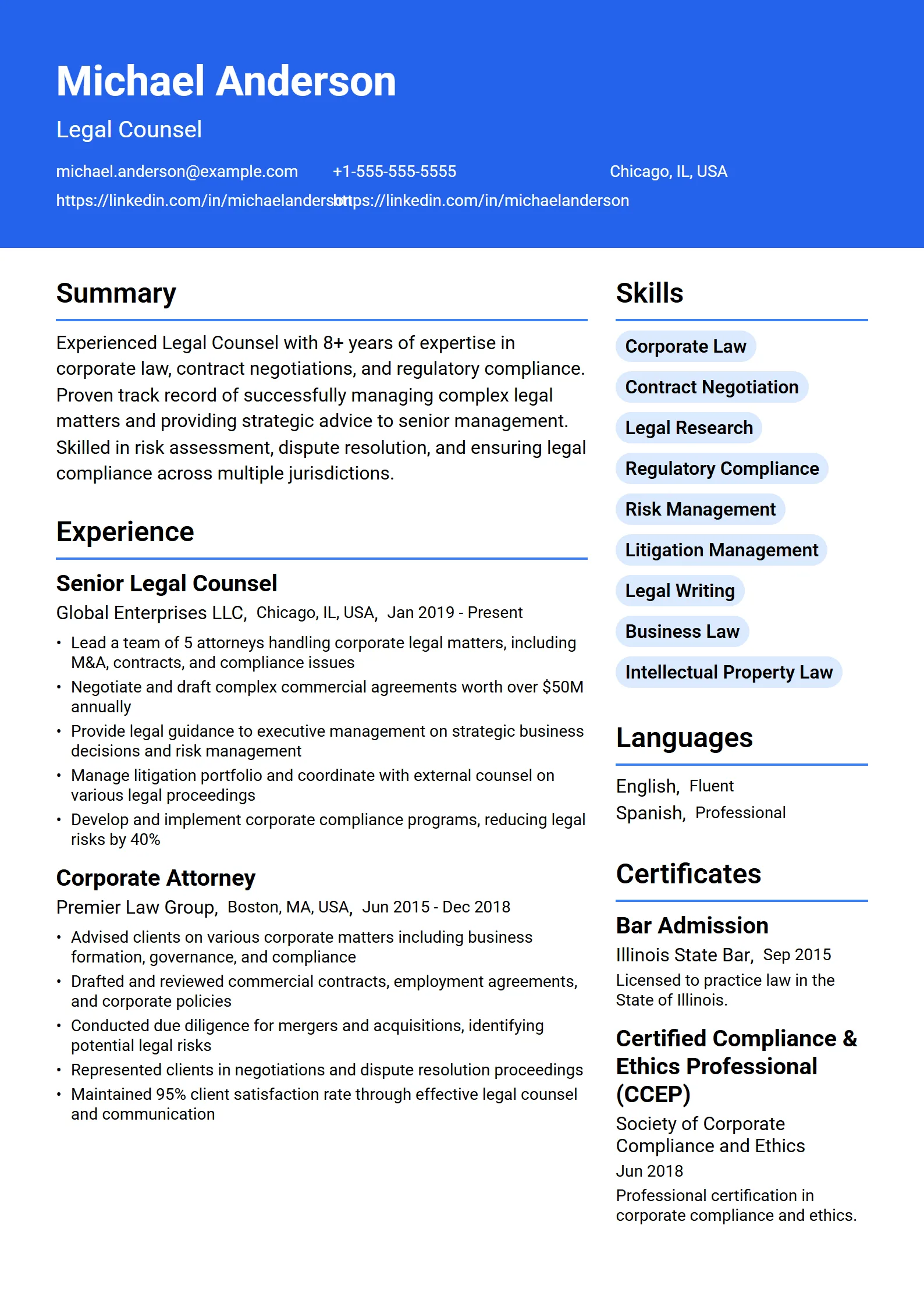
What makes a good resume template?
A good resume template does one job well: it presents your experience so a recruiter can scan it in seconds and an applicant tracking system can read it without errors. In practice that means a single-column layout, standard section headings, real selectable text, consistent date placement, and enough white space to breathe. Good design guides the eye toward your achievements — it never hides them behind columns, sidebars, or graphics.
The second thing a strong template does is match the role you are targeting. A nurse, a software engineer, a teacher, a sales executive, and a creative director should not all reach for the same layout. Fresume includes 50+ resume templates so the structure supports the hiring signal that matters for your field — licenses and certifications near the top for healthcare, projects and tools for tech, quantified quota and pipeline numbers for sales. Pick the layout that fits the job, drop in your details with the resume builder, and export a clean PDF. If you are not sure what strong content looks like, study real resume examples by job title first.
Tip: Before you touch a single color or font, audit every bullet against one test — does it describe an outcome or just a duty? “Grew trial-to-paid conversion 24% in two quarters” beats “Responsible for conversion” on any template.
Are these resume templates ATS-friendly?
Yes. All 50+ Fresume templates use a single-column, ATS-safe structure: standard headings, real text instead of text baked into images, and predictable placement for dates, employers, and skills. That keeps your details mapped to the right fields after you upload to systems like Workday, Greenhouse, Lever, or iCIMS. ATS-safe does not mean plain — the templates still use clear hierarchy, spacing, and tasteful type so a human recruiter enjoys reading them too. In other words, every design here is an ATS resume template by default.
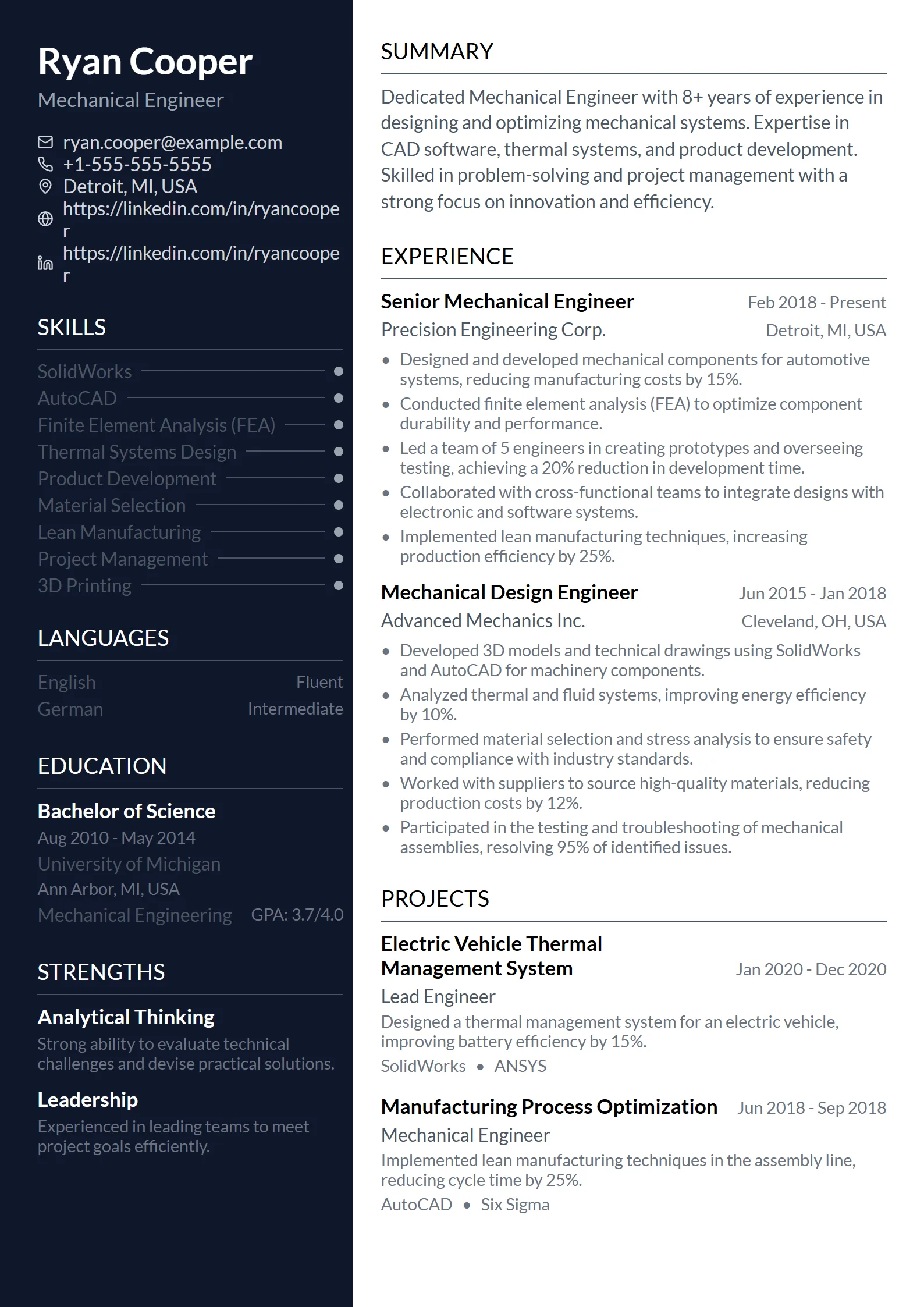
The usual culprits behind a scrambled resume are not templates in general — they are two-column layouts, sidebars, tables, text boxes, and graphics that replace text labels. A parser reads those in the wrong order or drops them entirely, which can bury half your experience before a person ever sees it. When you need the strictest end of the spectrum — federal hiring, regulated industries, or an application portal that looks like it has not been updated since 2015 — stick to the simplest single-column layout and read the full ATS-friendly resume guide.
Whatever style you choose, do not trust the blank template alone. Add the real job description, then run the finished resume through the free ATS resume checker, which compares your document to the posting and flags parsing issues and missing keywords. That two-step review is far stronger than picking a template and assuming it will work everywhere.
Which resume template style should you use?
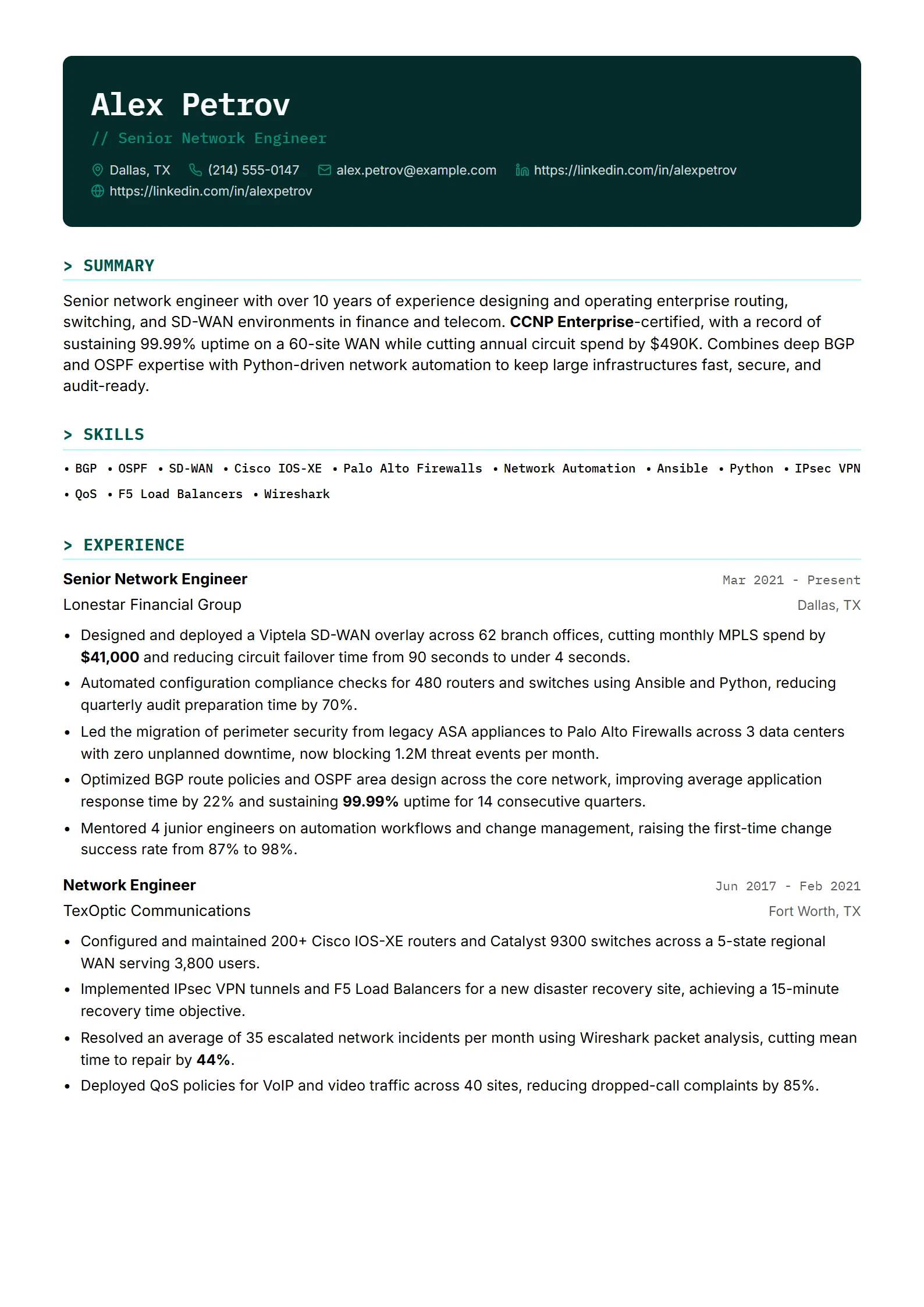
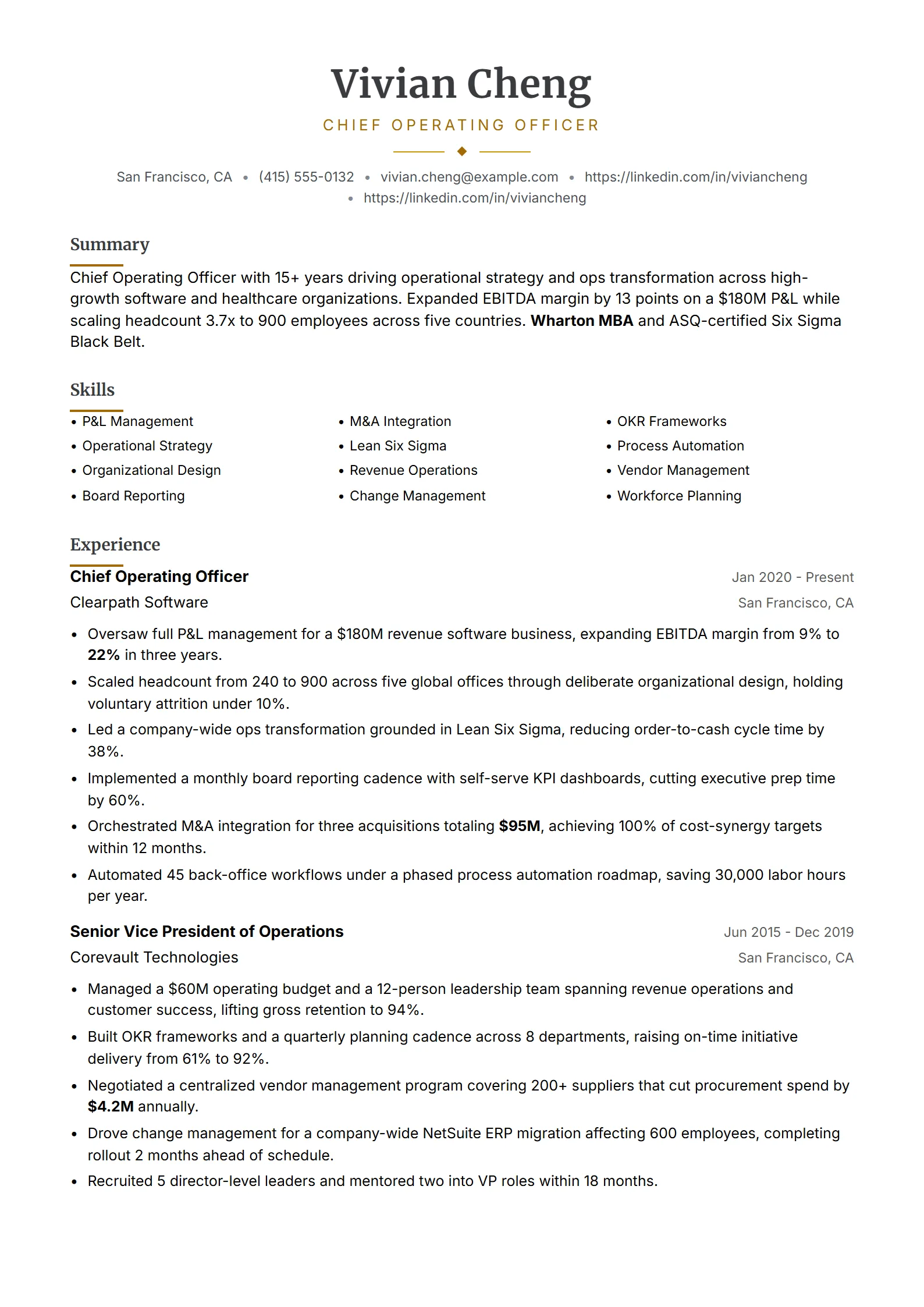
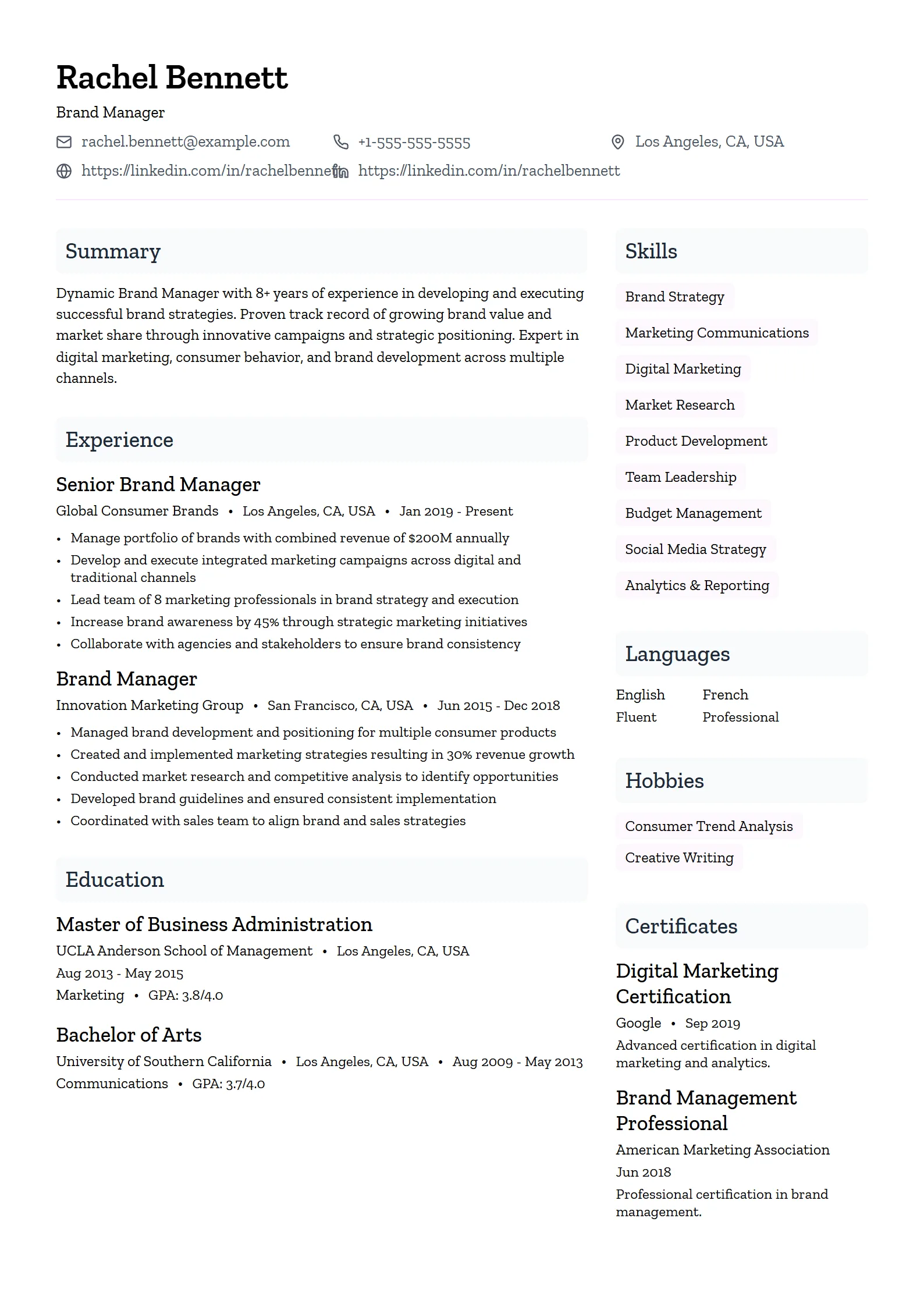
Fresume templates come in five styles. They share the same ATS-safe backbone; what changes is the visual register and the kind of role each one signals. Match the style to your field and seniority rather than to taste alone.
| Style | Best for | Choose it when |
|---|---|---|
| Simple | Customer service, logistics, education support, hospitality, most entry-level roles | You want the fastest path to a clean, low-risk resume that scans well against high application volume. |
| Professional | Finance, consulting, law, healthcare administration, senior management | You need a polished, authoritative layout that emphasizes scope, outcomes, and seniority. |
| Modern | Software, data, product, design, growth and marketing | You want a current look and taste signal without dropping out of a single-column, ATS-safe structure. |
| Creative | Brand, content, UX/UI, social, advertising and PR | The visual register itself communicates skill — but the layout still needs to parse cleanly. |
| ATS-friendly | Any online application, especially government, regulated, or legacy corporate portals | You are applying through Workday, Greenhouse, Lever, iCIMS, or Taleo and want the lowest parsing risk. |
The five styles overlap on purpose. A Modern template can be ATS-friendly, and a Professional one can look modern; the labels describe emphasis, not hard walls. If you are applying to a mix of employers, keep one plain ATS-friendly version for online portals and a more visual version for recruiter emails or networking, where the reader opens your PDF directly.
How do you choose the right resume template?
Choose by role first, then by application channel. Start from the style that matches your field — Simple for high-volume roles, Professional for corporate and senior positions, Modern for tech and product, Creative for design and marketing. Then confirm the layout stays single-column if the application goes through an online ATS. When two options feel equally good, pick the simpler one.
- Match the role and seniority. Use the style table above; a director-level candidate and a first-job applicant need different emphasis even in the same industry.
- Check the application channel. An online portal means single-column and ATS-first; a direct recruiter email gives you room for a more visual template.
- Tailor the content, not just the design. Mirror the skills and job title from the posting, and study resume examples for your role to see which achievements land.
- Verify before you send. Run the finished file through the ATS checker so you confirm the score moved in the right direction rather than guessing.
What formatting rules apply to every template?
No matter which style you pick, the same handful of formatting rules keep a resume parseable and easy to read. Fresume templates enforce most of them automatically, but the customization controls let you break them, so it helps to know where the lines are.
- Layout: one column, standard headings (Summary, Experience, Education, Skills), and reverse-chronological work history as the default.
- Fonts: a clean professional face at 10.5–12pt for the body and 14–18pt for your name, used consistently across the document.
- Margins and length: roughly 1-inch margins; one page for under five years of experience, up to two pages for senior roles.
- File format: Fresume exports a clean PDF so the layout holds and the text stays selectable — if a form insists on DOCX, recreate the content in Word.
- No parsing traps: avoid text inside images, skill-rating bars, header/footer text carrying key data, and multi-column sidebars.
If you would rather build in a familiar editor, the same rules apply — see how to make an ATS-ready resume with Google Docs resume templates, then export to PDF. Once your resume is ready, Fresume can carry it through the rest of the search: a free ATS checker, an AI cover letter, browser autofill for LinkedIn, Indeed, Workday, and Greenhouse, a job tracker, and voice AI interview practice in 16 languages across a job index of roughly 7 million US listings.
- Resume builderStart from an ATS-safe template and export a clean PDF in minutesBuild now →
- ATS resume checkerCompare your resume to the job description and fix parsing gapsCheck resume →
- Resume examplesReal samples with quantified bullets, organized by job titleSee examples →
- ATS-friendly resume guideHow parsing works and how to stay readable after uploadRead guide →
Browse resume templates by format
Pick the format that fits your role and how you want to apply.
- ATS resume templatesClean, parseable layouts for online applicationsView →
- Professional resume templatesPolished layouts for finance, consulting, and managementView →
- Creative resume templatesCreative but still ATS-safeView →
- Simple resume templatesMinimal, focused, and easy to readView →
- Modern resume templatesCurrent look that still passes the ATSView →
- Word resume templatesHow to build an ATS-ready resume in WordView →
- Google Docs resume templatesHow to make an ATS-ready resume in Google DocsView →
Questions
Frequently asked questions
01How many resume templates does Fresume offer?
Fresume includes 50+ resume templates across simple, professional, modern, creative, and ATS-friendly styles. Every one uses a single-column, ATS-safe structure. You can edit the content, adjust colors and fonts within safe limits, reorder sections, and export a clean PDF. The library spans roles from software and nursing to sales, teaching, analysis, and management.
02Are resume templates bad for ATS?
No, provided the template is built correctly. A single-column template with standard headings and selectable text parses cleanly through applicant tracking systems. Problems come from two-column layouts, sidebars, tables, text boxes, and text baked into images — not from templates in general. Run the finished resume through an ATS checker to confirm it reads correctly.
03What is the best resume template format?
For most 2026 applications, the safest format is a single-column layout exported as a PDF, with standard section headings and real selectable text. Reverse-chronological work history is the default; use a short summary to bridge a career change. Recreate the content in Word only if an application form specifically requires a DOCX file.
04Should I use a different template for each job?
You can reuse the same template layout for every application, but you should retune the content for each posting. Change the skills list, the summary line, and two or three recent bullets to mirror the job description. The visual template stays fixed; only the words inside it change, which keeps tailoring fast.
05Can I change colors and fonts on a template?
Yes, within ATS-safe limits. You can adjust accent colors, switch between supported fonts, and reorder sections without breaking parsing. What you should avoid is converting to a multi-column layout, adding sidebars, or placing text inside images, since those are the changes that cause an applicant tracking system to misread your resume.
Which resume template fits your experience level?
Field and channel narrow the choice, but seniority decides how much a template should show and how much it should hold back. An entry-level resume needs room to make a short history look complete; an executive resume needs to compress a long history so scope and results surface first. The five Fresume styles all parse cleanly, so this is about emphasis, not safety. Use the table to start from the right register for where you are in your career.
| Experience level | Template styles that fit | Why it works |
|---|---|---|
| Entry-level and student (0–2 years) | Simple, ATS-friendly | A clean single-column layout with generous spacing keeps a short history from looking thin. Lead with education, projects, internships, and skills; the plainer the design, the more the content carries the page. |
| Mid-career (3–9 years) | Modern, Professional | You have enough achievements to fill a full page, so a layout with clear hierarchy lets quantified bullets and a focused skills block stand out without crowding. Modern signals current fields; Professional signals corporate ones. |
| Senior and management (10+ years) | Professional, ATS-friendly | Depth is the risk here, not sparseness. An authoritative layout that compresses older roles and foregrounds scope, budgets, and team size keeps a two-page resume readable and lets a recruiter grasp seniority in seconds. |
| Executive and C-suite | Professional | The document leads with a strategic summary and board-level outcomes, then summarizes early roles in a line or two. A restrained, high-contrast layout reads as senior without decoration doing the work. |
When two levels feel like they describe you — a senior specialist who does not manage people, say — pick the layout with more room for detail and let the content set the tone. Whatever you land on, pull real phrasing from resume examples for your title, then build it in the editor and confirm the result with the free ATS checker.
How does an ATS actually read your template?
An applicant tracking system does not see your resume the way you do. It never looks at the design; it converts the file to plain text and tries to sort that text into fields. Knowing the sequence explains why a single-column template passes and a decorative one scrambles.
- It flattens the file to text. Your PDF or DOCX is stripped to characters. Anything that is a picture rather than text — a name baked into a logo, a skill shown as a rating bar — has nothing to read and simply disappears.
- It reads in one continuous flow. The parser moves top to bottom, and within a line, left to right. A single column matches that path exactly. A two-column layout with a sidebar gets read straight across both columns, so your job title can end up glued to an unrelated skill from the other side of the page.
- It segments by your headings. Standard labels — Summary, Experience, Education, Skills — tell the system where one section ends and the next begins. Invented or styled-over headings blur those boundaries.
- It maps each segment to a field. Under Experience it expects an employer, a title, and dates in a predictable spot; those become searchable, filterable data. Under Skills it expects a list it can keyword-match against the job.
Why single-column passes: there is only one reading path, so the flow the parser follows is the same flow you wrote. Dates stay with their employer, bullets stay under their role, and skills stay in a clean list — which is exactly what every Fresume template is built to guarantee.
This is also why a blank template is only half the job. Parsing cleanly gets your details into the right fields; it does not make them match the posting. Read the full ATS-friendly resume guide for the parsing detail, then run your finished file through the ATS checker to confirm both the structure and the keywords hold up.
Build an ATS-ready resume from a template.
Start from a proven template, tailor it to the job, and check it against the posting.